
Once you've activated the Rewards program for Candidate (see this article for more details) then a Rewards section will appear in the Candidate profile. Here they can see how many points they have, how to get points, and the rewards they can redeem:
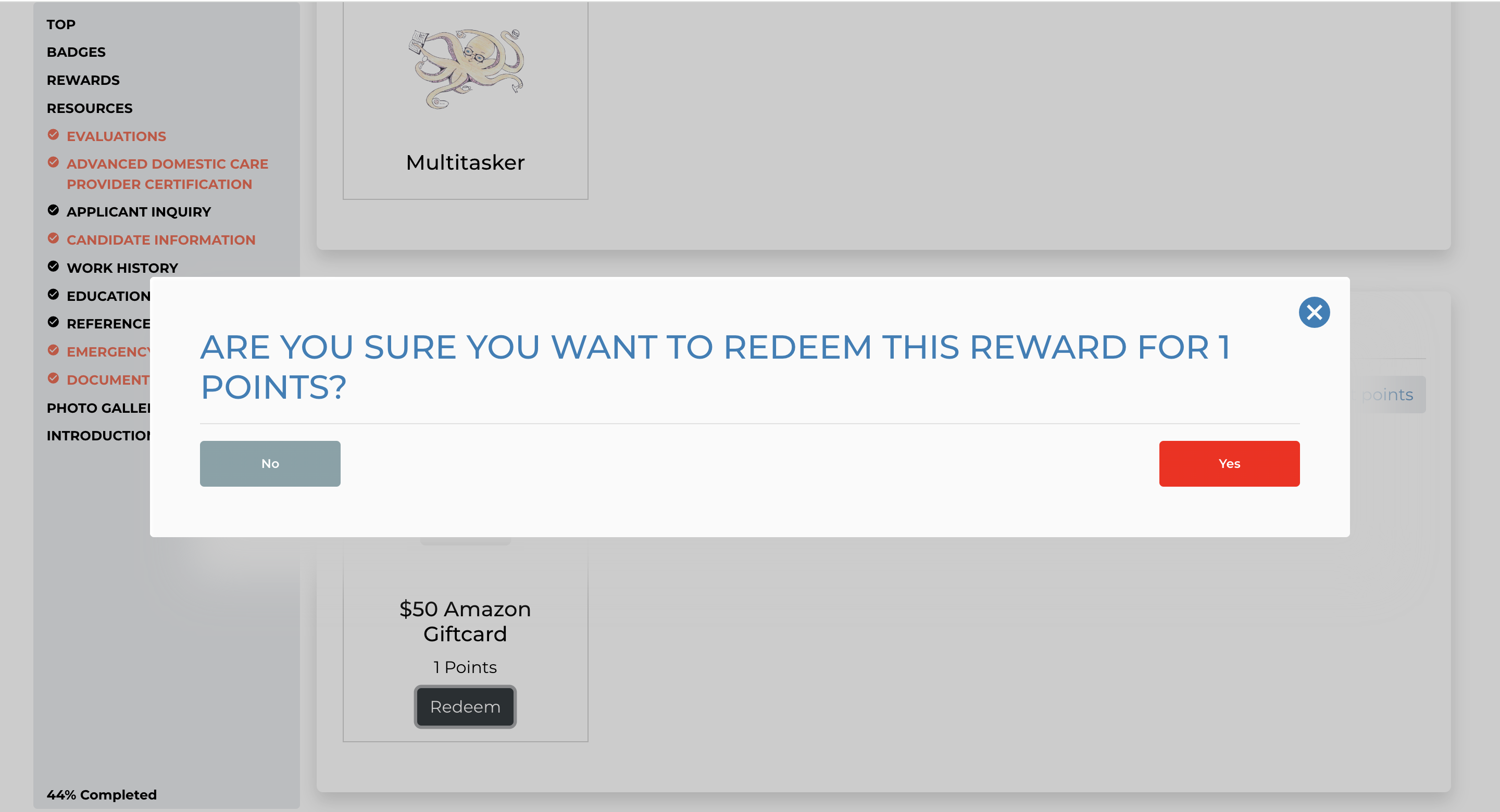
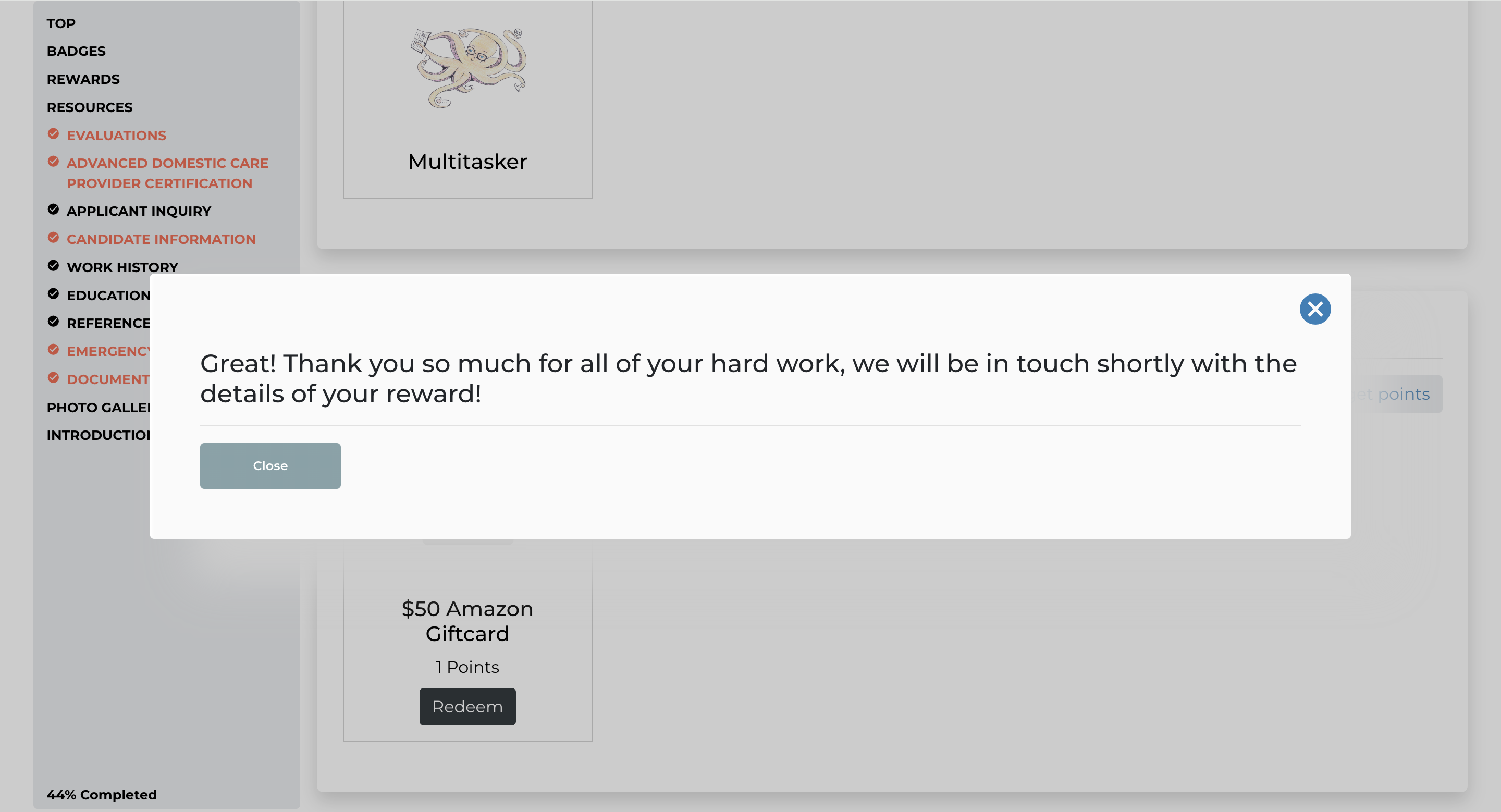
Once a candidate redeems a reward the following text will popup for them and you as an admin will receive an email that they have redeemed the reward so you can reach out with the details:
Lastly, in your admin dashboard click on any candidates file
Click the Admin tab
Scroll down to the rewards/points section of their file
Now you can view the points history for every candidate
Learn How to See the Points Master Log
If this doesn't answer your questions you can always contact us by clicking here