
Step 1: Go to "Shift Job Calendar"
Step 2: First you will find the date range - start and end date - to filter the jobs within the set timeframe.
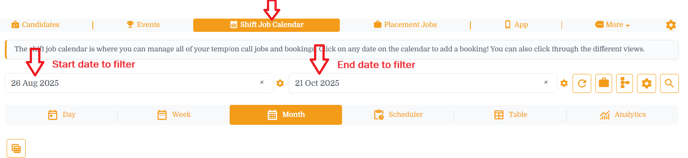
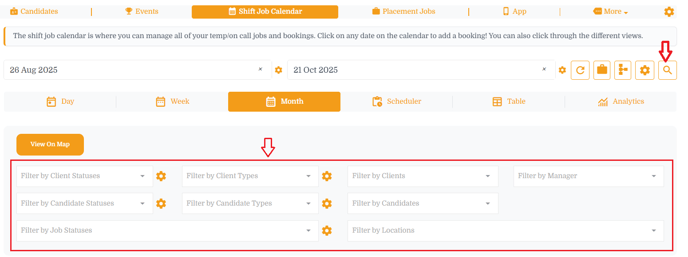
Step 3: Click on a magnifying glass and it will open the advance filter options including,
Filter by Client Statuses, Filter by Client Types, Filter by Clients
Filter by Candidate Statuses, Filter by Candidate Types, Filter by Candidates
Filter by Job Statuses, Filter by Locations, Filter by Manager
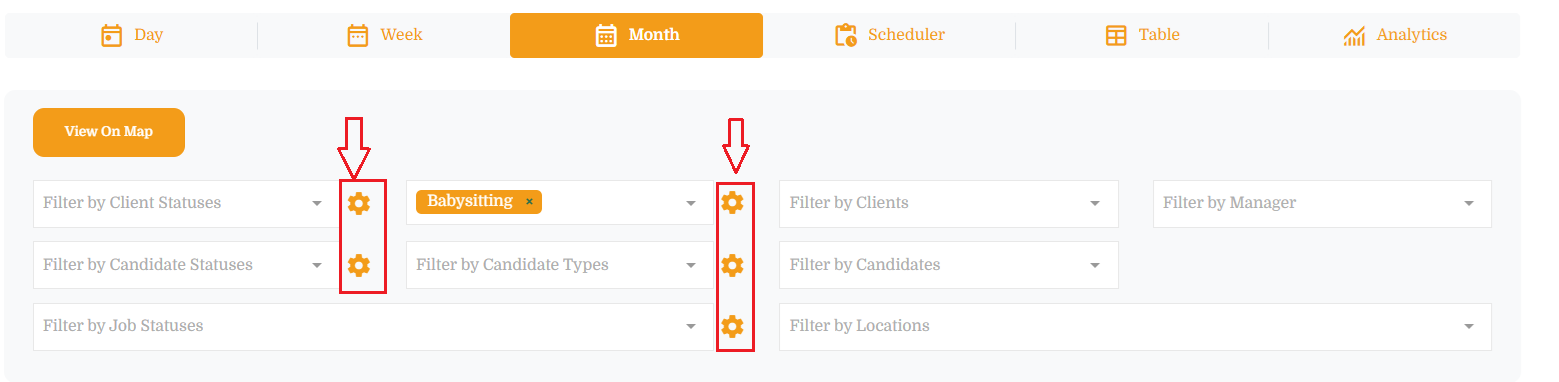
Step 4: You can set the default filters for all where you find the settings / gear icon.
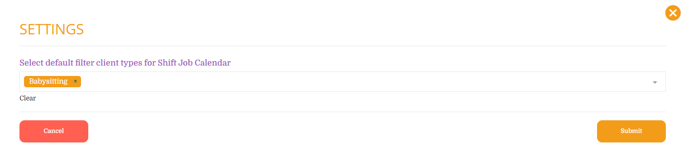
Click on a settings / gear icon and select the default values for selected filter and hit submit button
In example below - set the default "client types" to Babysitting
If this doesn't answer your questions you can always contact us by clicking here