
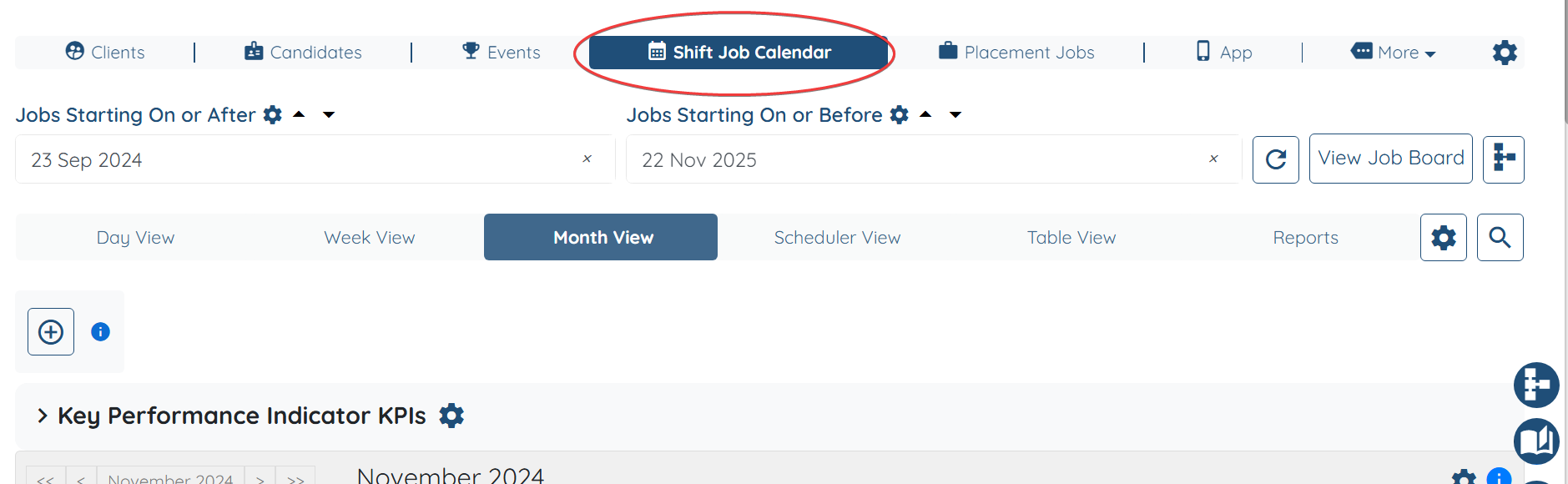
- Navigate to Shift Job Calendar.
- Open any Shift Job
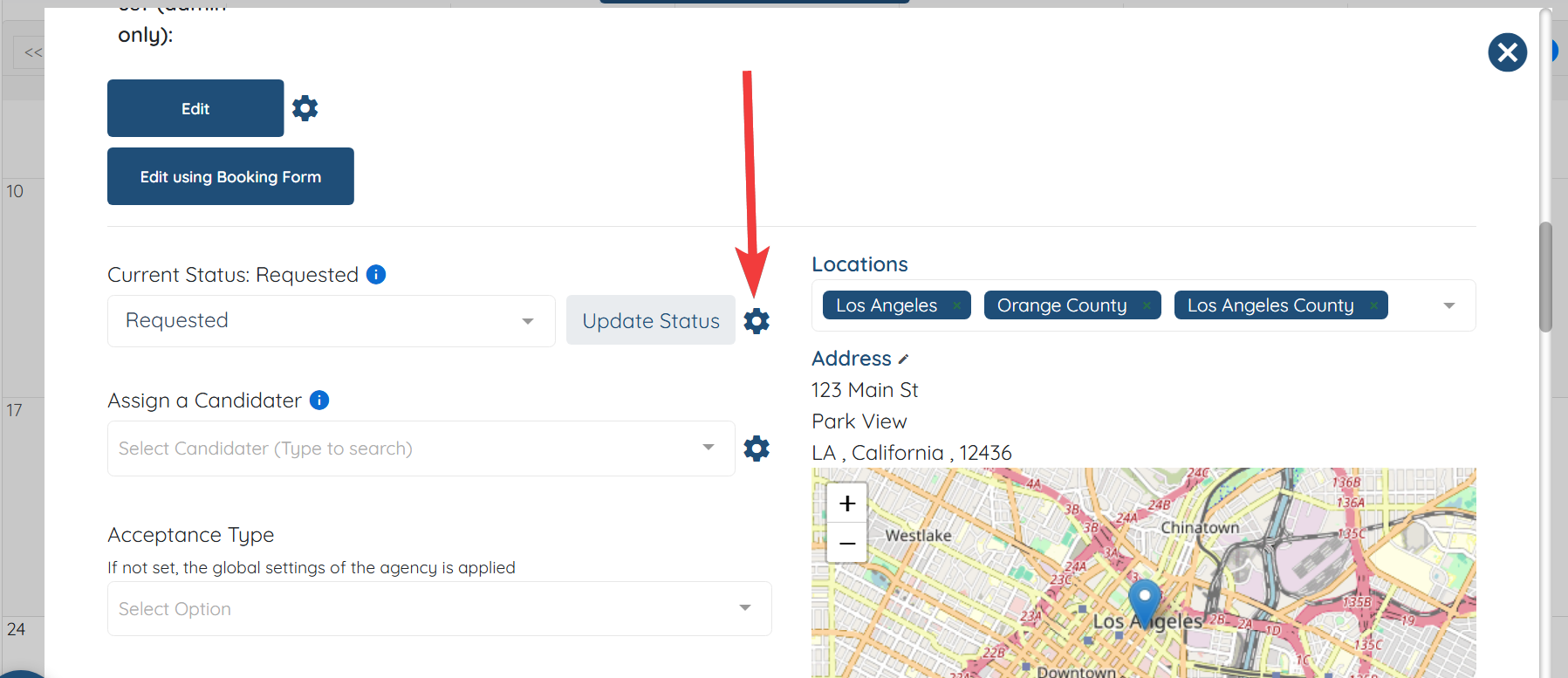
- Click on the gear icon right next to the shift job status change drop-down
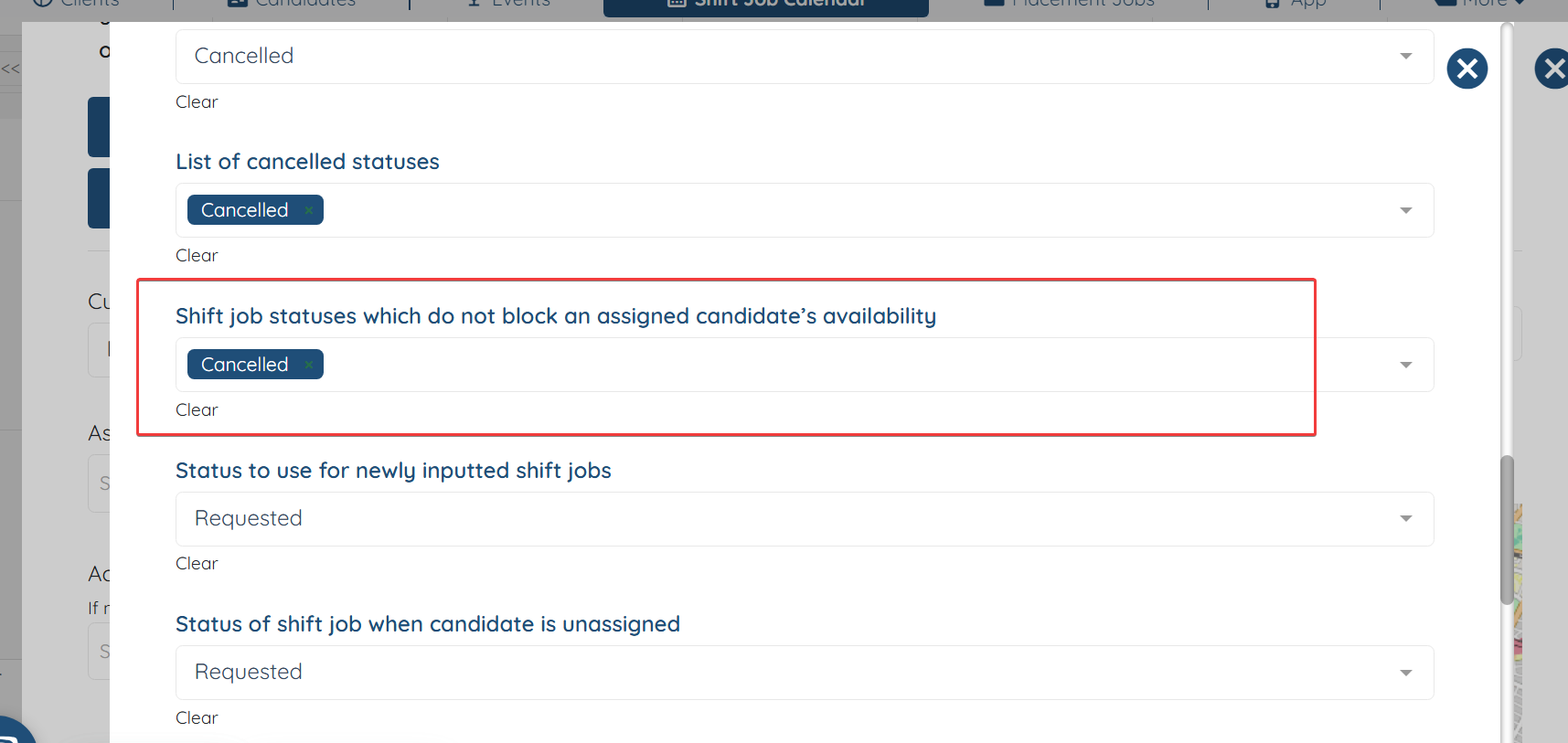
Scroll down till you find the setting "Shift job statuses which do not block an assigned candidate’s availability"
There is where you can add any shift job statuses that should not be blocking the schedule/availability of the assigned candidate.
If this doesn't answer your questions you can always contact us by clicking here.