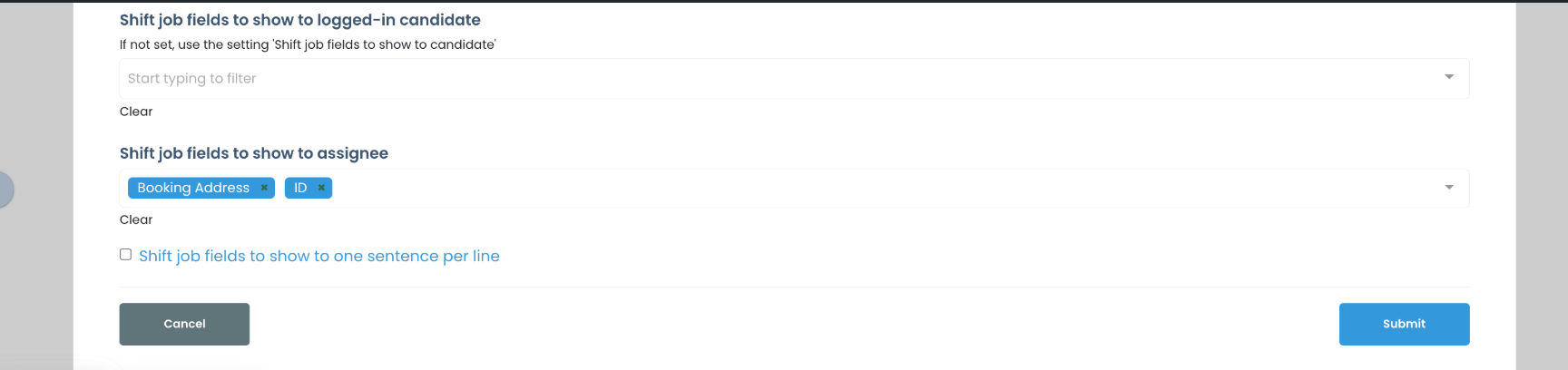
When candidates are viewing information on a shift job, if a question has a lot of words, it will default to be more than one line. This setting will format it to be on one line.
Step 1:
Go to the link of a shift job to view it as a candidate would. You can find this link on a shift job on the shift job calendar or go to a candidate's profile that has been assigned to a shift and click view job details
Step 2:
Select the gear icon in the upper right corner of the shift job details
Step 3:
Scroll down in settings and turn on setting
If this doesn't answer your questions you can always contact us by clicking here
