
Step 1:
Follow these steps to add it to the resource builder
https://learn.enginehire.io/en/knowledge/how-to-add-a-new-resource-document
Step 2:
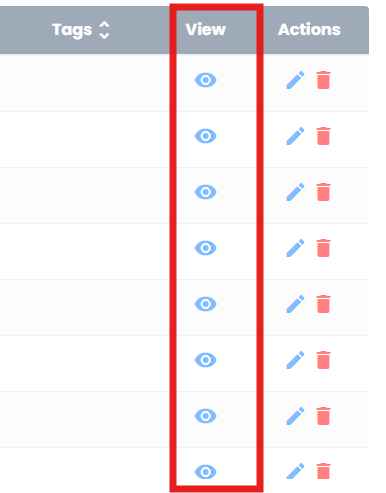
Once added, click the eye icon, it will open in a different tab. Copy that URL
Step 3:
In your email, highlight the text you want to hyper link. Select this icon on the tool bar of the email and insert the URL

If this video doesn't answer your questions you can always contact us by clicking here