
Step 1:
Go to any candidate profile. The setting is global but to get to that setting you need to go to a candidate profile.
Step 2:
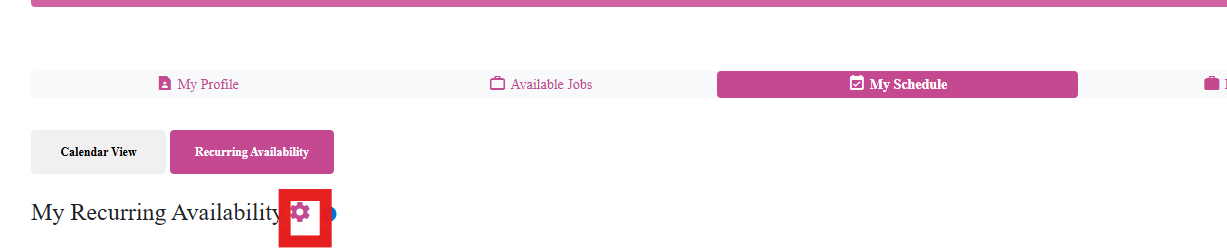
Go to My Schedule tab
Step 3:
Click on Recurring Availability
Step 4:
Click the gear icon
Step 5:
Adjust this setting:

Check it off if you want them to add/edit
Uncheck it if you don't want them to add/edit
If this content doesn't answer your questions you can always contact us by clicking here