
Step 1:
Go to the shift job calendar
Step 2:
Click on any shift job
Step 3:
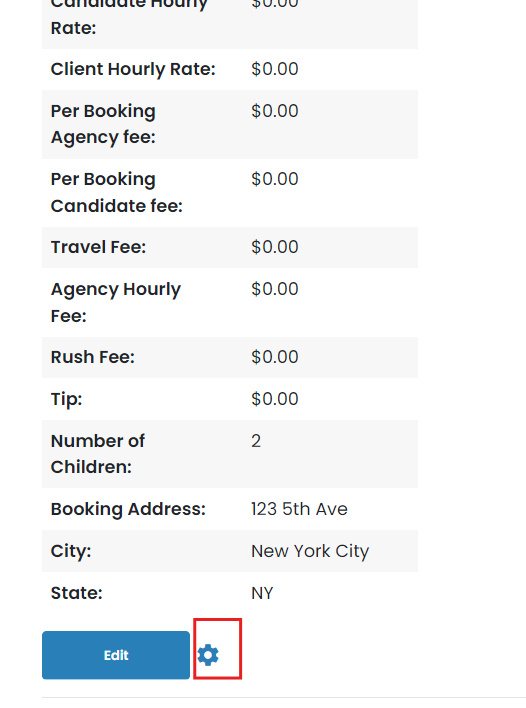
The information on the left of the shift job where it has rates, you will see an edit button towards the bottom of that list. Click the gear icon next to it
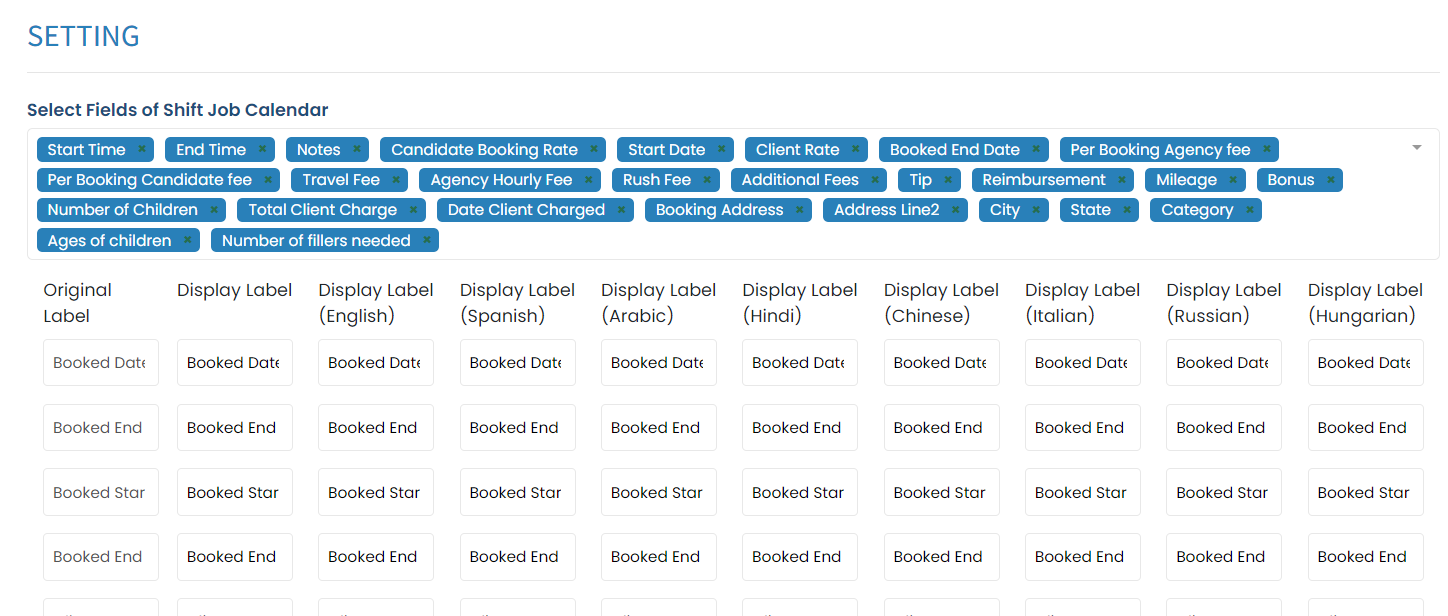
From there you are able to add fields, rates, or other information to appear that are related to bookings. You can also customize the display label. If you have multiple languages, you can adjust what it appears for each language
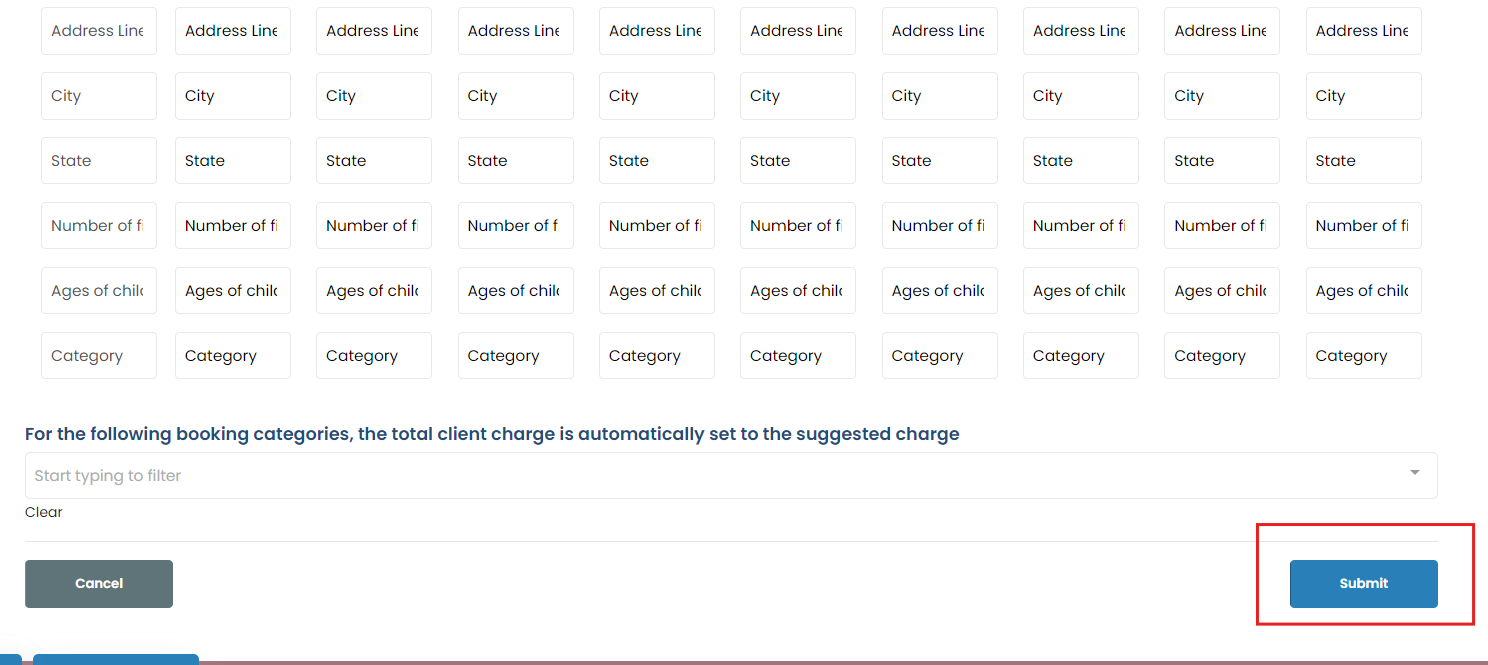
Once done, click submit
If this content doesn't answer your questions you can always contact us by clicking here