
Step 1:
Go to a client's profile that has the booking section. Even though we are going to a client's profile, the setting will be global and apply to everyone.
Step 2:
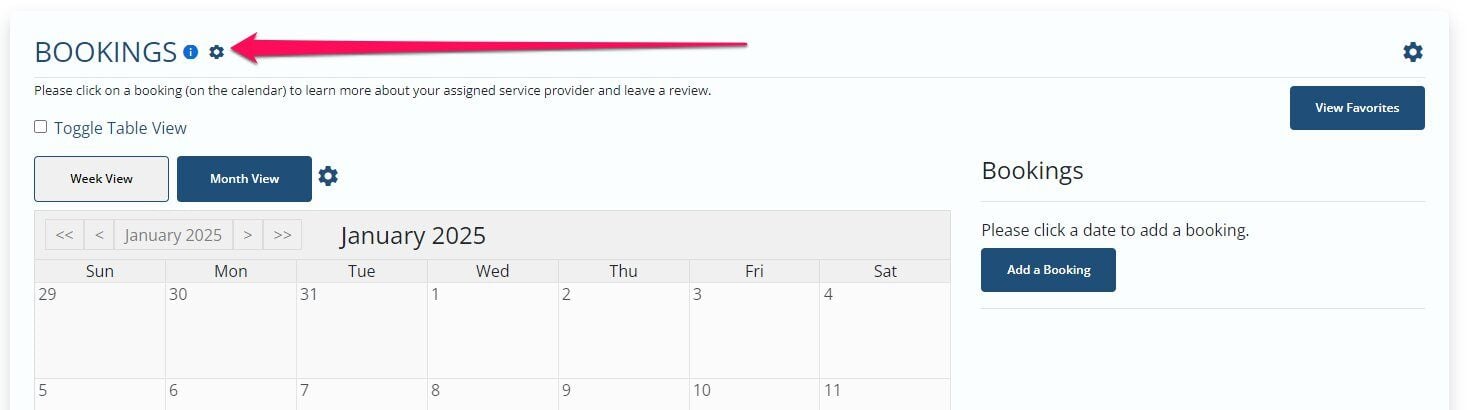
Once in a client's profile, go to the booking section and click the gear icon of the booking section next to the title of the section.
Step 3:
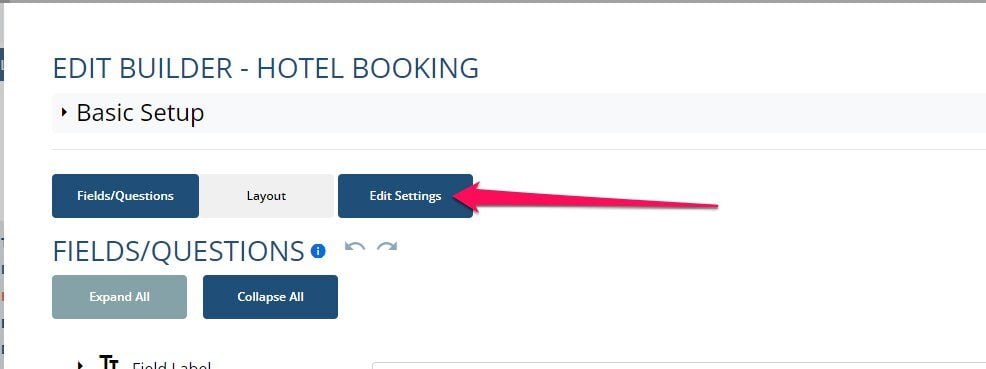
Click Edit Settings
Step 4:
Select Instructions & Messaging

Step 5:
Scroll past the submission box and you will see submission based on category. Click the plus icon, add your message and select the category you want it to apply to


Step 6:
Once done, click Save

If this video doesn't answer your questions you can always contact us by clicking here