
Step 1:
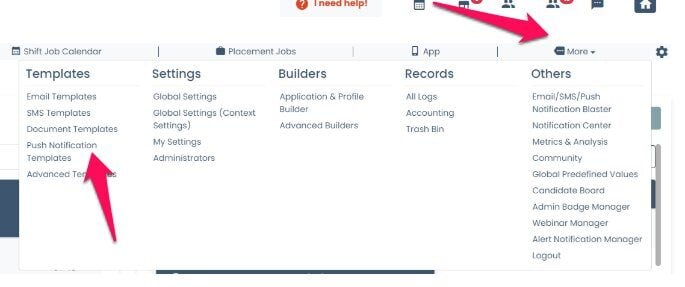
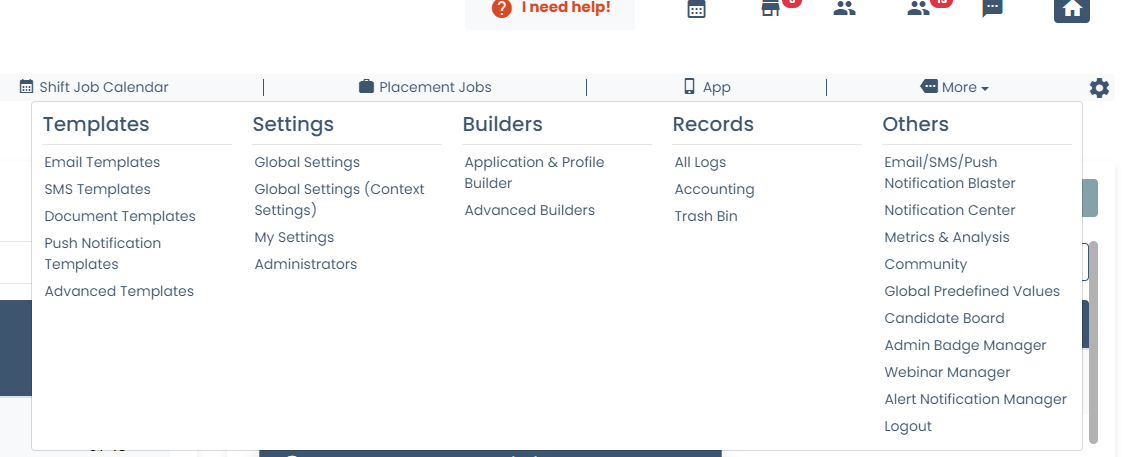
Go to MORE-> PUSH NOTIFICATIONS
Step 2:
Click Add Template
Step 3:
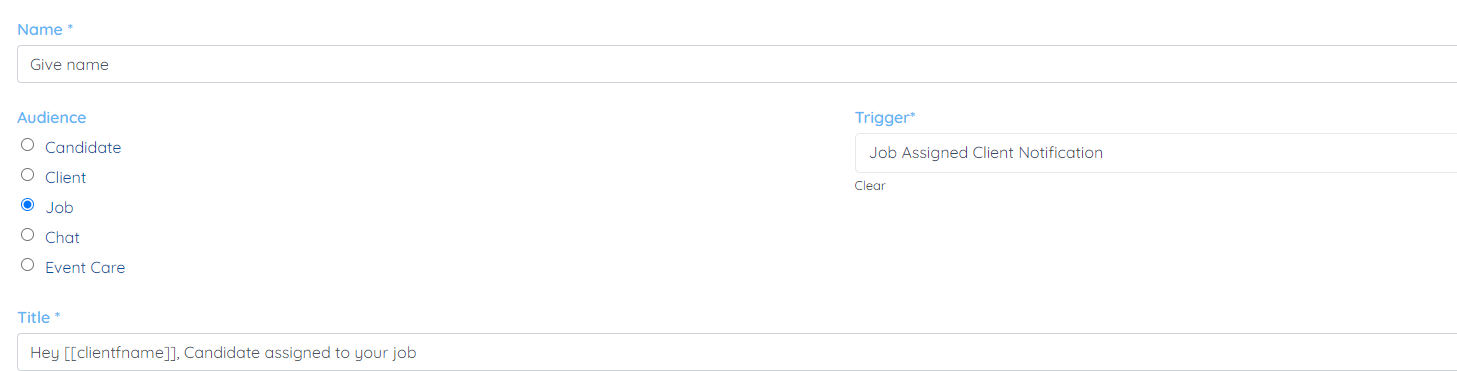
Here is set up for client
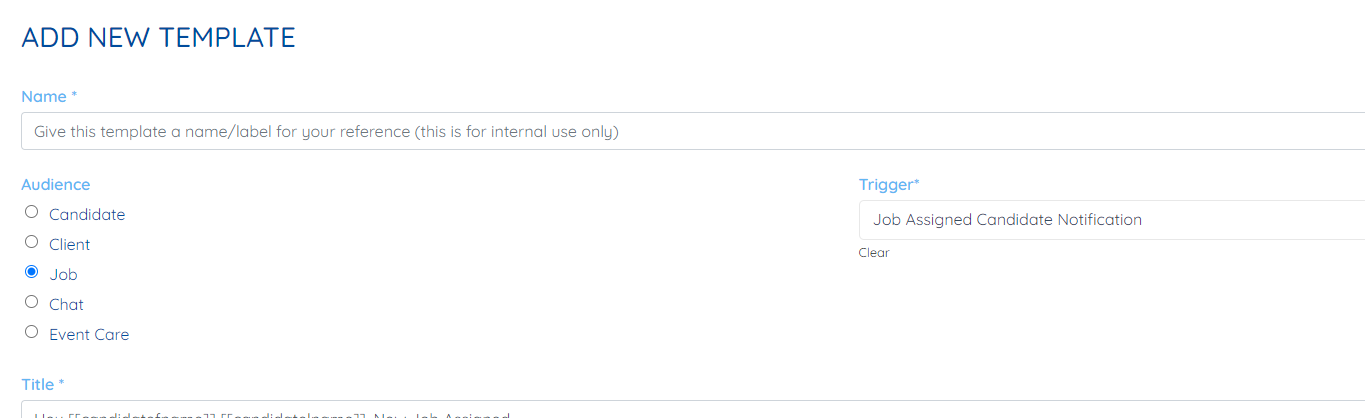
Here is set up for candidate
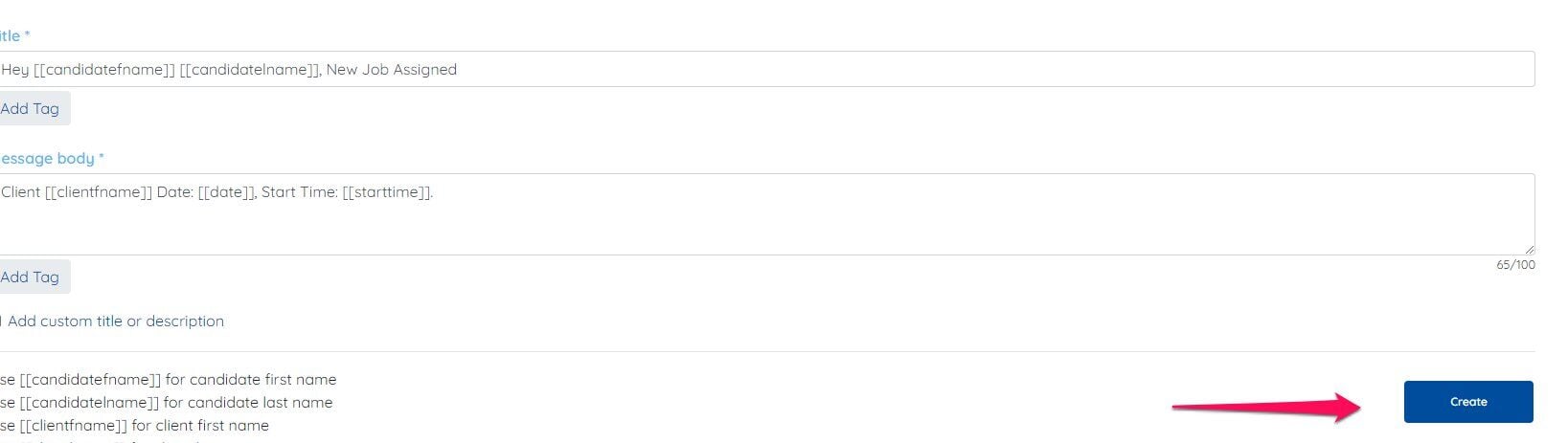
Step 5: Once done click create
If this doesn't answer your questions you can always contact us by clicking here
Step 1:
Go to MORE-> PUSH NOTIFICATIONS
Step 2:
Click Add Template
Step 3:
Here is set up for client
Here is set up for candidate
Step 5: Once done click create
If this doesn't answer your questions you can always contact us by clicking here