
Step 1:
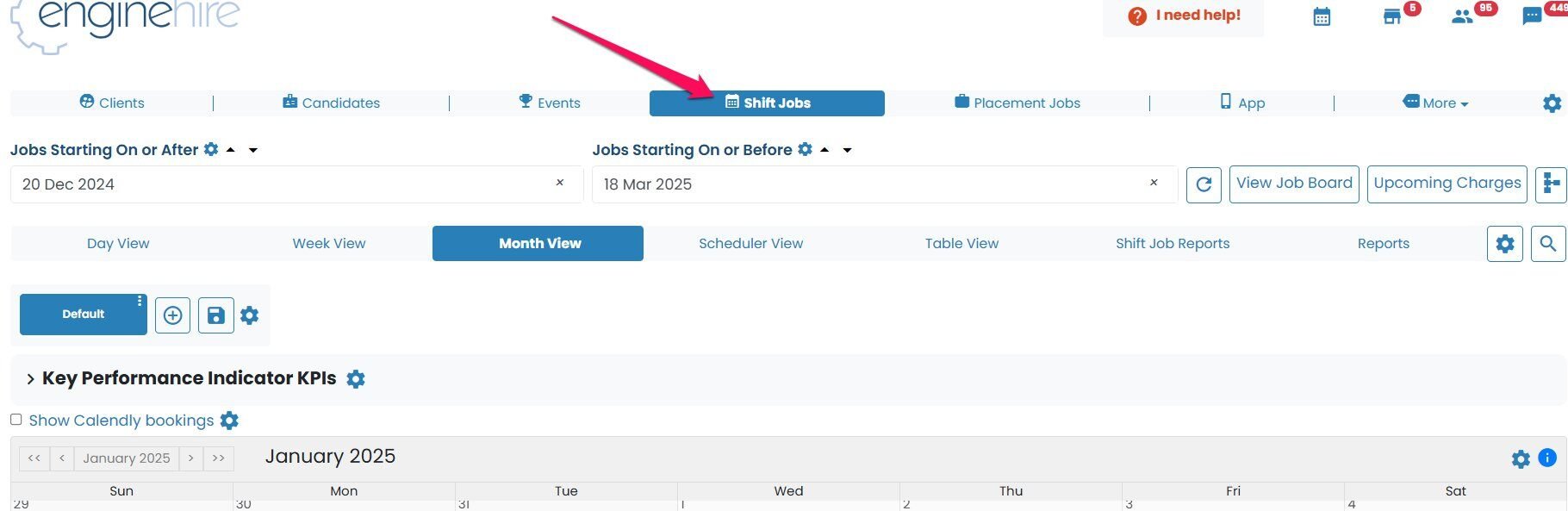
Go to the shift job calendar
Step 2:
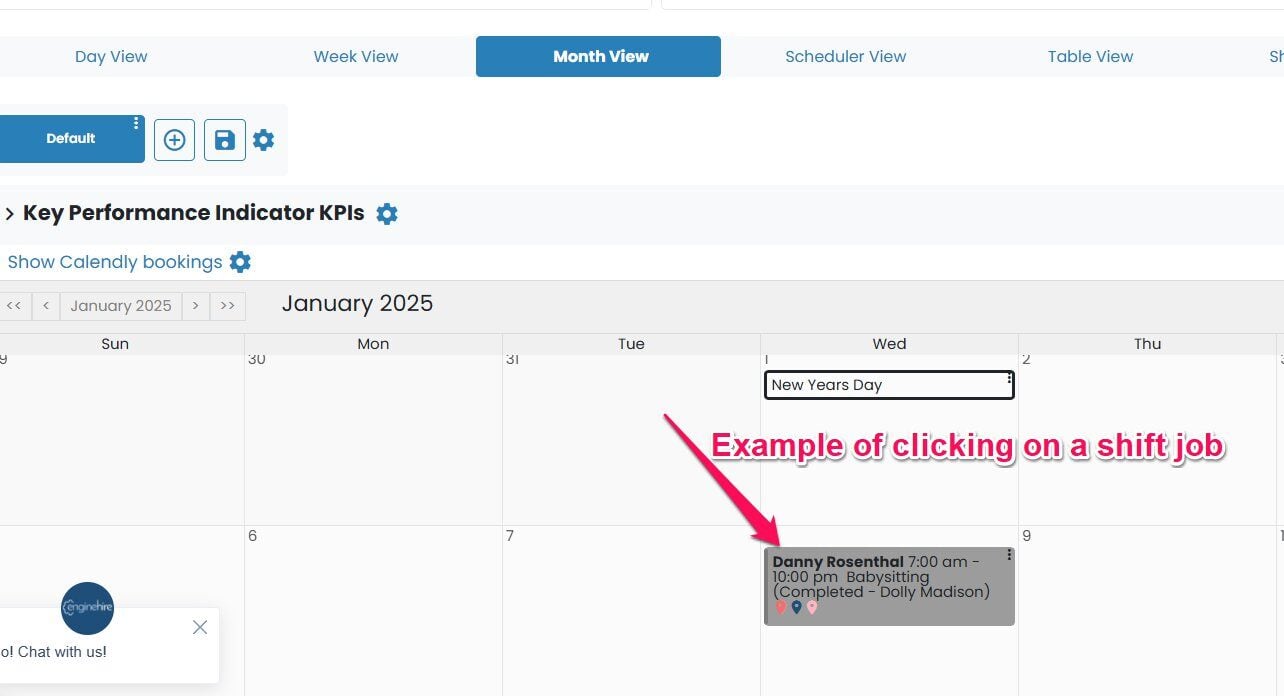
Select any shift job. Even though we are only going to one shift job, this setting is global
Step 3:
Click on the gear icon next to edit

Step 4:
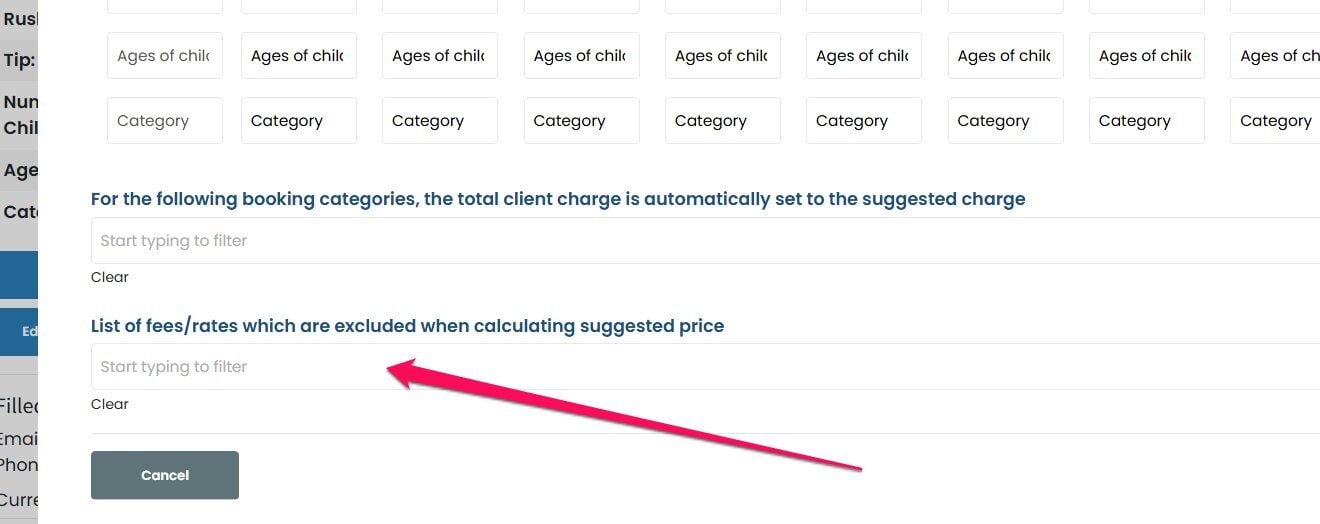
Scroll down and select which fees/rates are excluded from the suggested price
Step 5:
Once done, click submit

If this doesn't answer your questions you can always contact us by clicking here