
Step 1:
On the menu of your dashboard Go to MORE-> EMAIL TEMPLATES
Step 2:
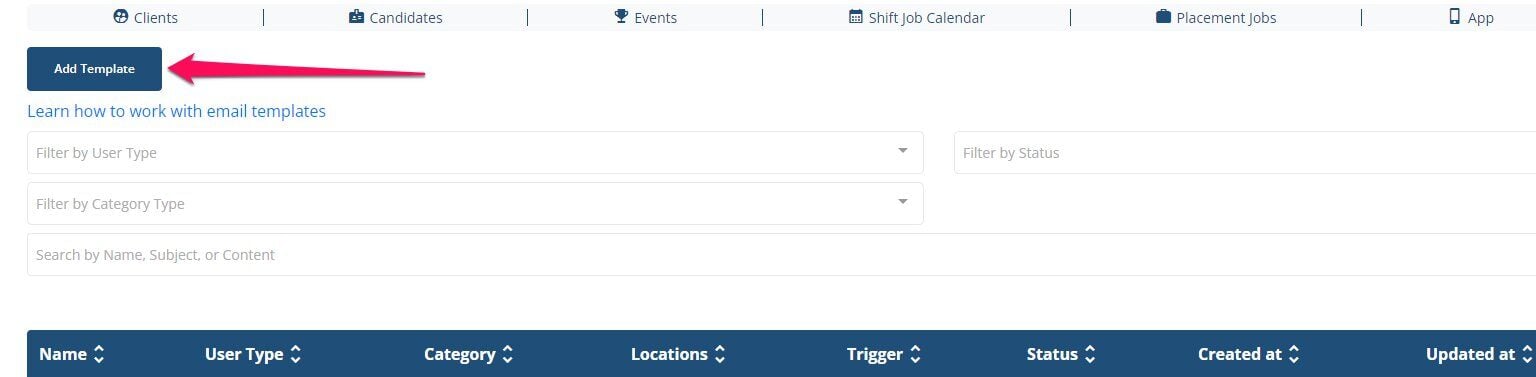
Once there click add template
Step 3:
Give the template a name. You can name it anything you would like to refer to it as.
Type: JOB
Trigger: Job Charged Client Notification

Step 4:
Add a subject line and body of email.
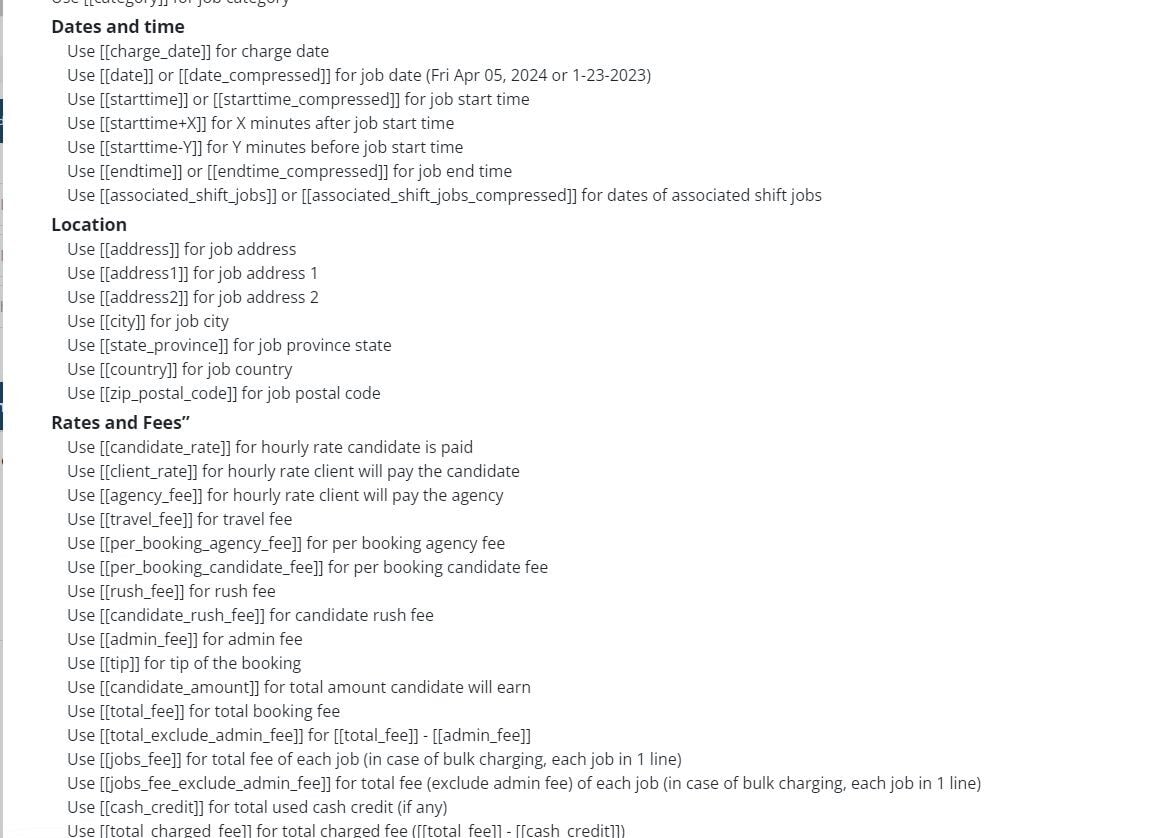
Below where you add the body of the email you can add tags that will auto fill information such as job info or rate info
If this doesn't answer your questions you can always contact us by clicking here