
Step 1:
Go to MORE-> Profile & Application Builder
Step 2:
Click the pencil icon of the section you want to edit

Step 3:
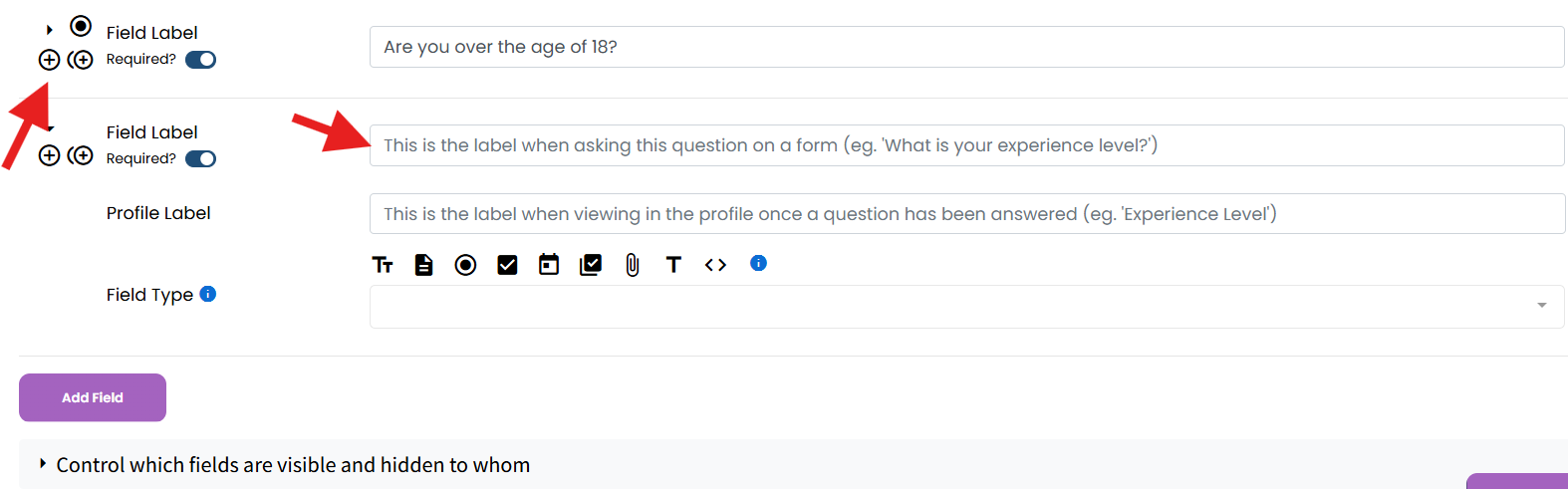
Add a new field, put in your title of question
Step 4:
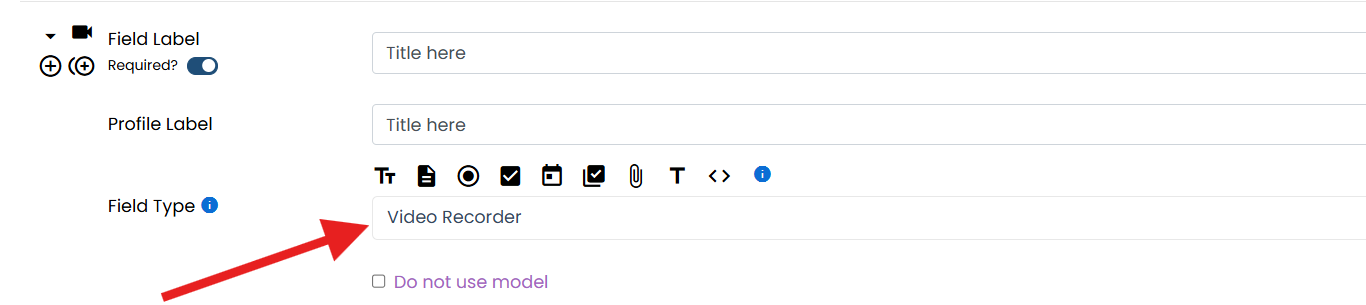
For the Field Type Select Video recorder
Step 5:
Save section
If this video doesn't answer your questions you can always contact us by clicking here