
1. More - Templates - Email Templates
2. Create New Email Template
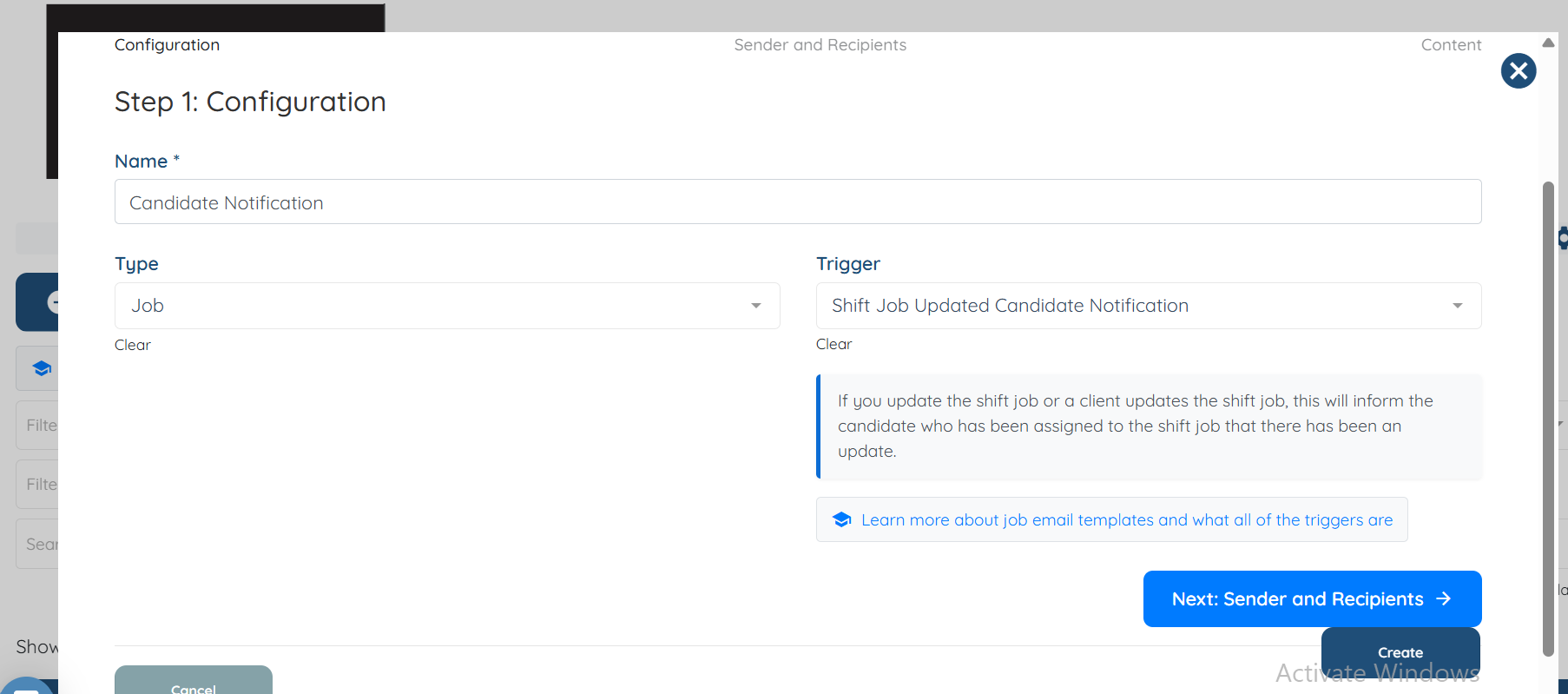
Audience = Job
Trigger = Shift Job Updated Candidate Notification
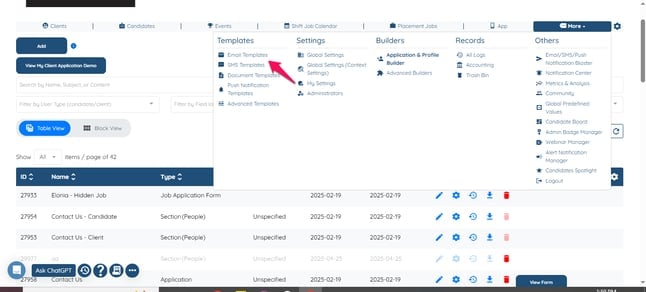
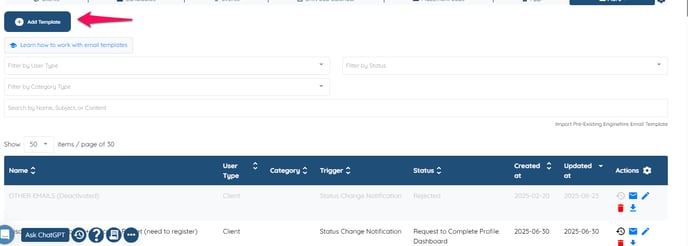
Then Click on Add.
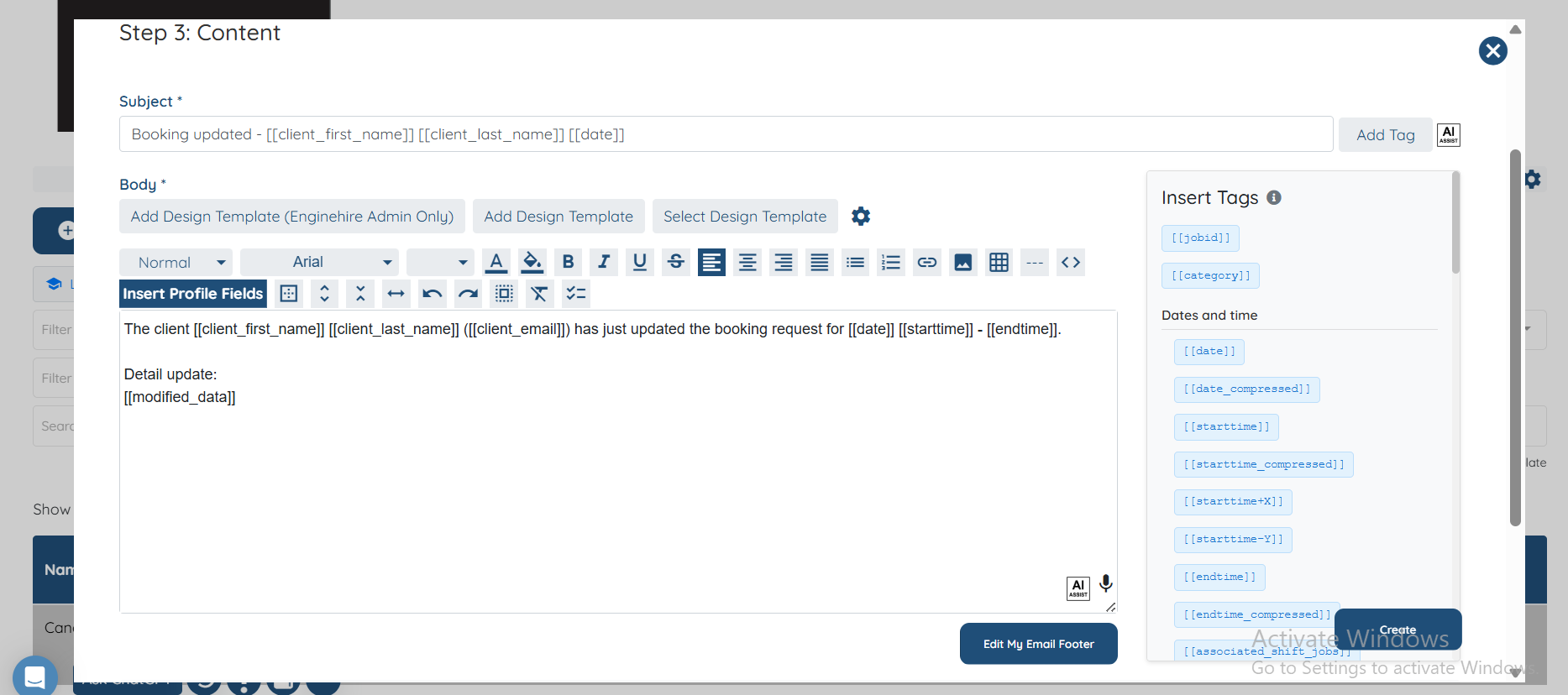
Name the email template, then select types as job and select Trigger = Shift Job Updated Candidate Notification
Click Next if you do not want to use any of the option.
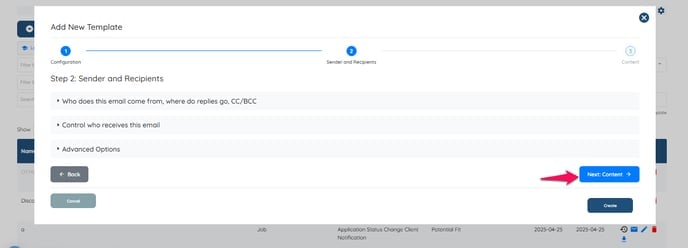
Click on Create, and an Email template will be created.
If this doesn't answer your questions you can always contact us by clicking here