
Let’s get started. 🚀
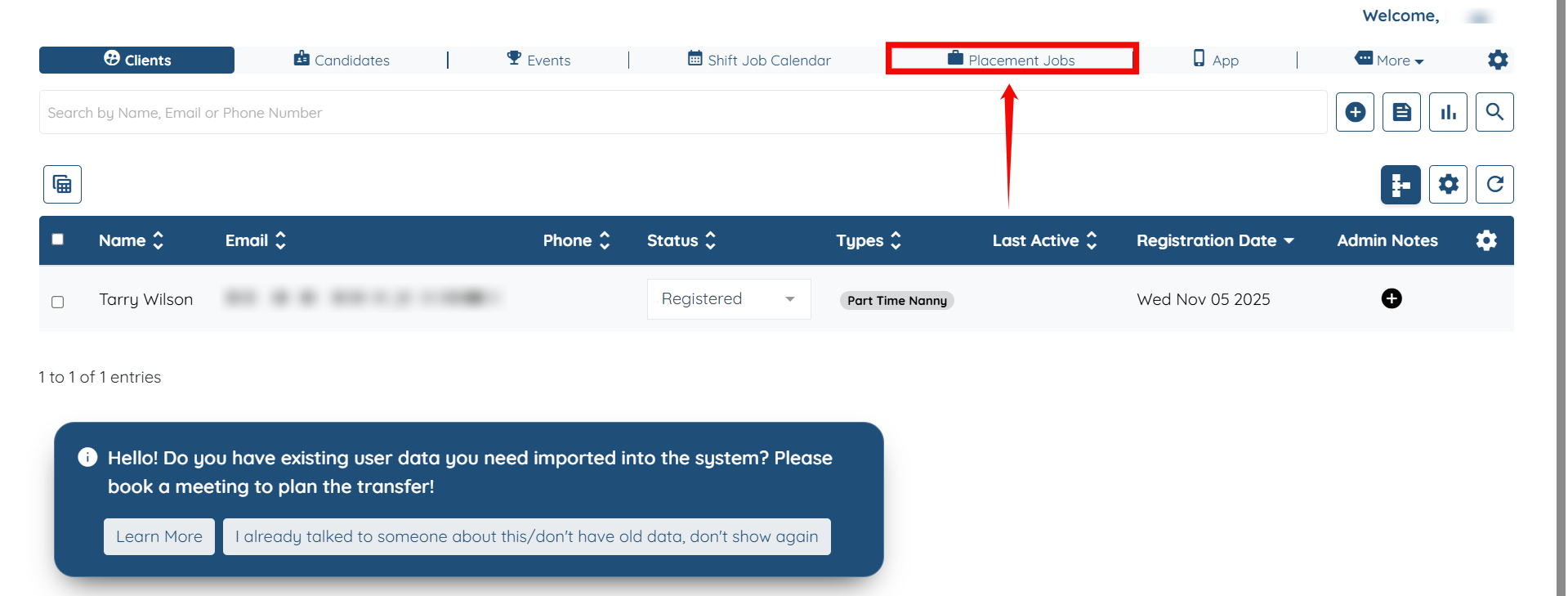
Step 1: Log in to your agent dashboard, and then navigate to Placement Jobs using the top navigation bar.
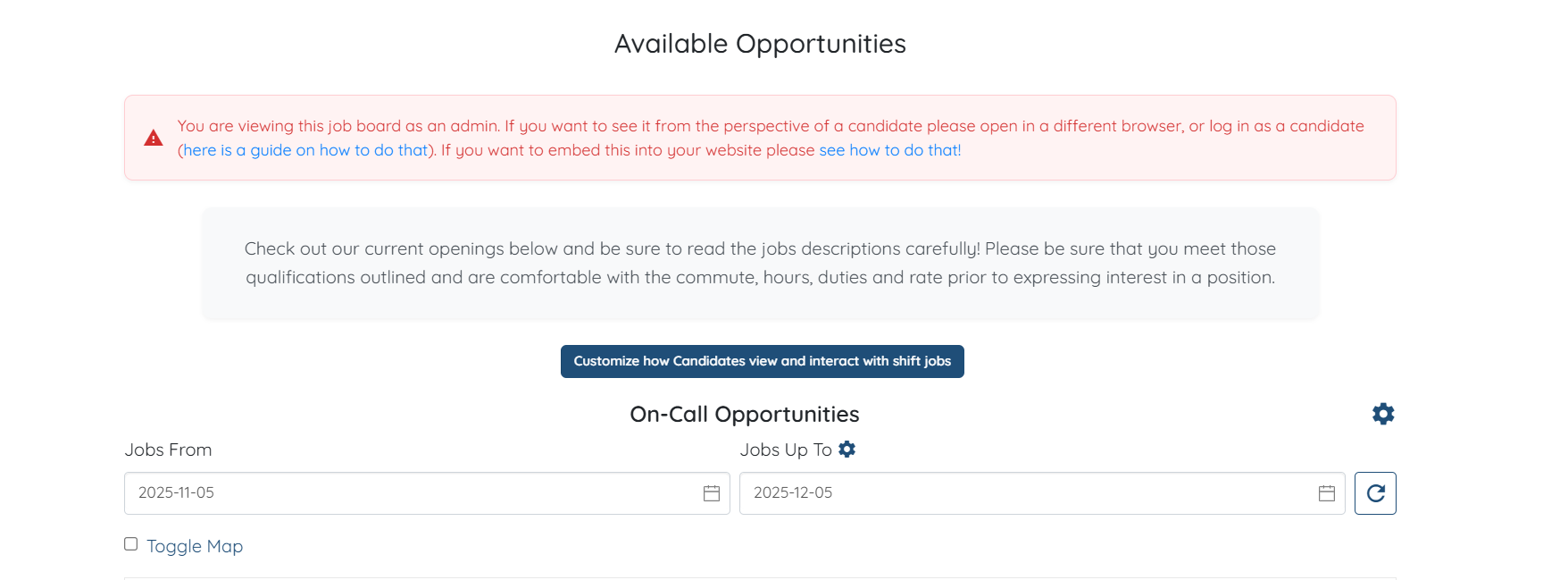
Step 2: Click on the View Job Board button to proceed.

You will be redirected to the Available Opportunities page, which displays all the job posts you have added.
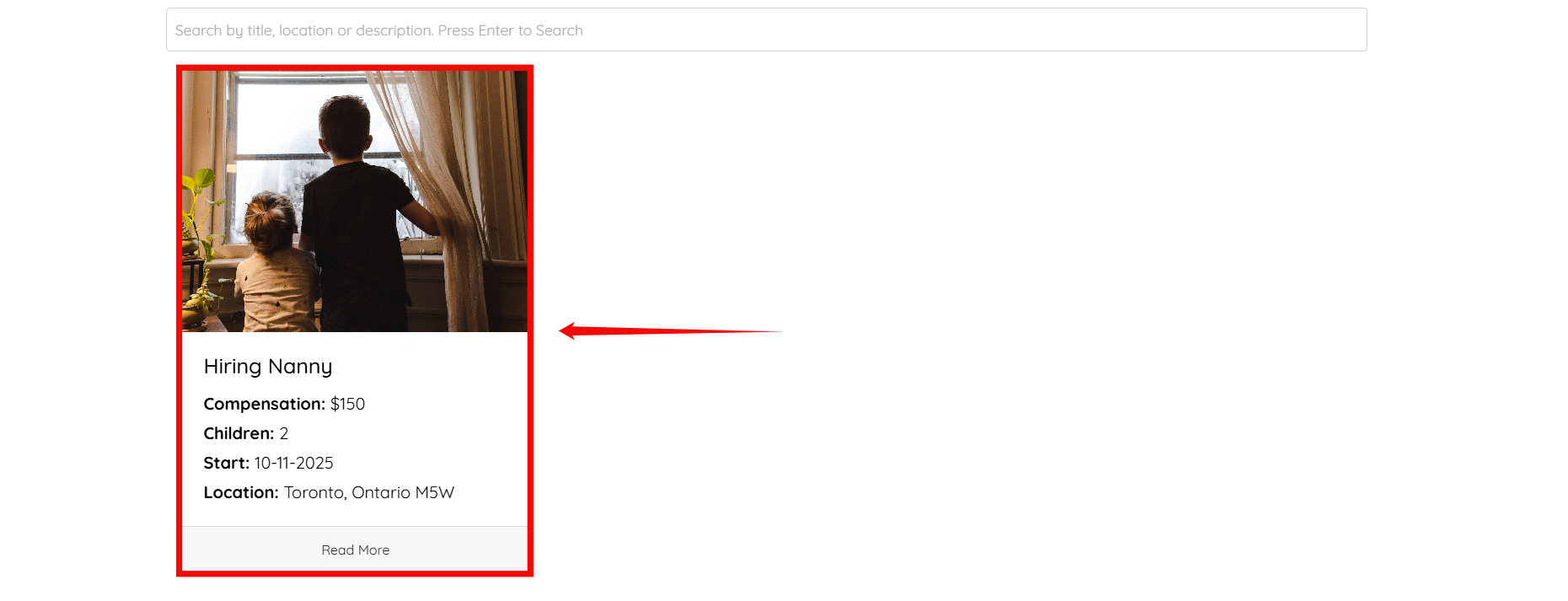
Step 3: Scroll down and click on the job posting for which you want to edit the Onboarding Completion message.
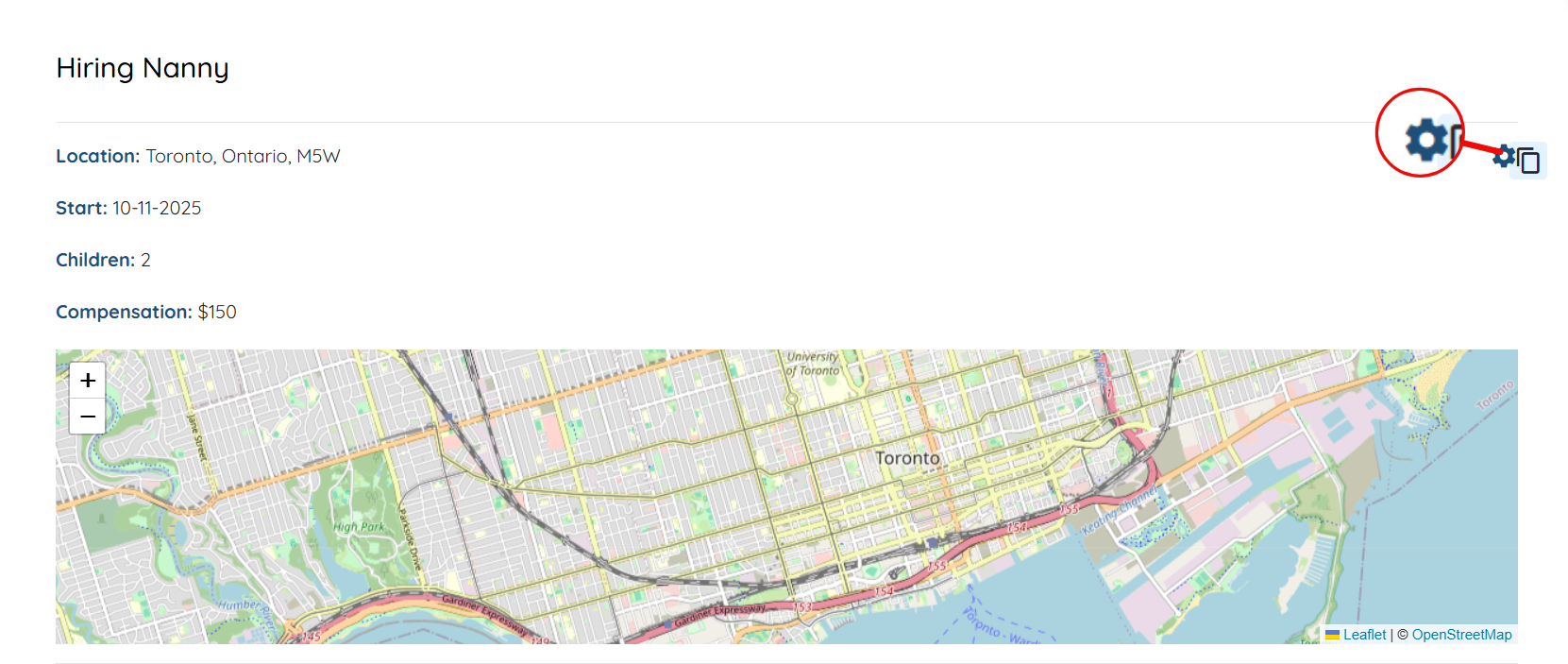
Step 4: Click on the Gear icon located on the right-hand side of the selected job.
Step 5: Scroll down to the bottom of the page, enter your customized onboarding message as required, and then click the Submit button to continue.
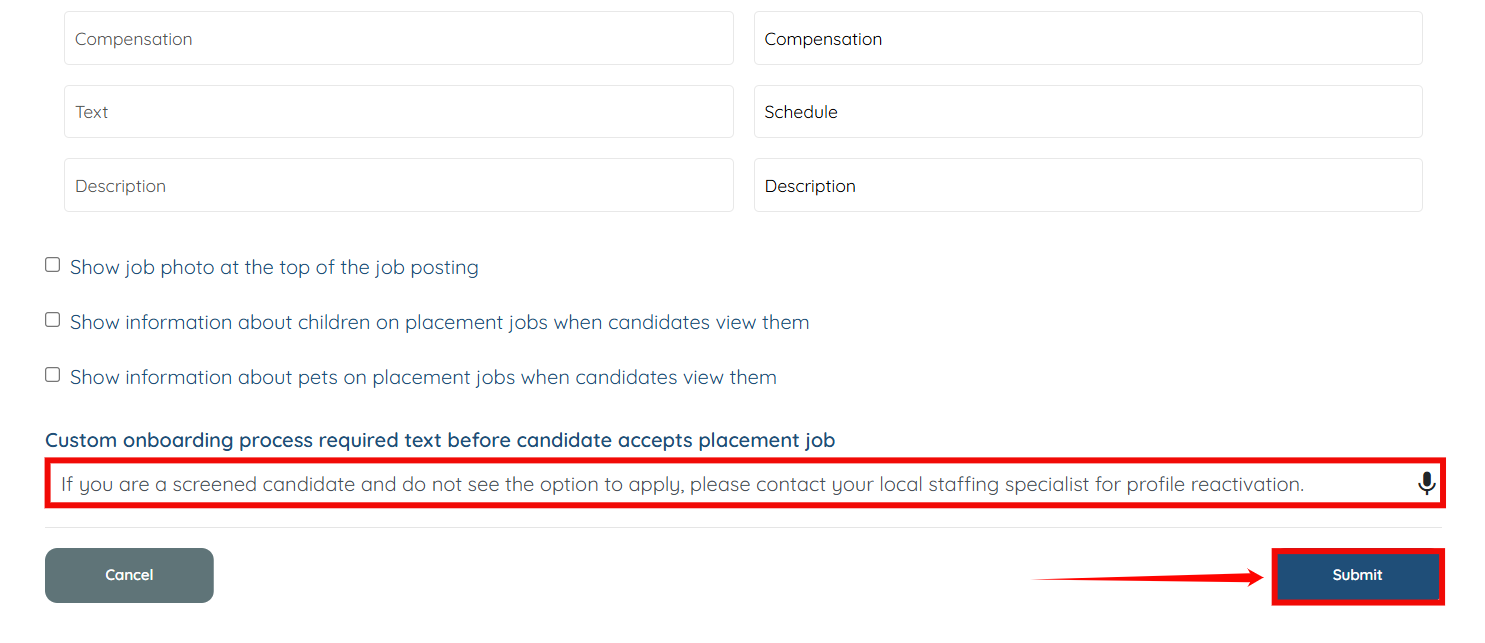
Your customized onboarding message will be updated successfully.