Let’s get started 🚀
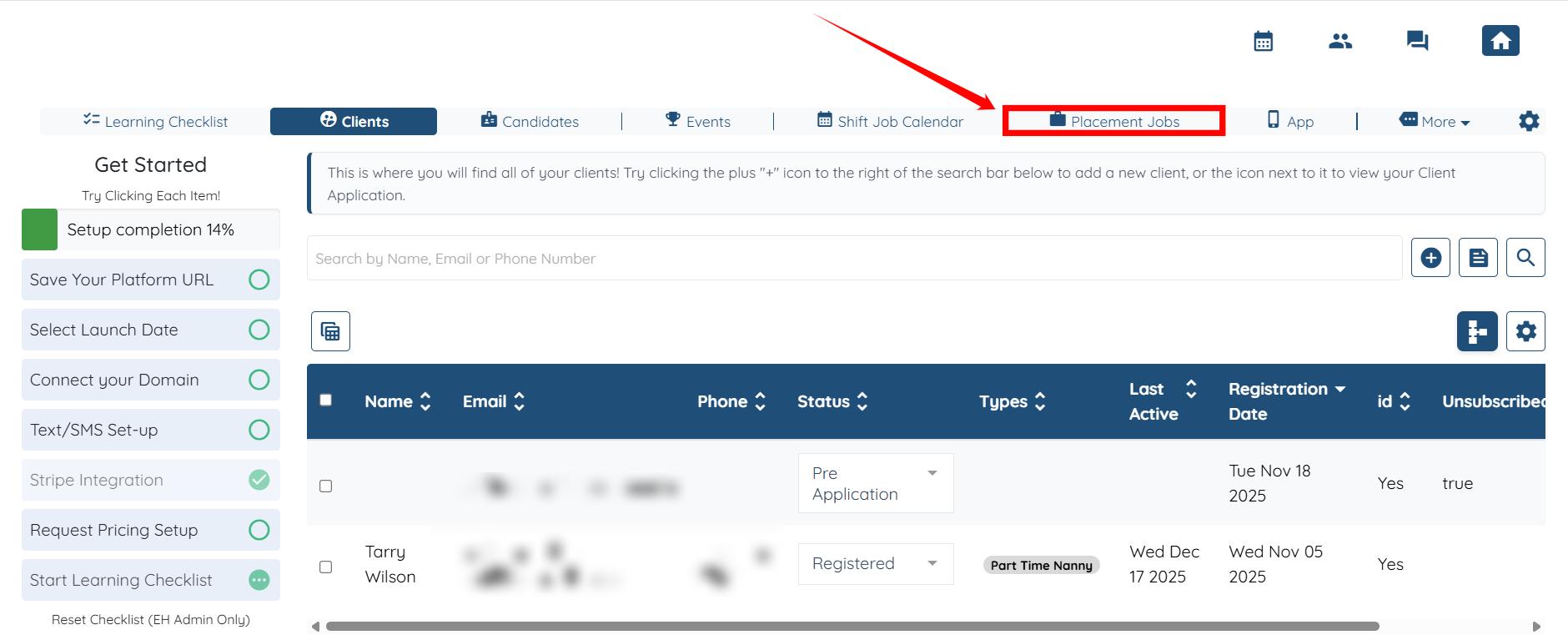
Step 1: Log in to your agent dashboard and click Placement Jobs in the top navigation bar.
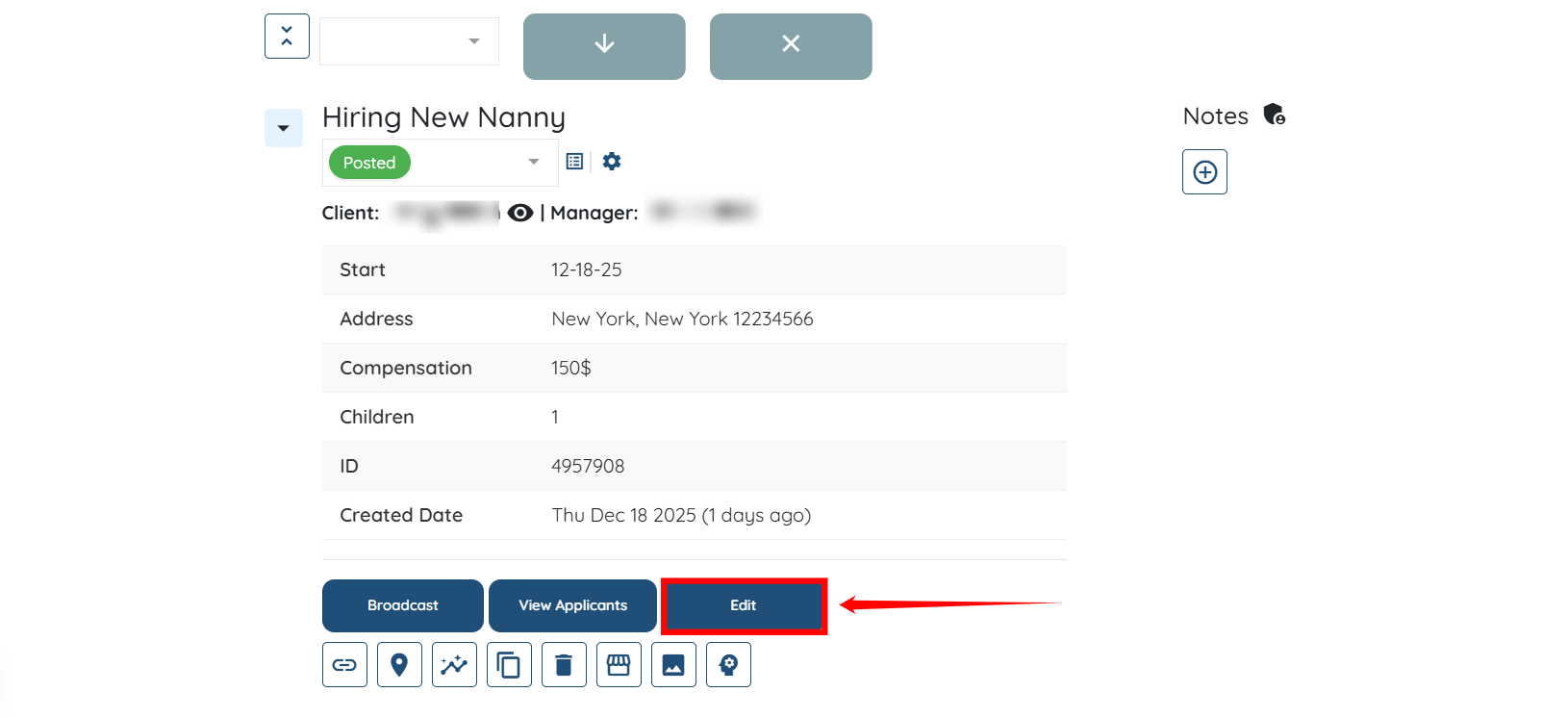
Step 2: Locate the placement job for which you want to select an admin manager to receive notifications.
Then, click the Edit button to open the job details.
Step 3: Select the Admin Manager from the dropdown list in the Manager field.
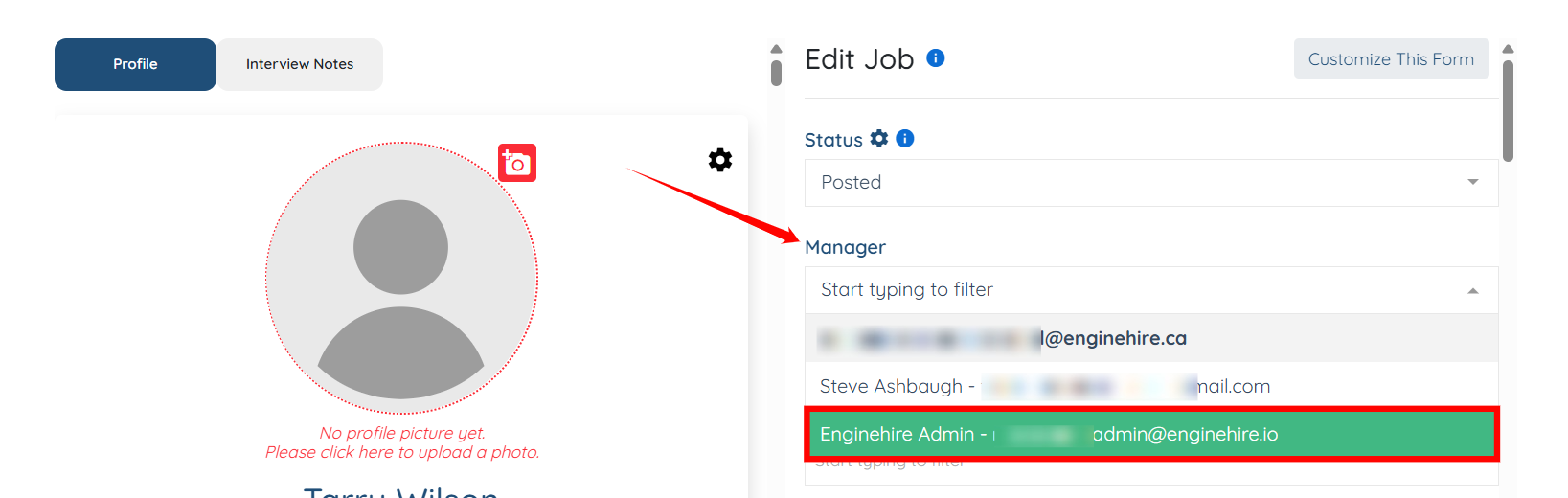
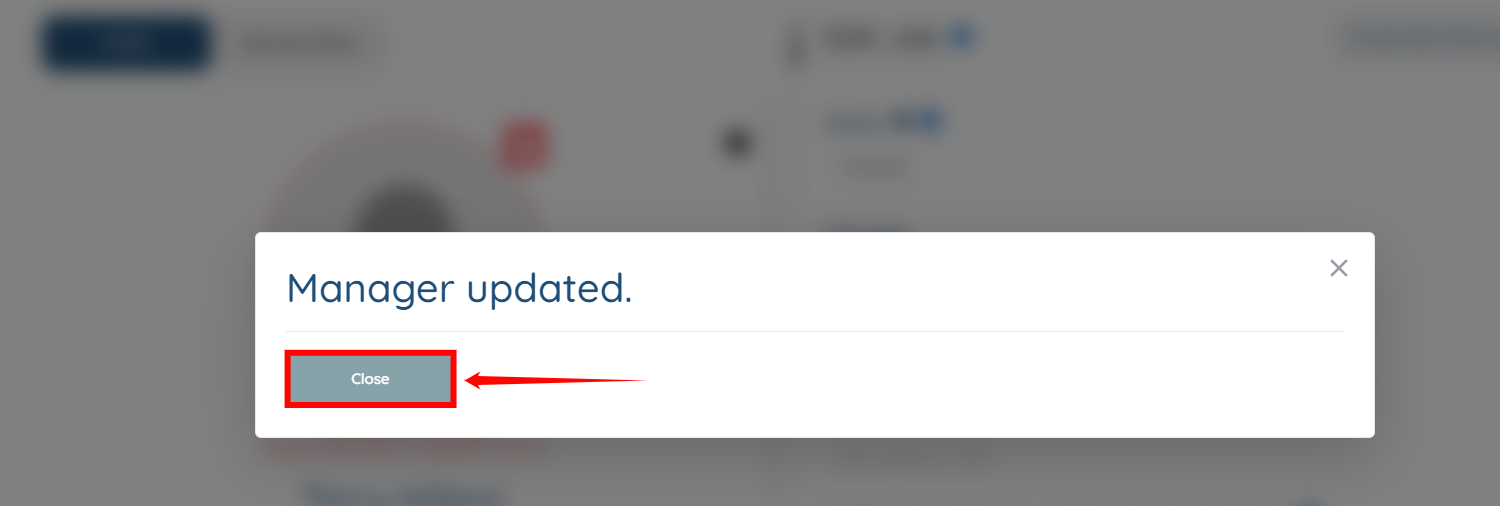
Step 4: The Admin Manager will be updated successfully. After the update is complete, click the Close button to proceed.
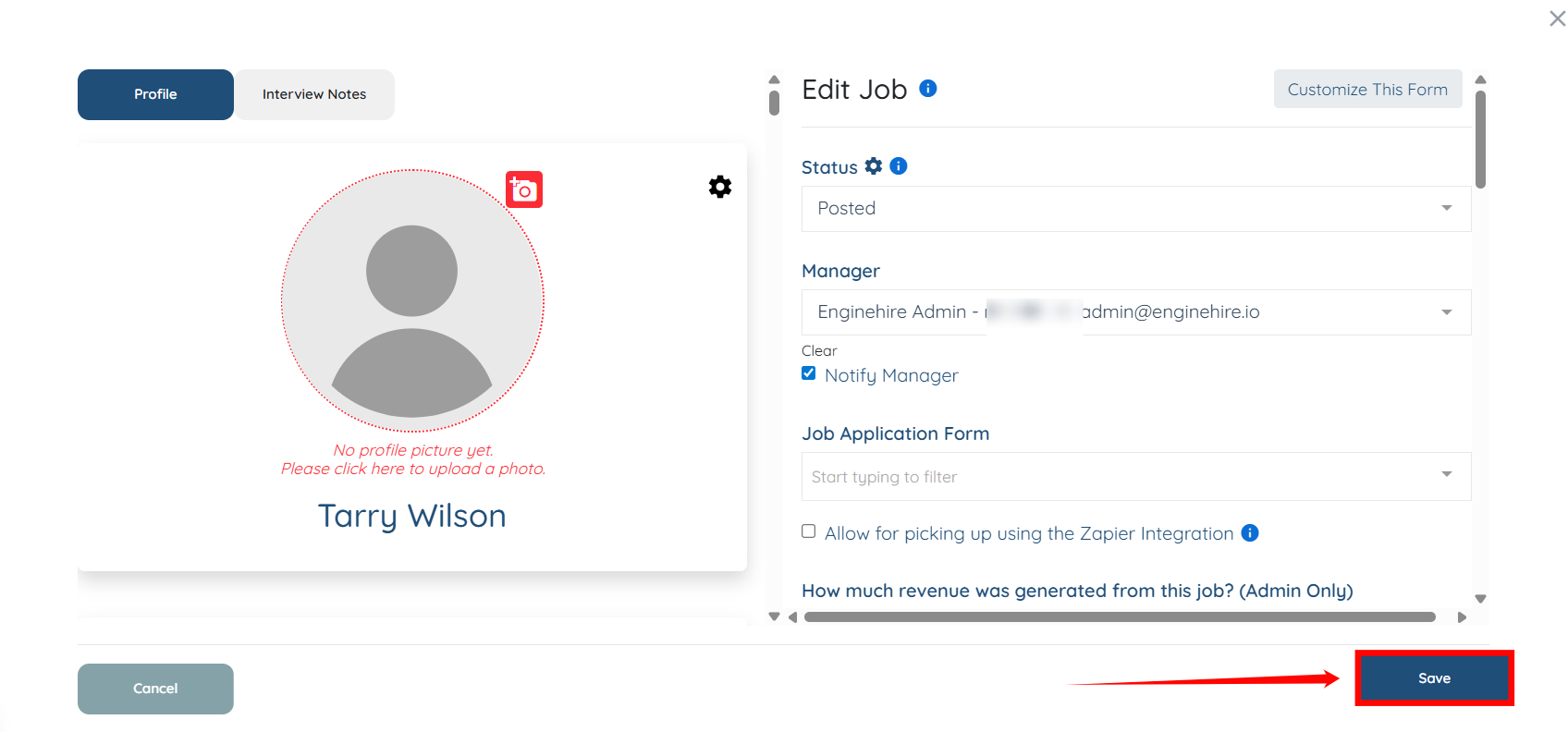
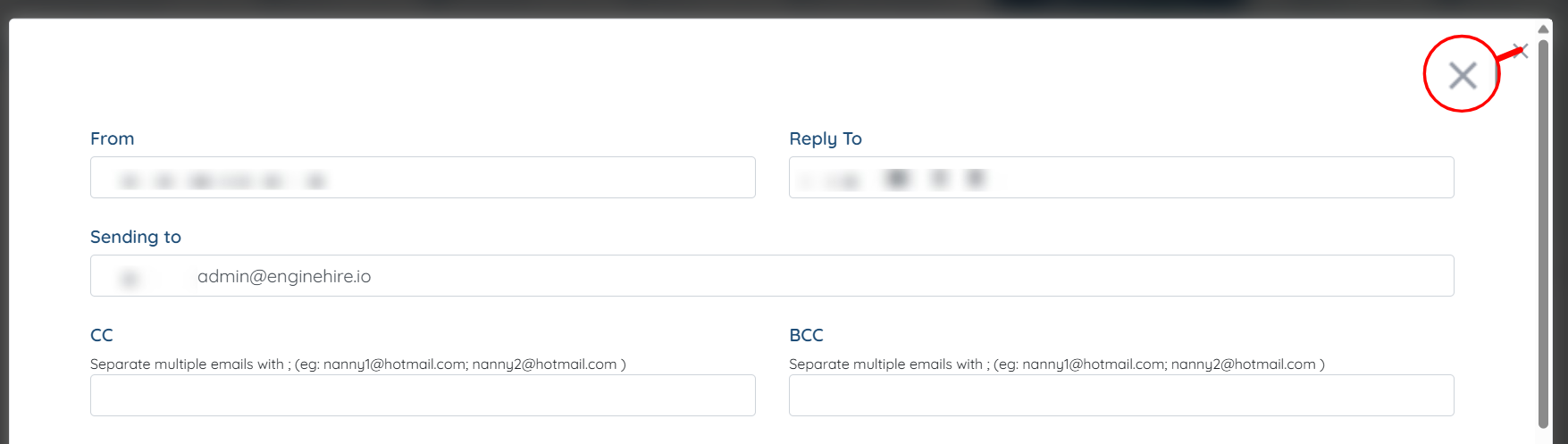
Step 5: Click the cross icon located on the right-hand side of the interface.
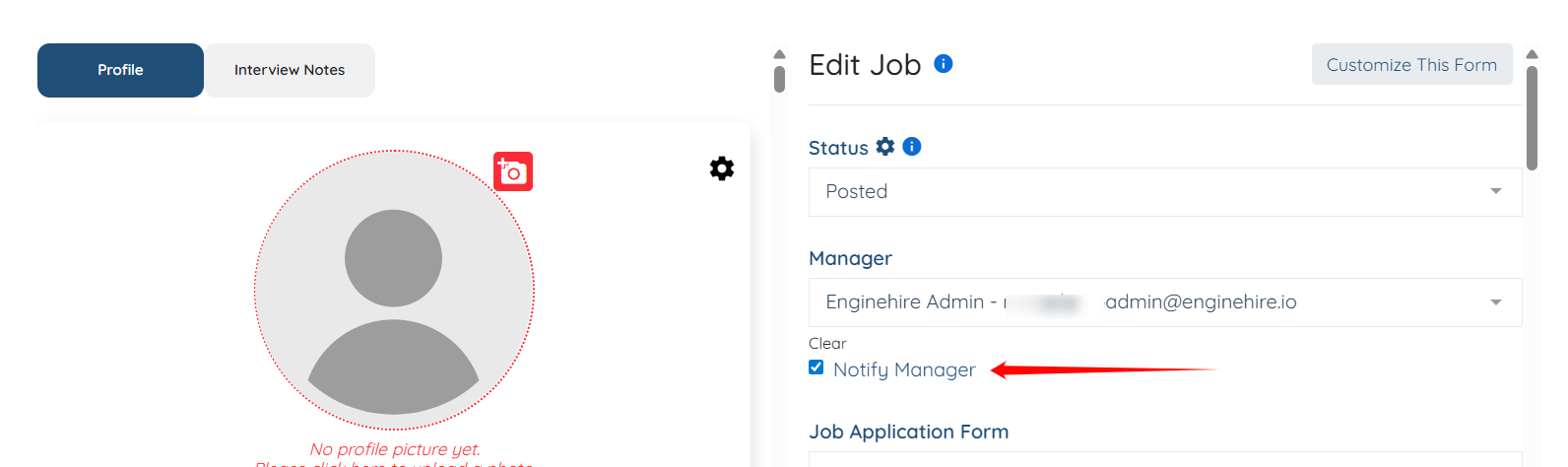
Step 6: Ensure that you check the Notify Manager checkbox.
Step 7: Click the Save button to proceed.