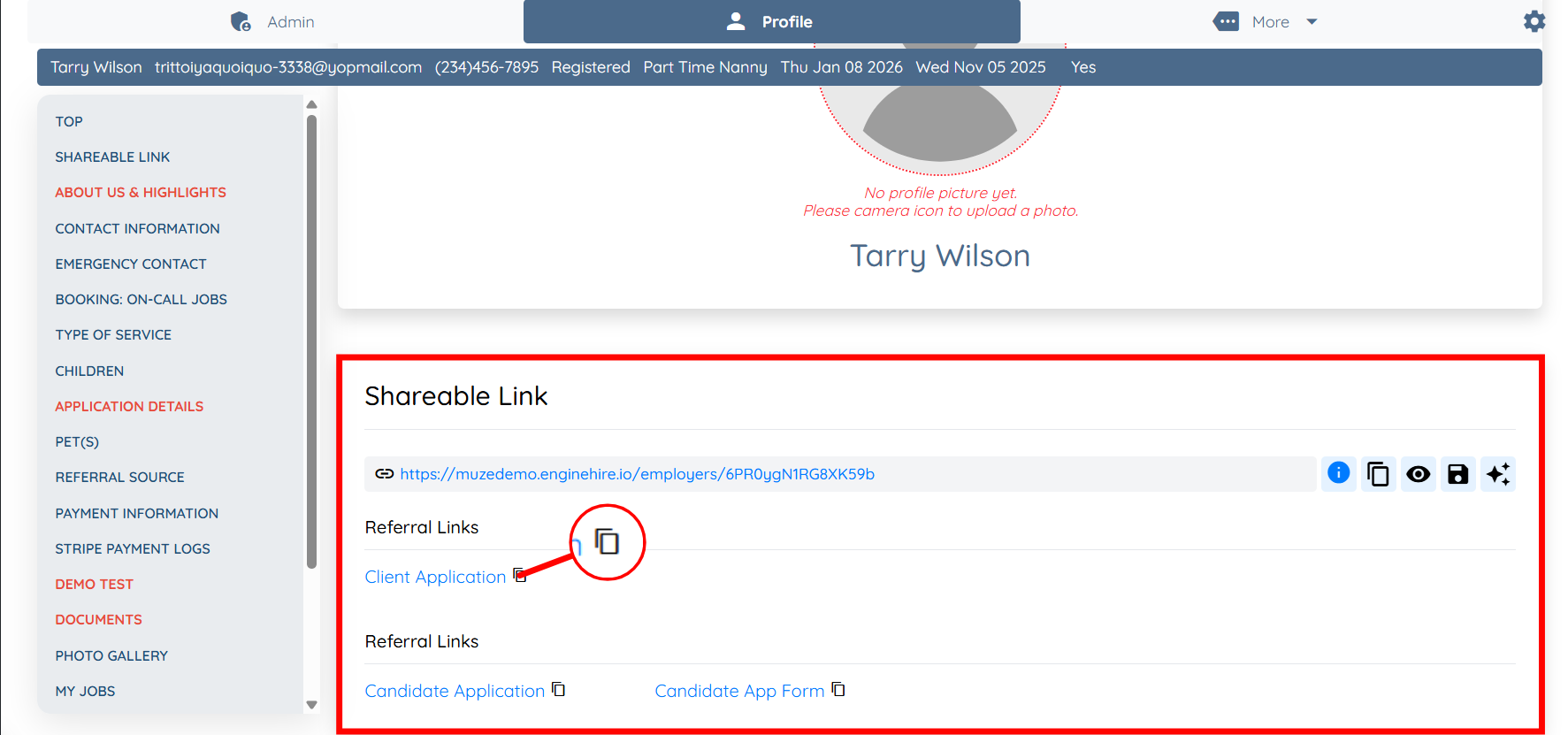
Note: For demonstration purposes, this article uses a client profile to show how to share referral links. The same steps apply when sharing referral links from a candidate profile.
Let’s get started 🚀
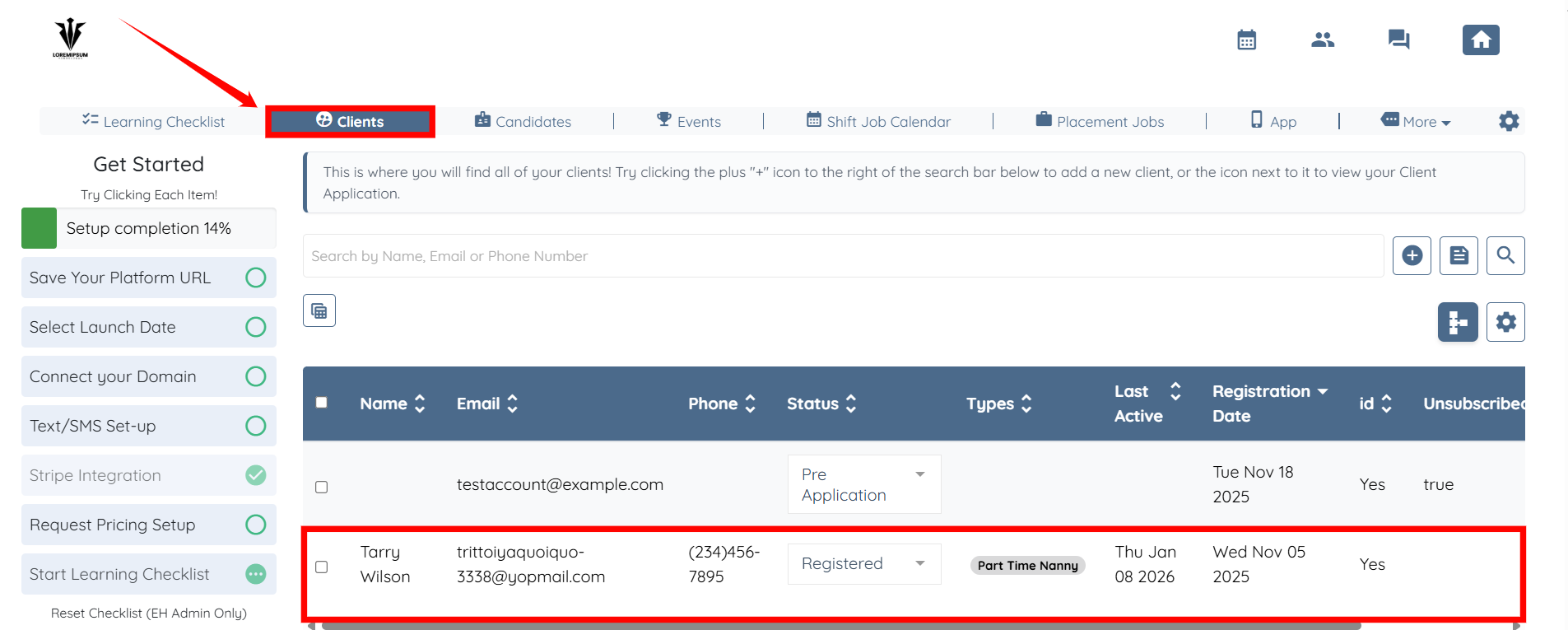
Step 1: Log in to your agent dashboard and click on any client from the list in the Clients section.
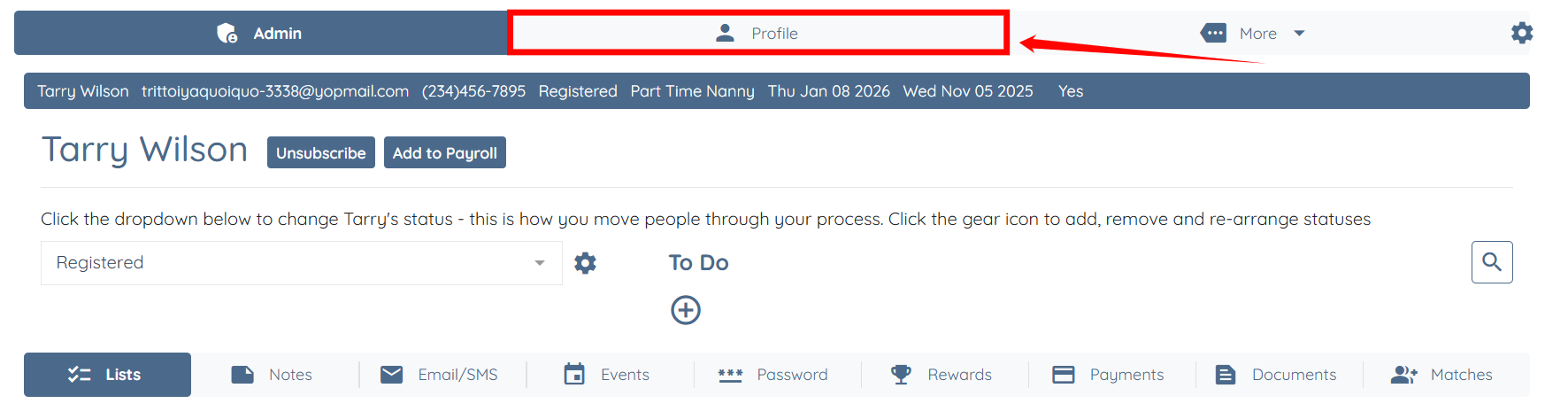
Step 2: Click the Profile tab to access the client profile.
Step 3: Under the Shareable Link section, you can copy any referral link you need by clicking the copy icon next to the respective referral link, as shown in the screenshot below.