Let’s get started 🚀
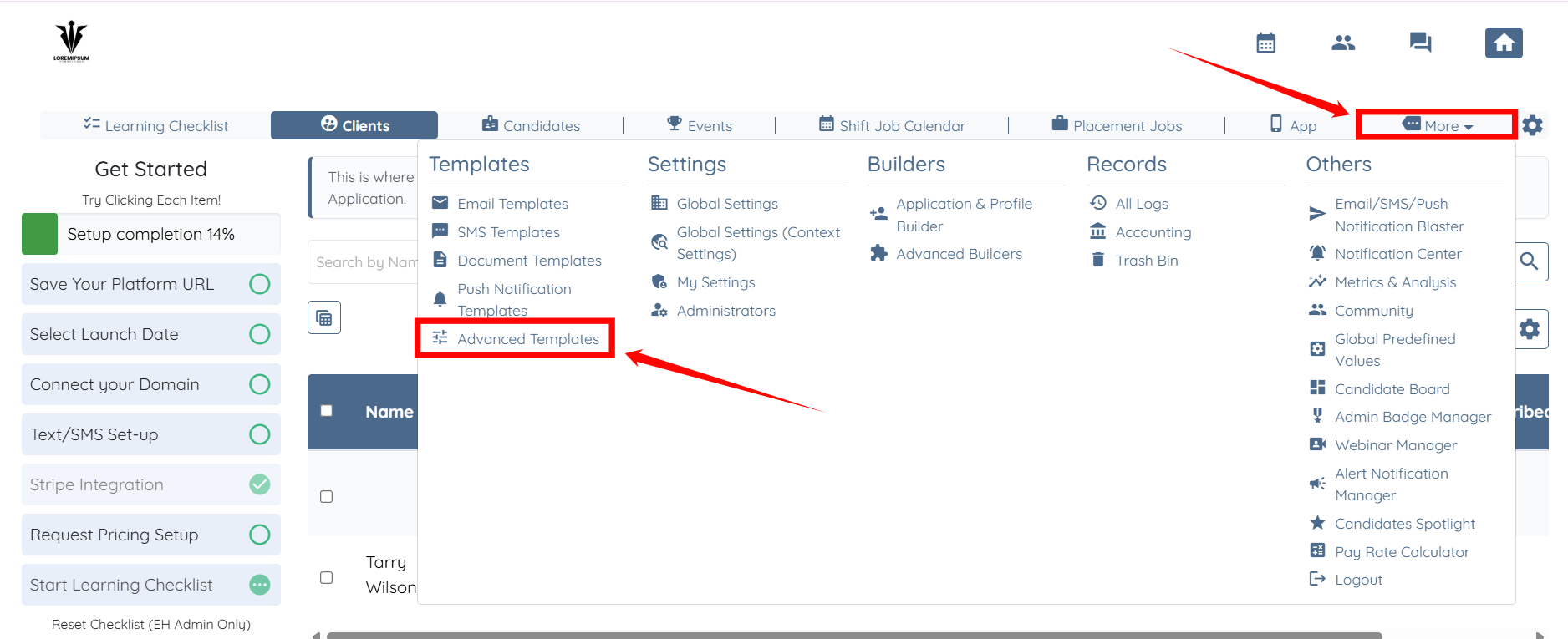
Step 1: Log in to your agent dashboard, then click More and select Advanced Templates, as shown in the screenshot below.
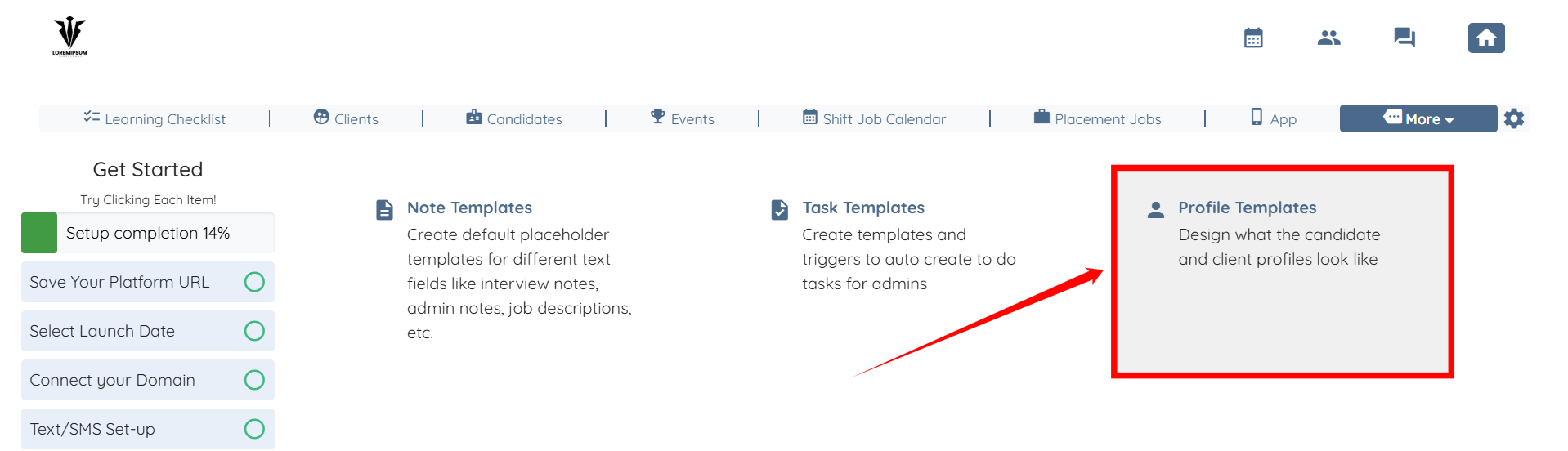
Step 2: Click Profile Templates to start adding a new profile template.
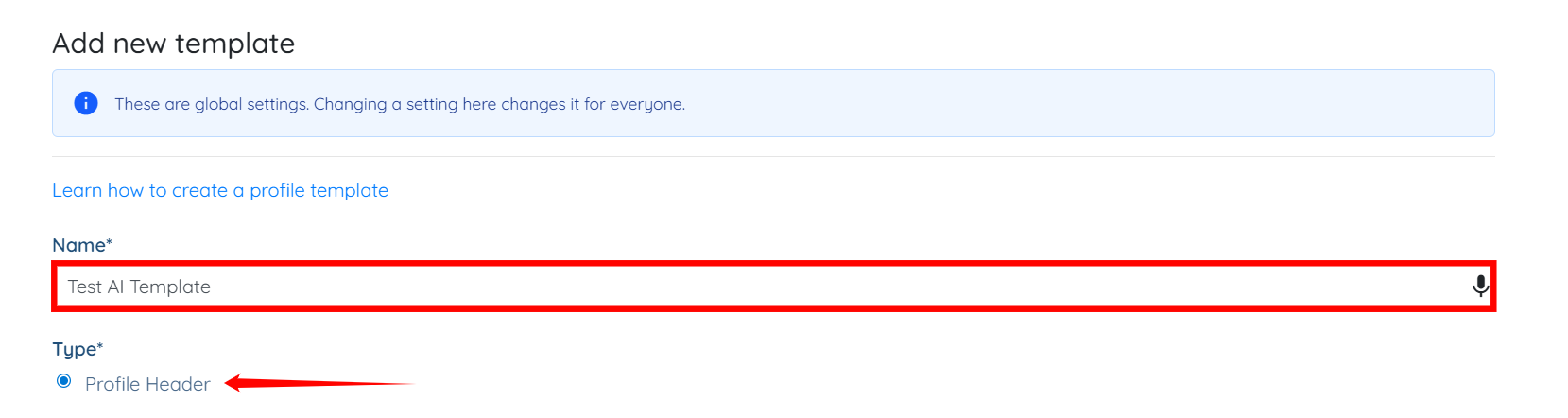
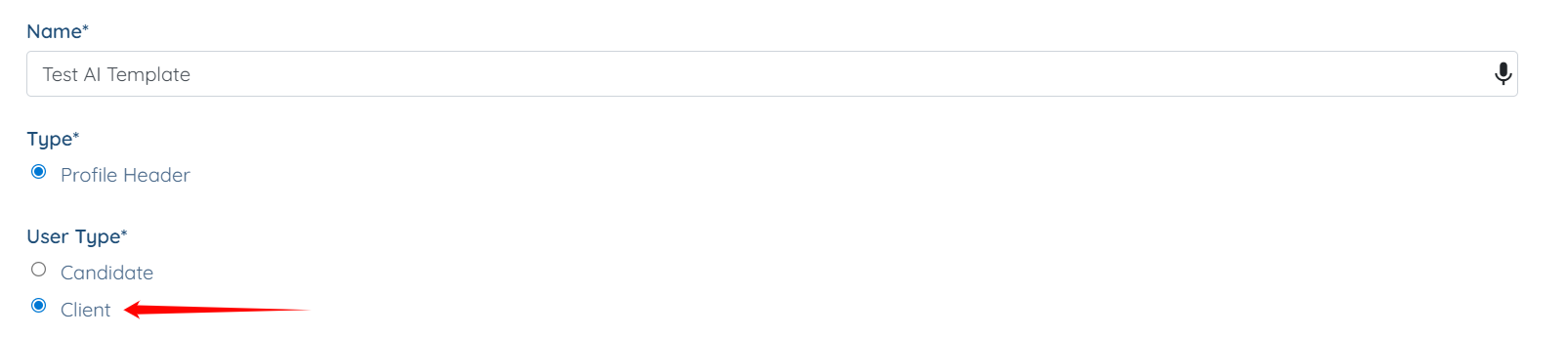
Step 3: Enter a name for your template and set the Type to Profile Header.
Step 4: Select Client as the User Type.
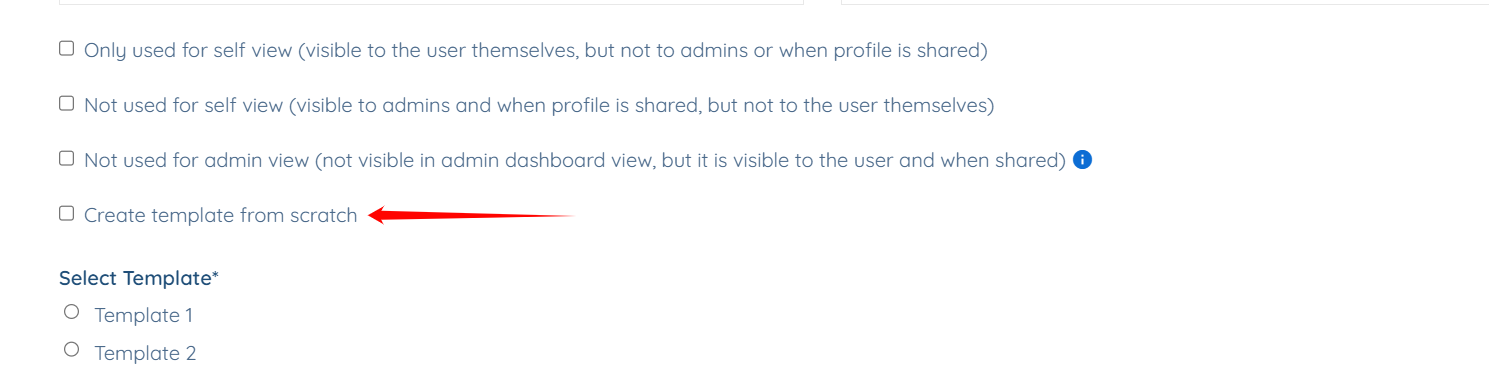
Step 5: Check the Create template from scratch checkbox.
Step 6: Describe the layout of your profile template as required, and then click Generate Template to begin generating the template.
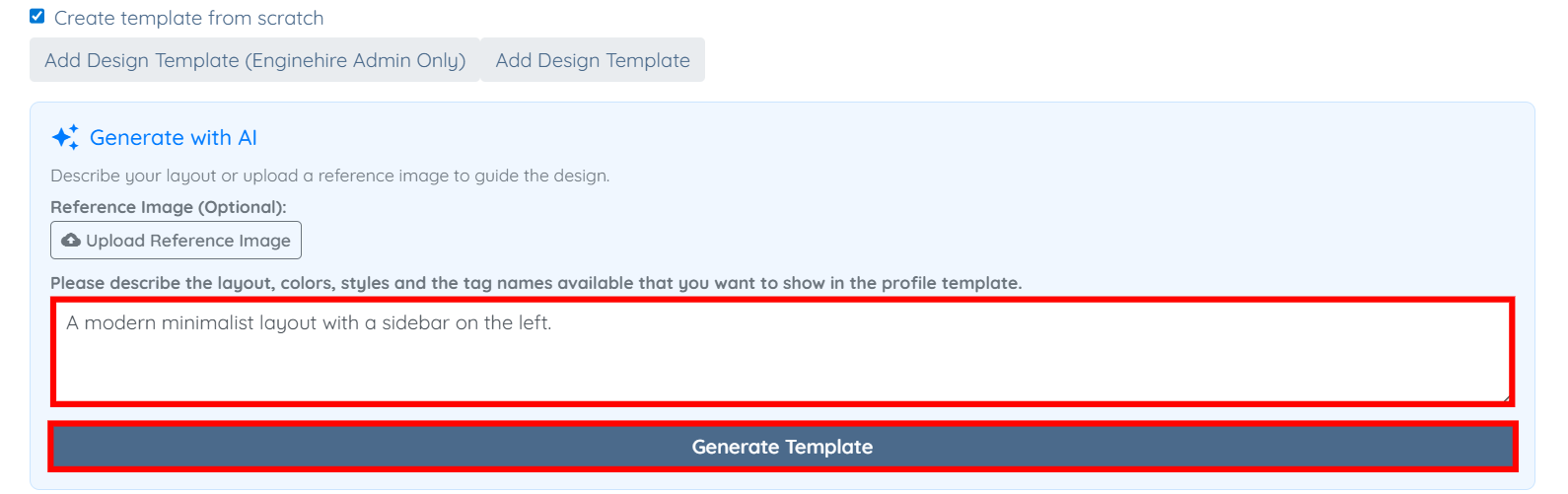
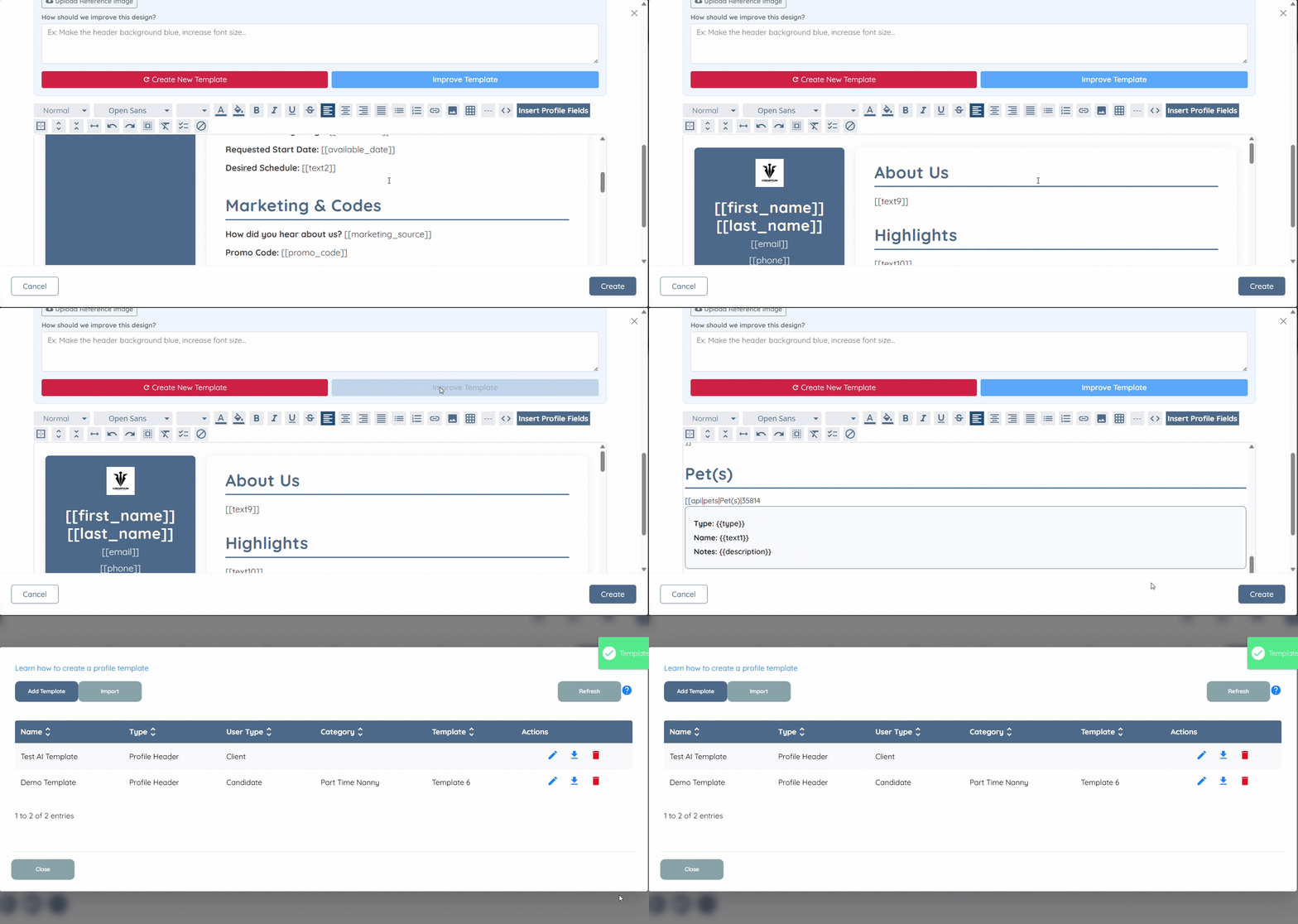
Your profile template will be generated successfully. You can then improve the generated template or create a new template by describing the layout again.
Once you are satisfied with the generated template, click the Create button to proceed. Your profile template will then be created successfully.