Let’s get started 🚀
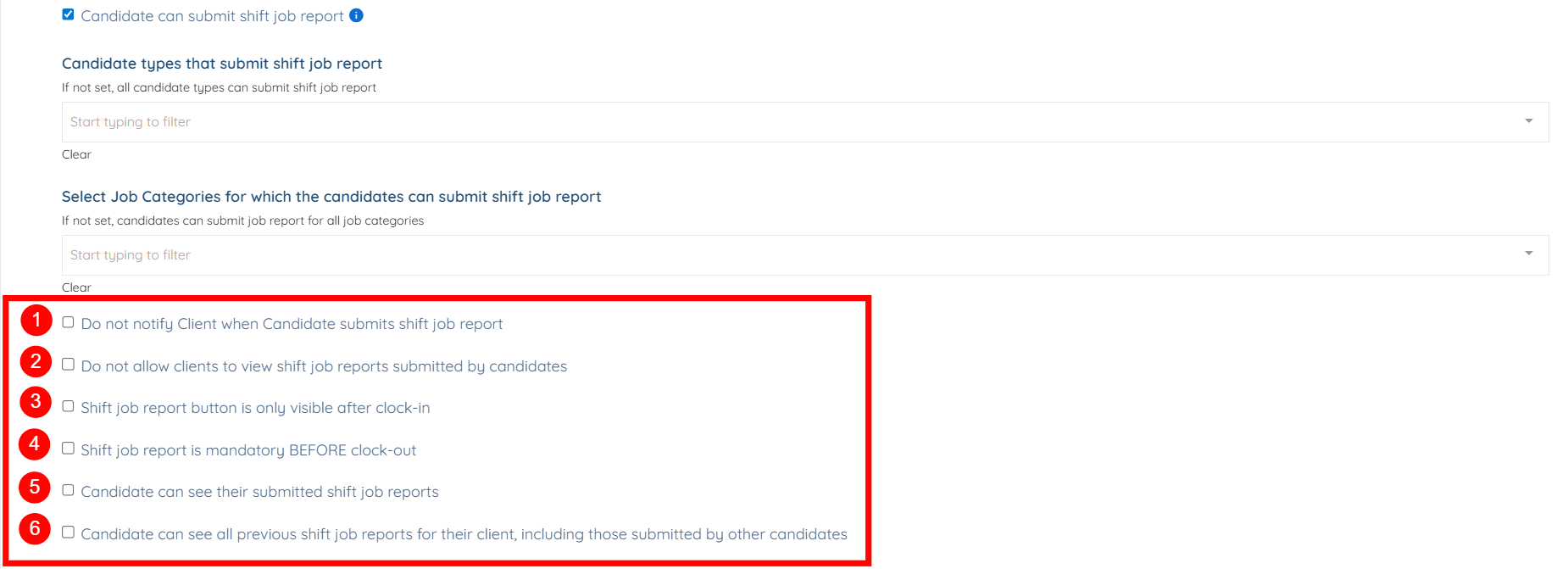
After you enable the Candidate can submit shift job report checkbox, you can use the following options to control notifications, visibility, and submission behavior related to candidate shift job reports.
S.no | Option | Description |
1. | Do not notify Client when Candidate submits shift job report | Disable client notifications when a candidate submits a shift job report. |
2. | Do not allow clients to view shift job reports submitted by candidates | Prevent clients from viewing shift job reports submitted by candidates. |
3. | Shift job report button is only visible after clock-in | Show the shift job report button only after the candidate has clocked in for the shift. |
4. | Shift job report is mandatory BEFORE clock-out | Require candidates to submit a shift job report before they are allowed to clock out. |
5. | Candidate can see their submitted shift job reports | Allow candidates to view shift job reports they have submitted. |
6. | Candidate can see all previous shift job reports for their client, including those submitted by other candidates | Allow candidates to view all past shift job reports for the same client, including reports submitted by other candidates. |
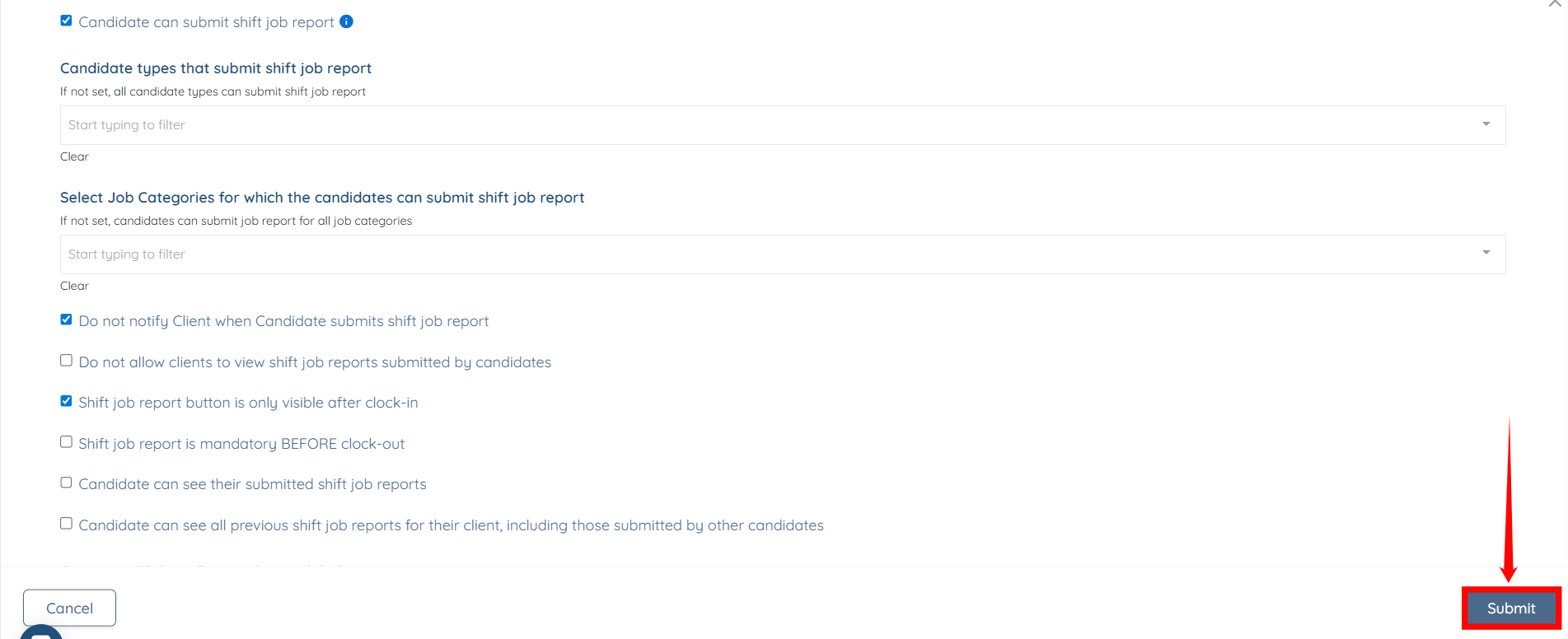
Once you have made the required changes, click the Submit button to confirm them.