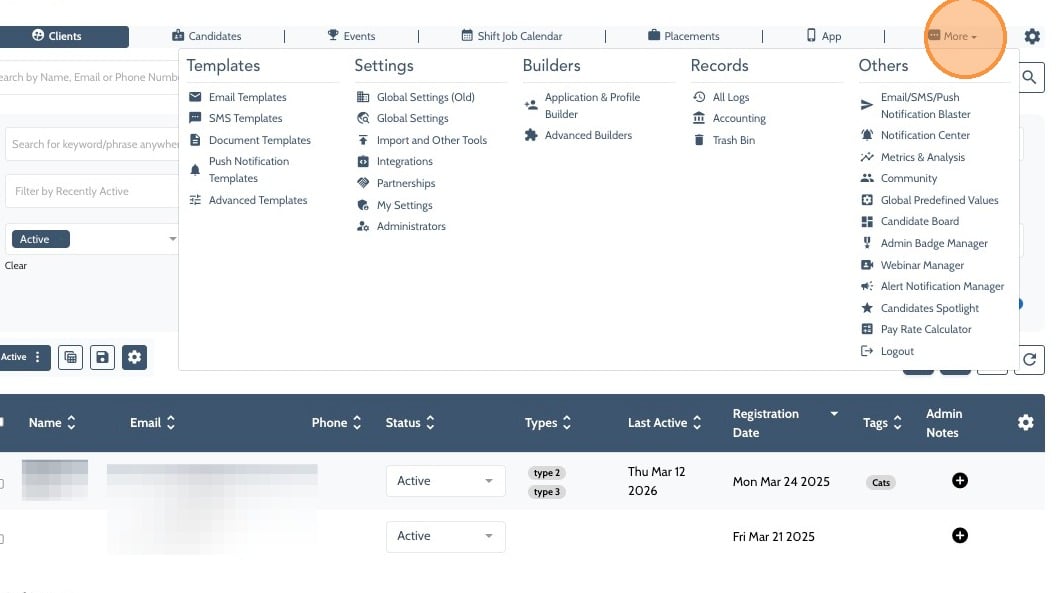
1. Click “More”
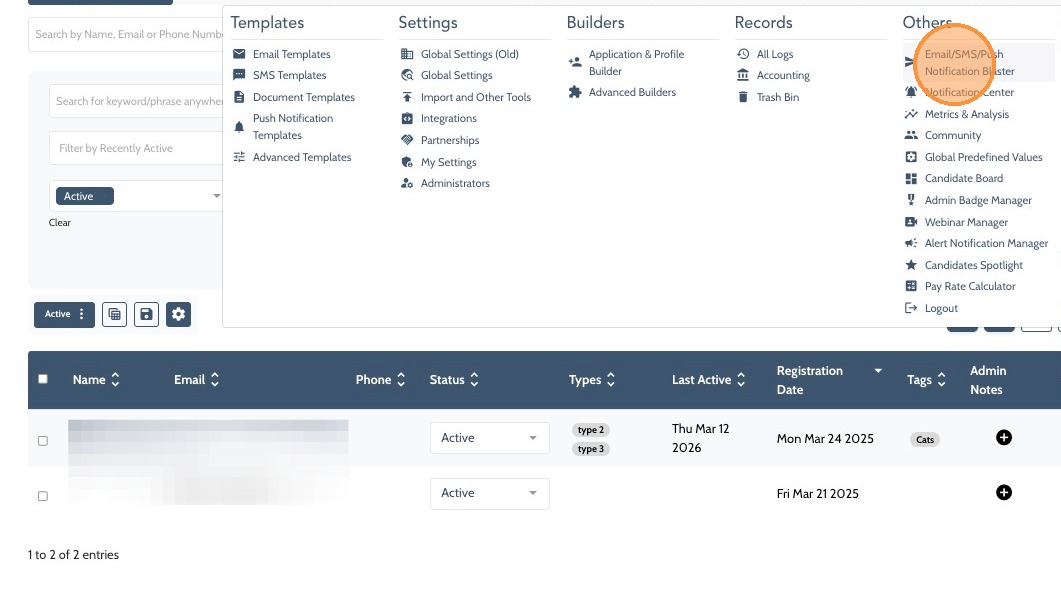
2. Select "Email/SMS/Push Notification Blaster" from the Other menu
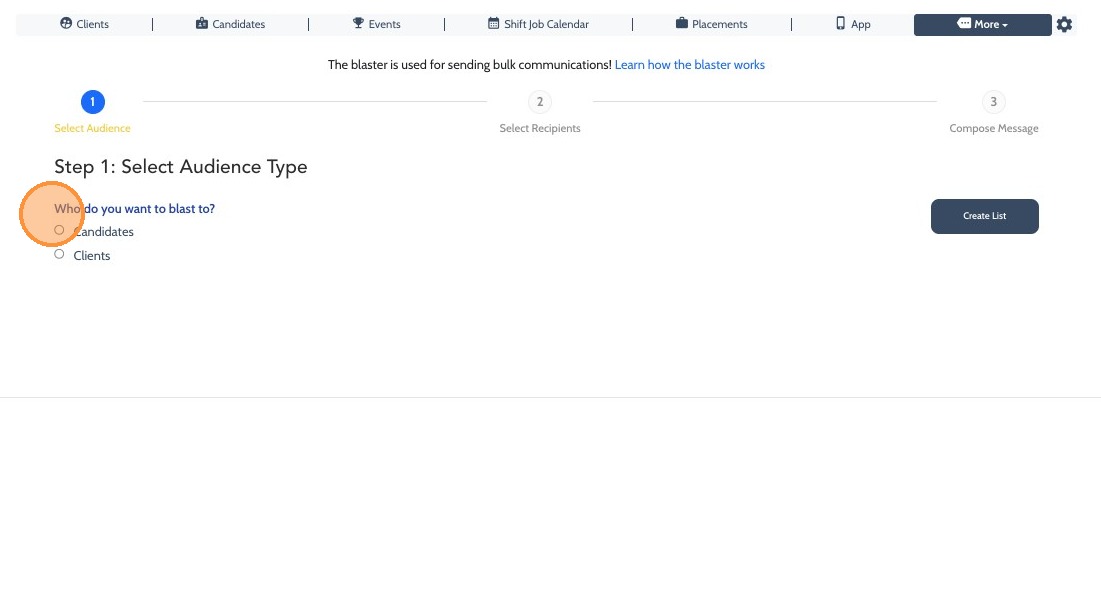
3. Select your Audience, in this case that’s "Candidates"
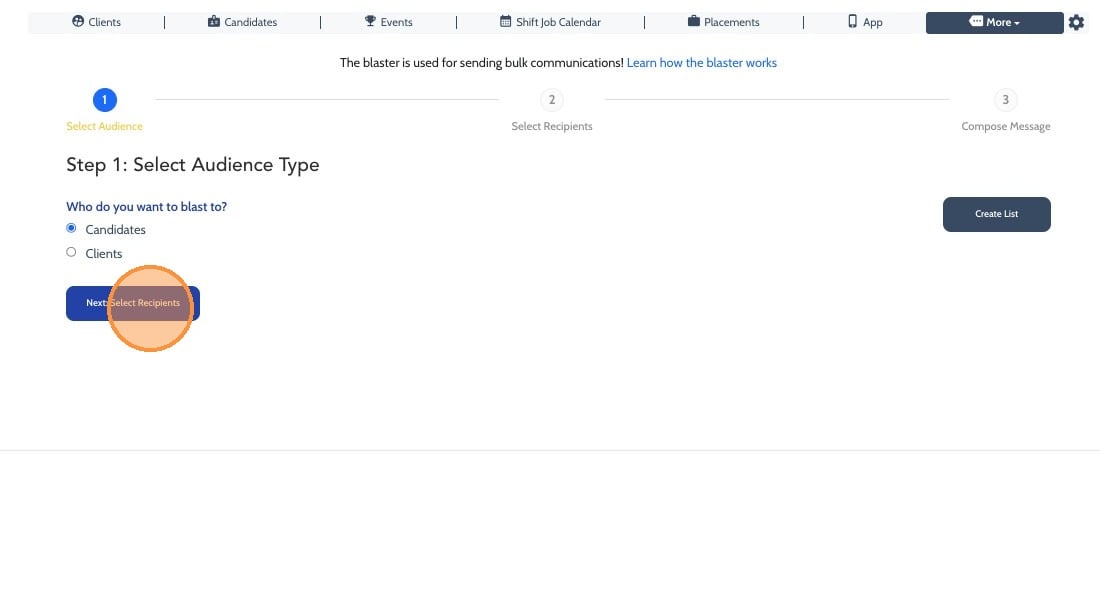
4. Click "Next: Select Recipients"
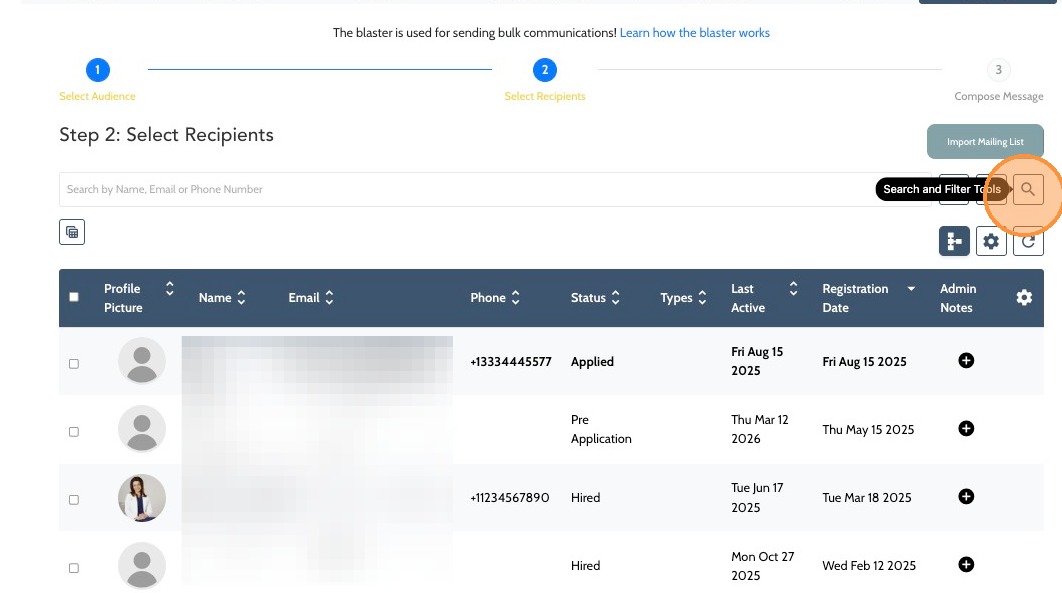
5. Open the "Search and Filter Tools"
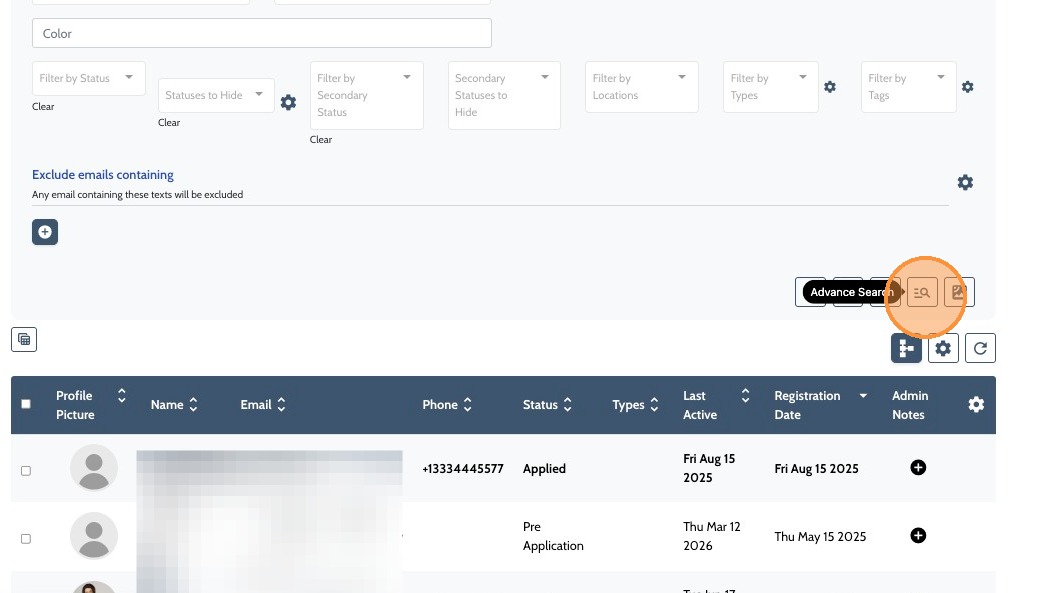
6. Click "Advance Search"
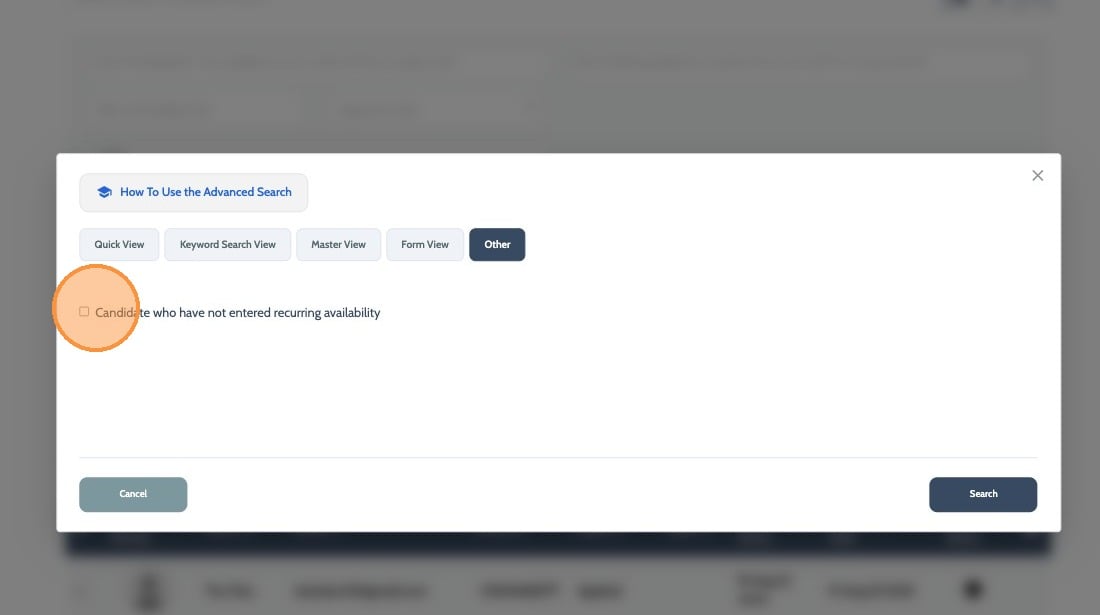
7. Select "Other"
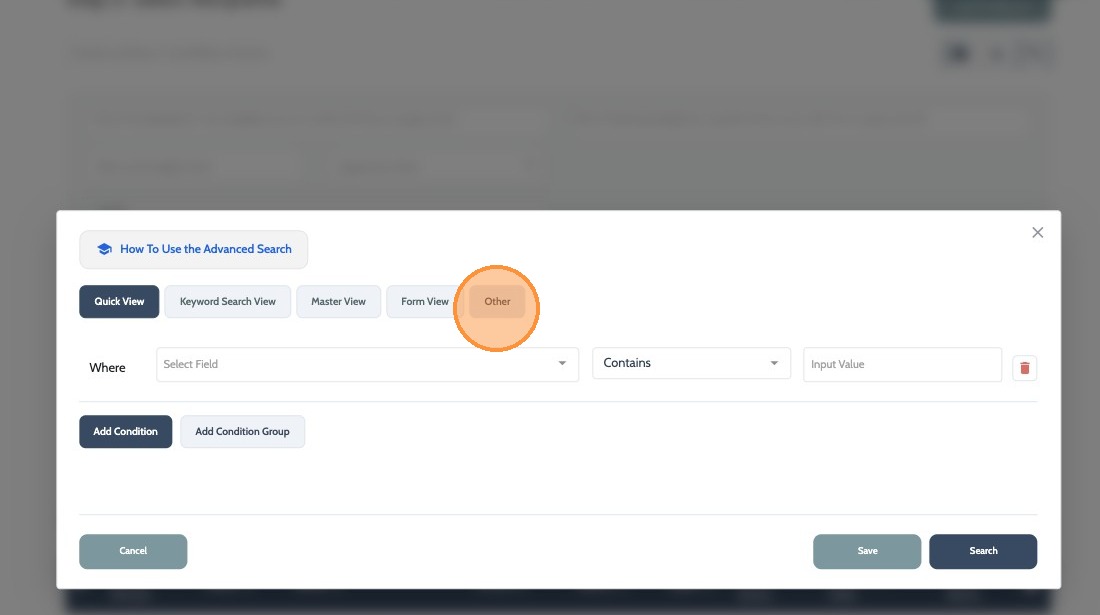
8. Click the checkbox next to "Candidate who have not entered recurring availability"
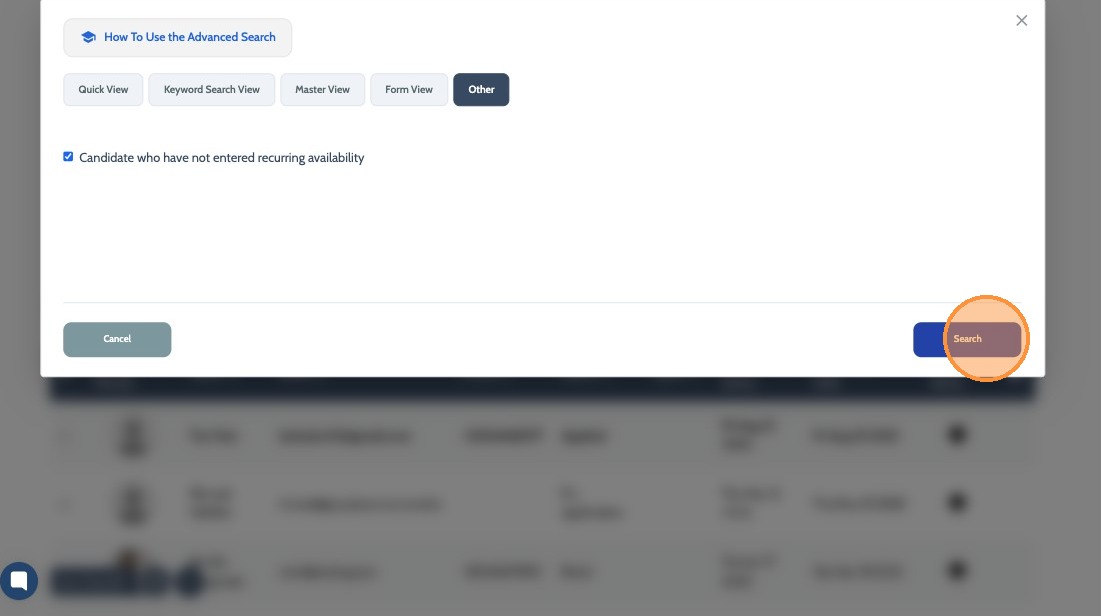
9. Click "Search"
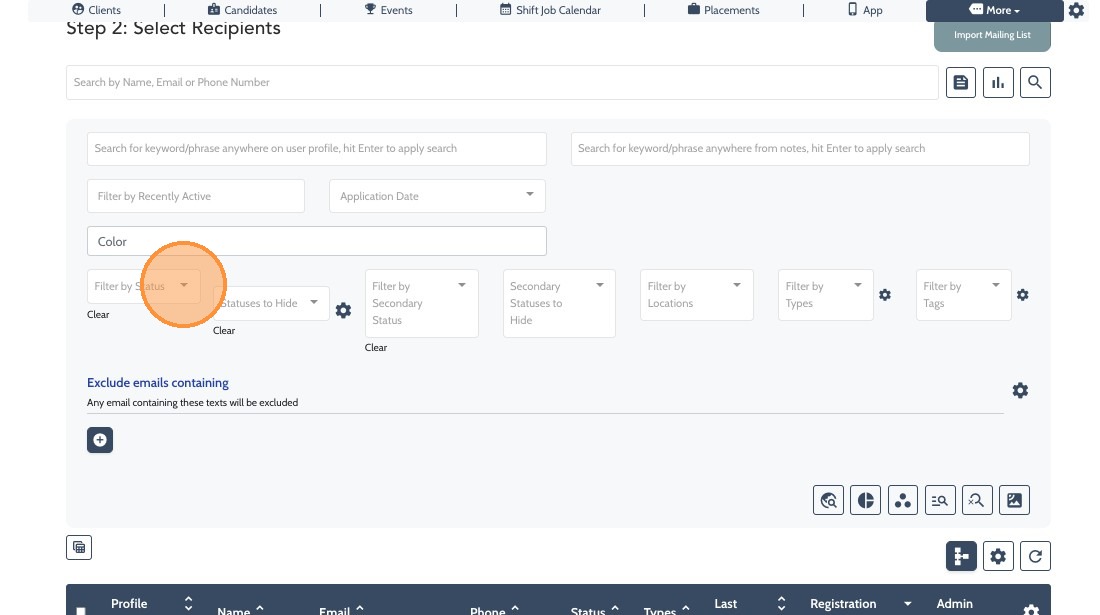
10. If you wish to filter further by Status, Location, Types you can add these filters here within each dropdown menu.
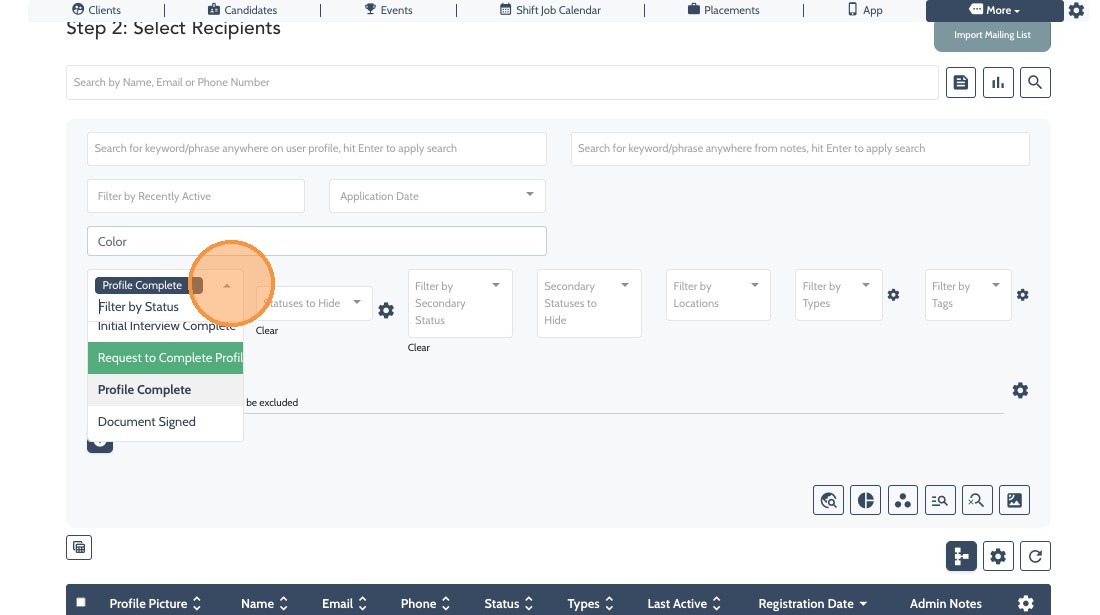
11. In this example we’re filtering by Candidates who are in “Profile Complete” status
12. Click this checkbox to select the Candidates you wish to send the blast to.
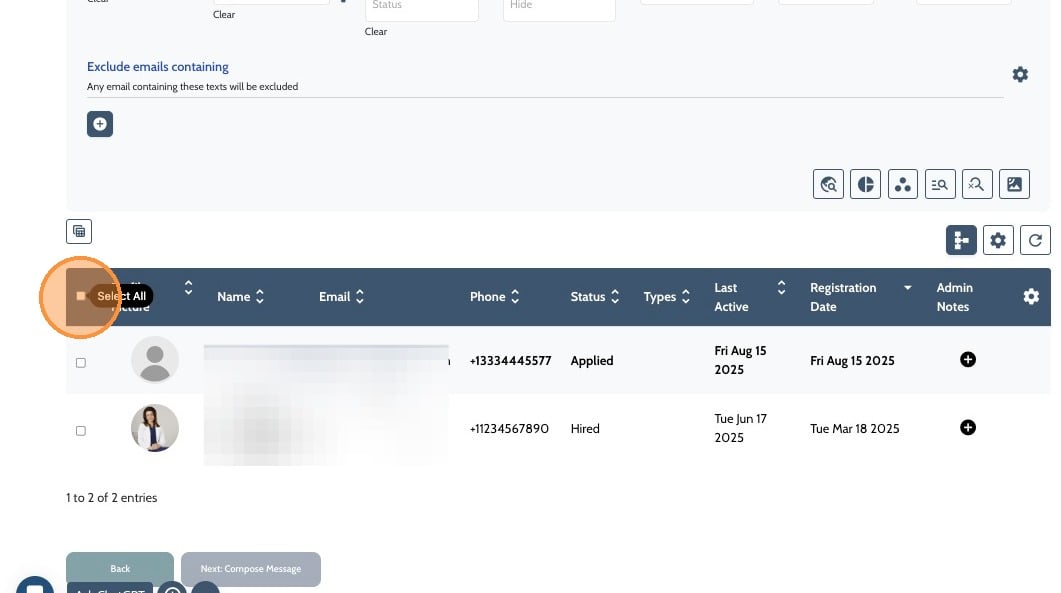
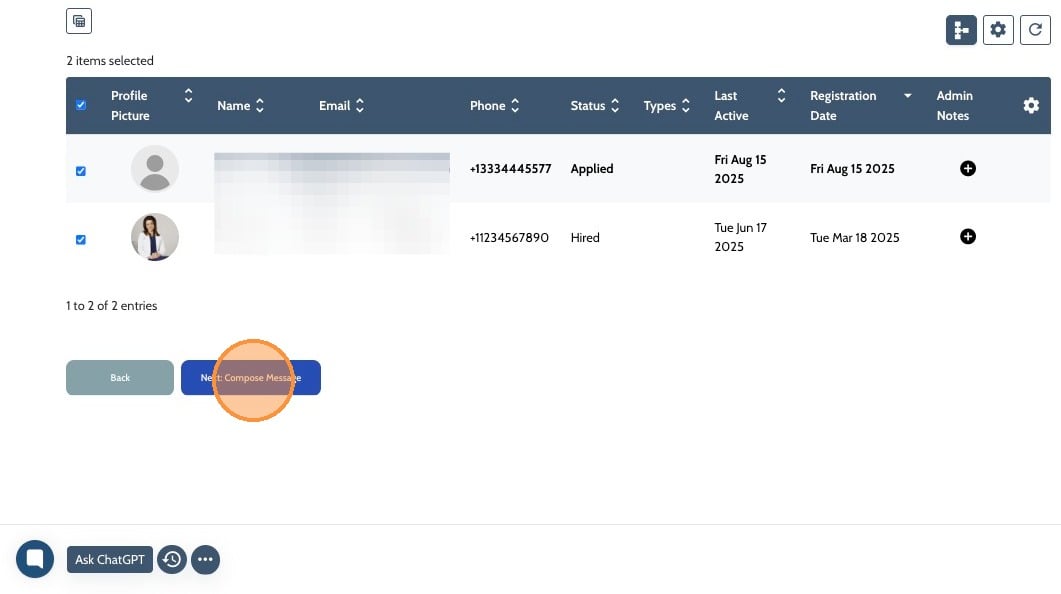
13. Click "Next: Compose Message"
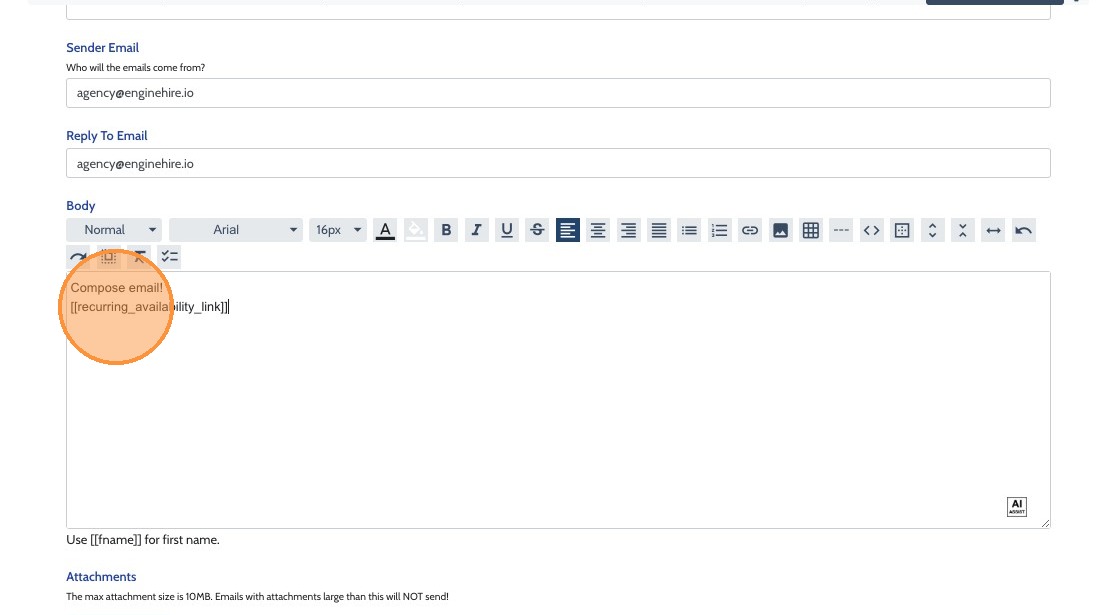
14. Enter the body of the email and be sure to include the tag: [[recurring_availability_link]]
This will send each Candidate a link to take them directly to their personal profile to update their general availability.
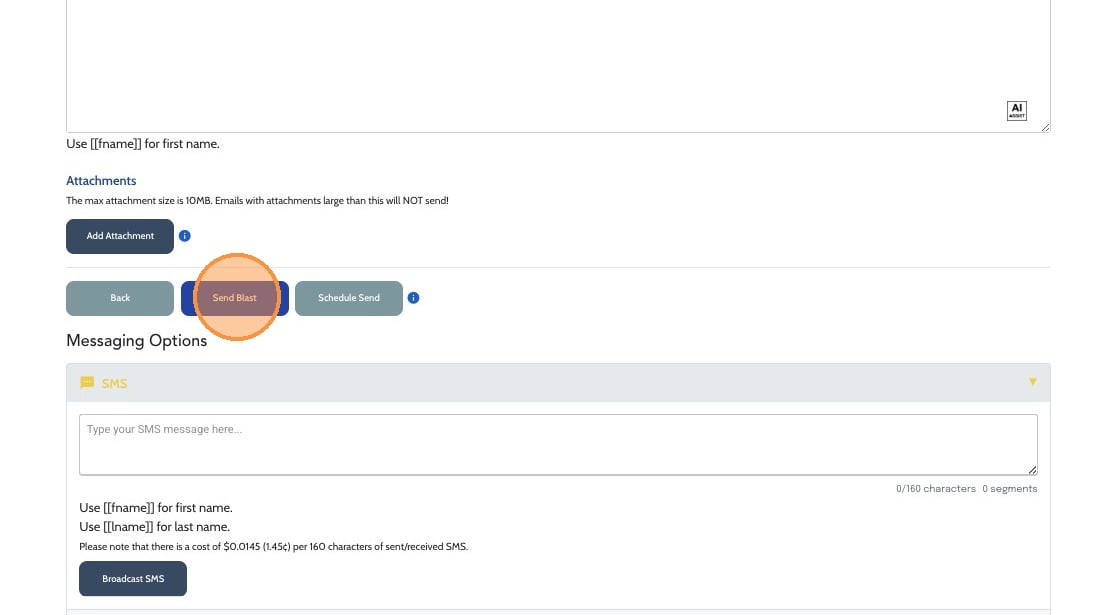
15. Click "Send Blast" when you’re ready to send your message
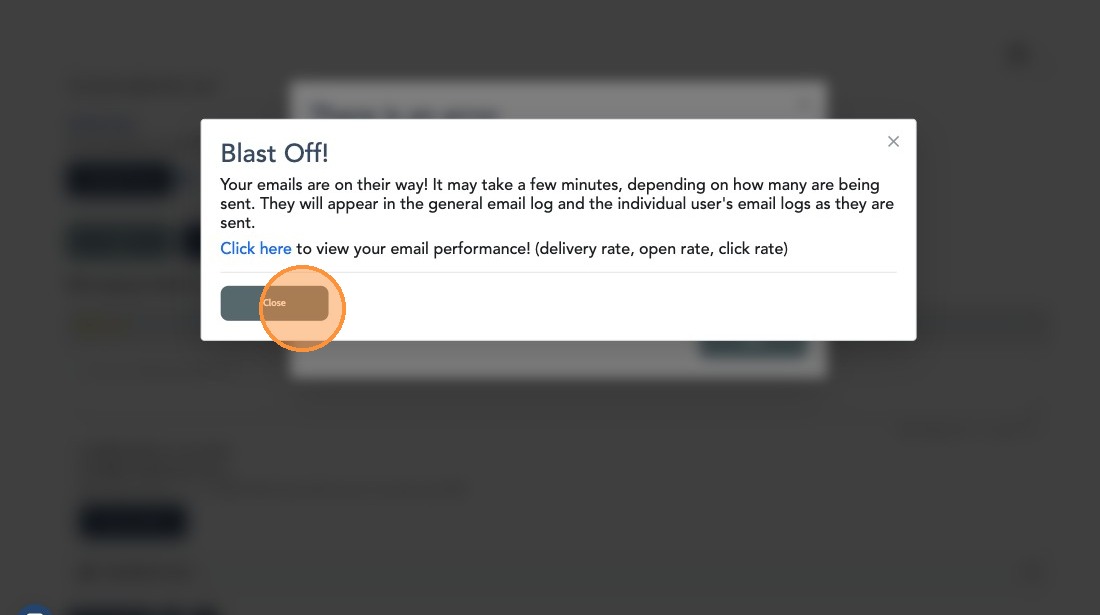
16. The following pop-up will appear confirming the message has send. Click "Close" and you’re done!