Let’s get started 🚀
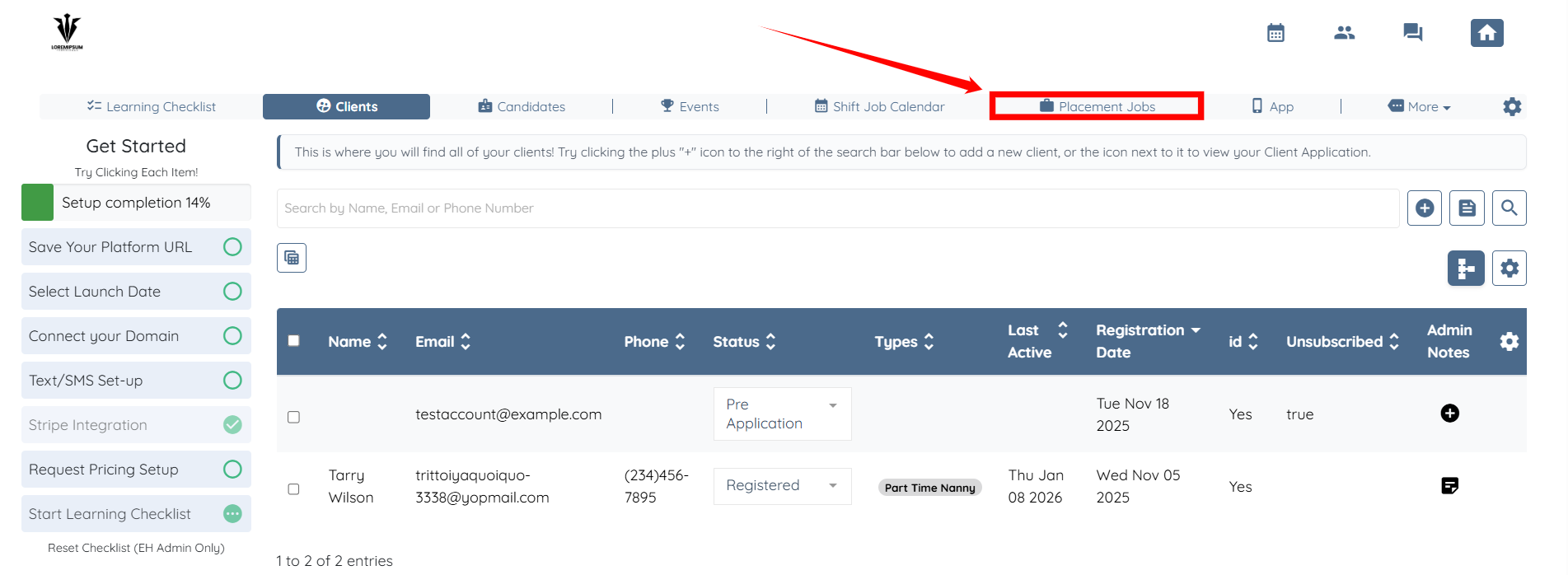
Step 1: Log in to your agent dashboard and click Placement Jobs in the top navigation bar.
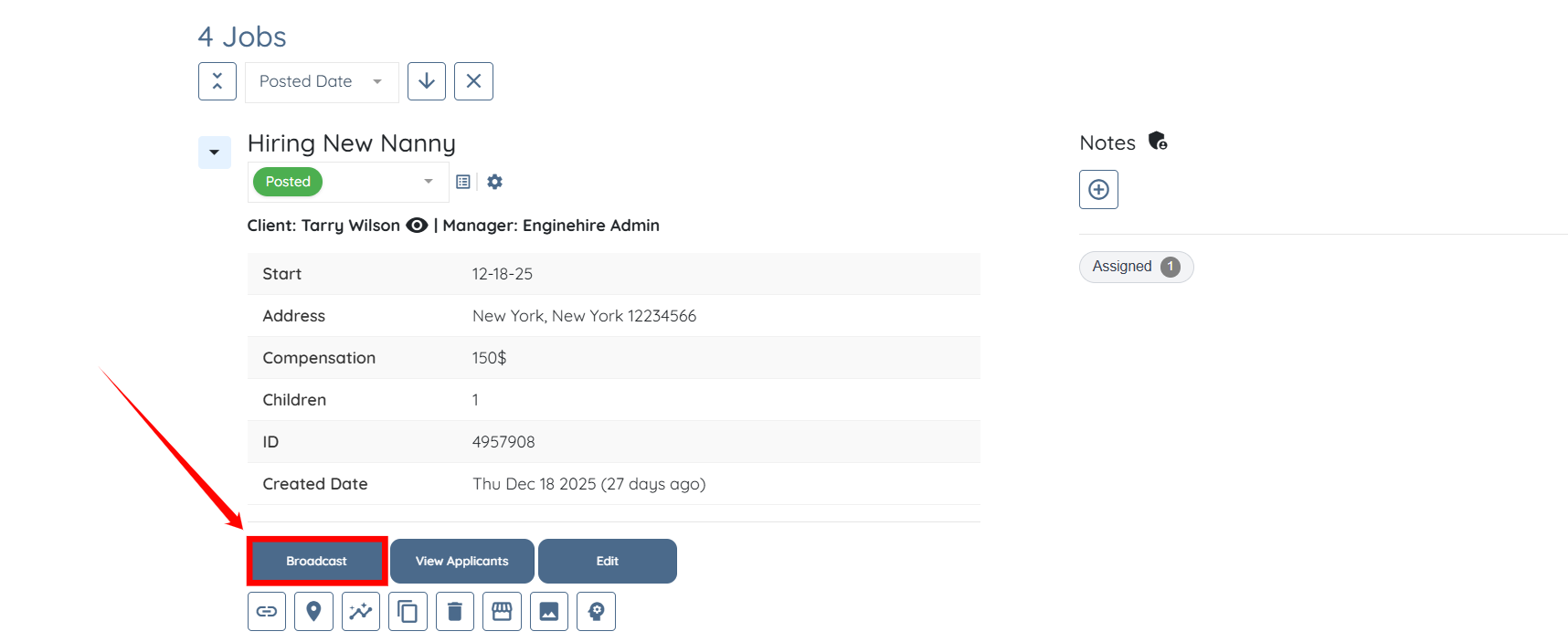
Step 2: Scroll down and click the Broadcast button for any placement job.
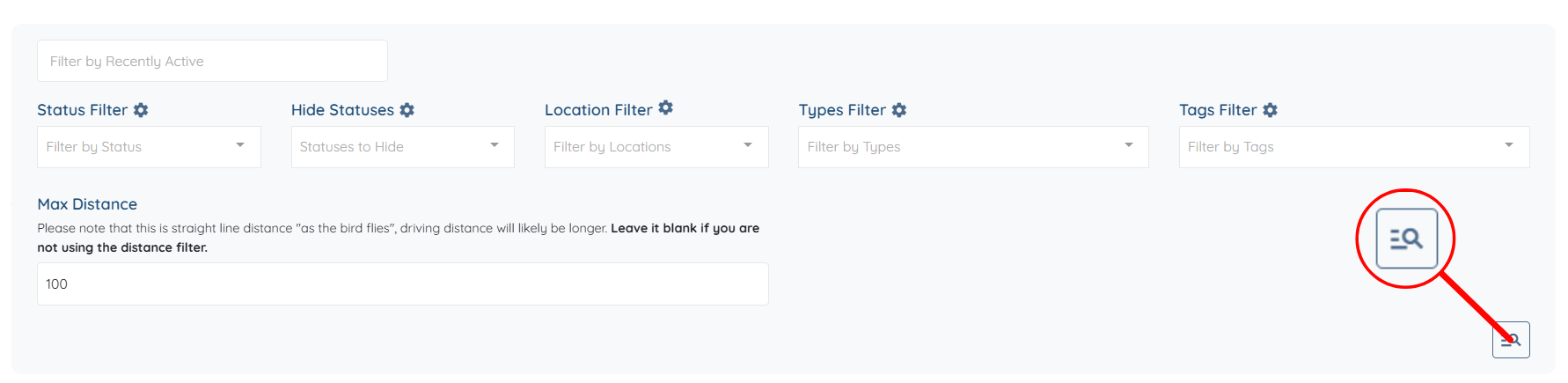
Step 3: Scroll down slightly, then click the Advance Search button.
Step 4: Click the Master View button to open it.
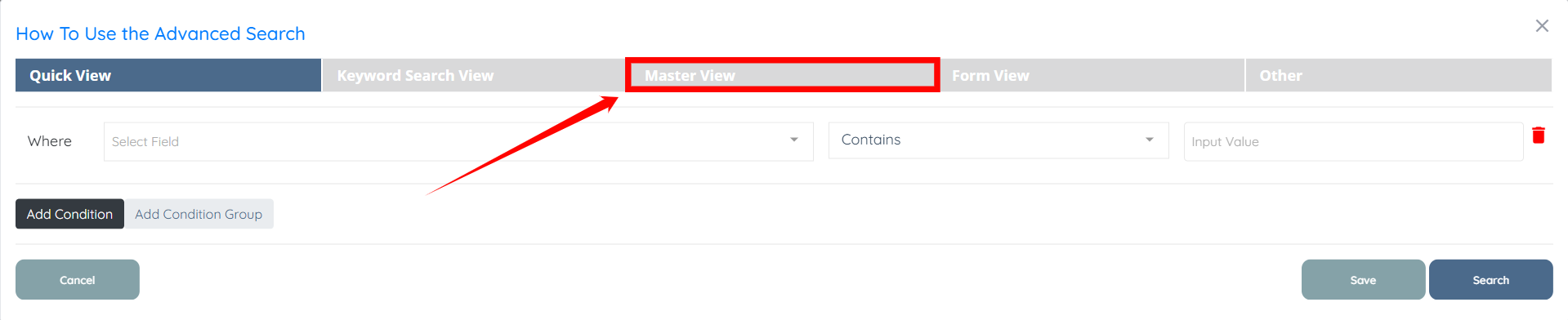
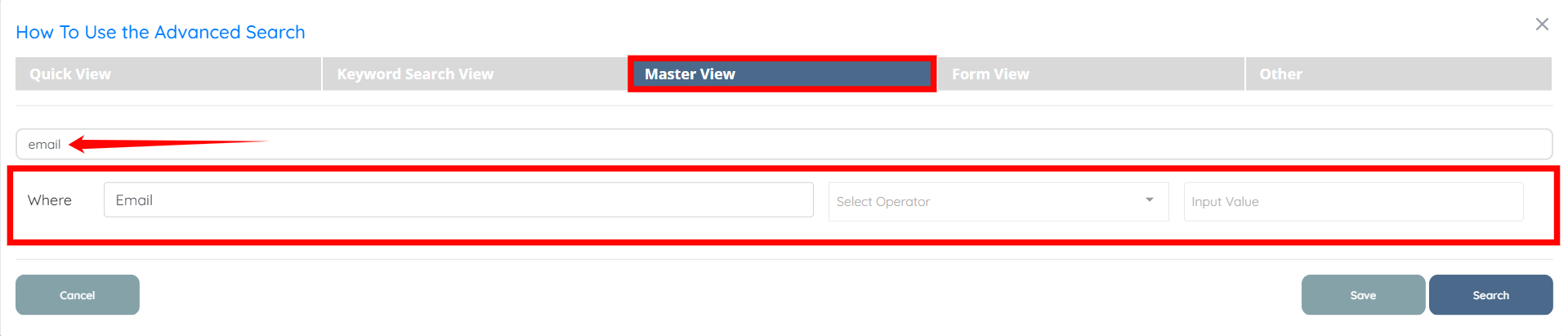
Step 5: Under the Master View, search for the specific field you are looking for in the search bar, and it will appear just below the search bar. For example, Email.
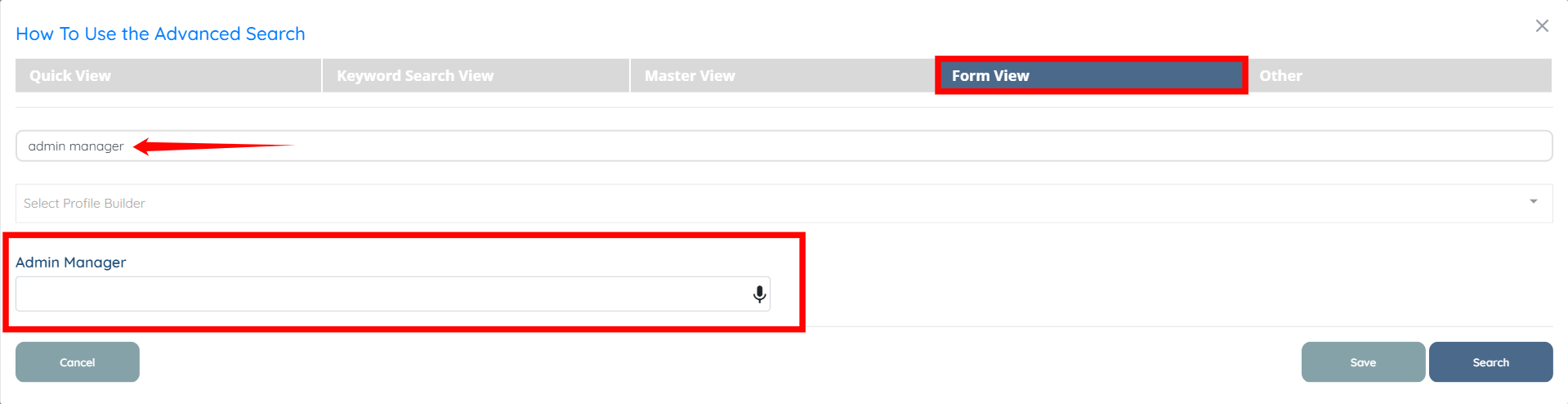
Step 6: Similarly, you can search for the specific field you are looking for under the Form View by using the search bar, and it will appear directly below the search bar. For example, Admin Manager.