Let’s get started 🚀
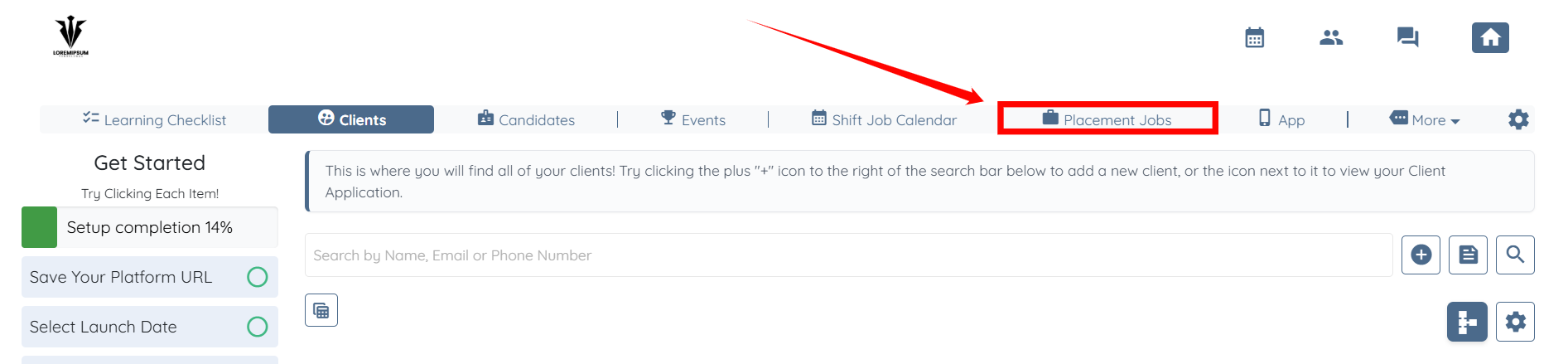
Step 1: Log in to your agent dashboard, then click Placement Jobs in the navigation bar.
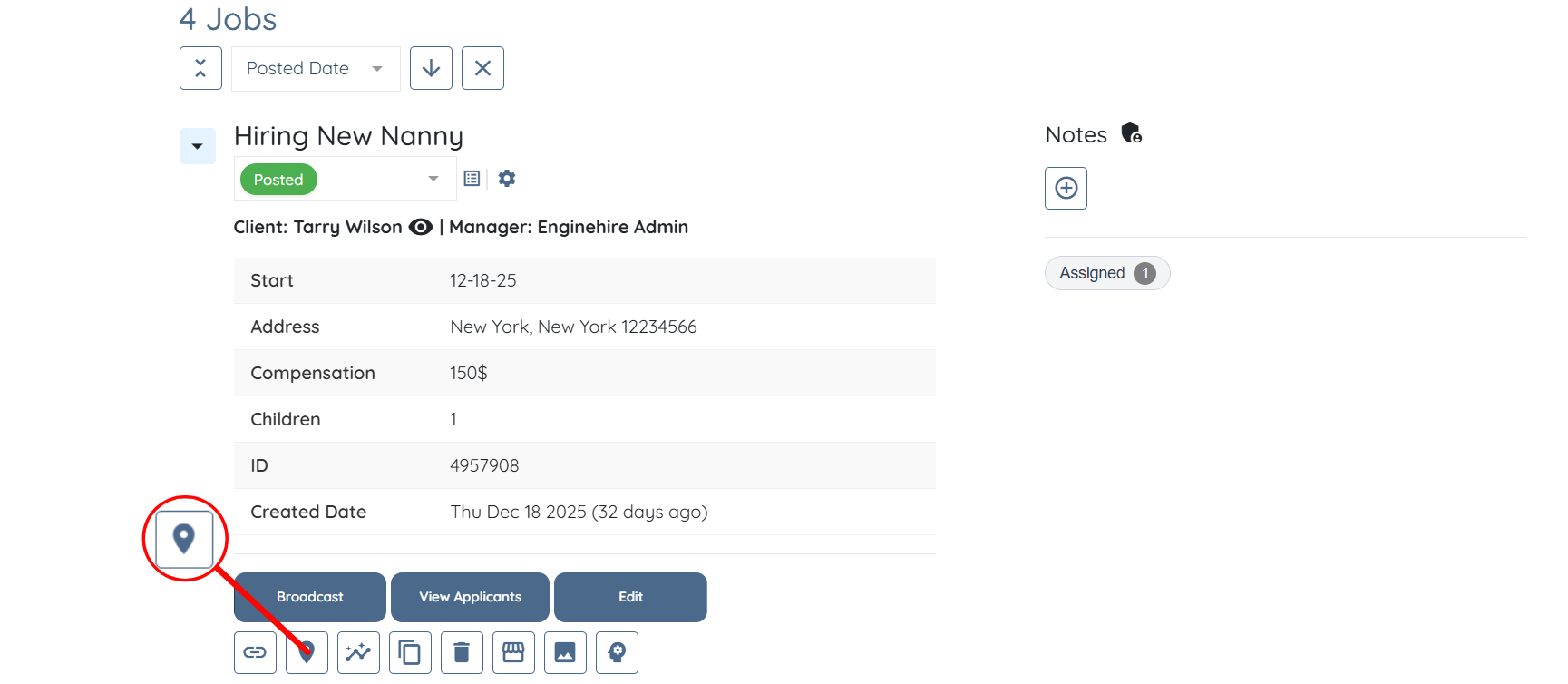
Step 2: Scroll down and locate the placement job for which you want to view nearby candidates. Then, click the button shown in the screenshot below.
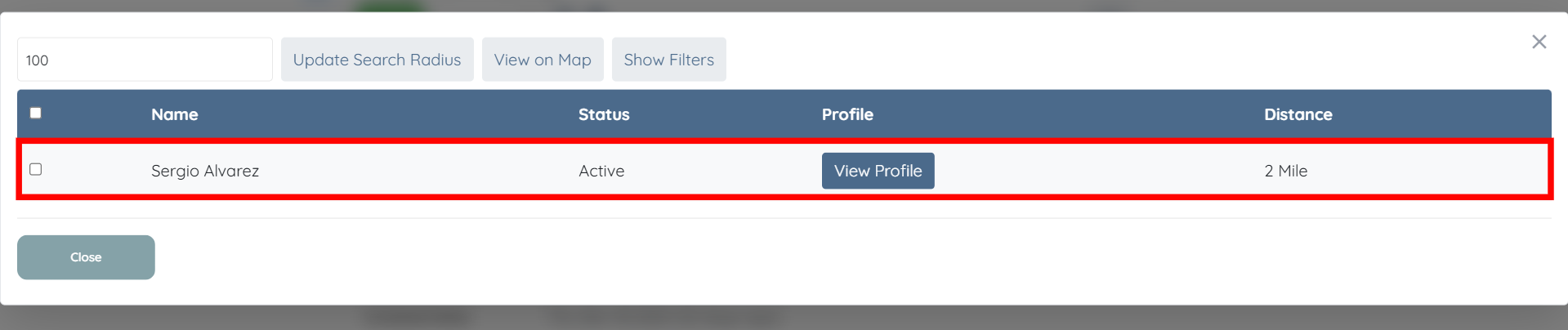
You will be able to see all nearby candidates for the selected placement job.
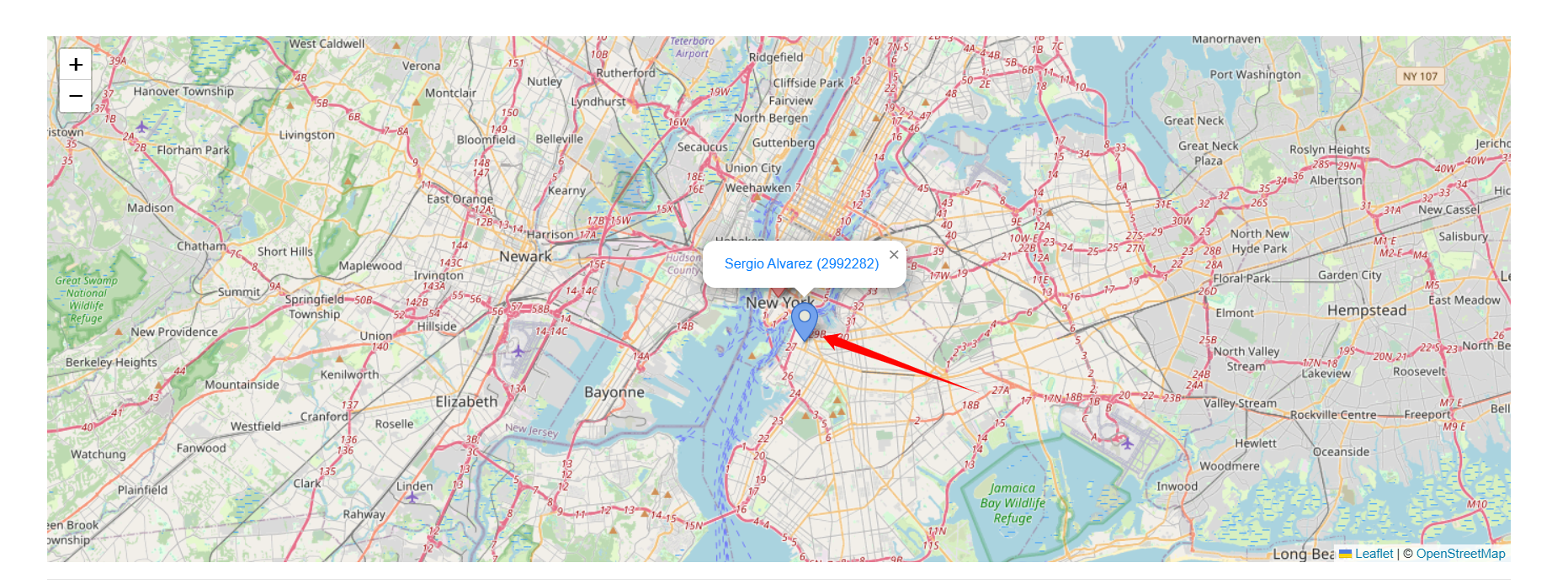
Step 3: You can also click the View on Map button to get more clarity about how far the candidates are from the job location.

The red location marker indicates the location where the job is posted.
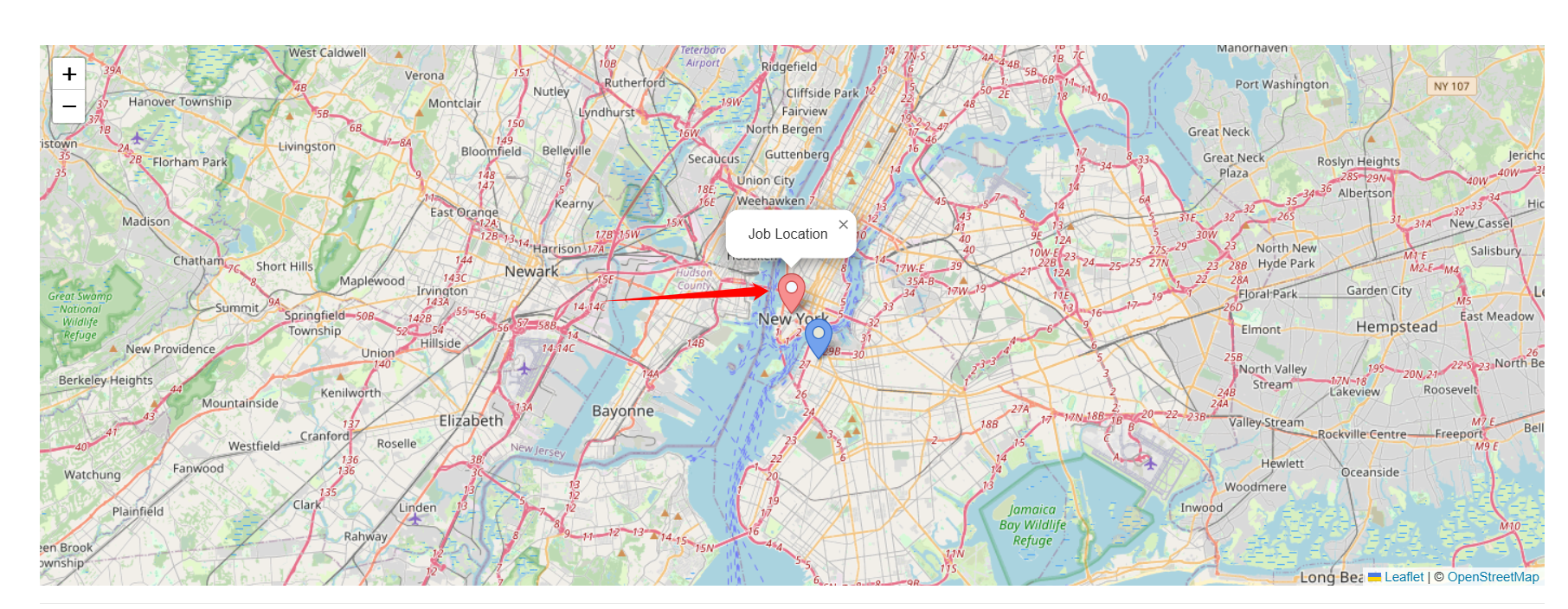
The blue location marker shows candidates located near the posted job location.