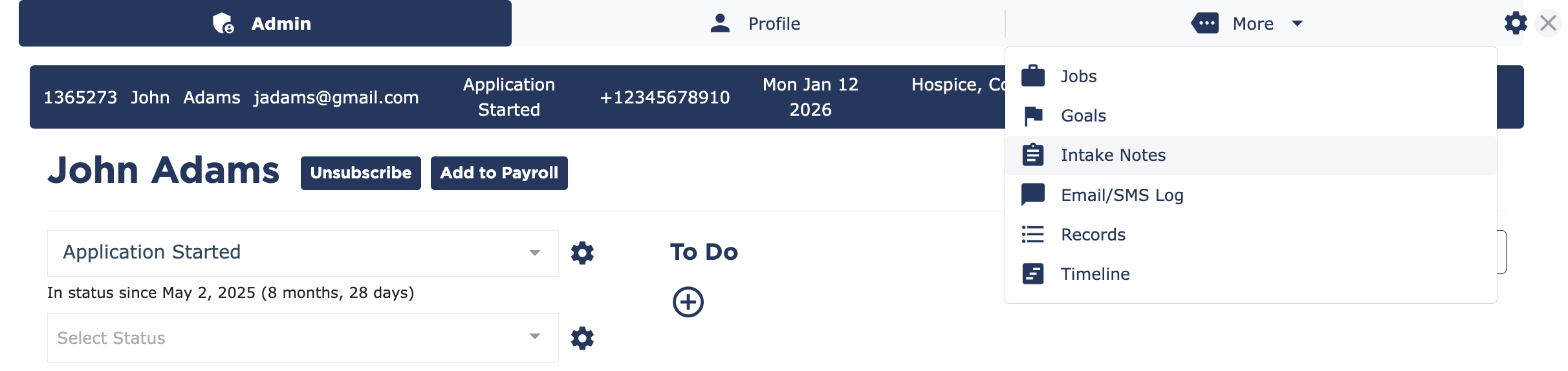
In the More tab of any client or candidate, select Intake Notes.
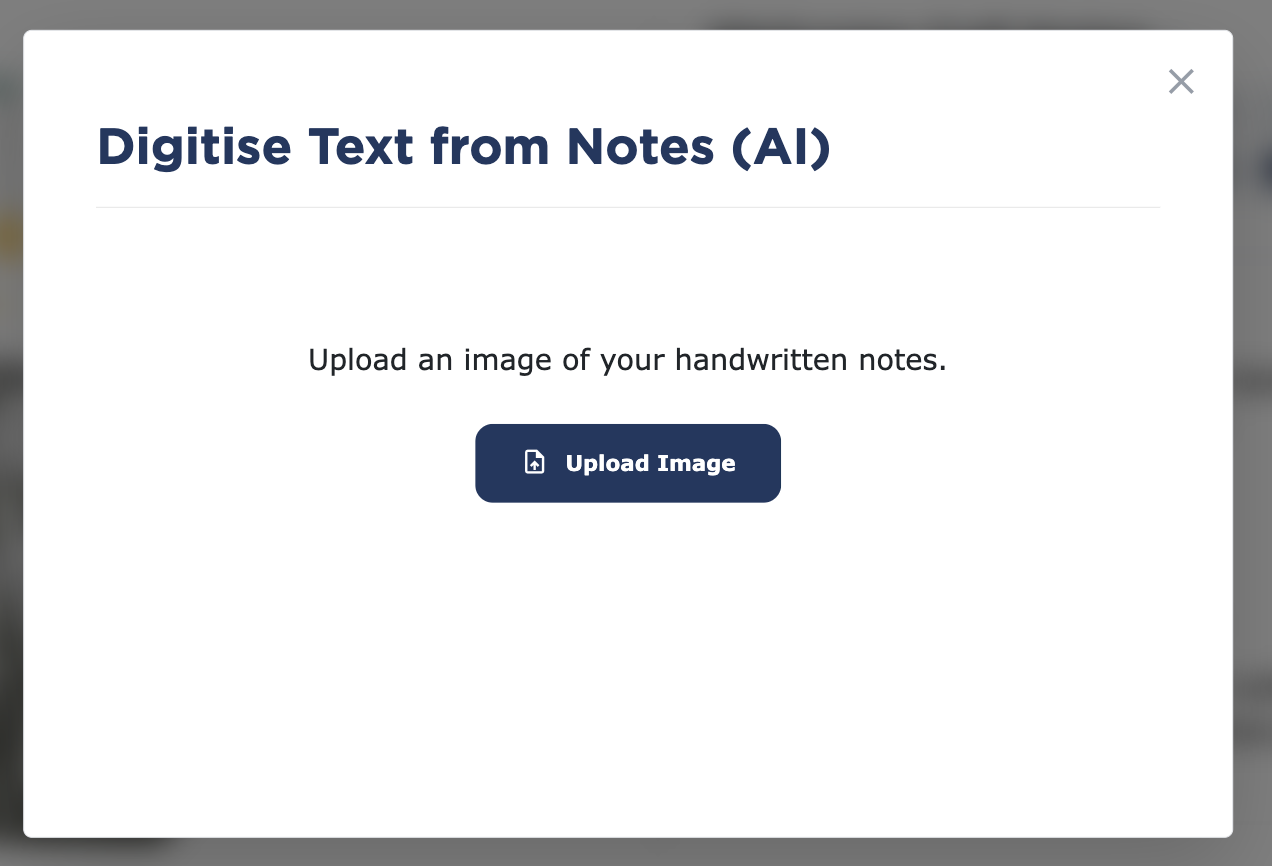
Select the notepad icon to upload handwritten notes.

Select Upload an Image to add your handwritten note.
Note: Notes must already be an image. You’ll need to take a phone of your notes and upload them to your device to select them.
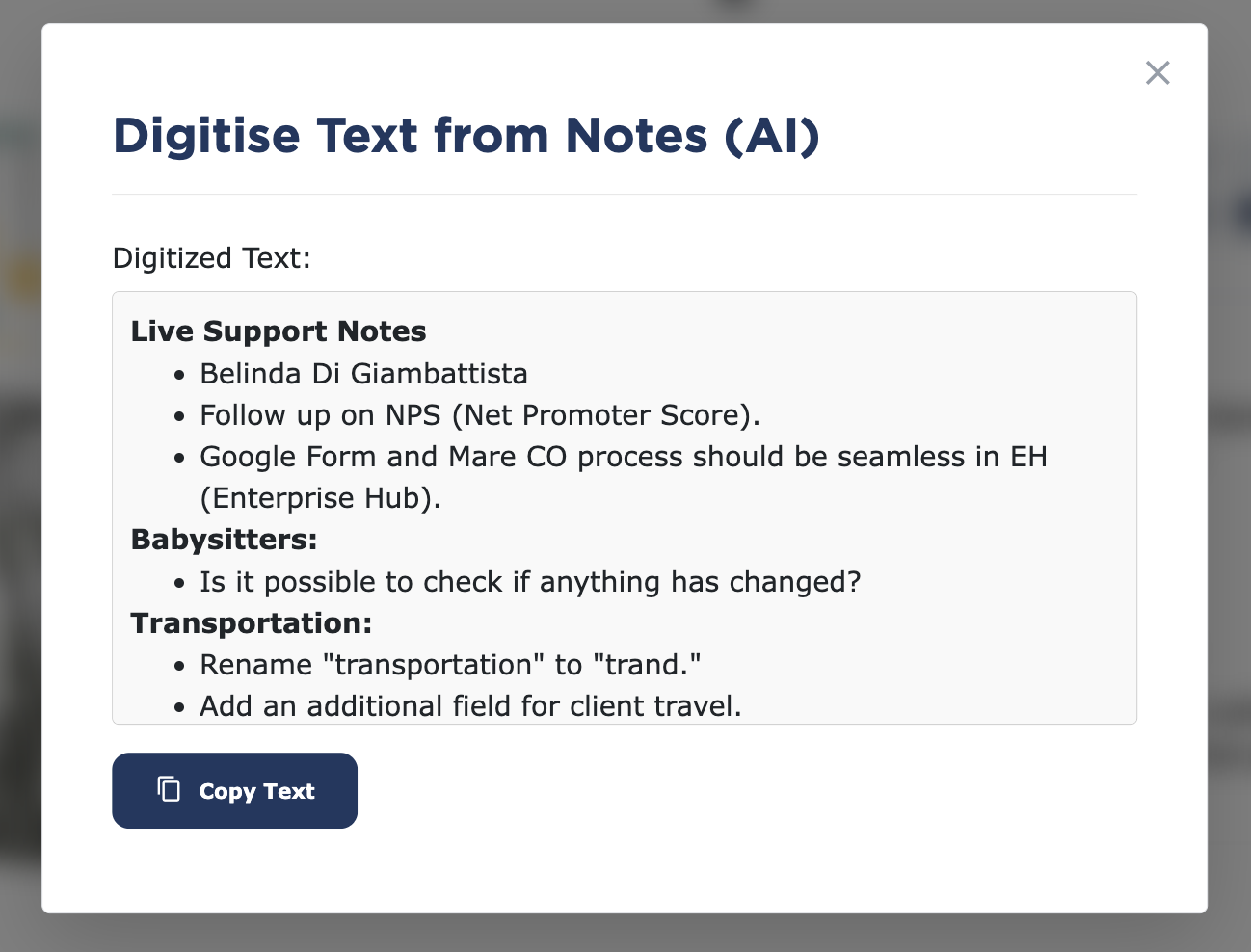
Select copy and paste to add the text to the appropriate areas.