Let’s get started 🚀
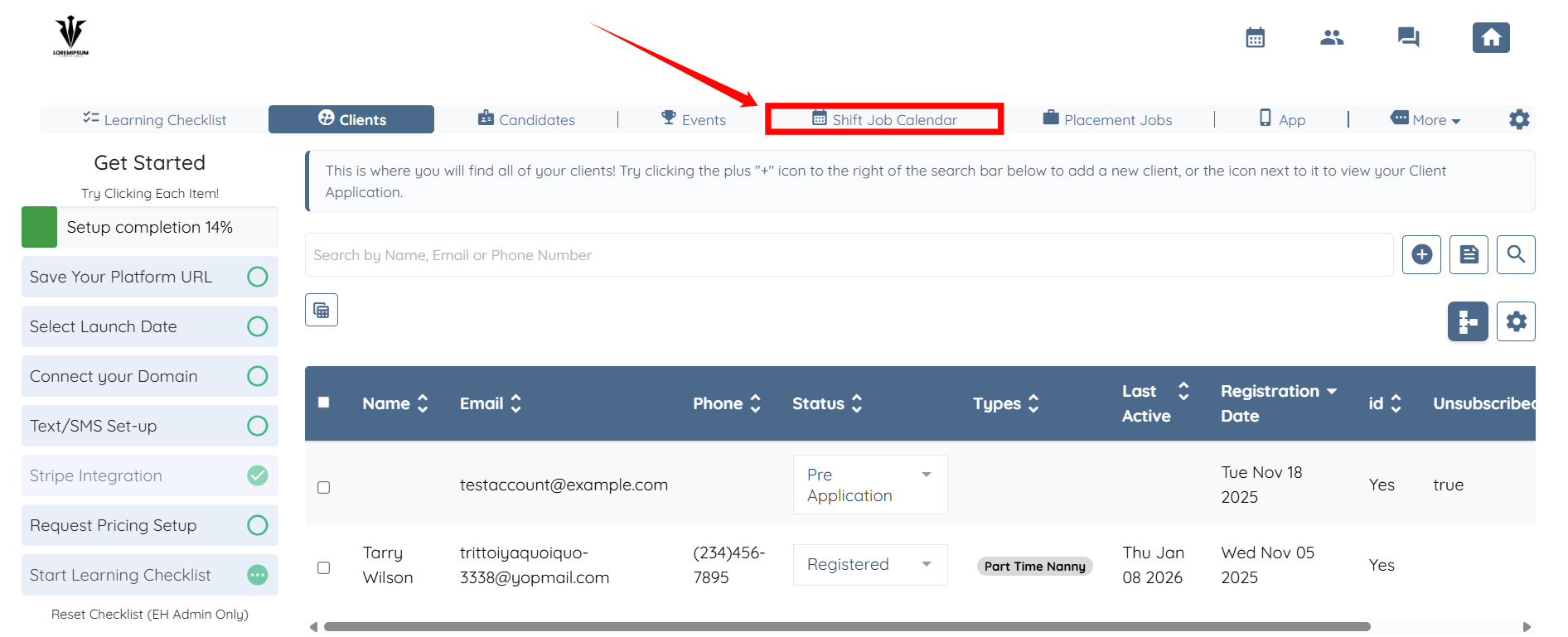
Step 1: Log in to your agent dashboard, then click Shift Job Calendar in the top navigation bar.
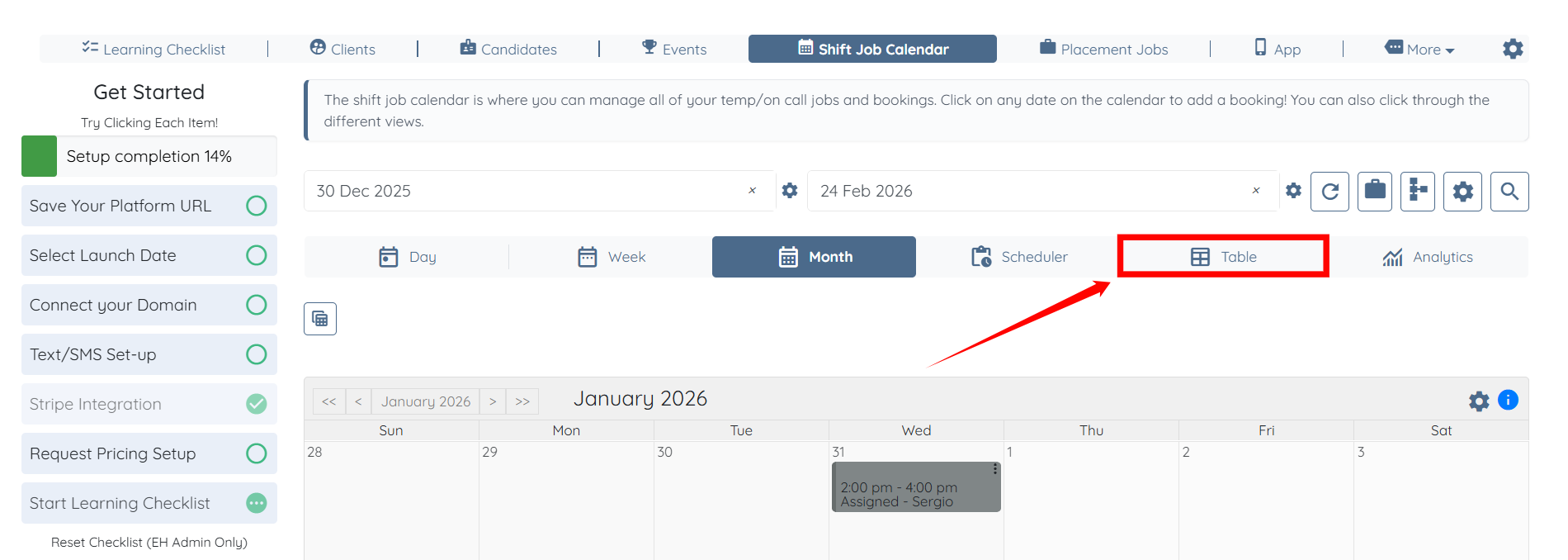
Step 2: Click the Table tab to navigate to the table view.
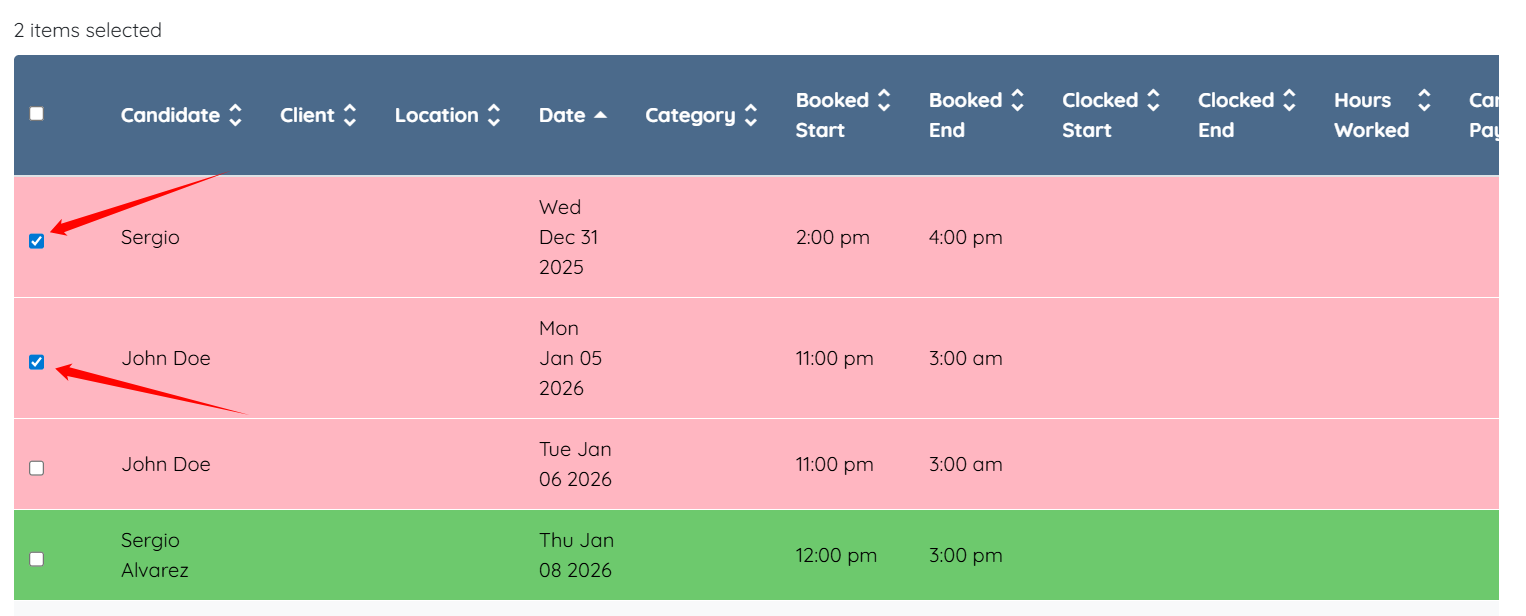
Step 3: Select the shift jobs you want to invoice from the list.
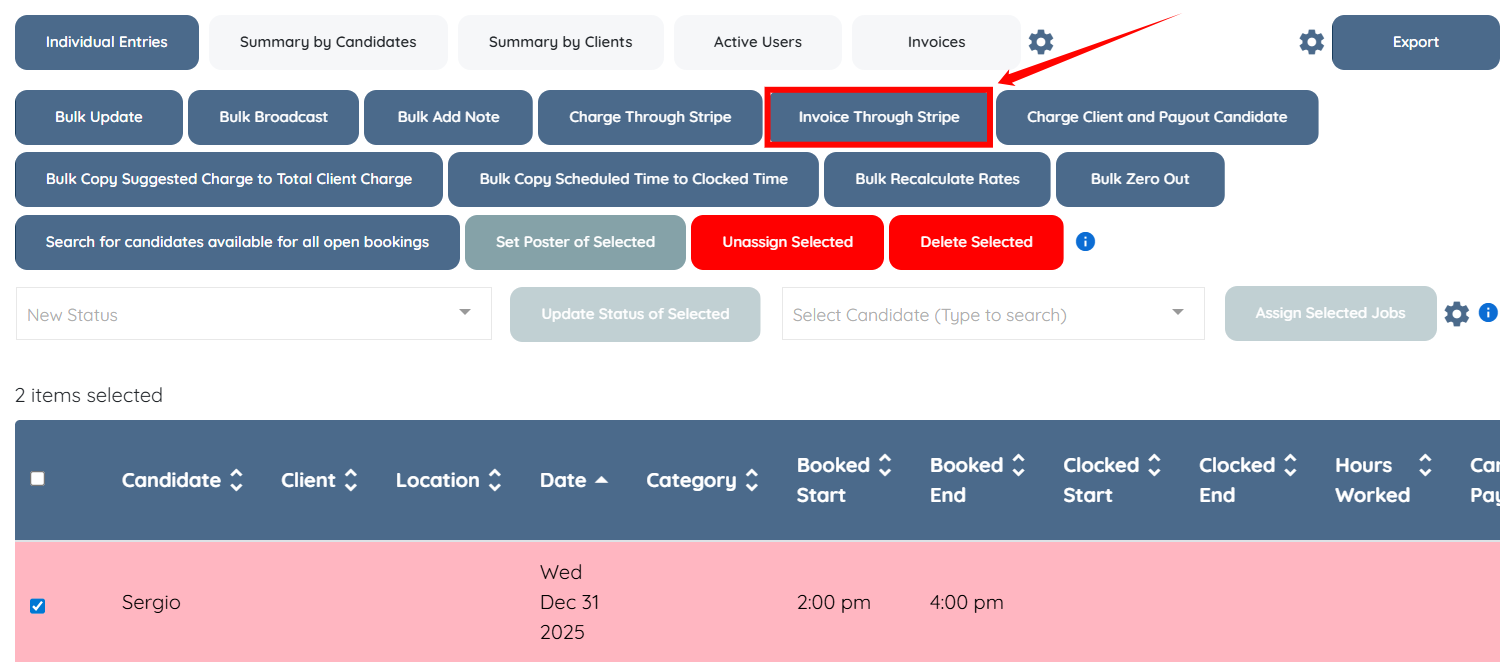
Step 4: Click the Invoice Through Stripe button to generate and send invoices through Stripe for the selected shift job entries.