To use this feature, the section where client addresses are stored must be configured as the “Address” type. Unlike the “General” section type, which creates a static field, the “Address” type supports multiple address entries and allows individual addresses to be hidden.
Let’s get started 🚀
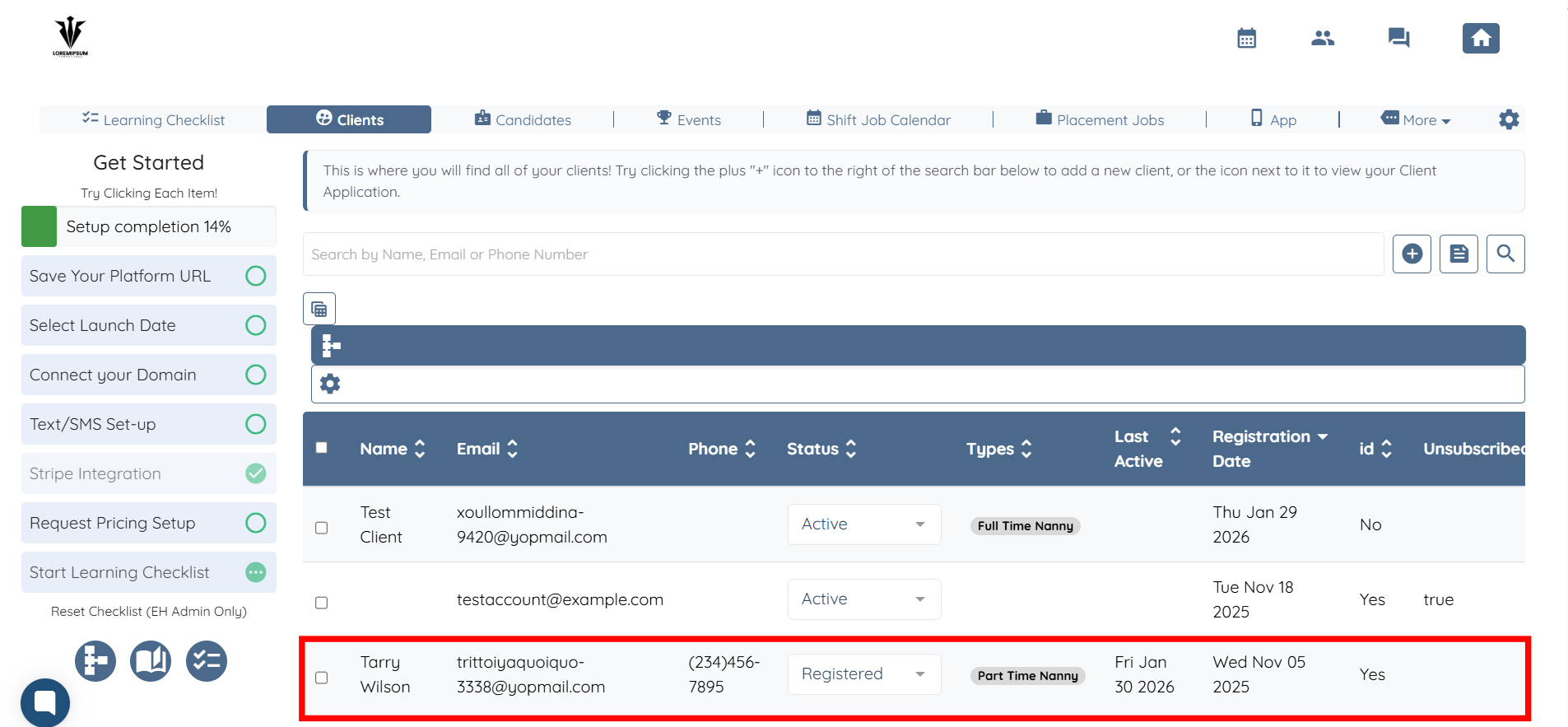
Step 1: Log in to your agent dashboard and click on the client whose address you want to hide.
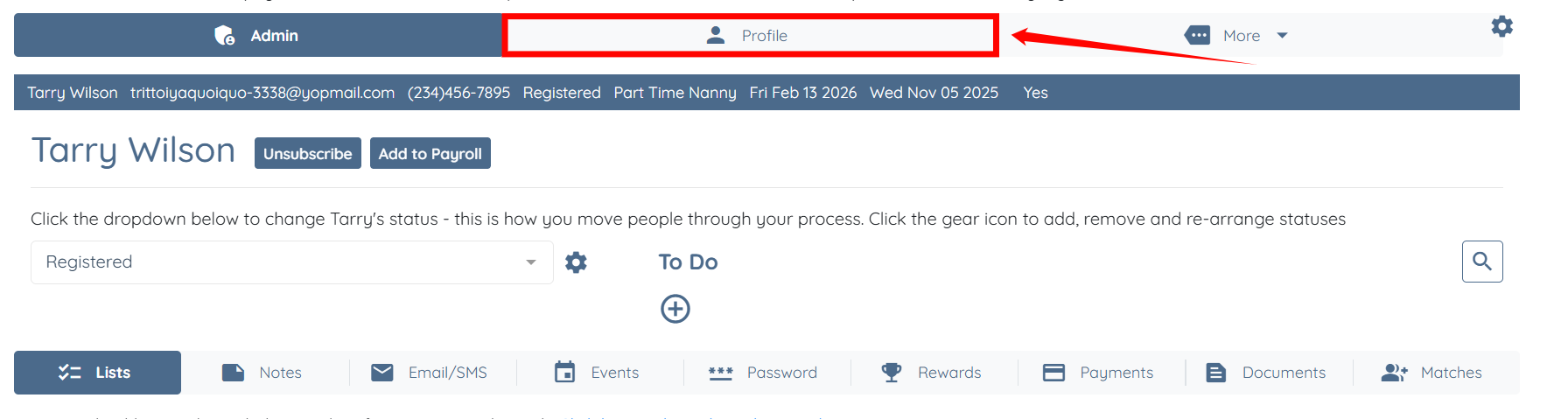
Step 2: Click the Profile tab to access the client’s profile details.
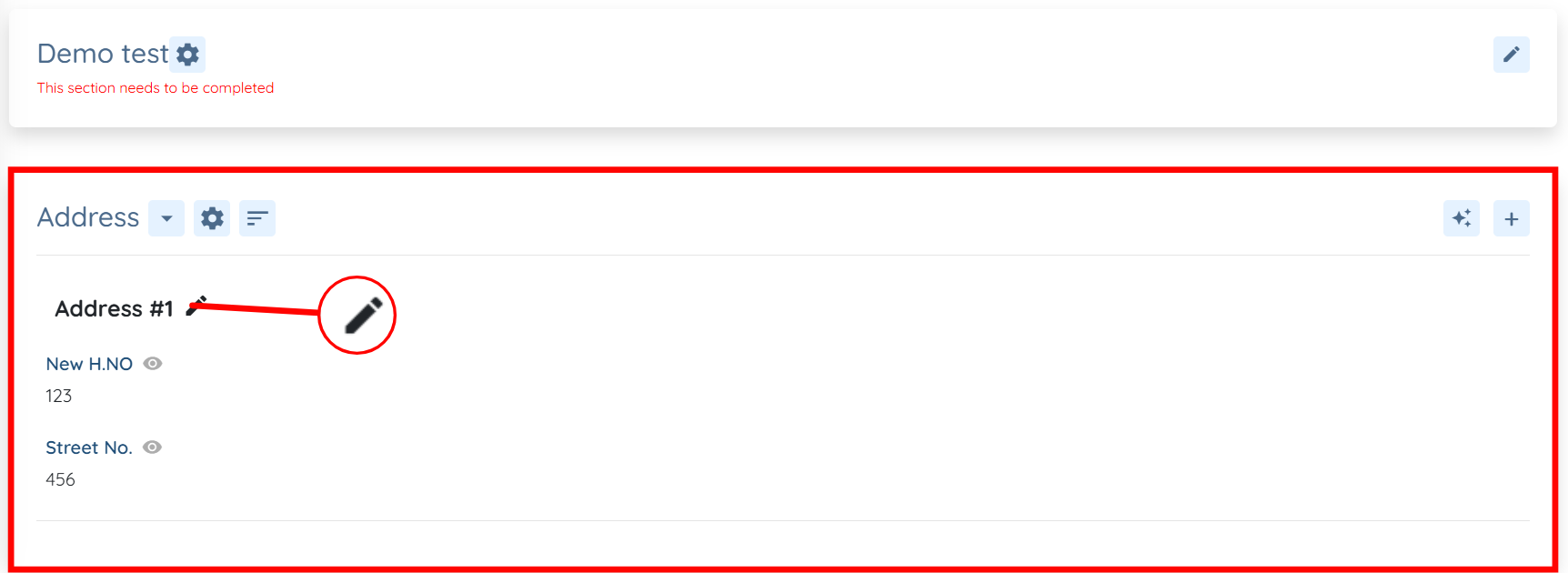
Step 3: Scroll to the Address section and click the pencil icon next to the address you want to hide.
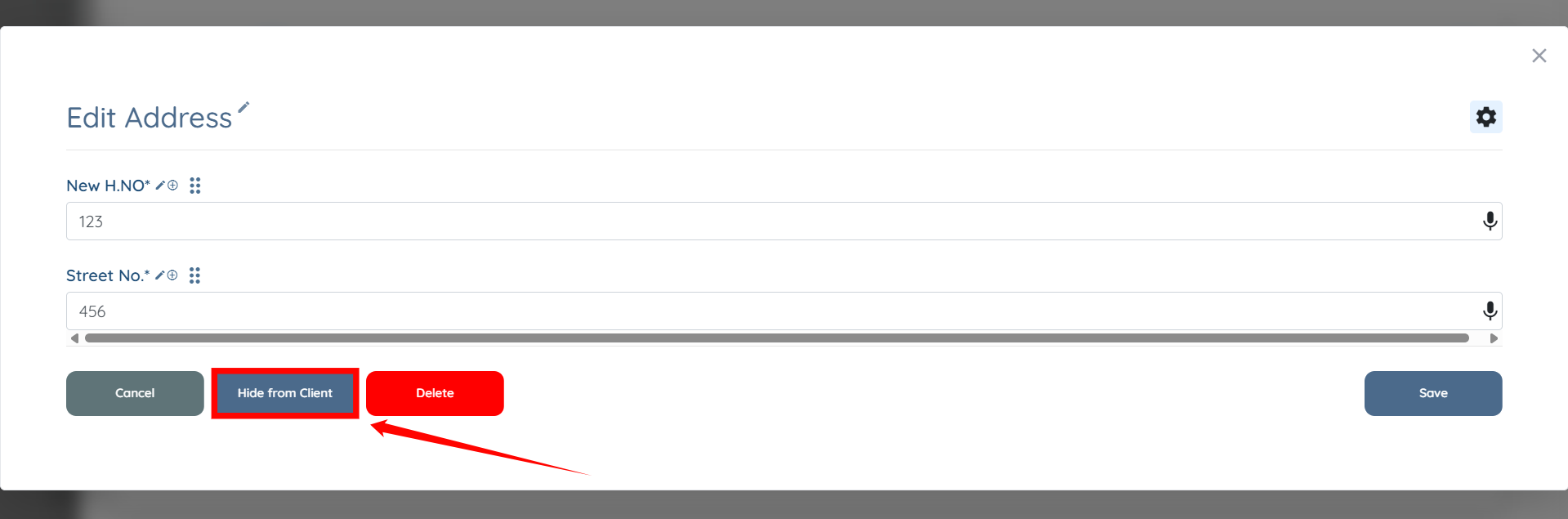
Step 4: Click the Hide from Client button.
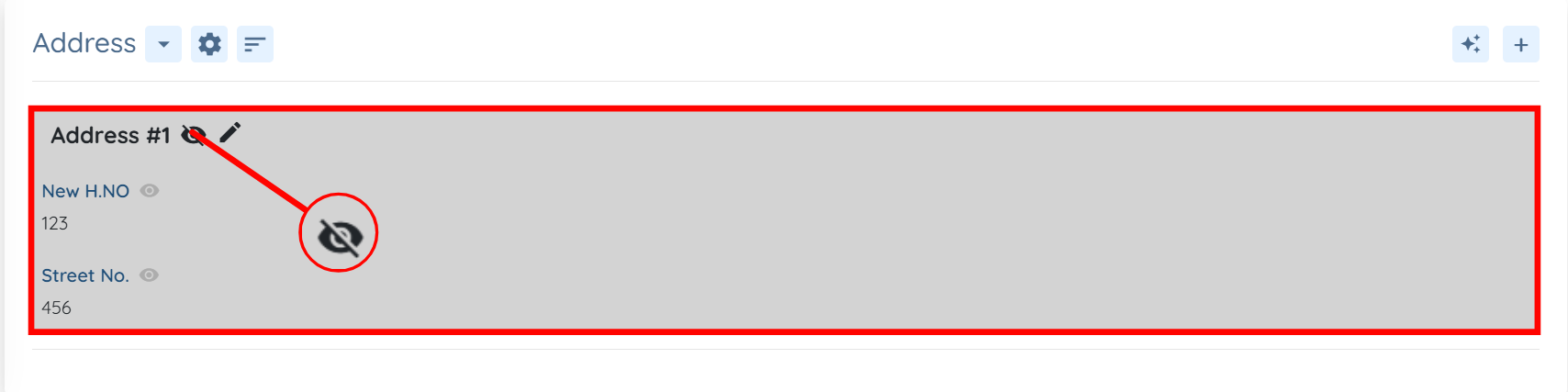
Once hidden, the eye icon changes to a strikethrough eye, and the address row appears grayed out.
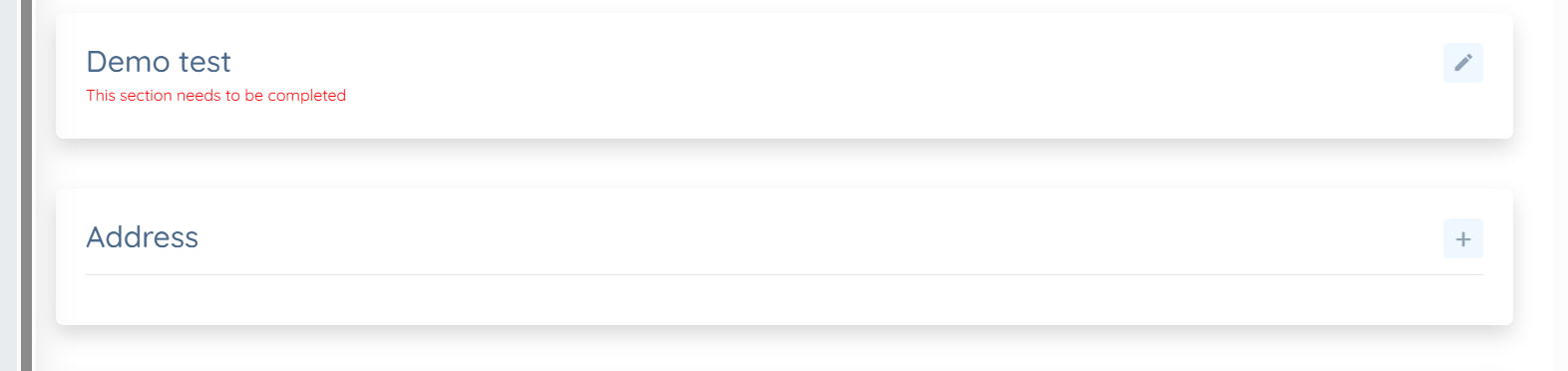
The client will no longer see the address when they log in.
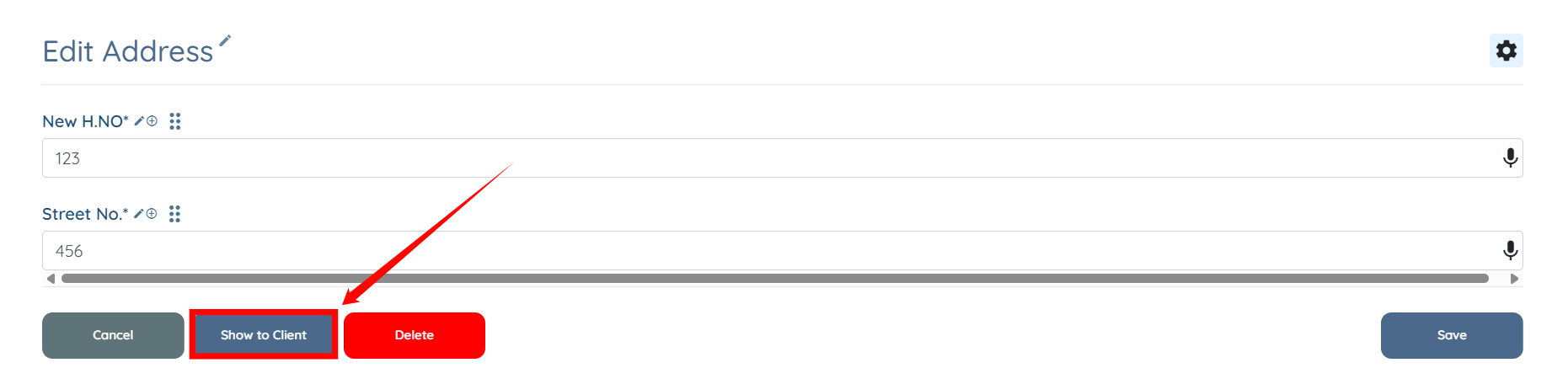
Step 5: To make the address visible again, click the pencil icon (as in Step 3) and click Show to Client button.