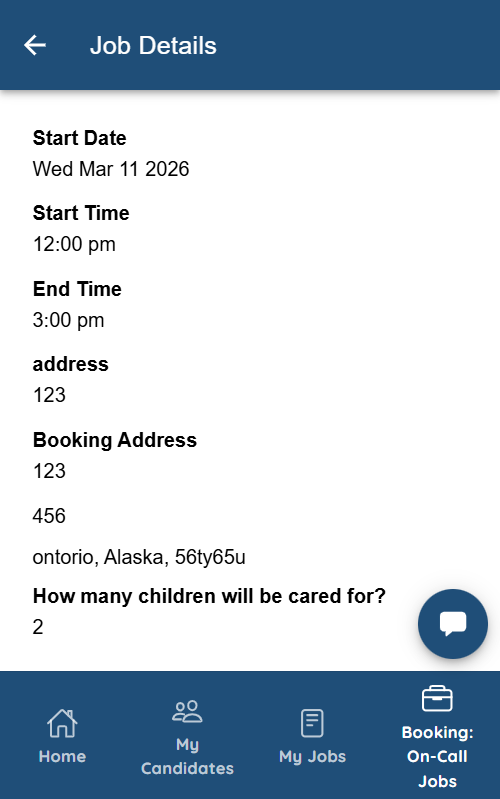
Let’s get started 🚀
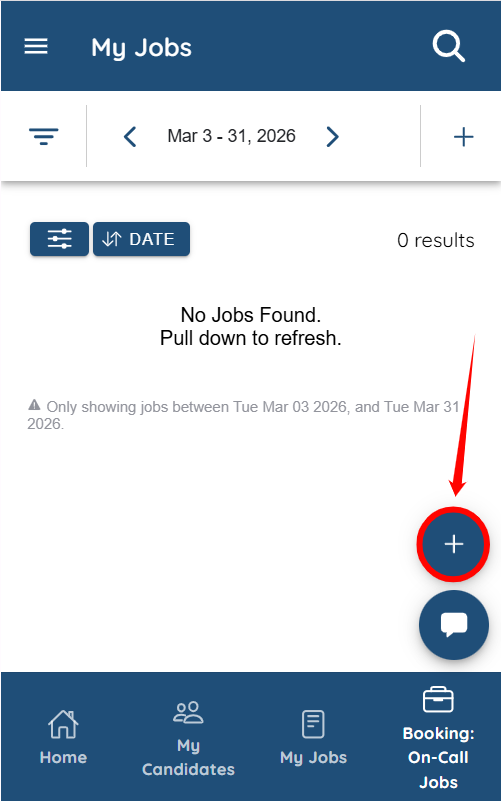
Step 1: Log in to the mobile app and tap the + icon to create a new booking.
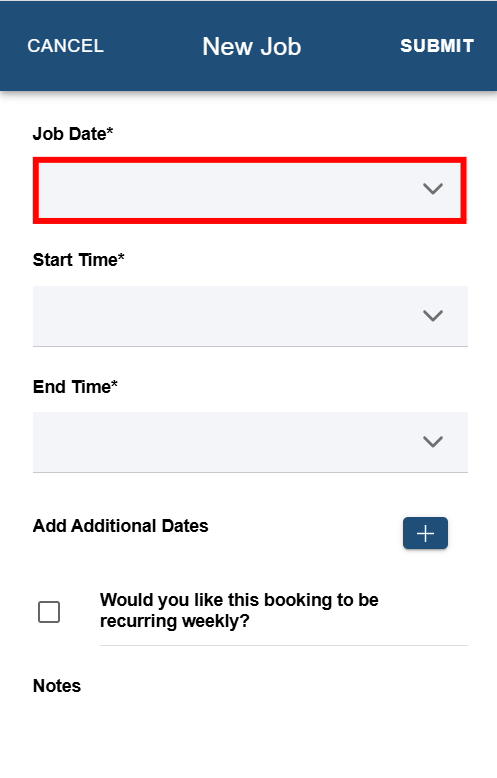
Step 2: Tap the field under Job Date to open the date selection menu.
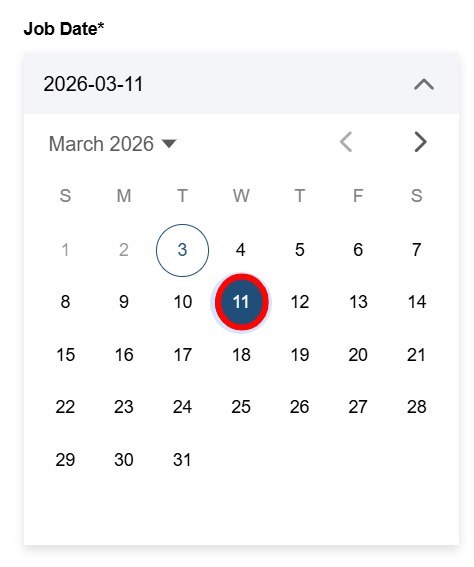
Step 3: Select the date for the booking.
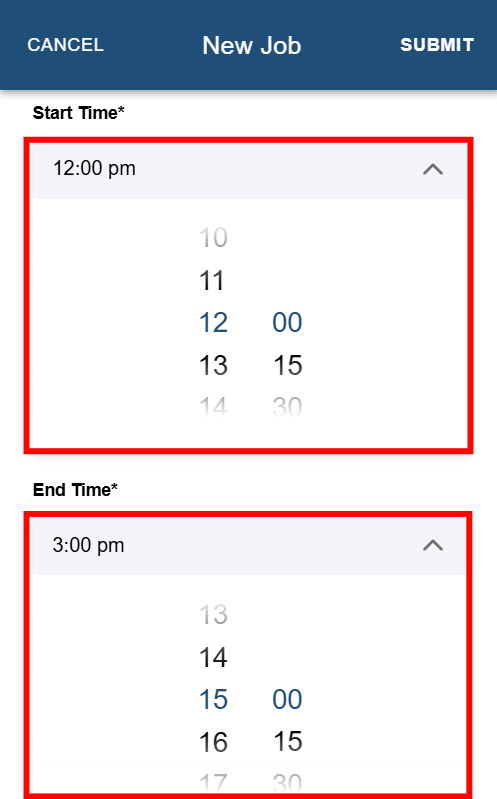
Step 4: Select the Start Time and End Time for the booking.
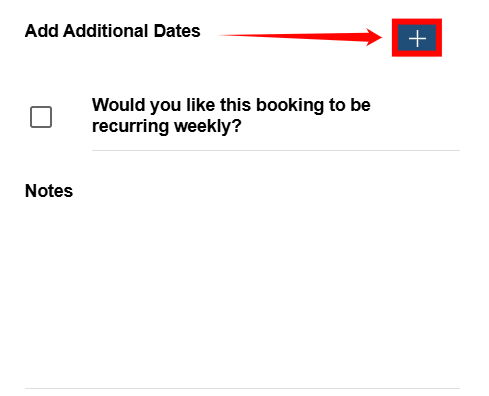
Step 5: Tap the + icon to as shown in the screenshot below to add any additional dates if required.
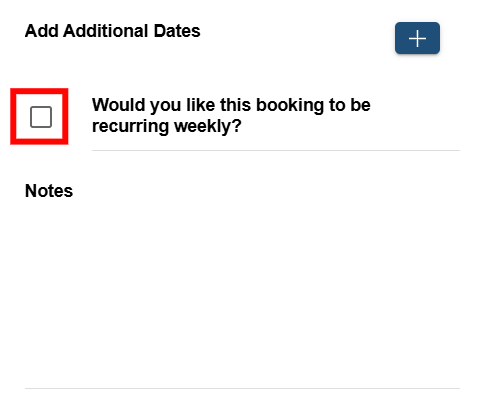
Step 6: Check the Would you like this booking to be recurring weekly? checkbox if you want the booking to repeat on a weekly basis.
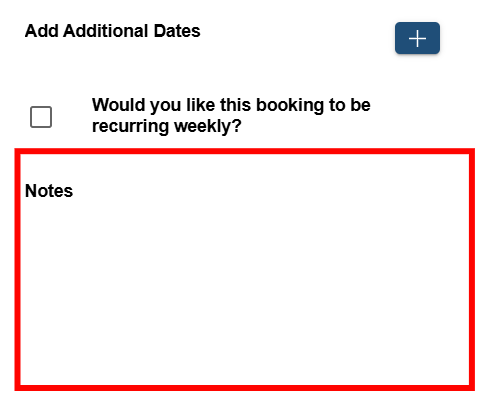
Step 7: Enter any relevant details in the Notes section to provide additional information for candidates.
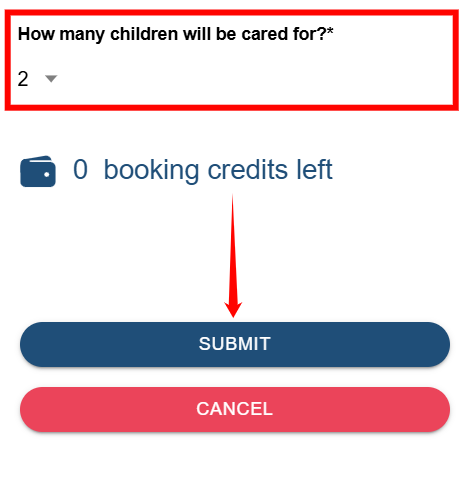
Step 8: Select the child or children who require care, then tap SUBMIT to create the booking.
Step 9: Once the booking is successfully created, tap CLOSE to proceed.
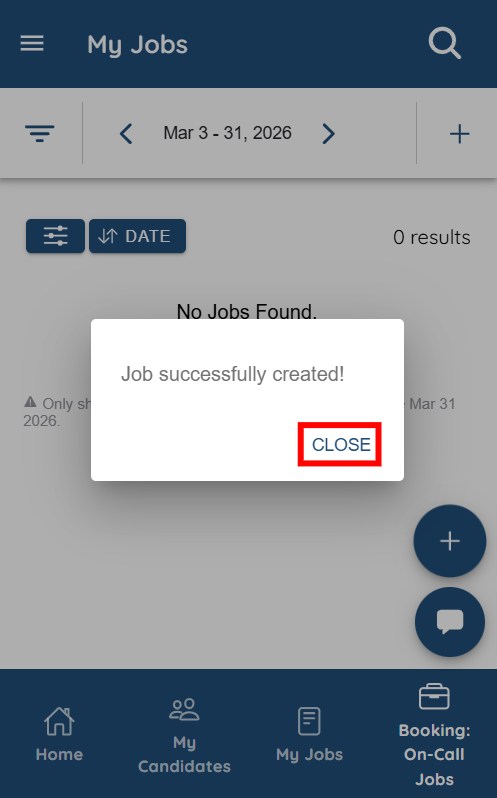
You will be redirected to the job details screen.