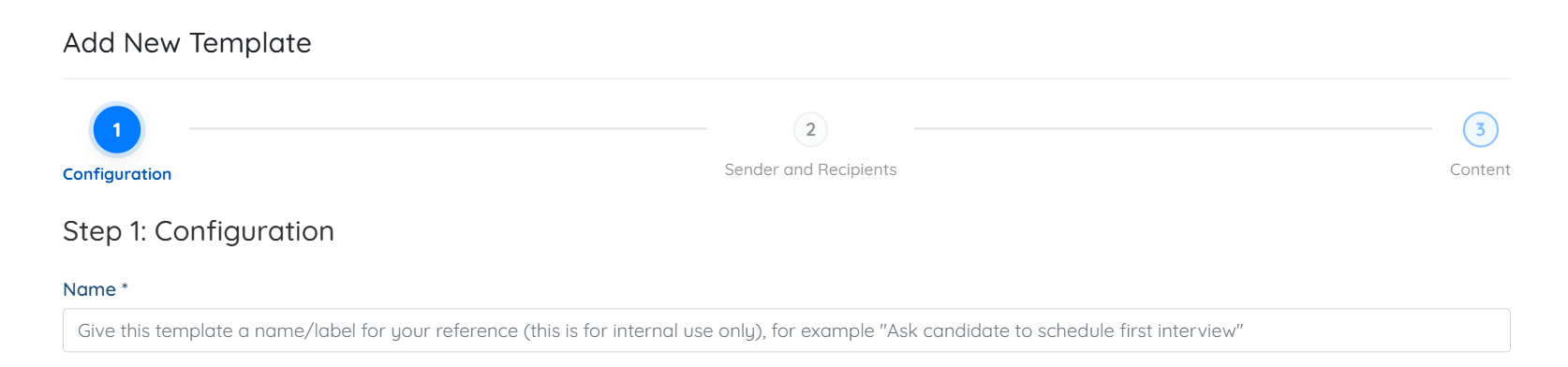
Let’s get started 🚀
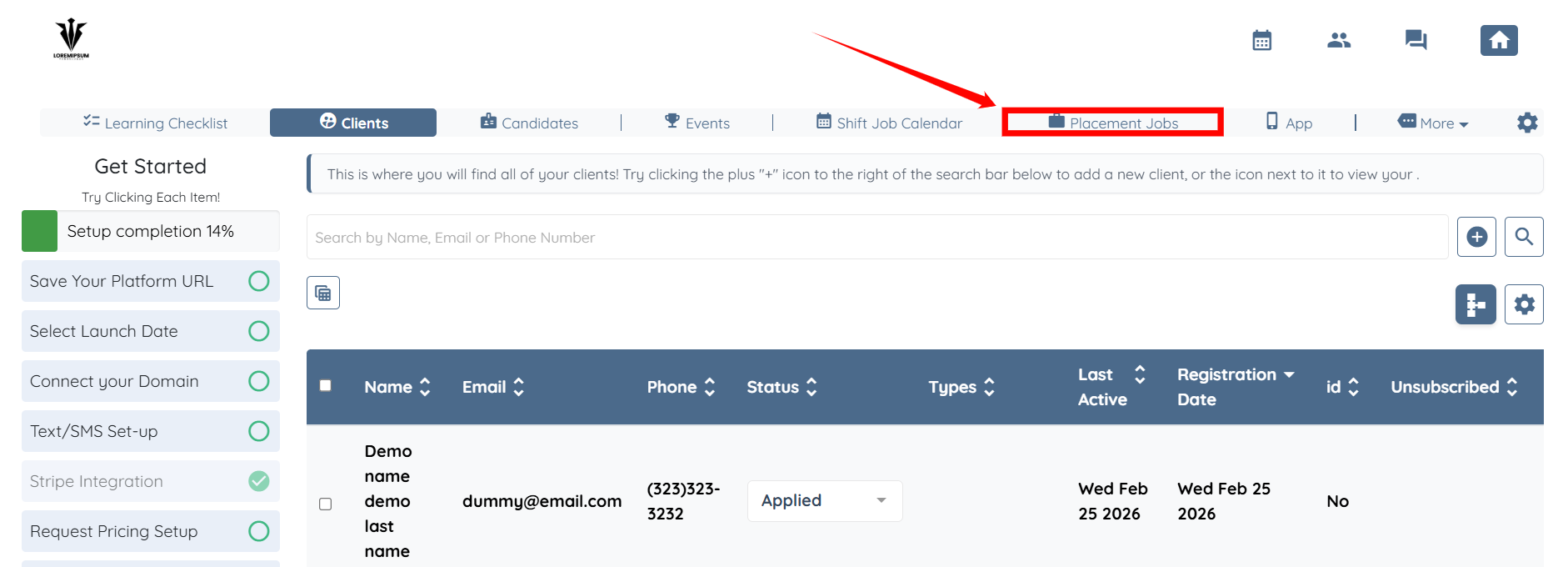
Step 1: Log in to your agent dashboard and click Placement Jobs on the navigation bar.
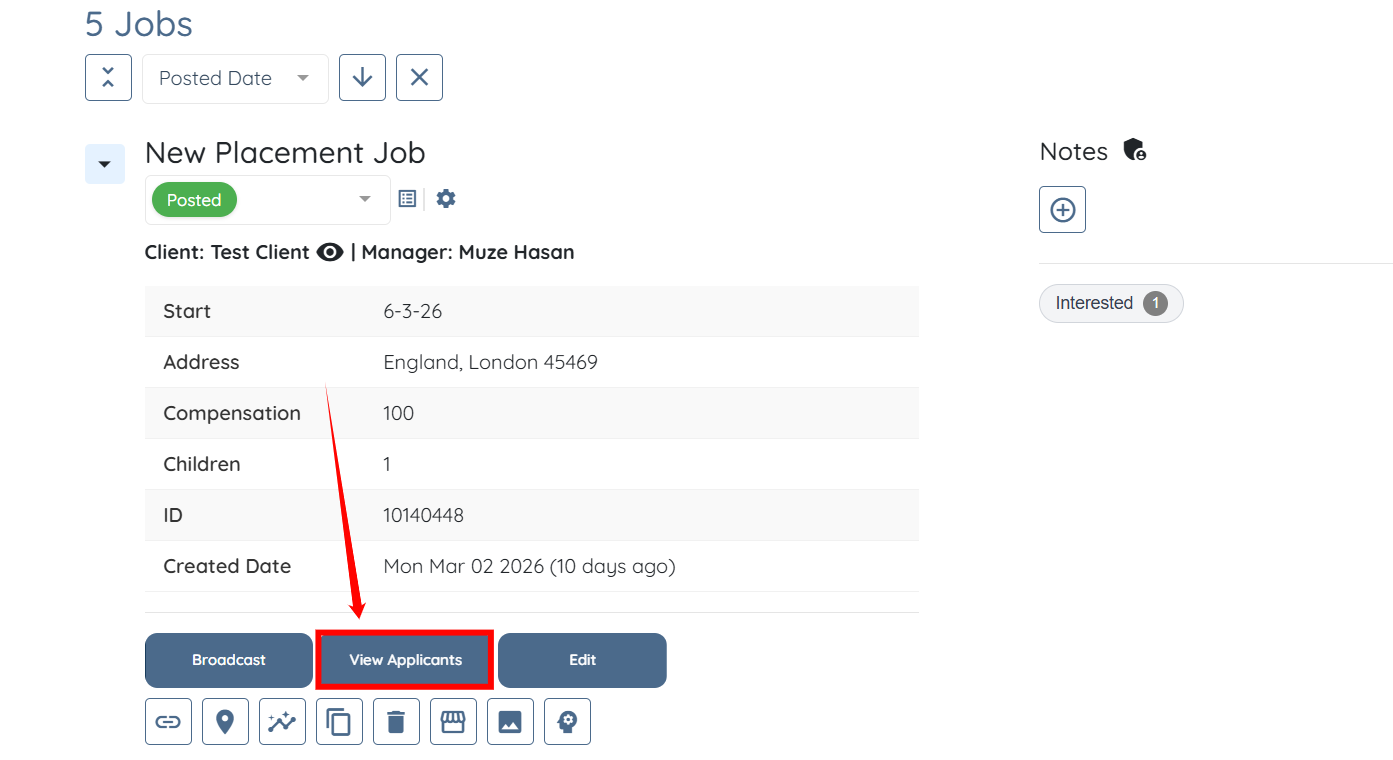
Step 2: Click the View Applicants button for any placement job.
Step 3: Click the corresponding pencil icon for any of the applications listed.
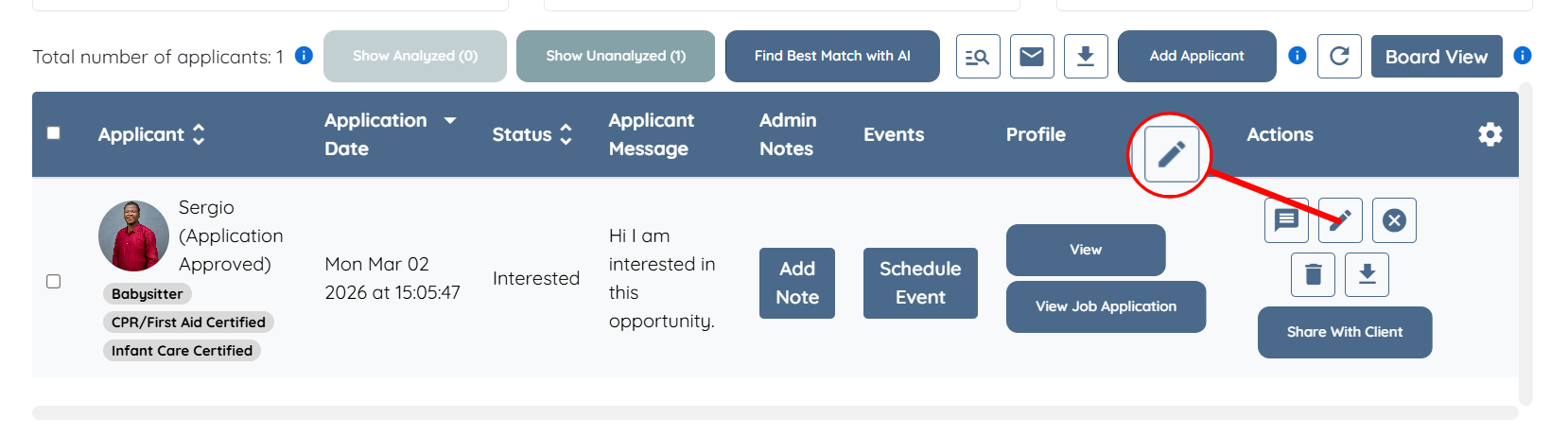
Step 4: Click the Edit Template for Selected Status button.
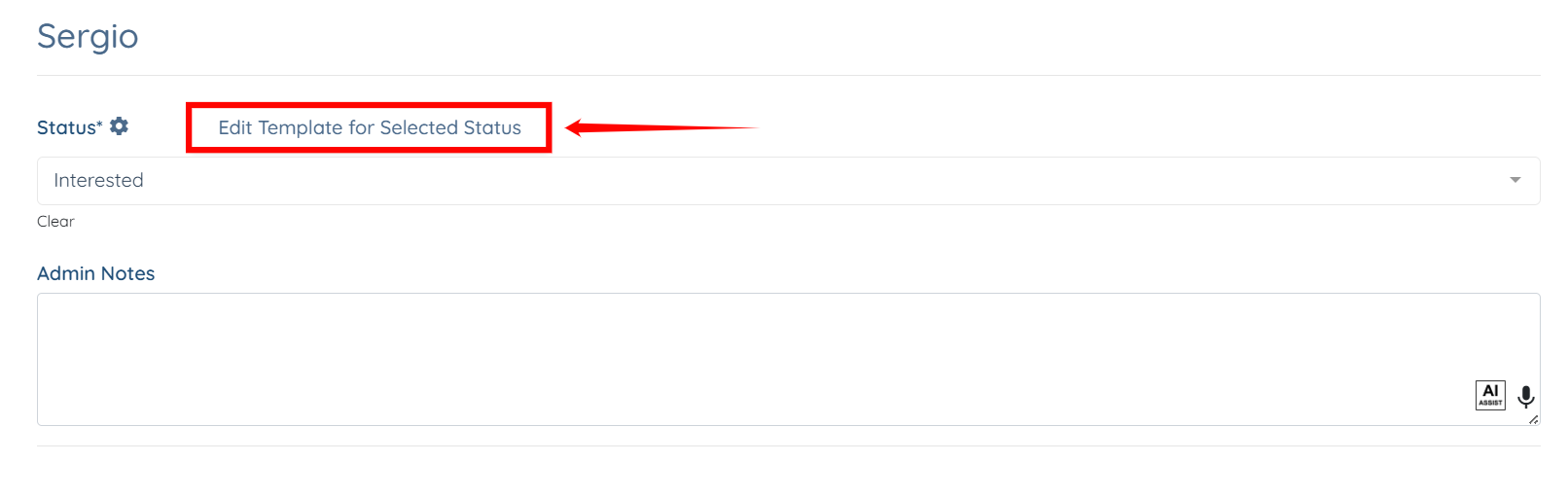
You will be redirected to edit the template or add a new one if it has not been created previously.