Let’s get started 🚀
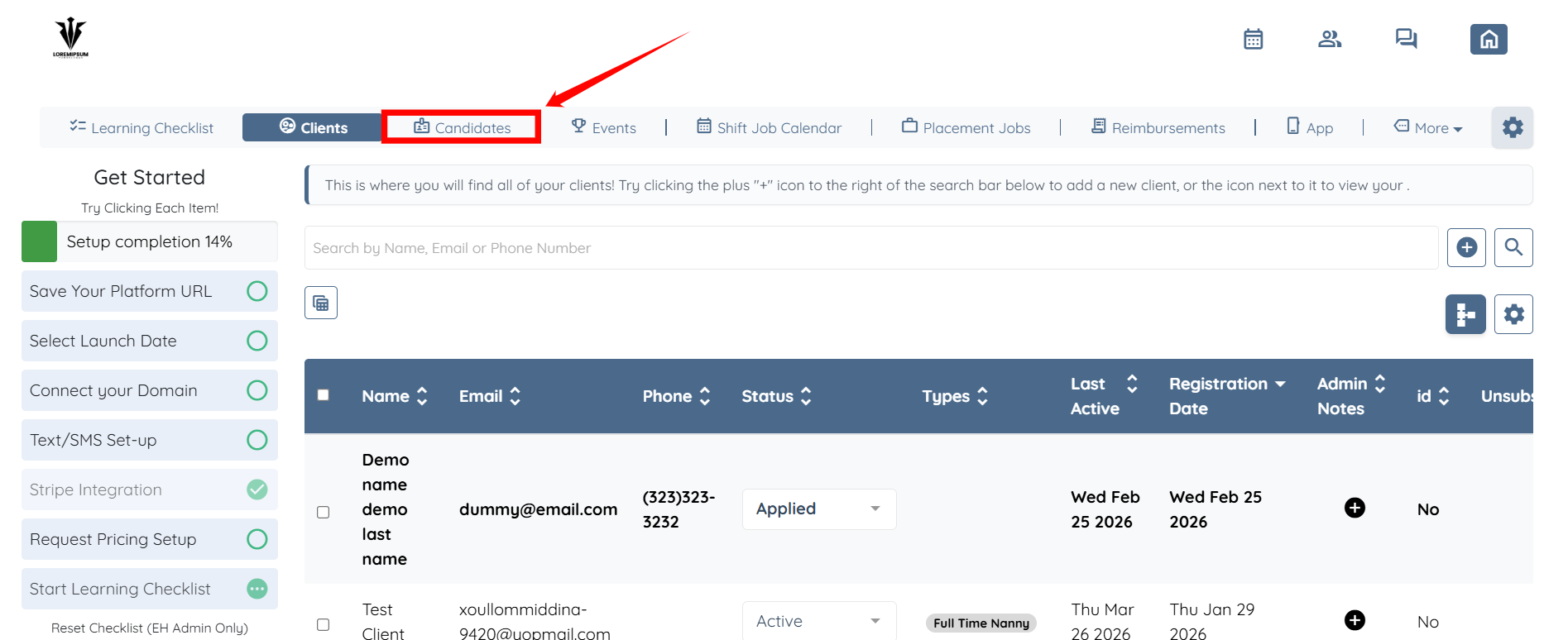
Step 1: Log in to your agent dashboard and click on Candidates in the navigation bar.
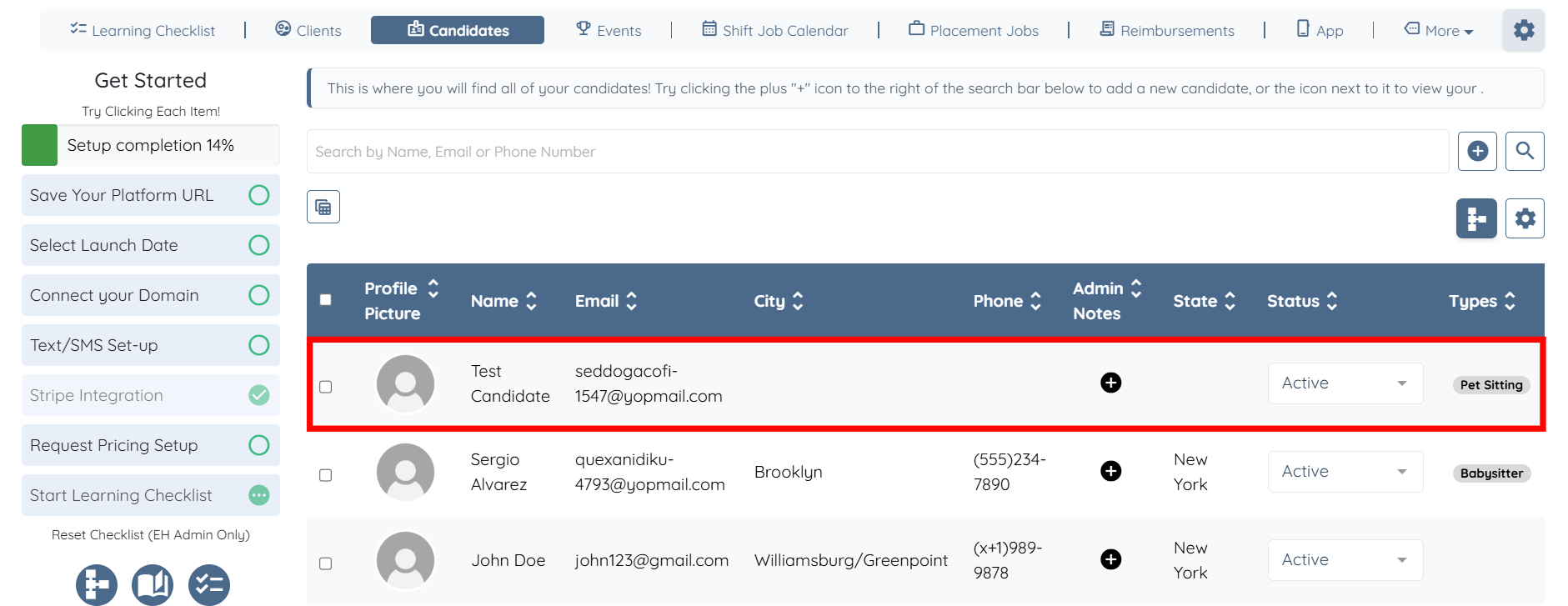
Step 2: Select any candidate from the list.
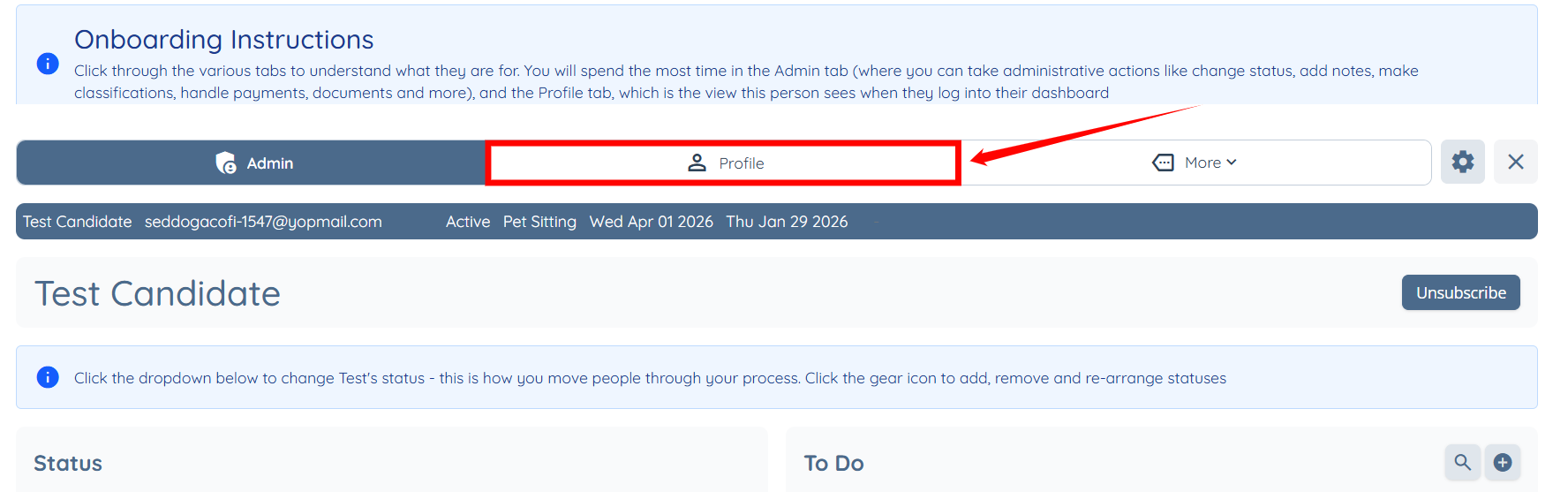
Step 3: Click the Profile tab to navigate to the candidate profile.
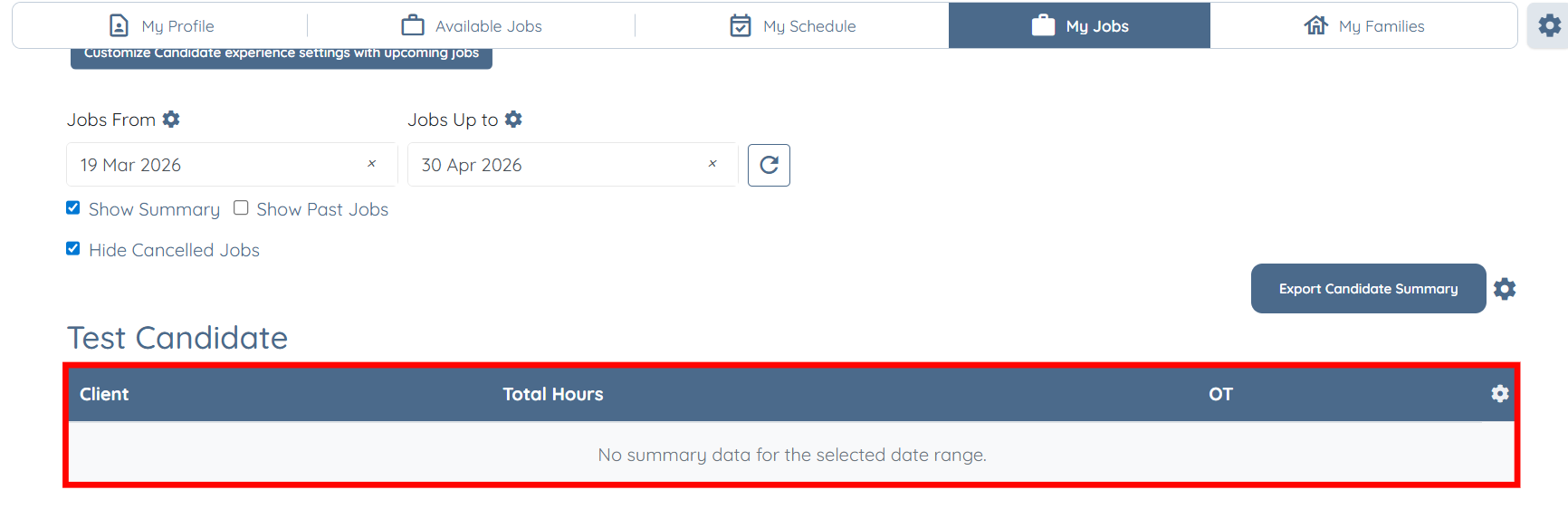
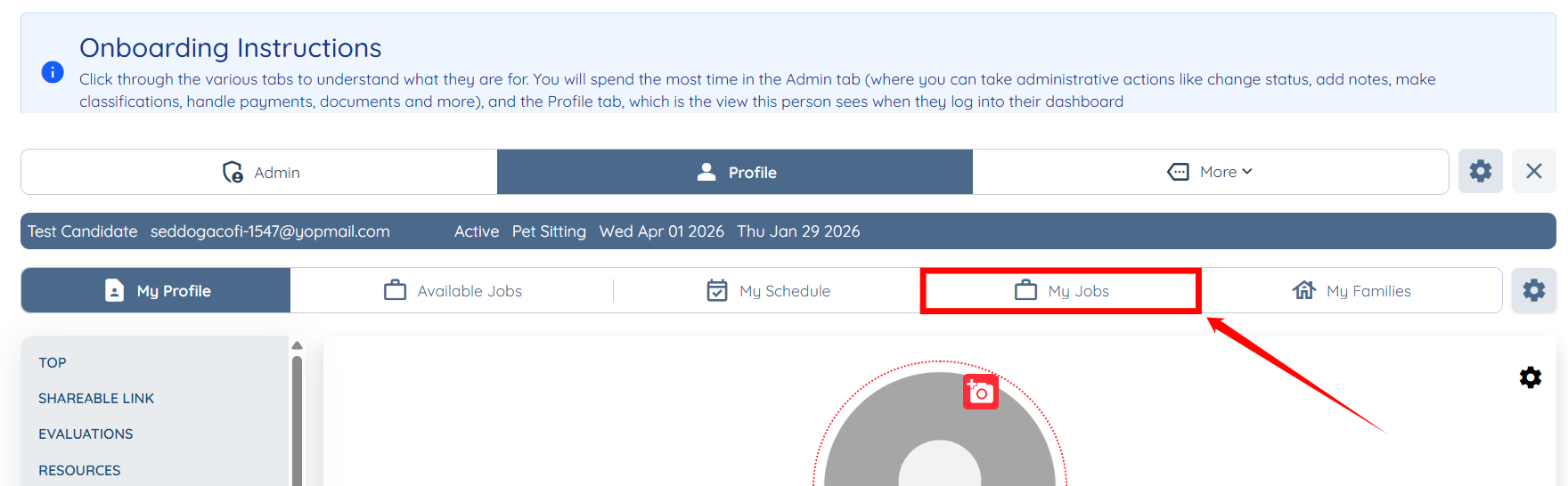
Step 4: Click the My Jobs tab from the available tab.
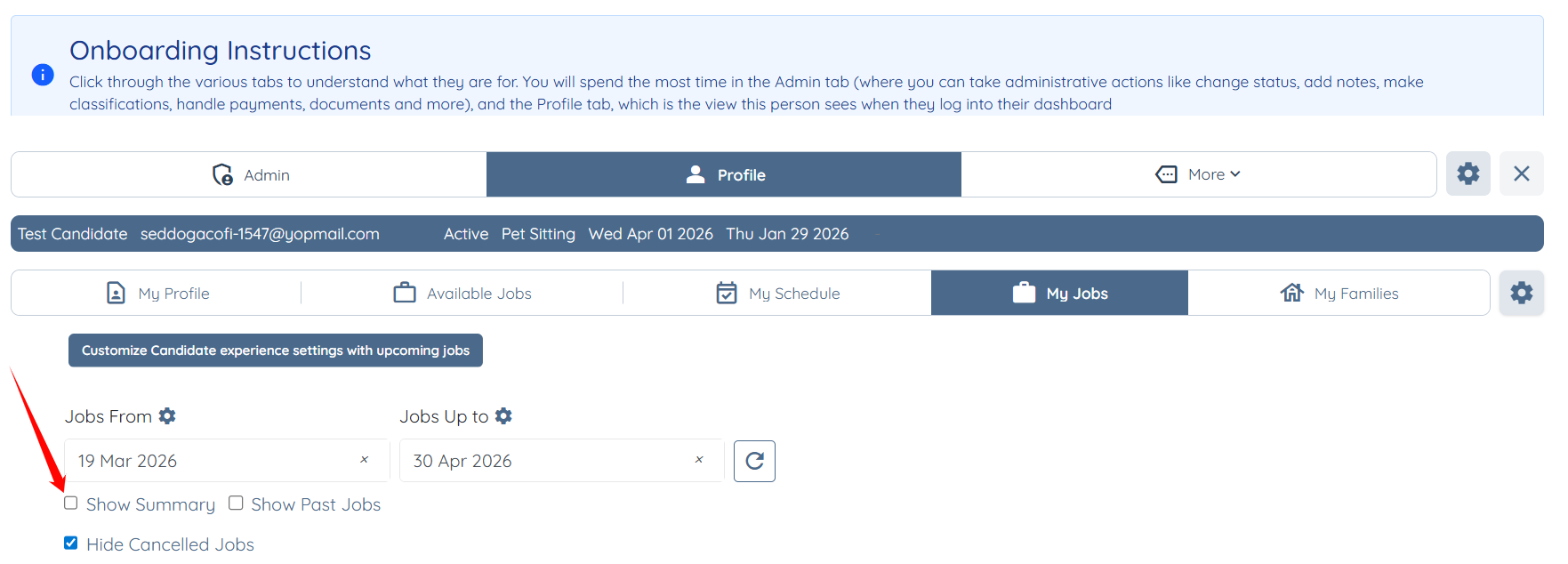
Step 5: Check the Show Summary checkbox.
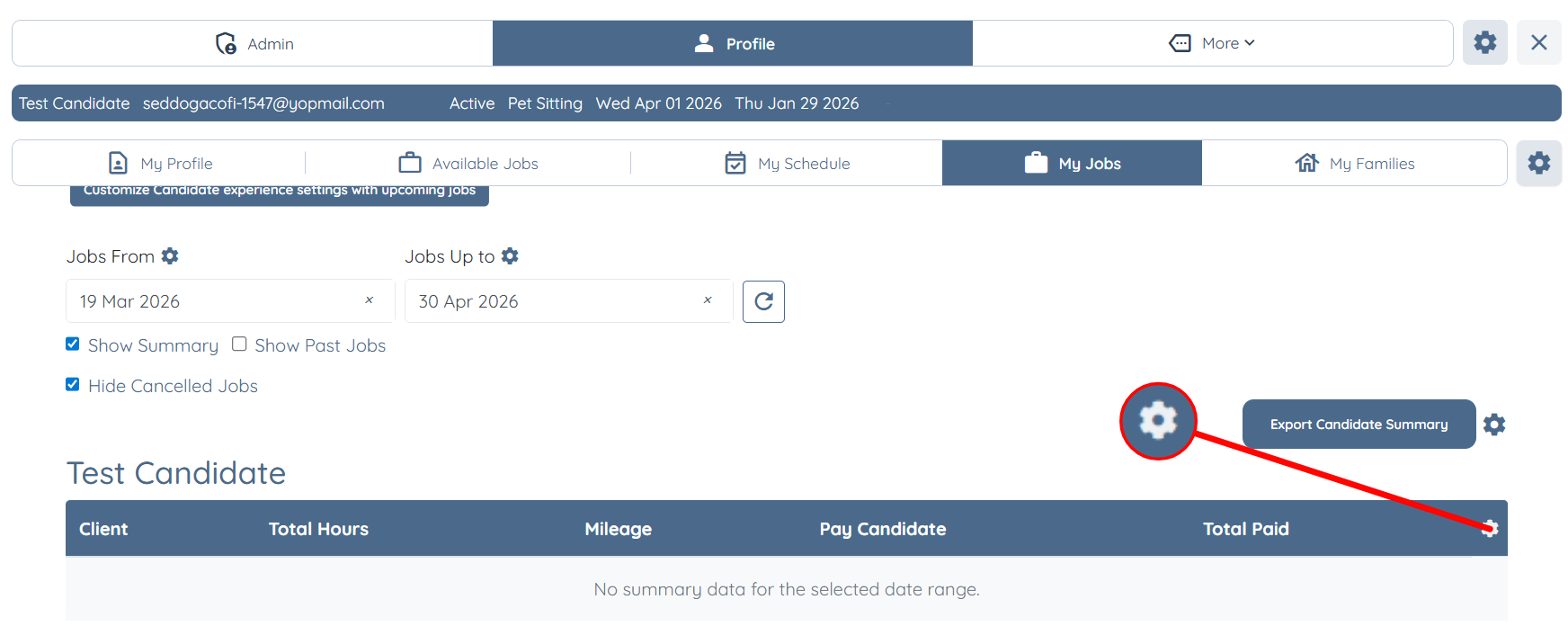
Step 6: Click the Gear icon located on the right-hand side of the table.
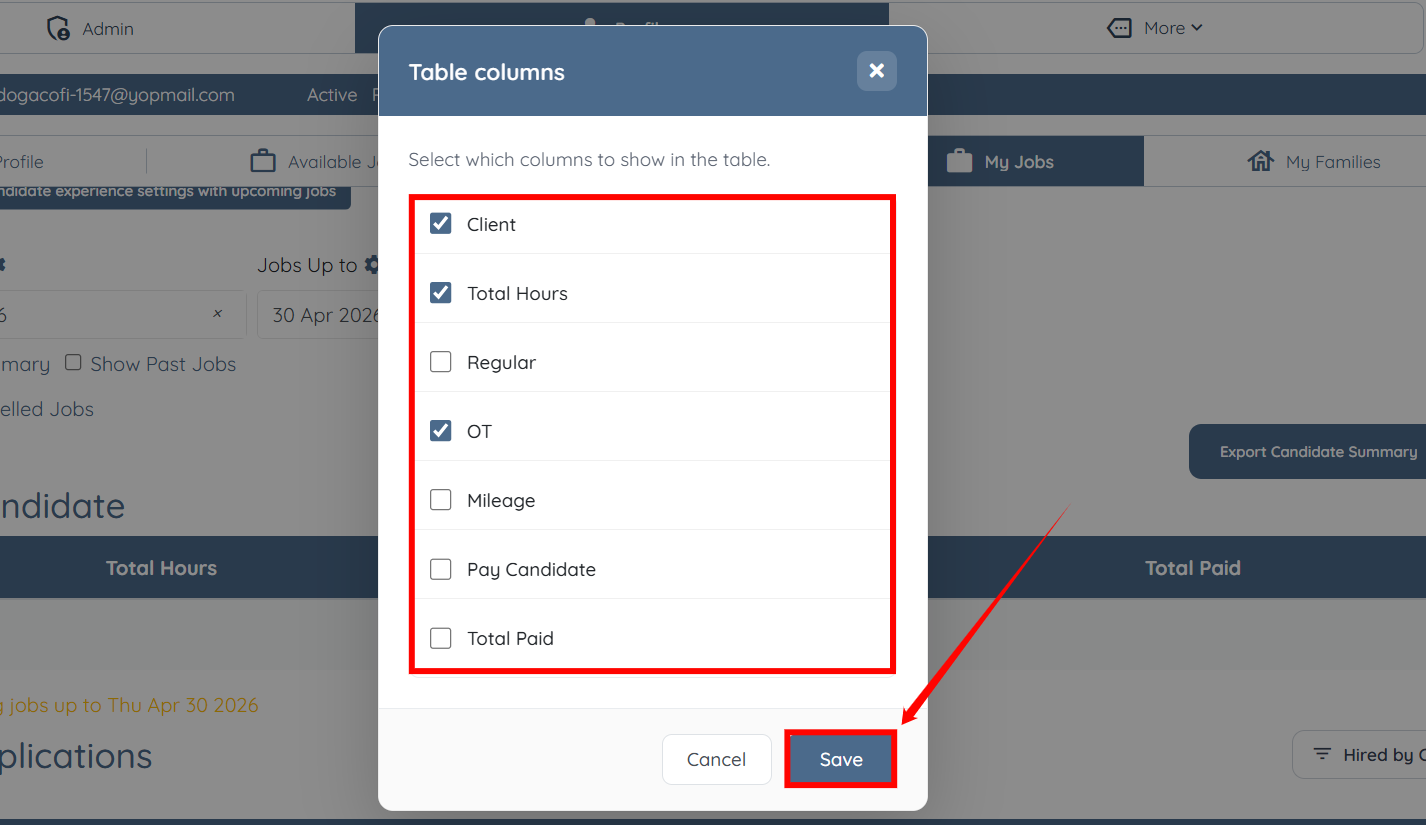
Step 7: Check the columns you want to show in the table and uncheck the ones which you want to hide. Then, click the Save button to confirm the changes.
The table will be updated based on your selected column preferences.