
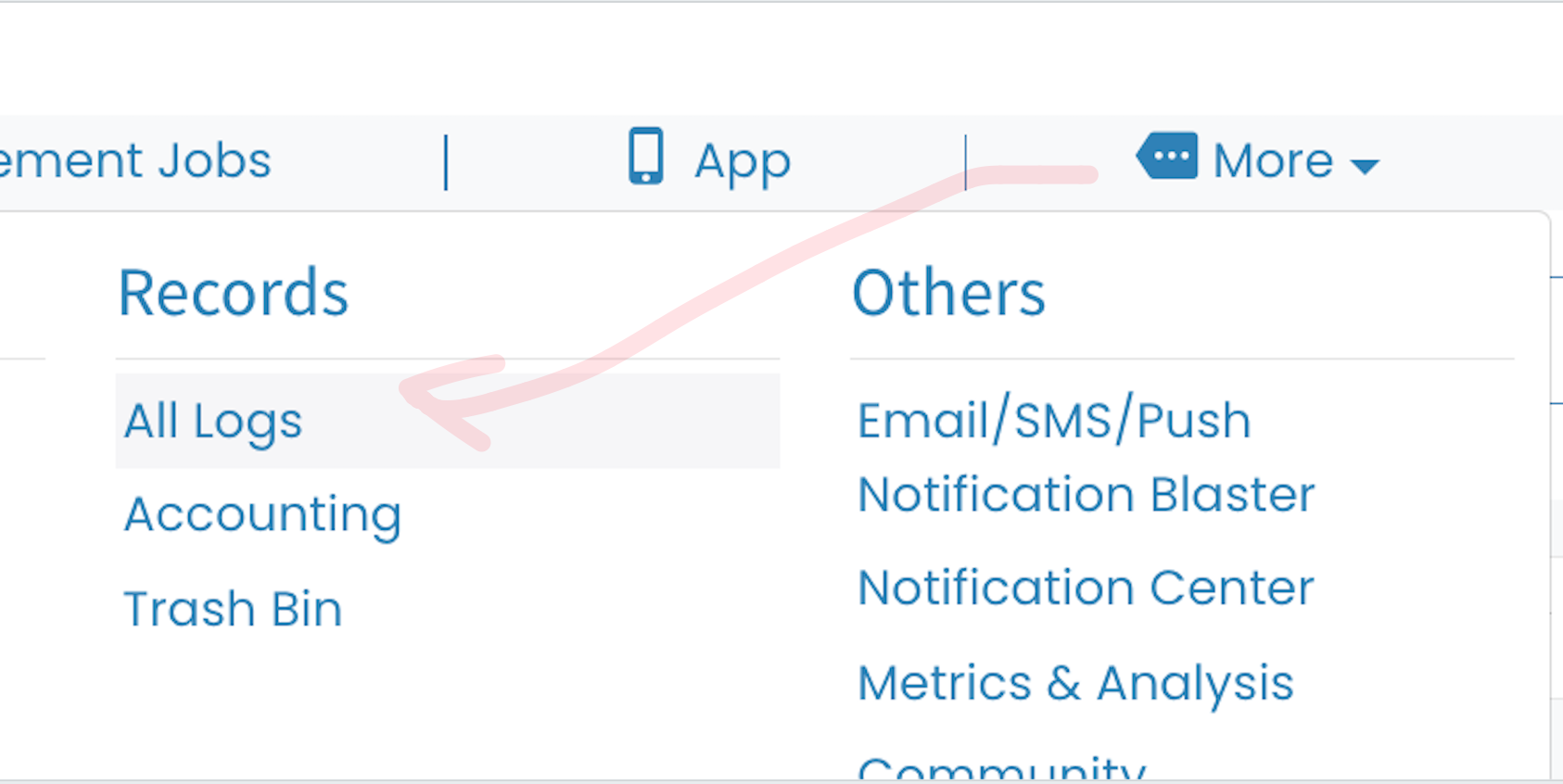
1. Select More.
2. Select All Logs beneath Records.
3. Select Files.
4. Search and select individual files, search and select all of those files, all of the files on that page or select all files.
5. Then select Download Selected Files.
The following video is from a previous version of Enginehire so buttons have shifted but the overall content is the same.
If this video doesn't answer your questions you can always contact us by clicking here