
1. Go to More. Application & Profile Builder.
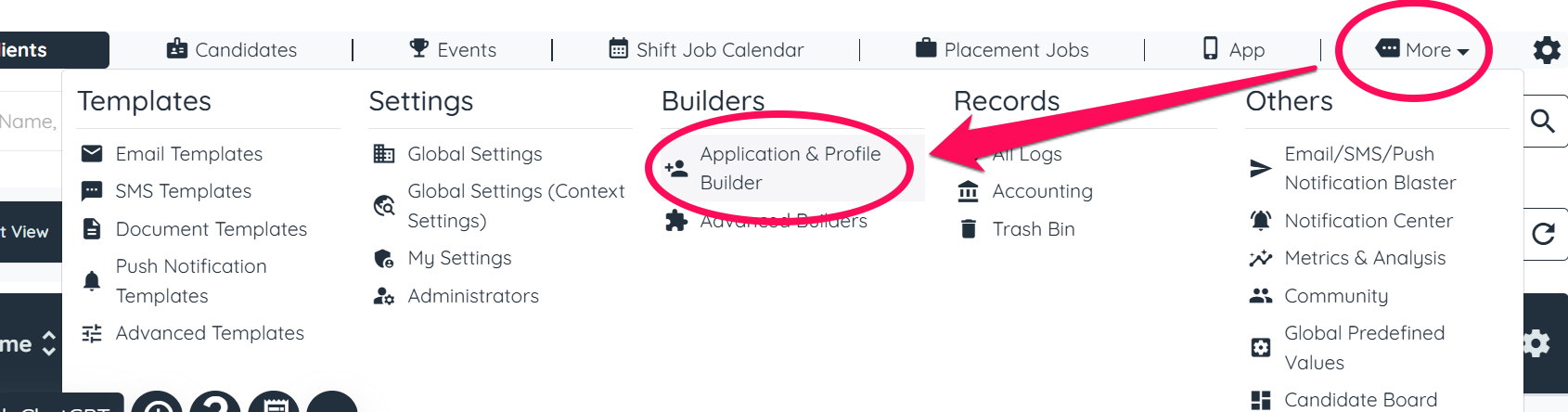
2. Click the Gear Icon on the Application or Registration you'd like to convert into a multi step process.

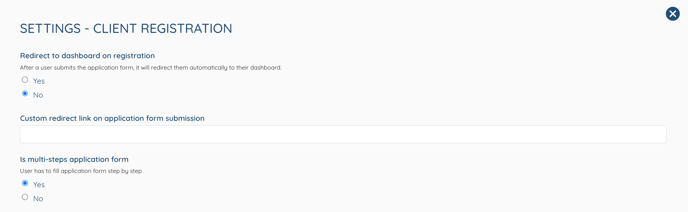
3. You are now in Settings. Scroll down to "Is Multi-Step Application Form" and click Yes.
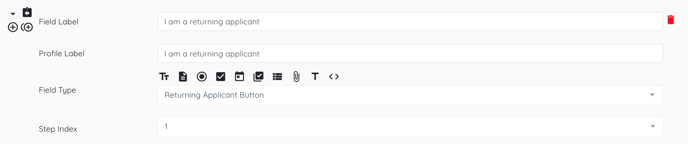
4. Go back to the Application you'd like to convert into a multi step process and click the Pencil Icon.
5. Scroll down to the fields and select which step, by clicking Step Index, you'd like each field to appear on.
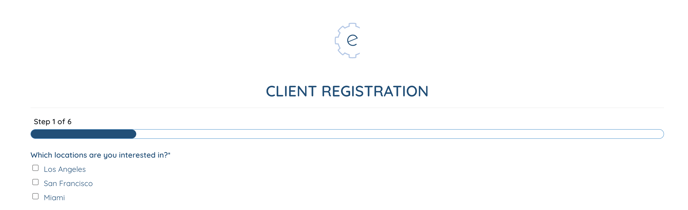
6. View the progress bar at the top of your application form.
If this content doesn't answer your questions you can always contact us by clicking here