Let’s get started 🚀
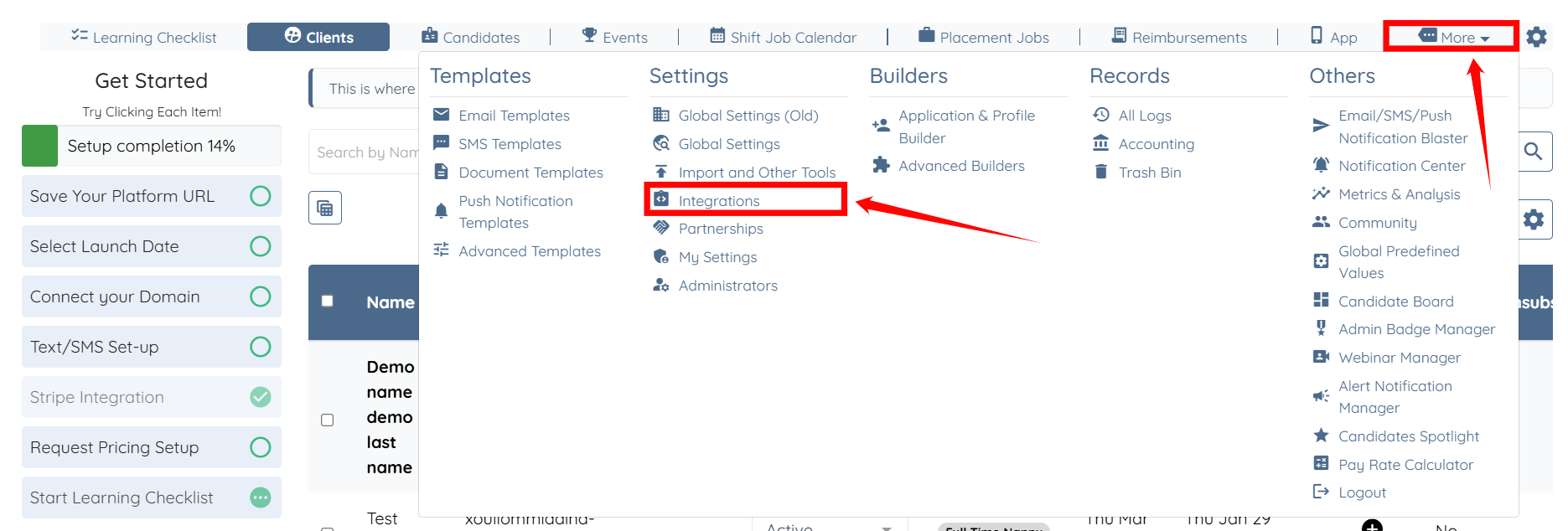
Step 1: Log in to your agent dashboard and click More > Integrations as shown in the screenshot below.
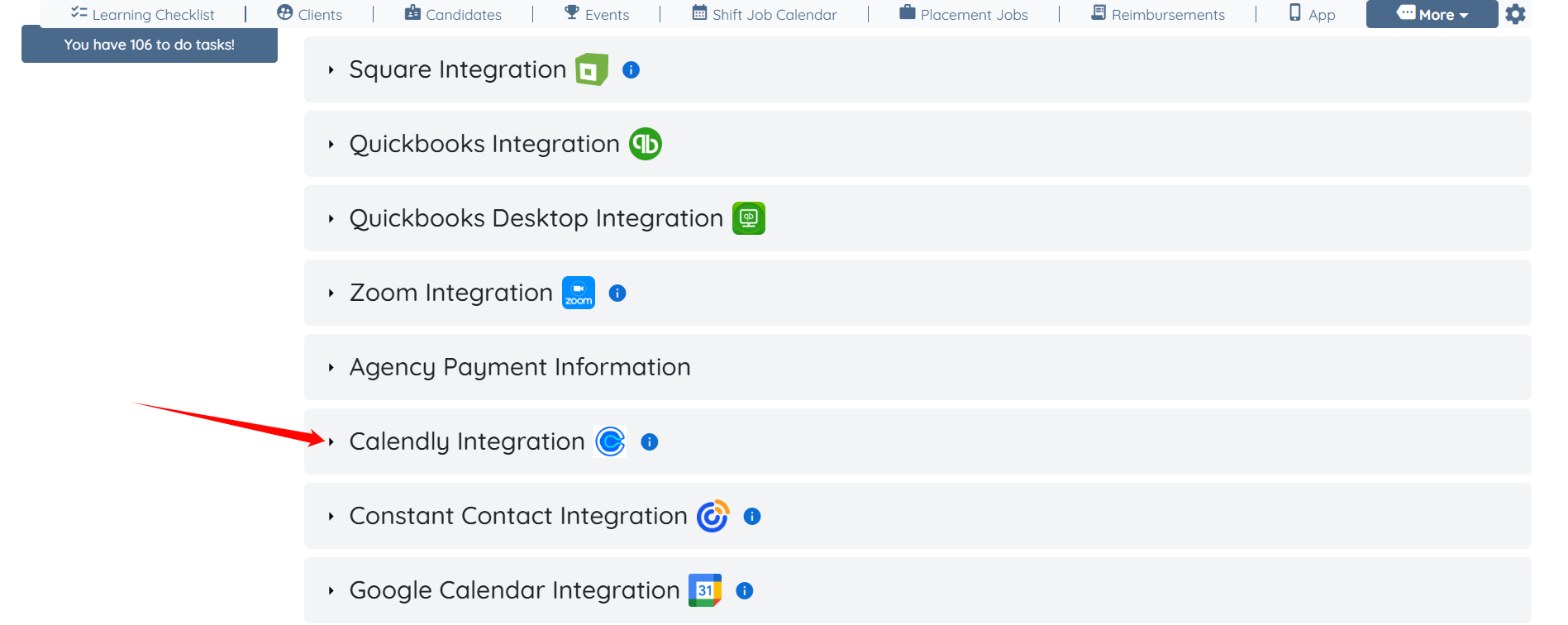
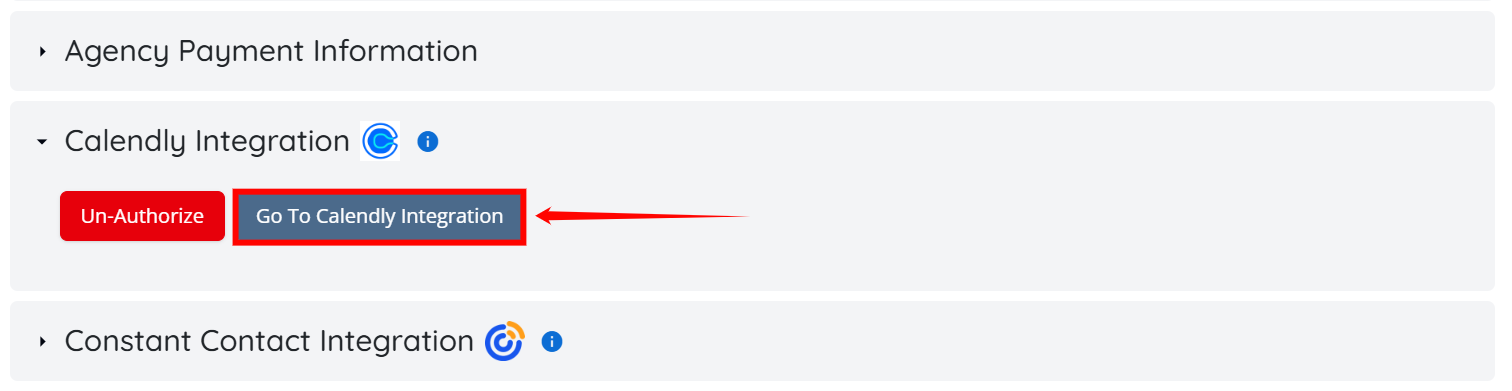
Step 2: Locate the Calendly Integration and click it to expand it.
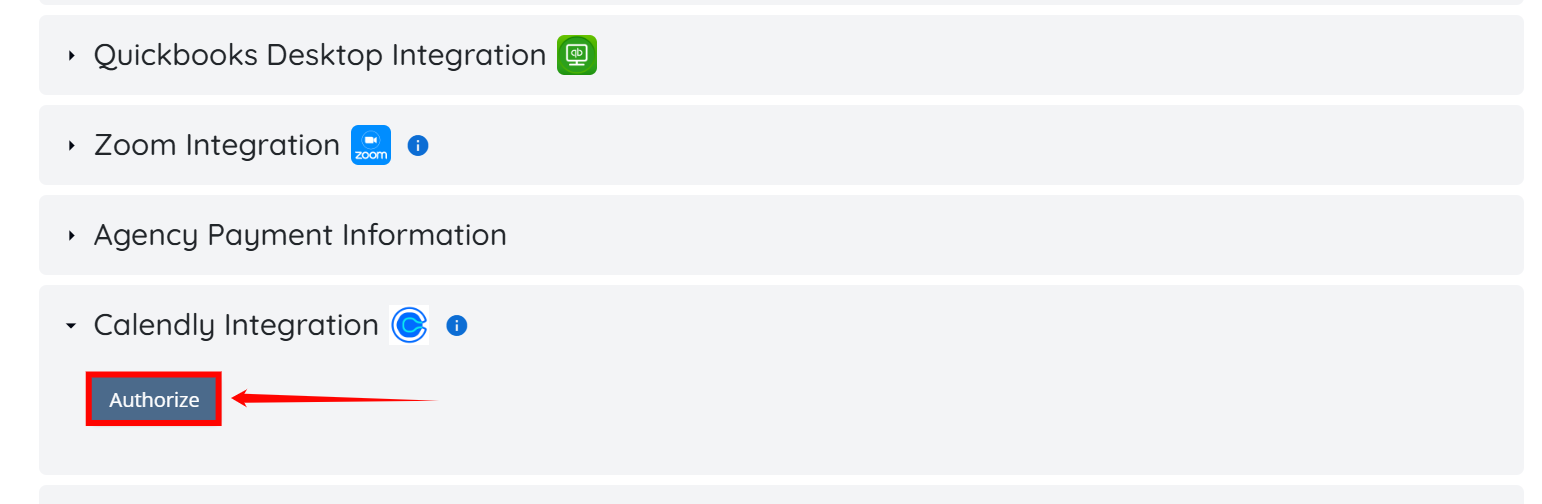
Step 3: Click the Authorize button.
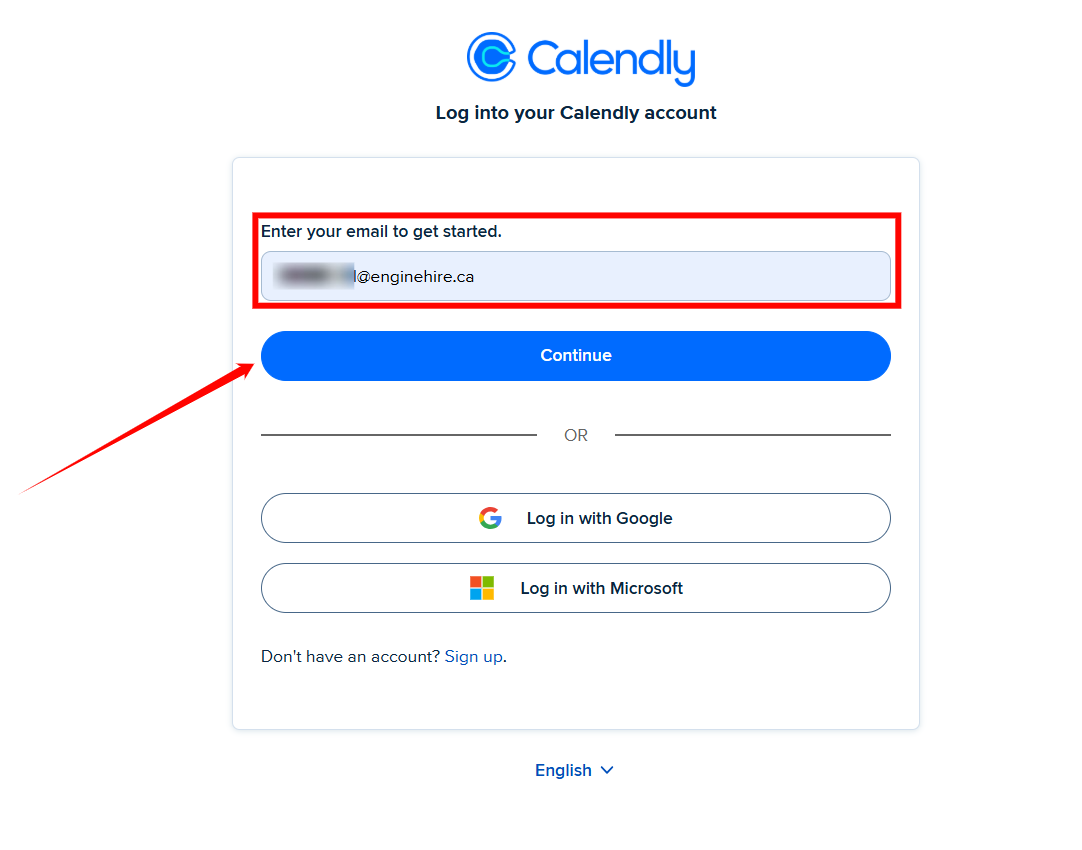
Step 4: Enter the email address to log in to your Calendly account, and then click the Continue button to proceed.
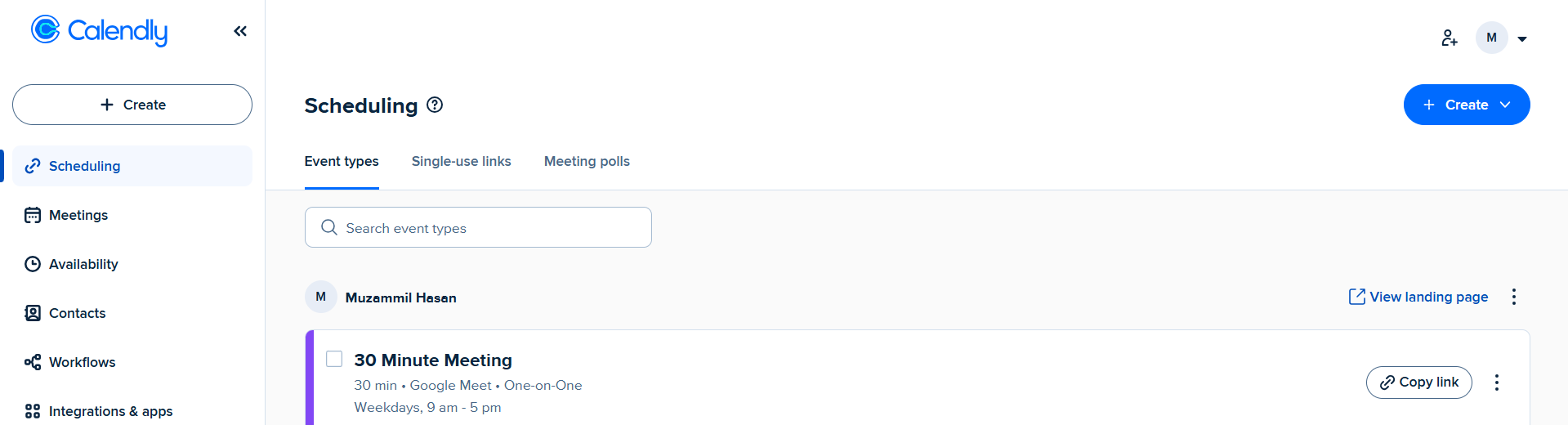
You will be navigated to your Calendly scheduling dashboard.
Step 5: Return to the Integrations page, and under the Calendly Integration, click the Go To Calendly Integration button.
You can view your Calendly appointments on the Calendly Integration page.
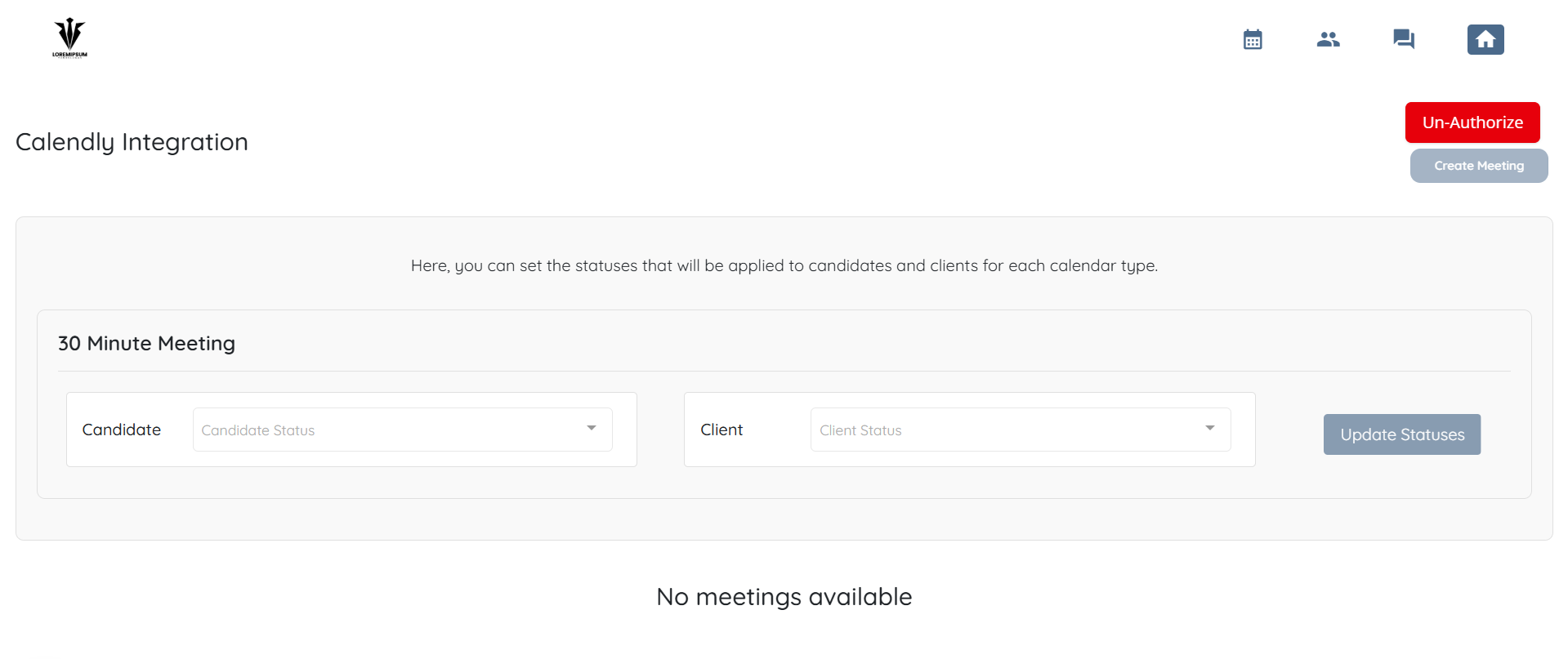

Understand how bookings from Calendly are detected and how candidate or client statuses are updated based on your configuration.
When a candidate or client books a meeting through your Calendly link, the system automatically detects the booking and updates their status based on your configured mappings. Updates may take up to 20 minutes.
The system checks for new Calendly bookings every 15 minutes
The booking is matched using the email address
The email used in Calendly must match the email in EngineHire
If you are the only user:
Connect your Calendly account
Configure event type → status mappings
All bookings will be detected automatically and statuses will update accordingly
If you are using Calendly team features (round-robin, collective events):
Bookings may be assigned to different team members
The system detects bookings across the entire organization
As long as one admin-level Calendly account is connected, bookings will be detected and statuses will update
Limitations:
Only bookings for connected team members are detected
Bookings assigned to unconnected members will not trigger status updates
To ensure all bookings are captured:
Connect Calendly for all team members, or
Upgrade to a Professional plan or higher
Map each Calendly event type to a status to control how updates are applied.
Each event type (e.g., Candidate Intake Interview) can be linked to a status
Different event types can trigger different status updates
Unmapped event types will be ignored
If this content doesn't answer your questions you can always contact us by clicking here
