Let’s get started 🚀
Create a placement job directly from the client’s profile. Follow the steps below to add a new placement job for a specific client.
Step 1: Log in to your agent dashboard, navigate to the Clients tab, and click on any client to open its details.

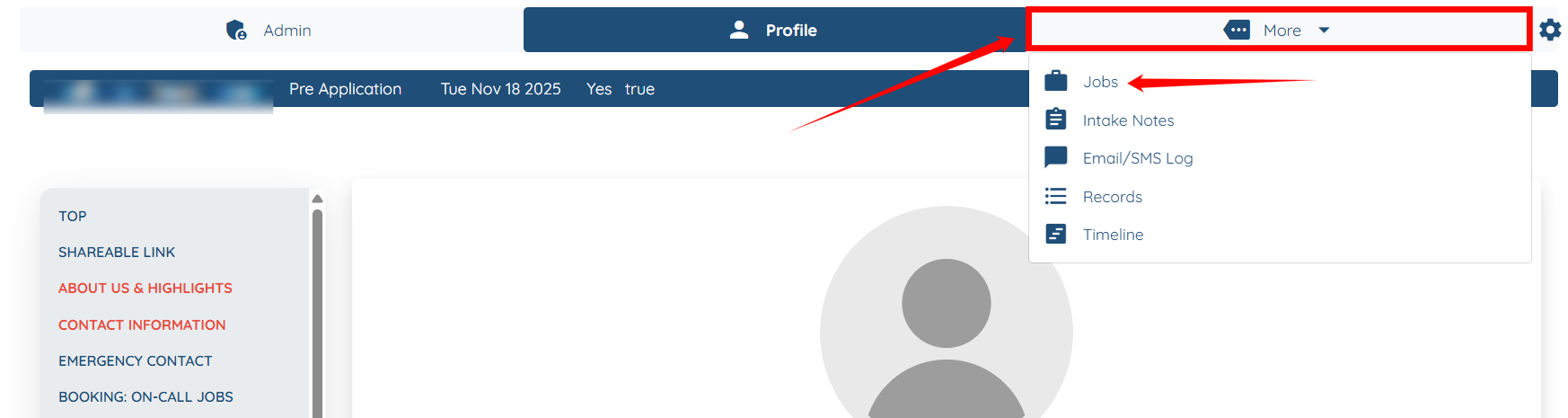
Step 2: Click More > Jobs as shown in the screenshot below.
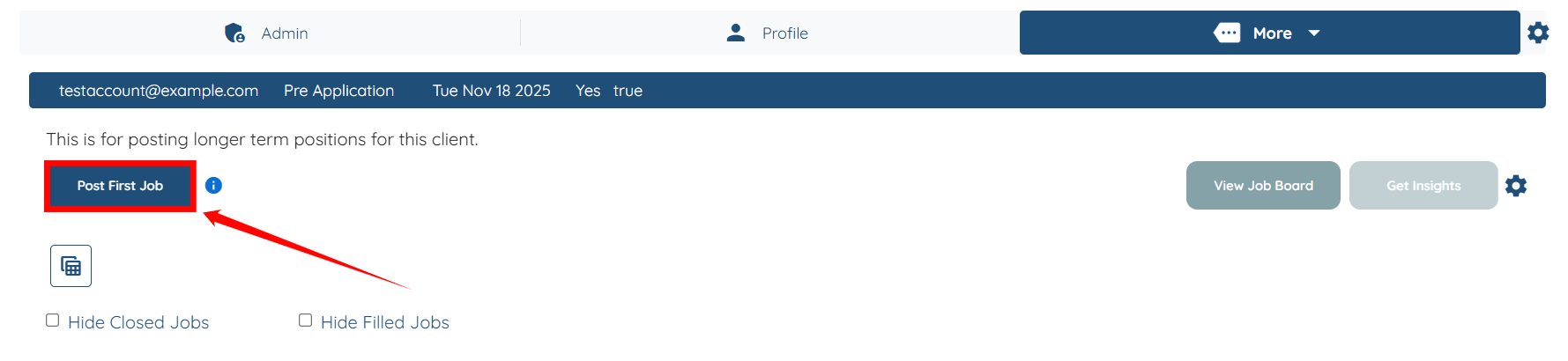
Step 3: Click the Post First Job button to begin creating the job.
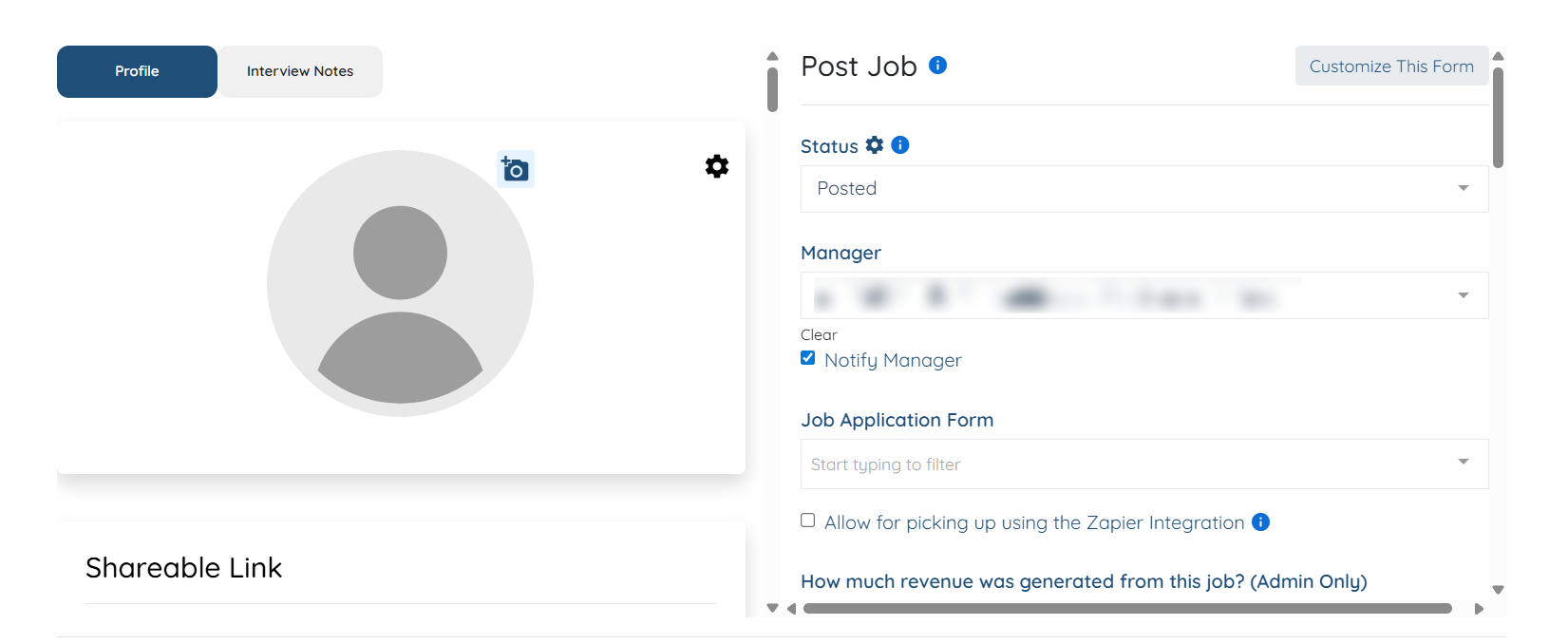
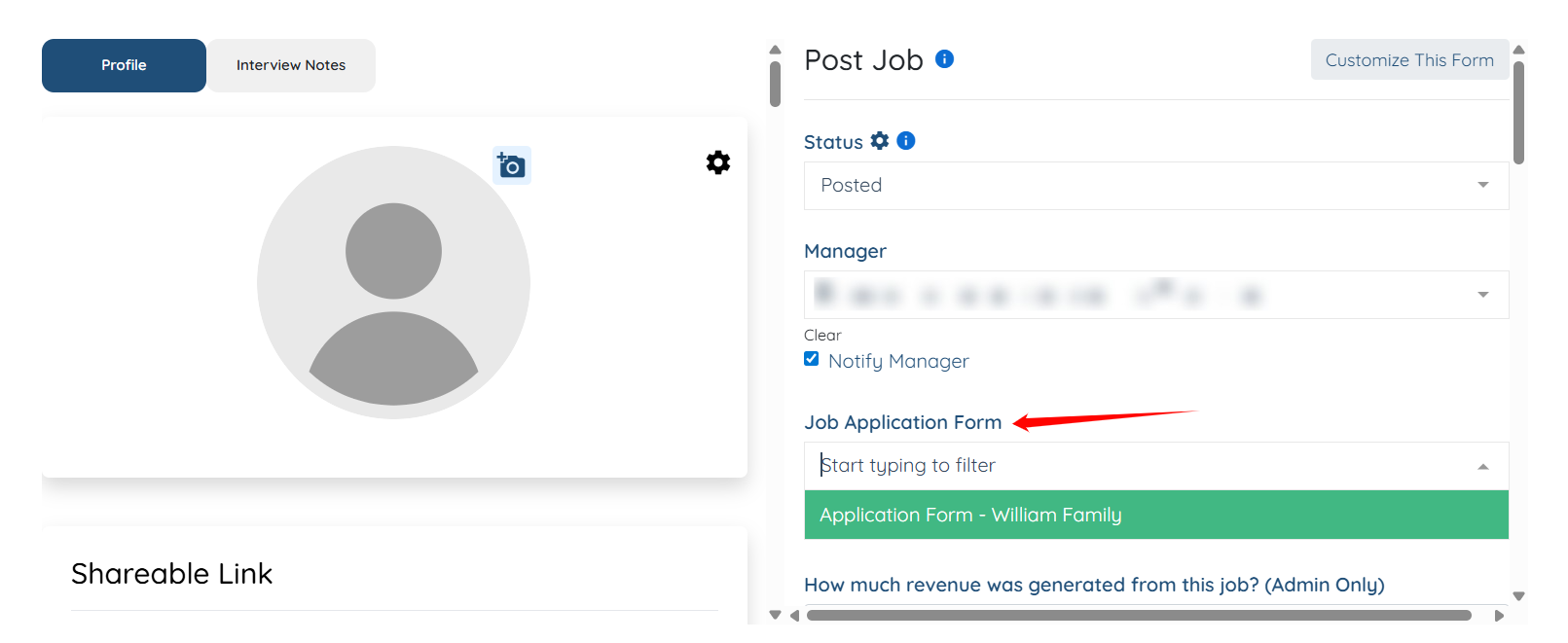
Step 4: Enter all necessary details for the job you want to post.

Step 5: (Optional) Check the Hide from job board checkbox when you are creating a job post to replace the current candidate, so that the system hides this job post
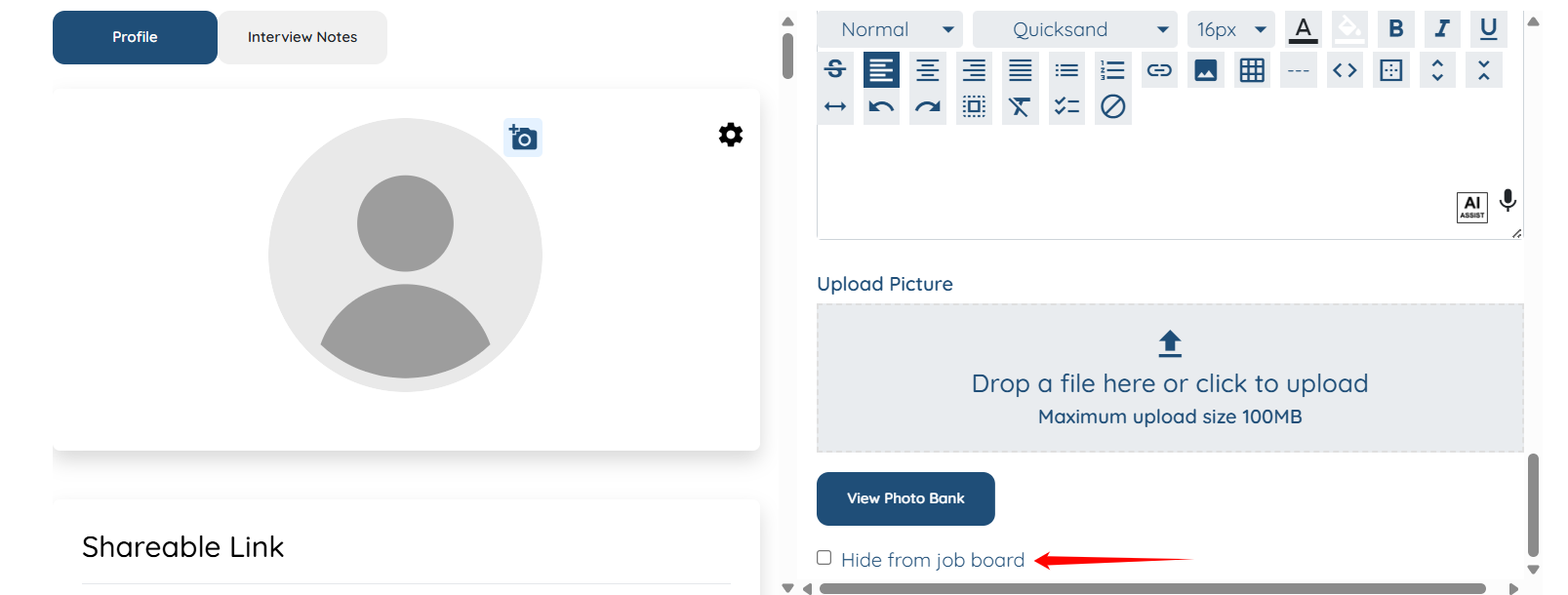
You can also take a look at the client profile to cross-check any information whenever needed.
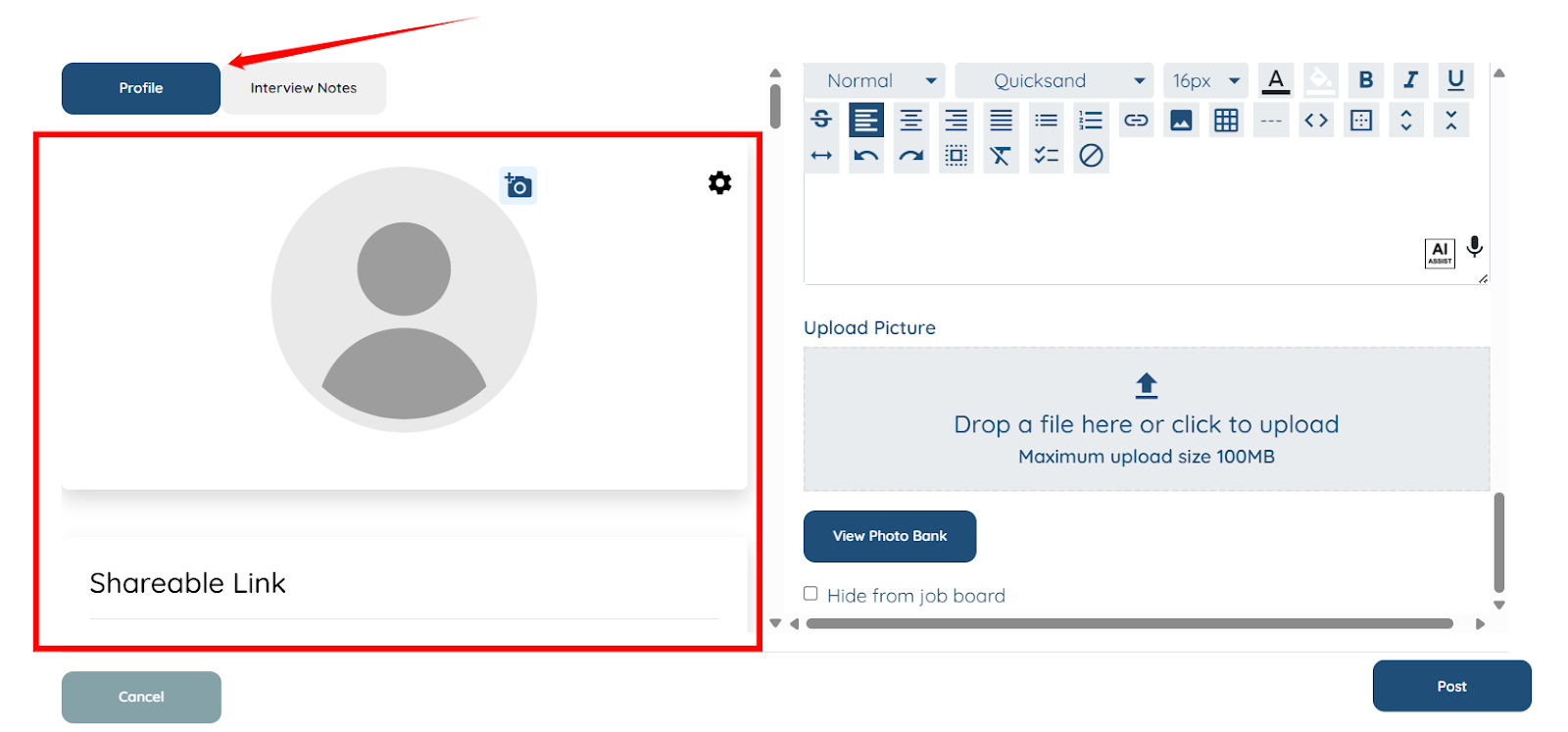
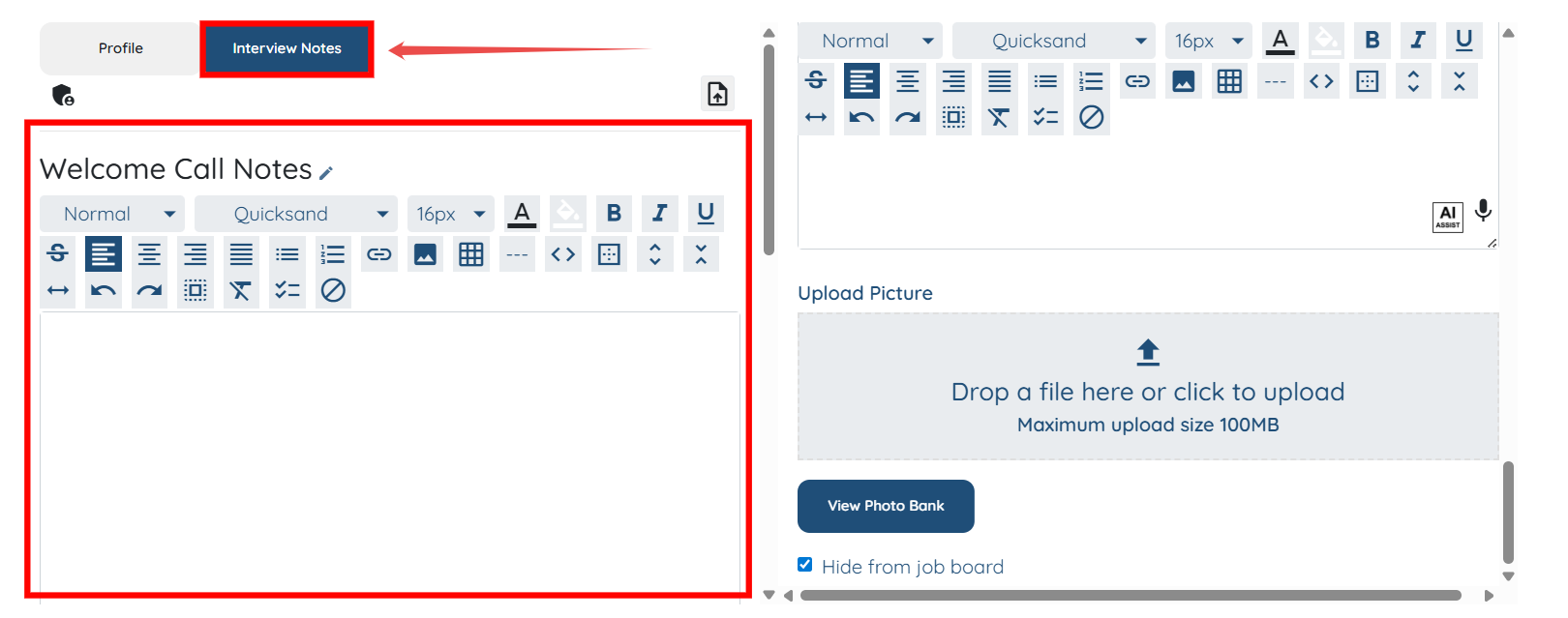
You can also add and update the interview notes as needed.
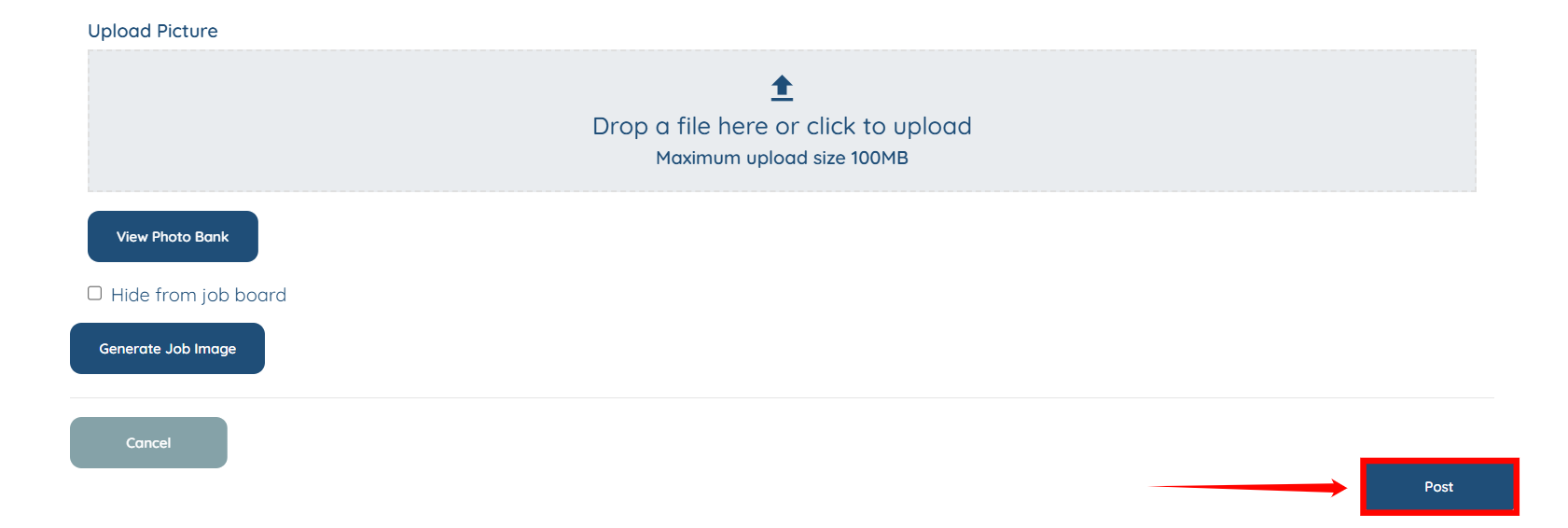
Step 6: Once you fill out all the details, click the Post button to create the job post.
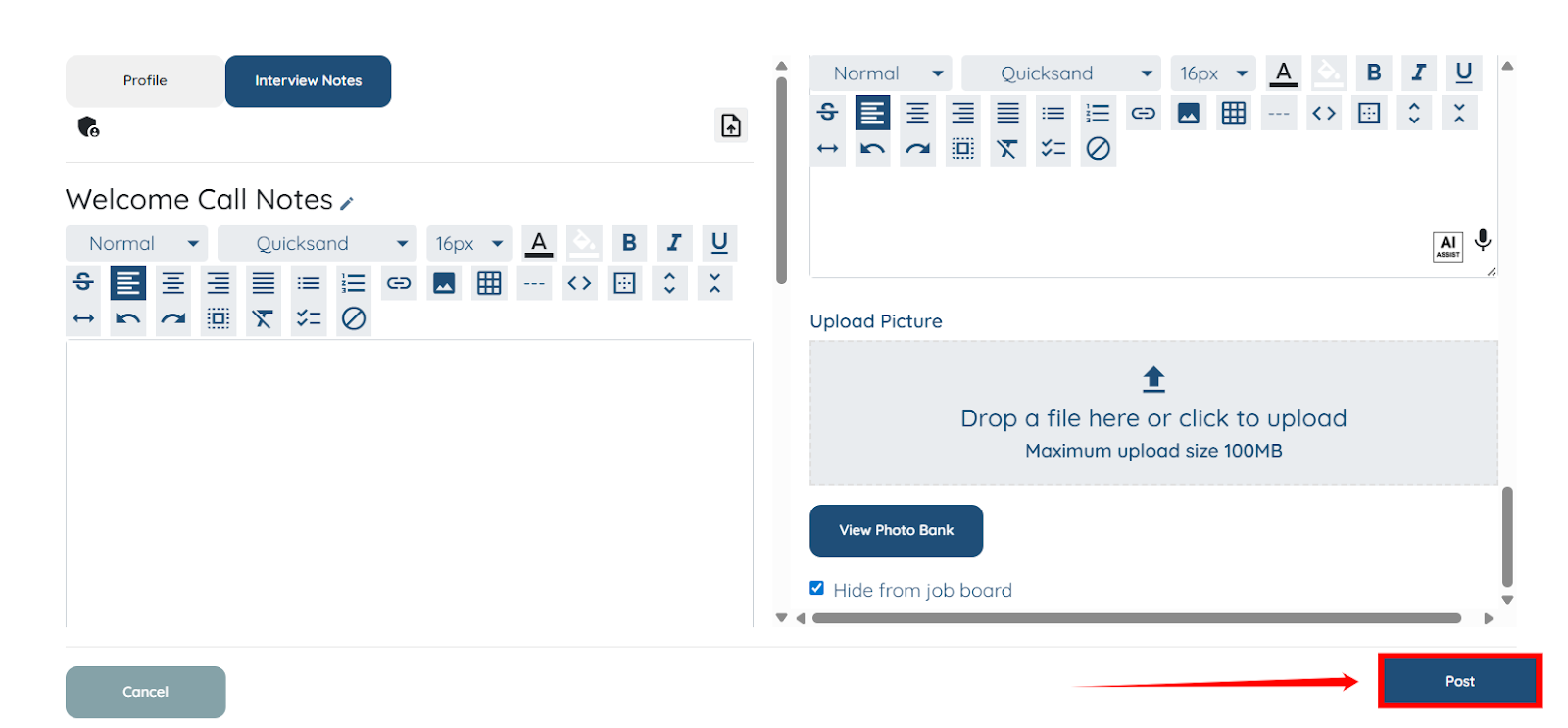
The job post will be created successfully.
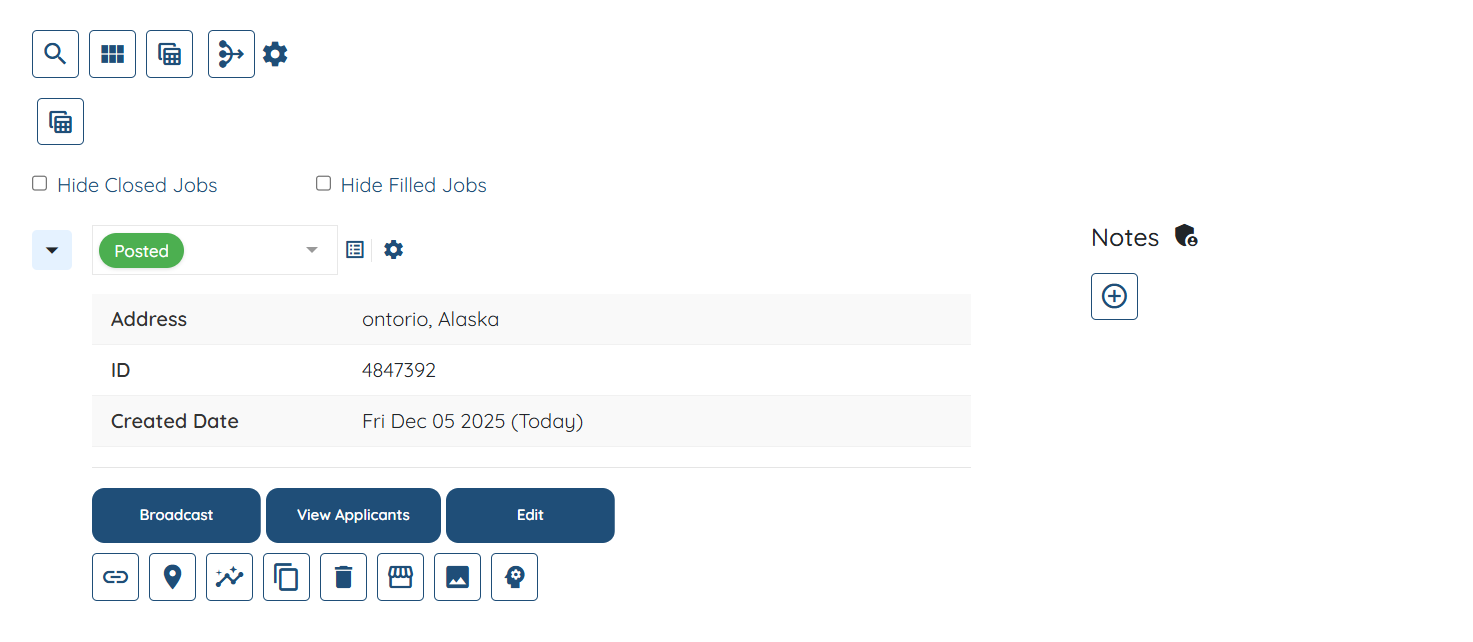
Add a placement job from the Placement Jobs area in your dashboard. Follow the steps below to post a new placement job using this section.
Step 1: On your agent dashboard, click the Placement Jobs from the top navigation bar.
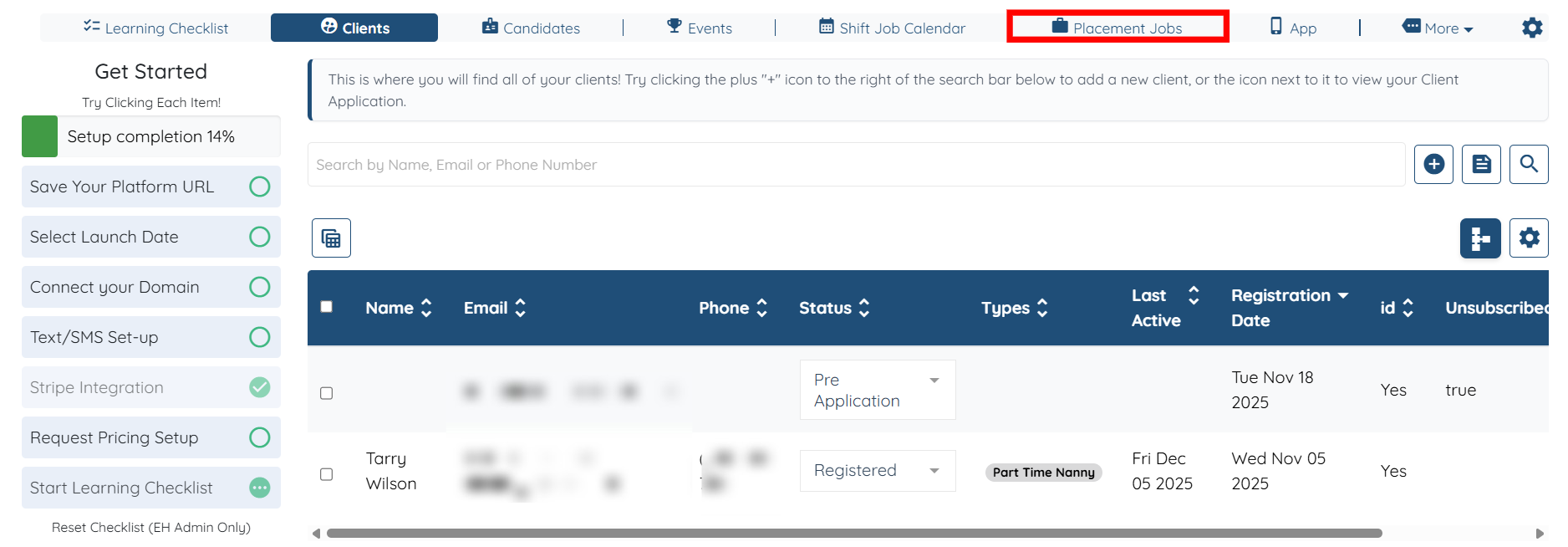
Step 2: Click the Post Job button to begin creating the job.

Step 3: Fill out all the necessary details related to the job post, and then click the Post button to publish the job.
If this doesn't answer your questions you can always contact us by clicking here
