
Let’s get started 🚀
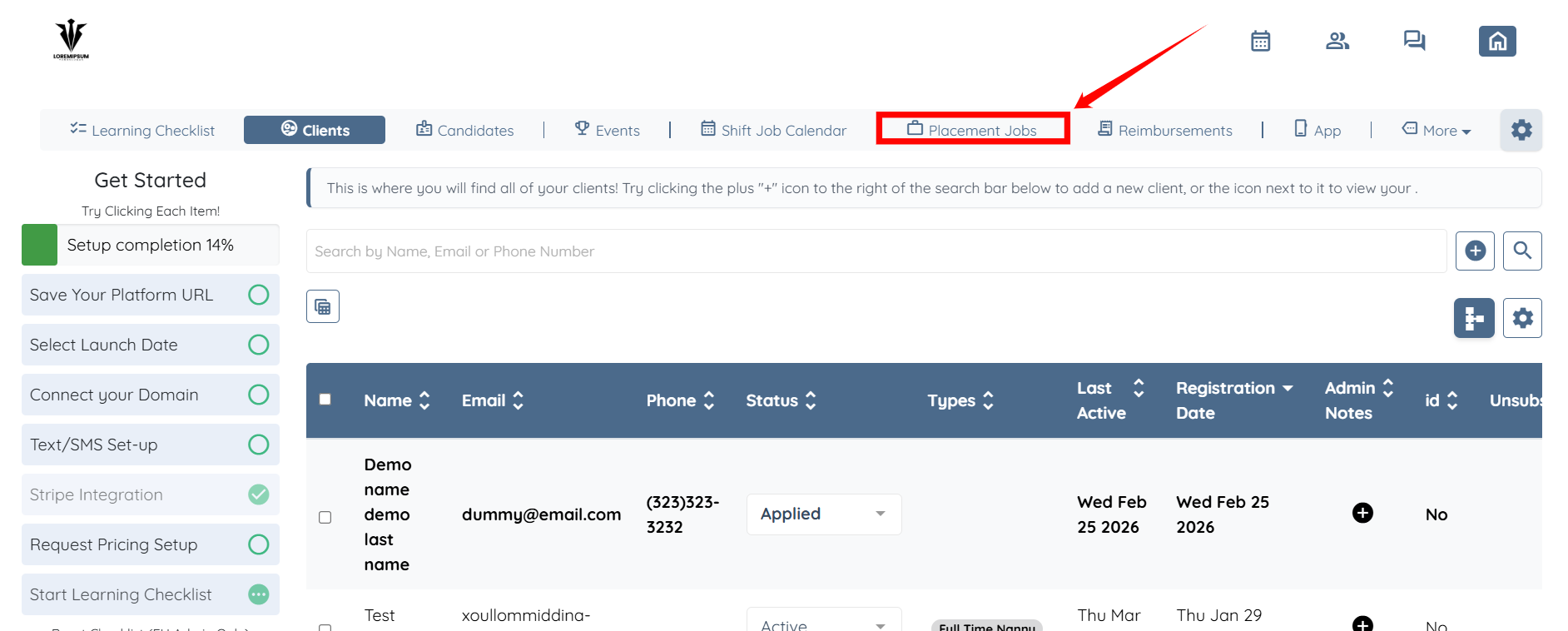
Step 1: Log in to your agent dashboard and click Placement Jobs in the navigation bar.
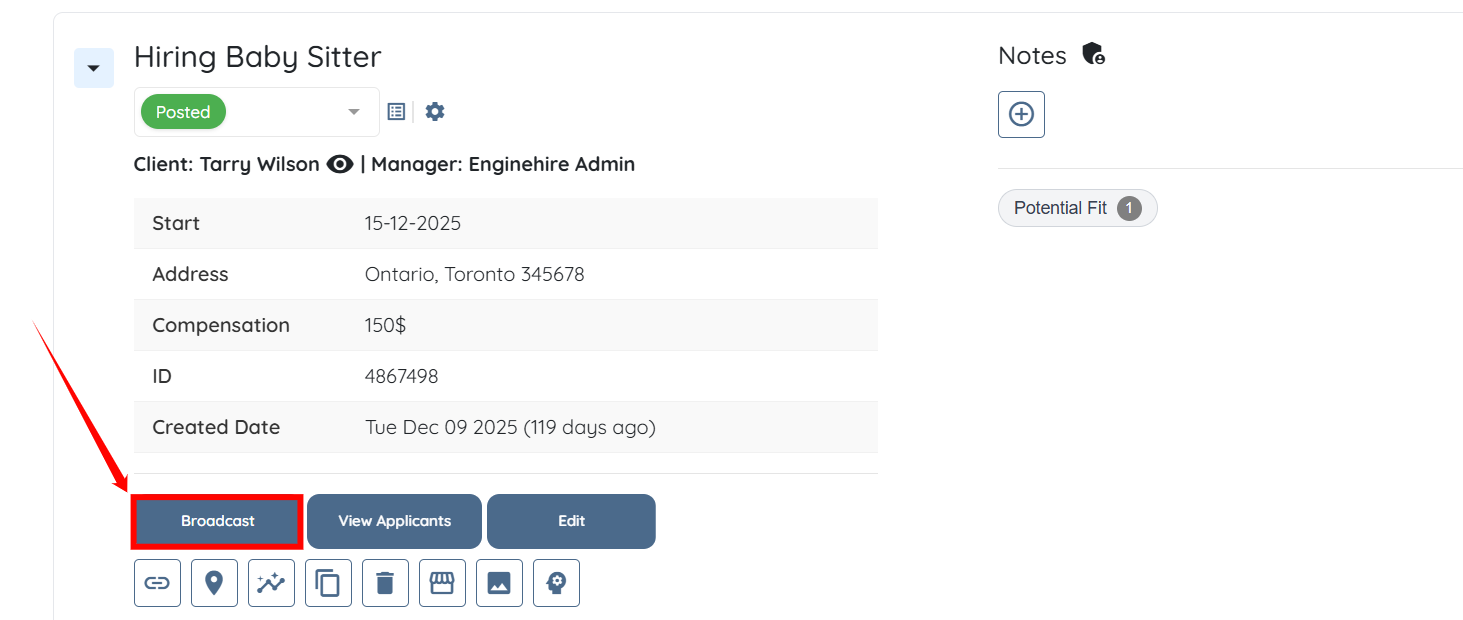
Step 2: Scroll down to the job you want to broadcast, then click the Broadcast button located just below the job, as shown in the screenshot below.
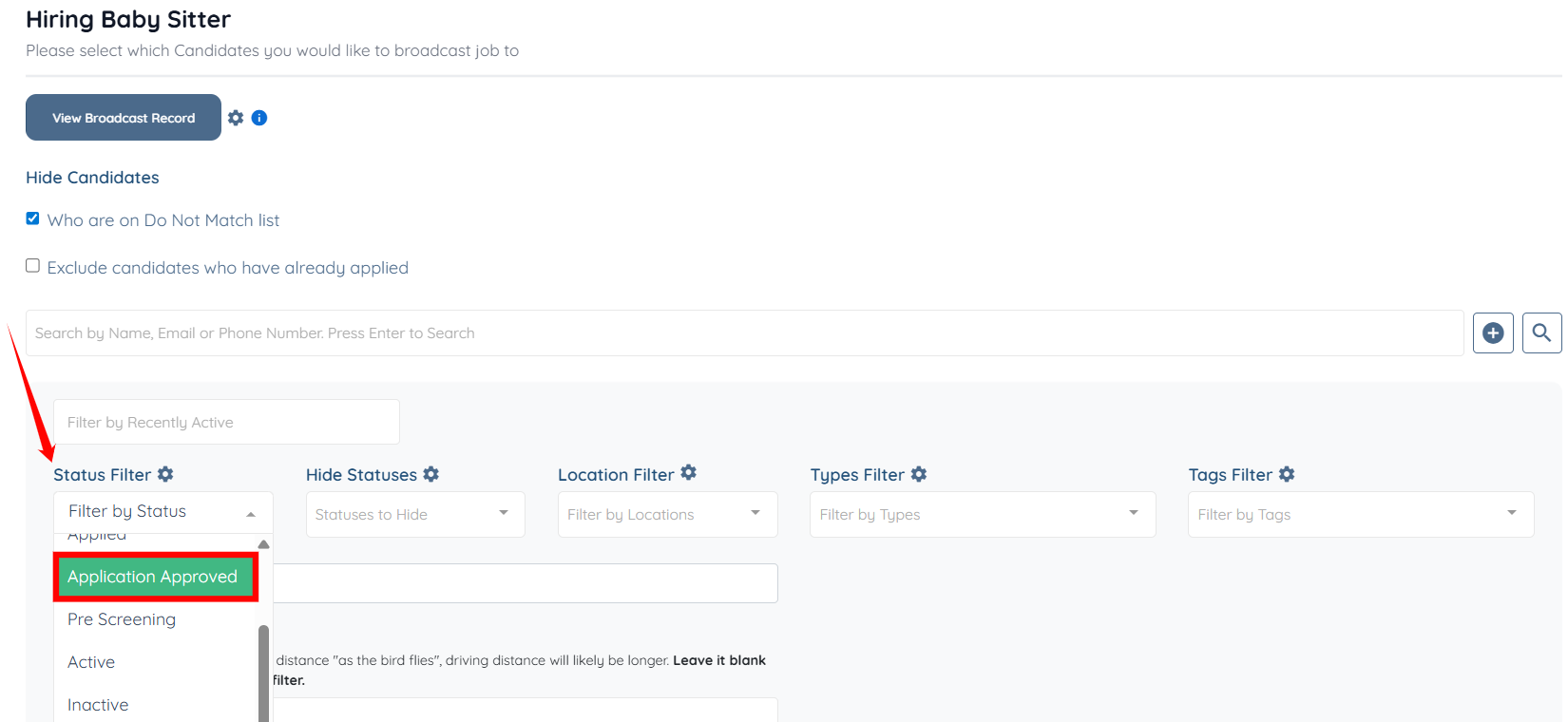
Step 3: Use the search and filter tools to narrow down the candidates you want to target when broadcasting the selected job.
For instance, select the Application Approved status from the status filter to display candidates with that status.

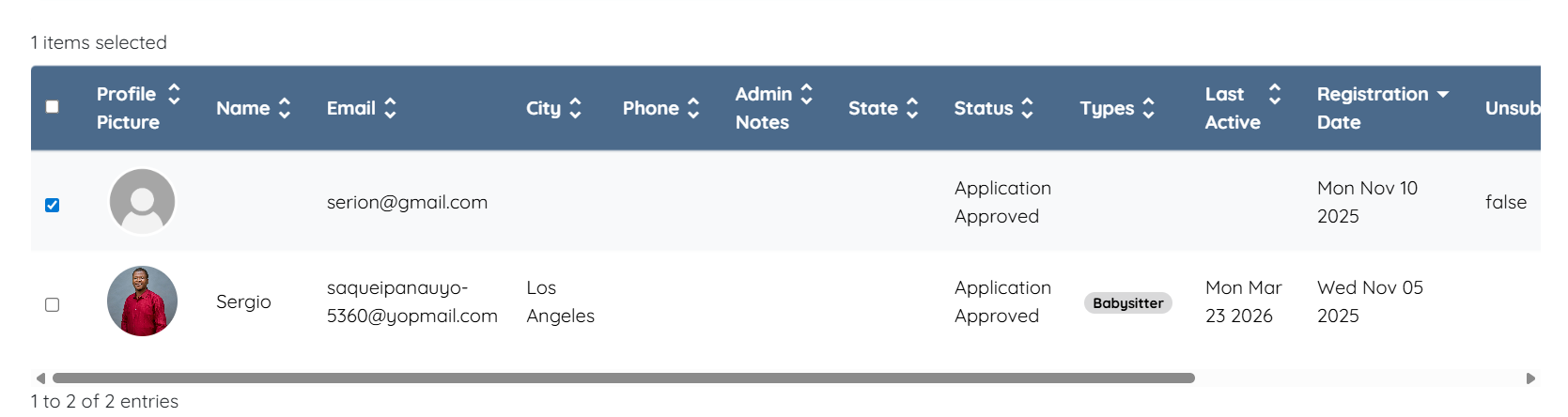
Step 4: Select the candidates by checking the checkbox before their name.
Step 5: Use any source to send the broadcast via email, SMS, or both, as needed.
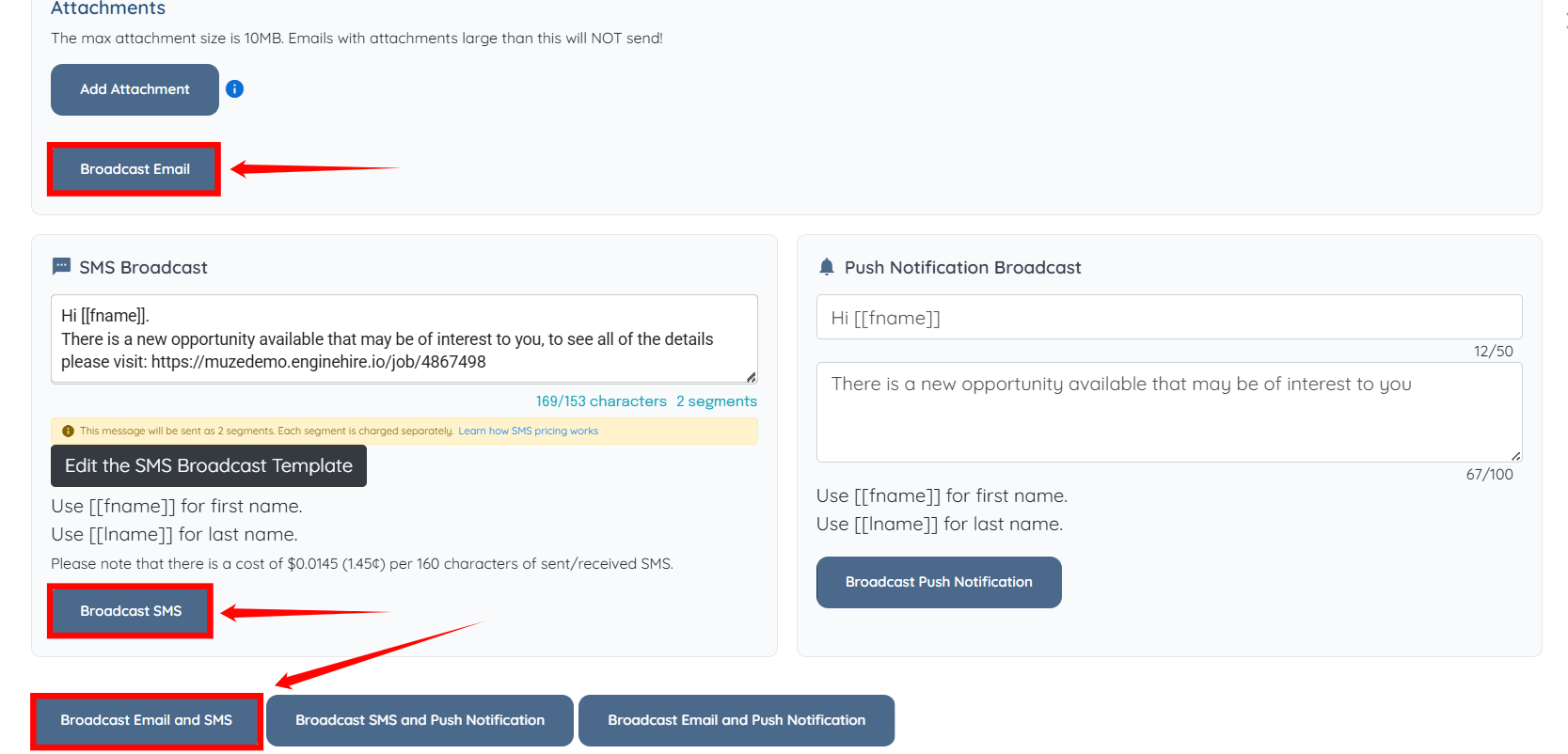
The broadcast for the selected job will be successfully sent to the selected candidates.
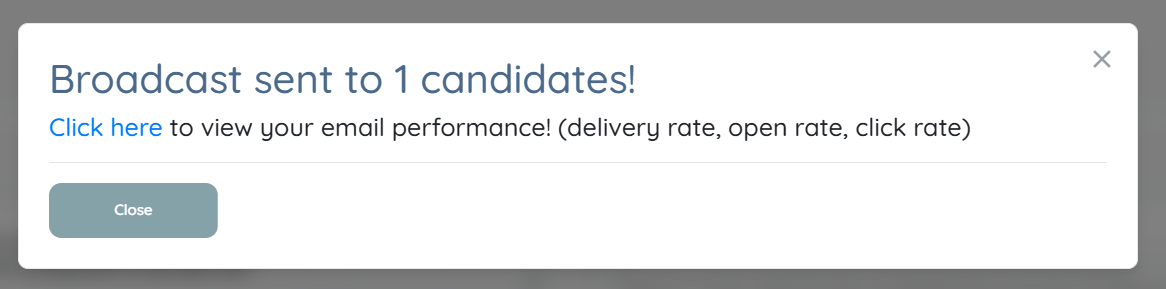
Learn how to check delivery rates.
If this doesn't answer your questions you can always contact us by clicking here