Let’s get started 🚀
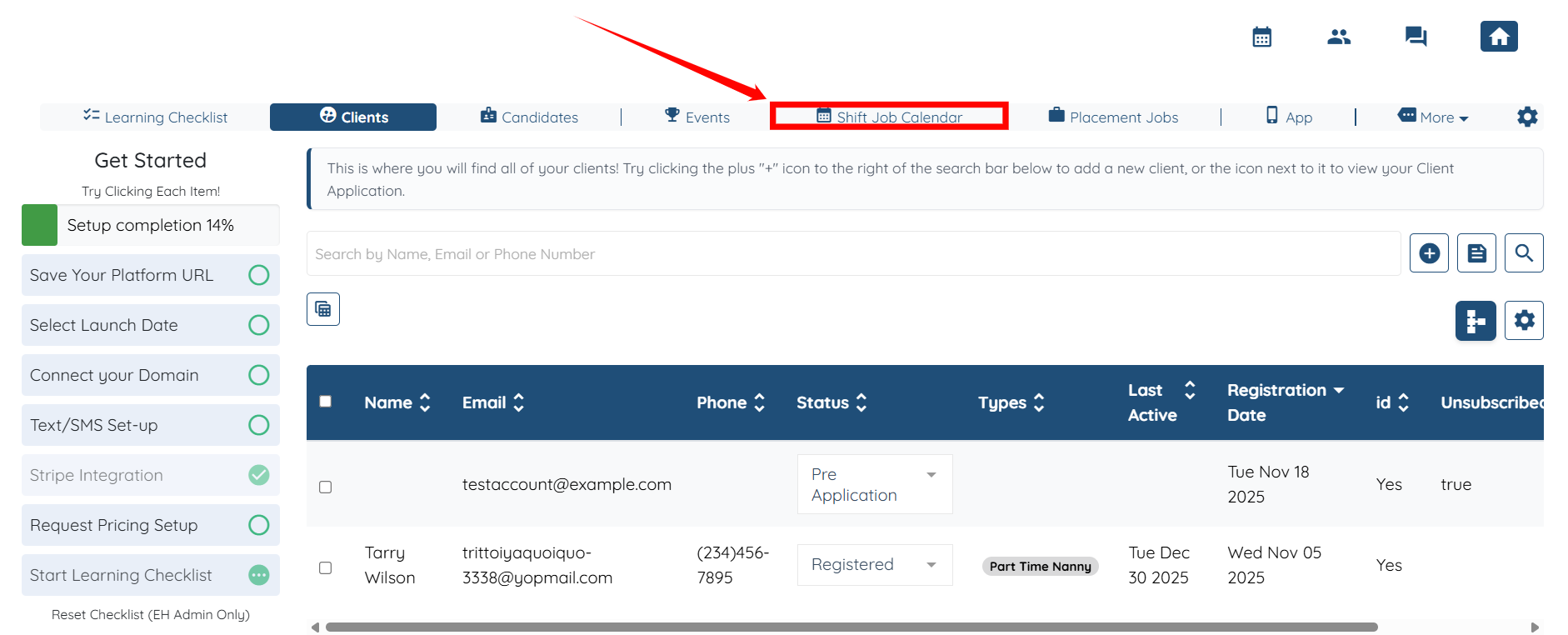
Step 1: Log in to your agent dashboard and click the Shift Job Calendar in the top navigation bar.
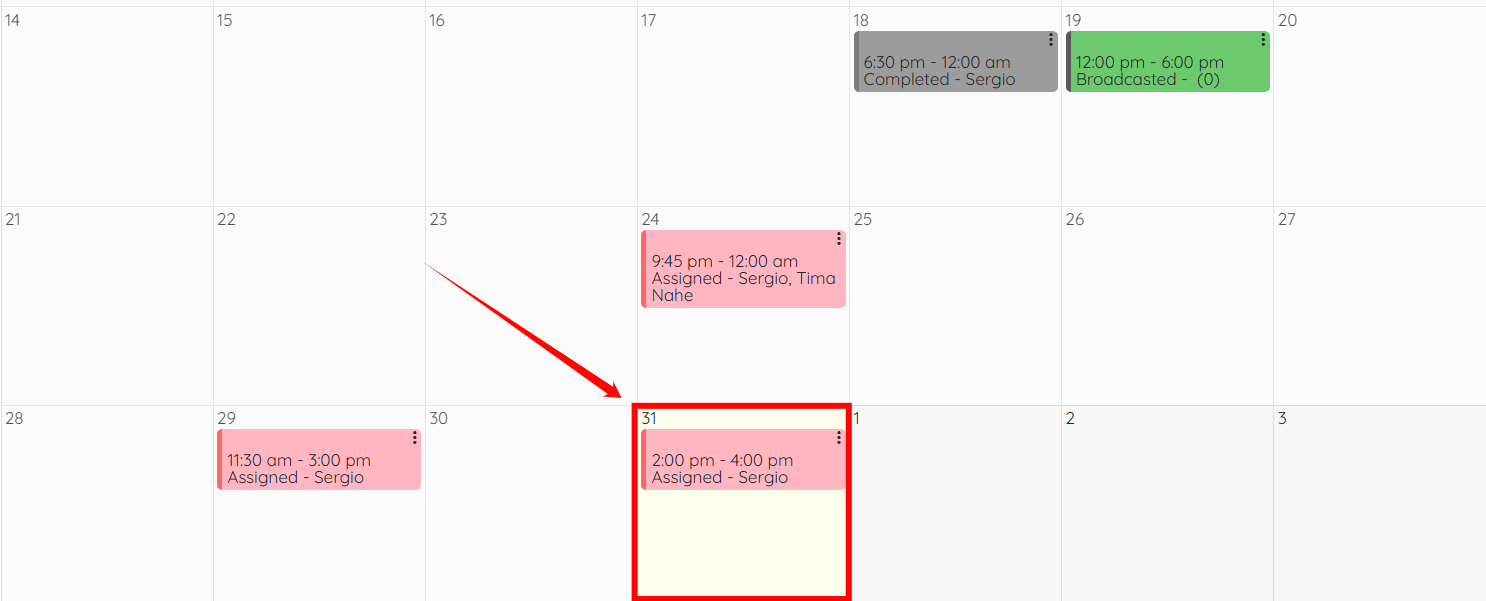
Step 2: Scroll down and open the shift job in which the candidate is already assigned.
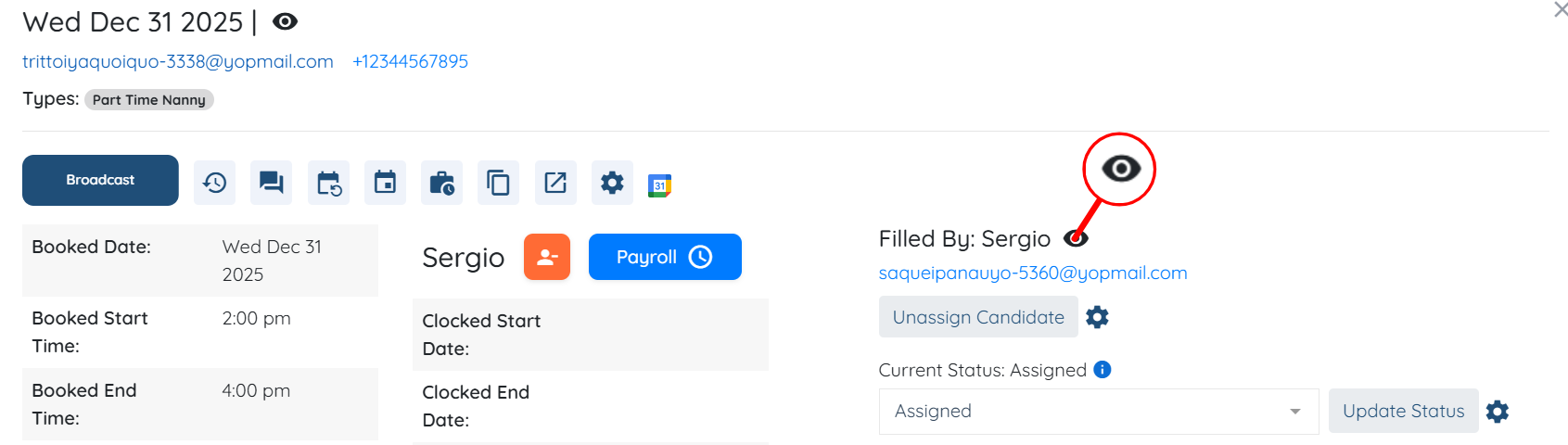
Step 3: Click the View Filler Profile icon as shown in the screenshot.
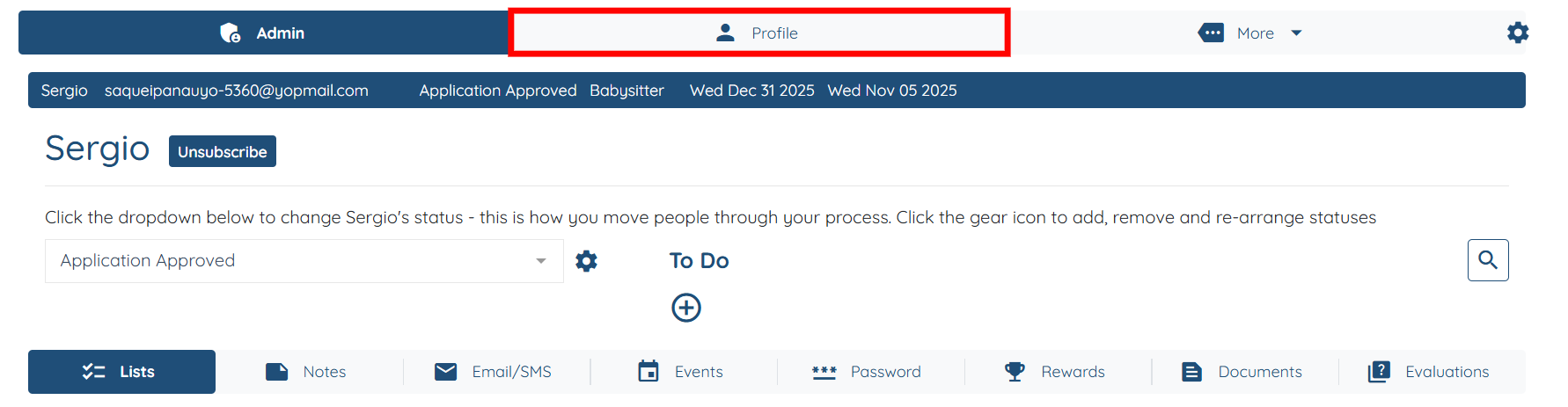
Step 4: Click the Profile tab.
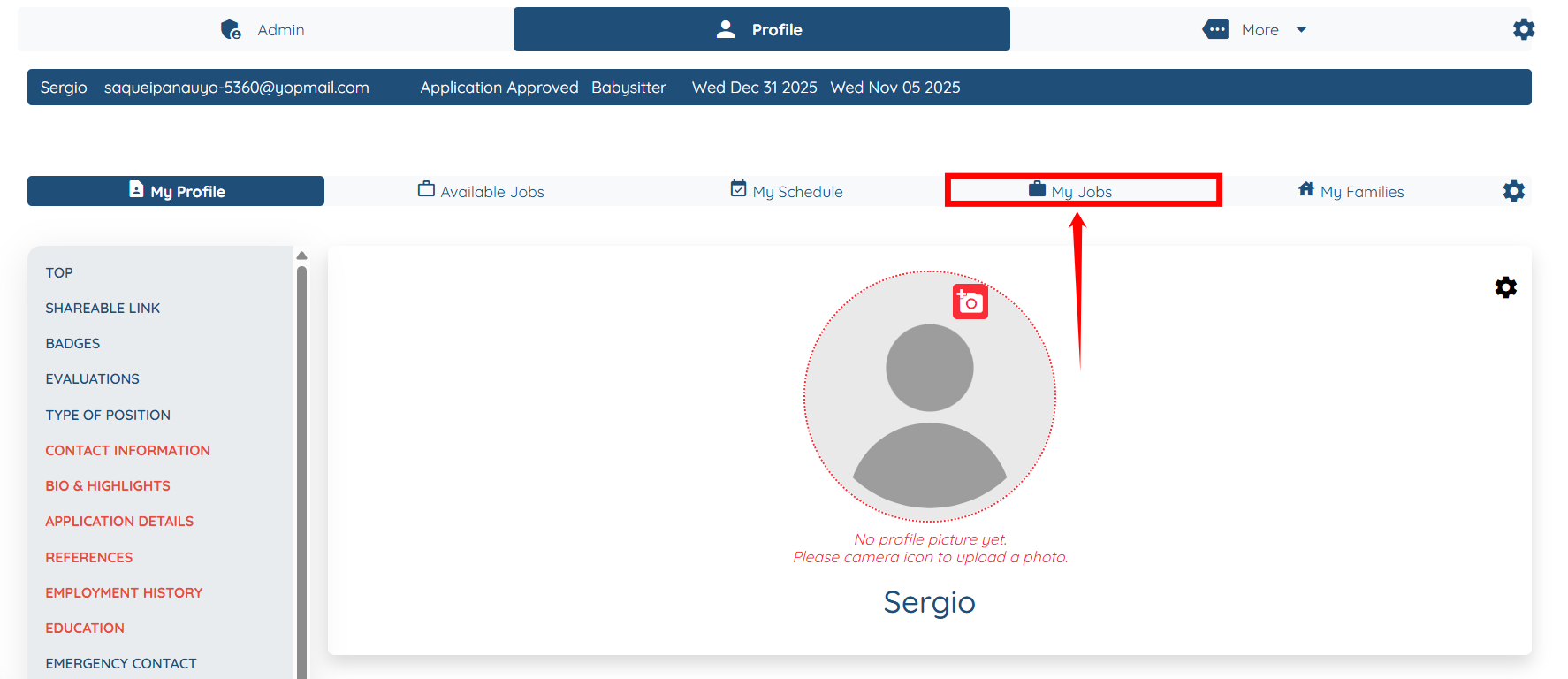
Step 5: Under the Profile tab, click the My Jobs option.
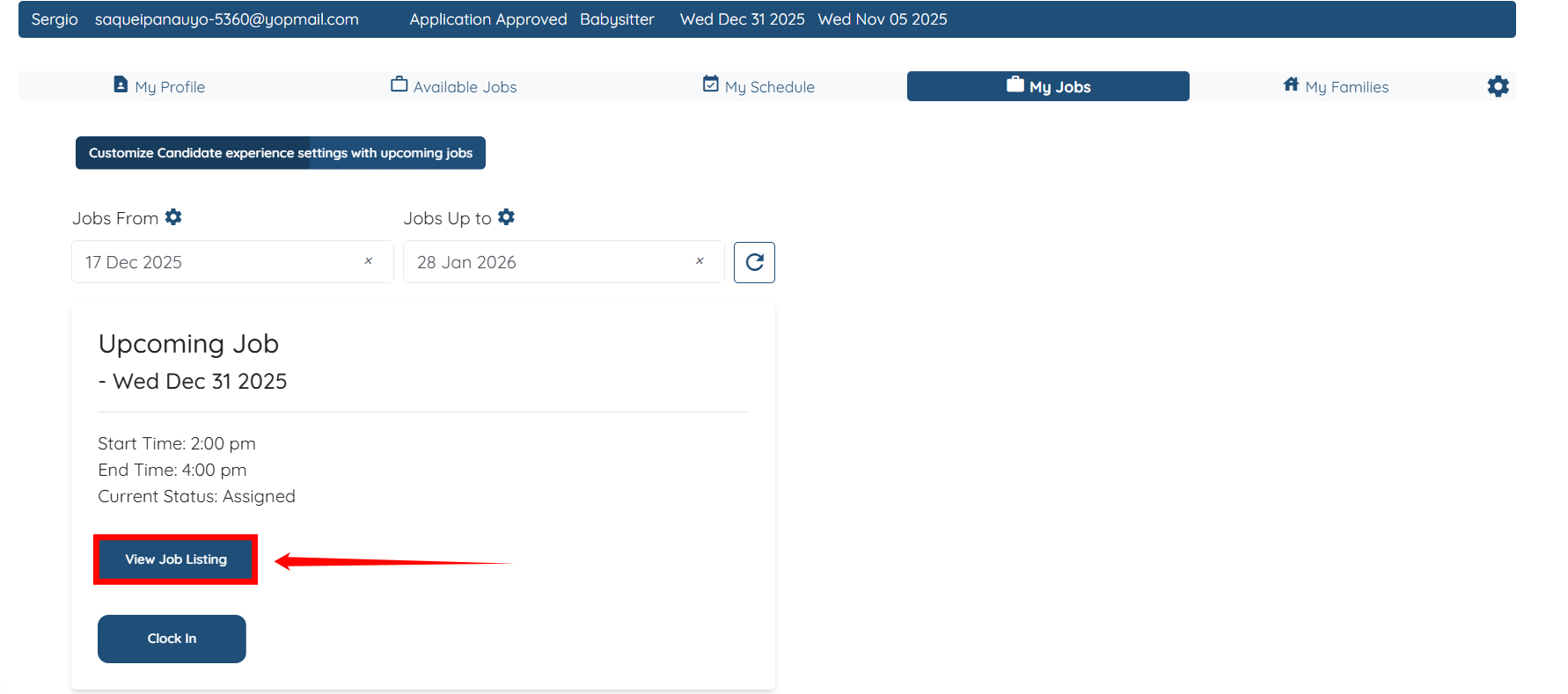
Step 6: Click the View Job Listing button.
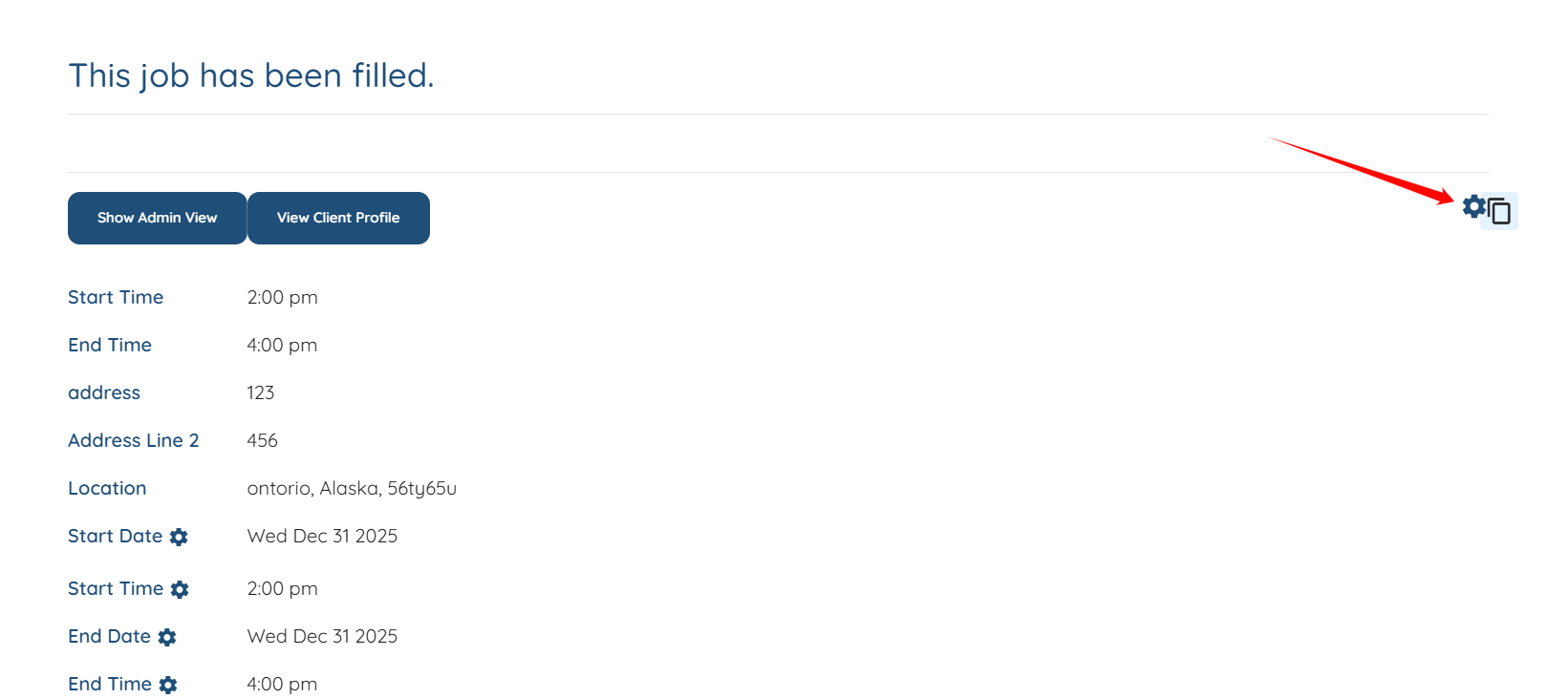
Step 7: Click the Gear icon on the right-hand side of the job listing.
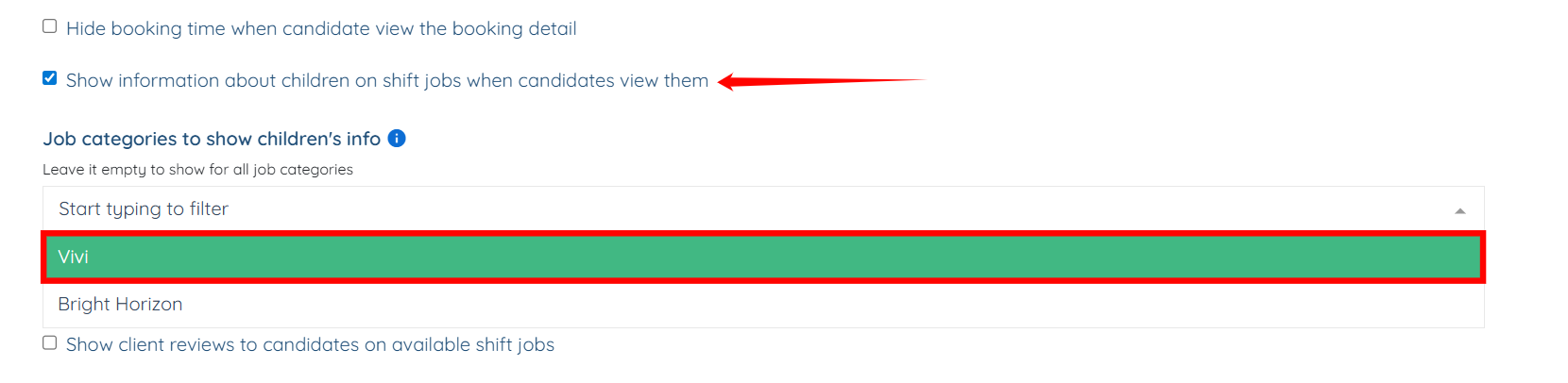
Step 8: Scroll down and check the Show information about children on shift jobs when candidates view them checkbox.
Then, select the job categories from the dropdown list where you want the children’s information to be displayed.
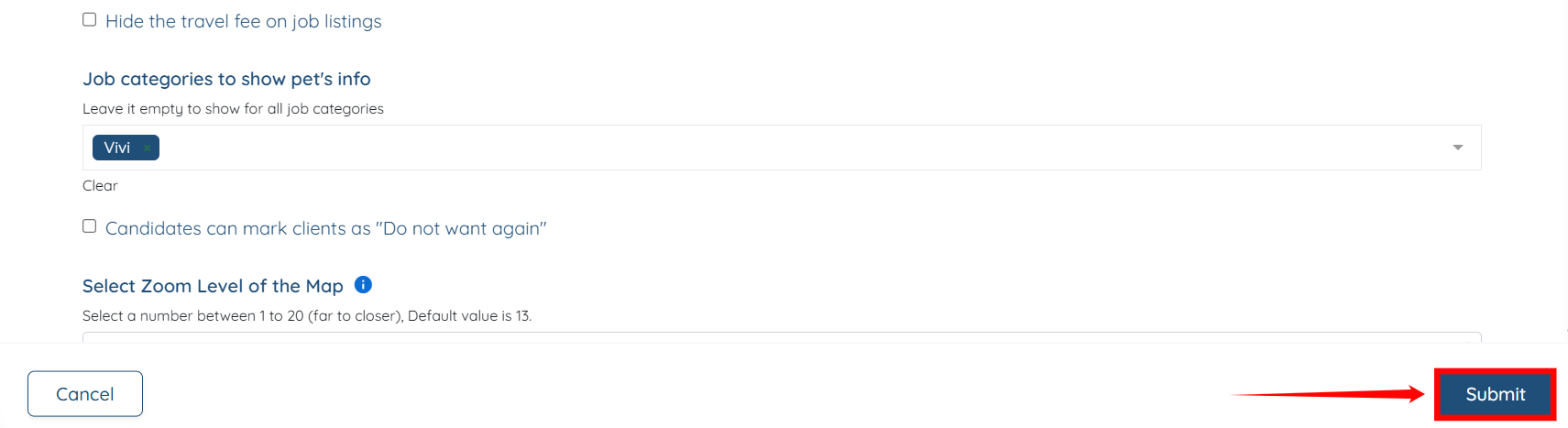
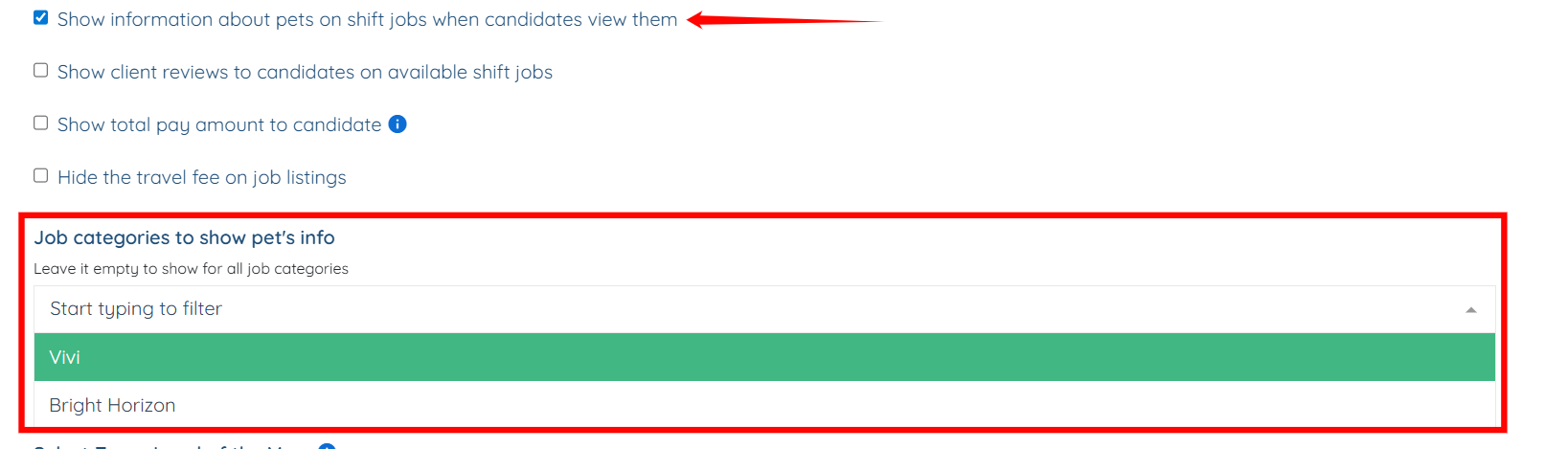
Step 9: Repeat the previous step to show the information about pets on shift jobs.
Step 10: Click the Submit button to confirm the changes.