Let’s get started 🚀
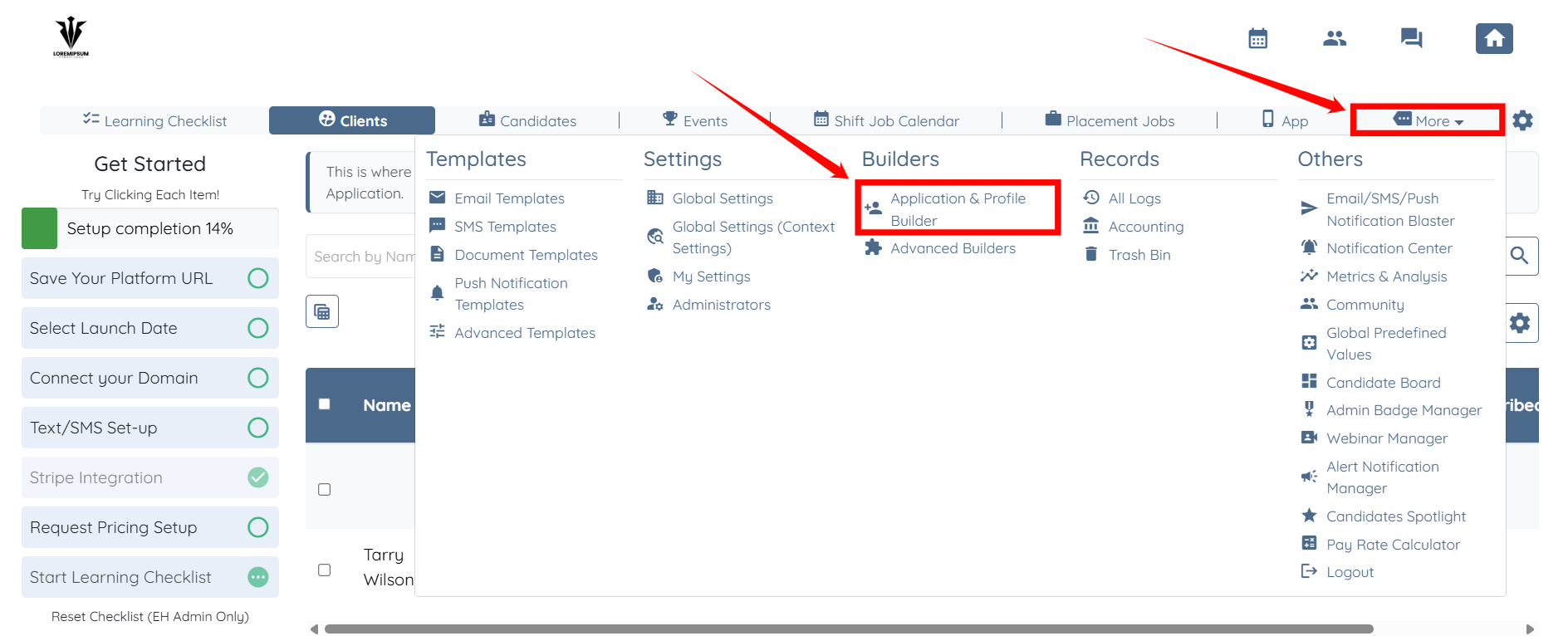
Step 1: Log in to your agent dashboard and click More > Application & Profile Builder, as shown in the screenshot below.
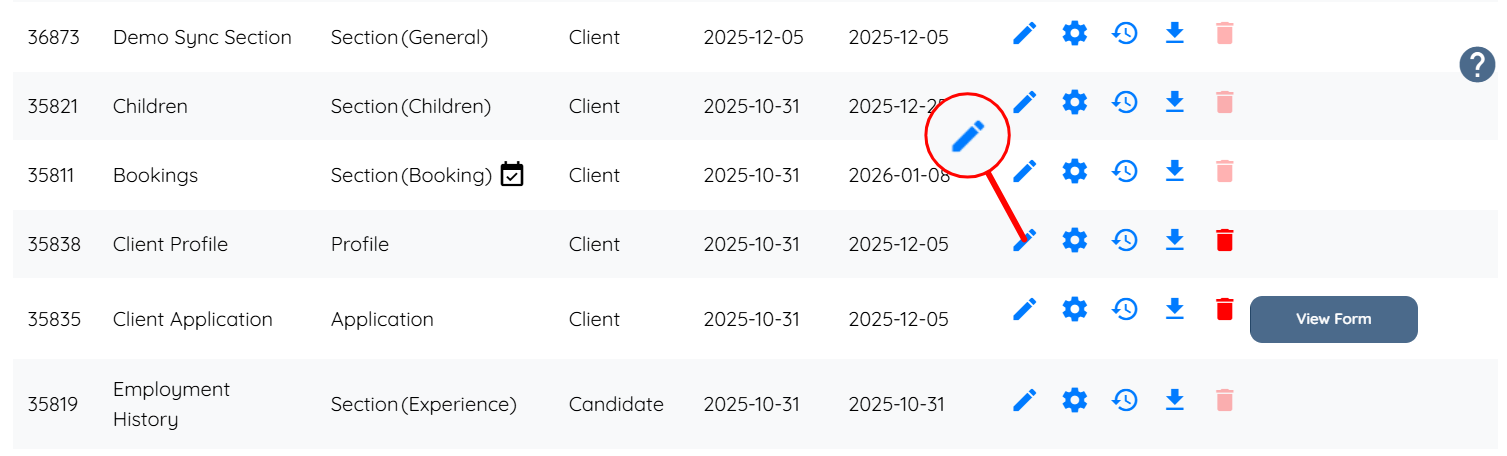
Step 2: Locate the Client Profile builder and click the corresponding pencil icon to open it.
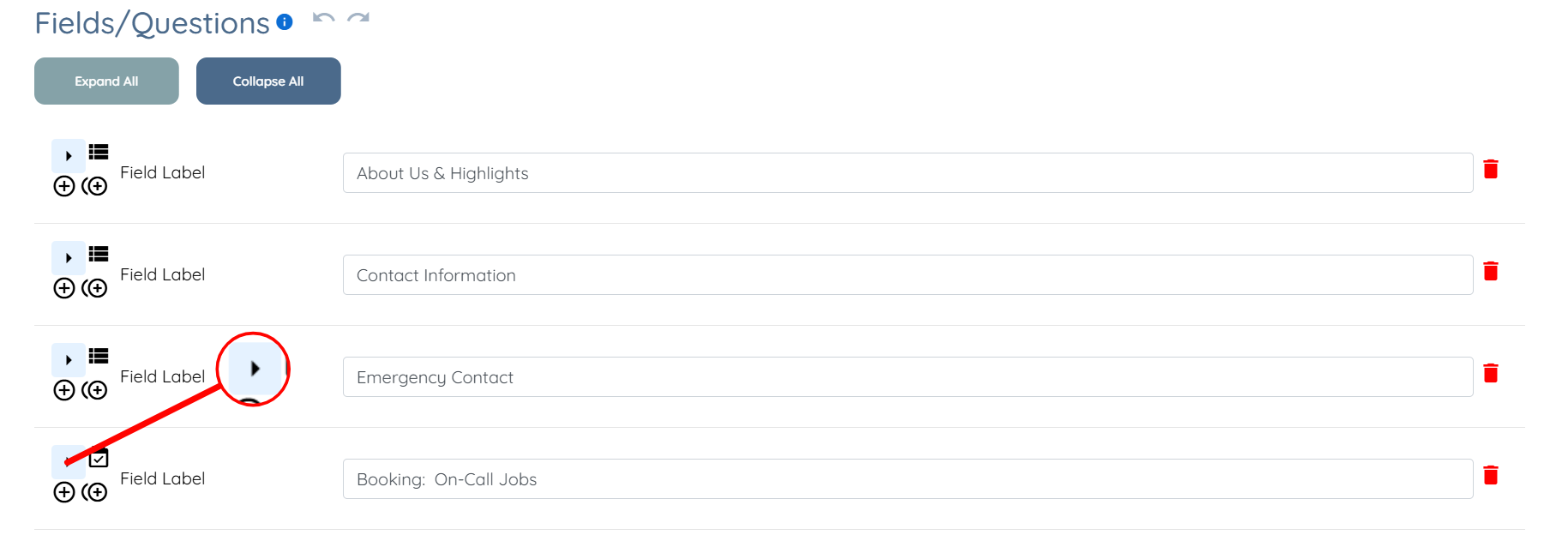
Step 3: Click the arrow button of the Booking field to expand its details.
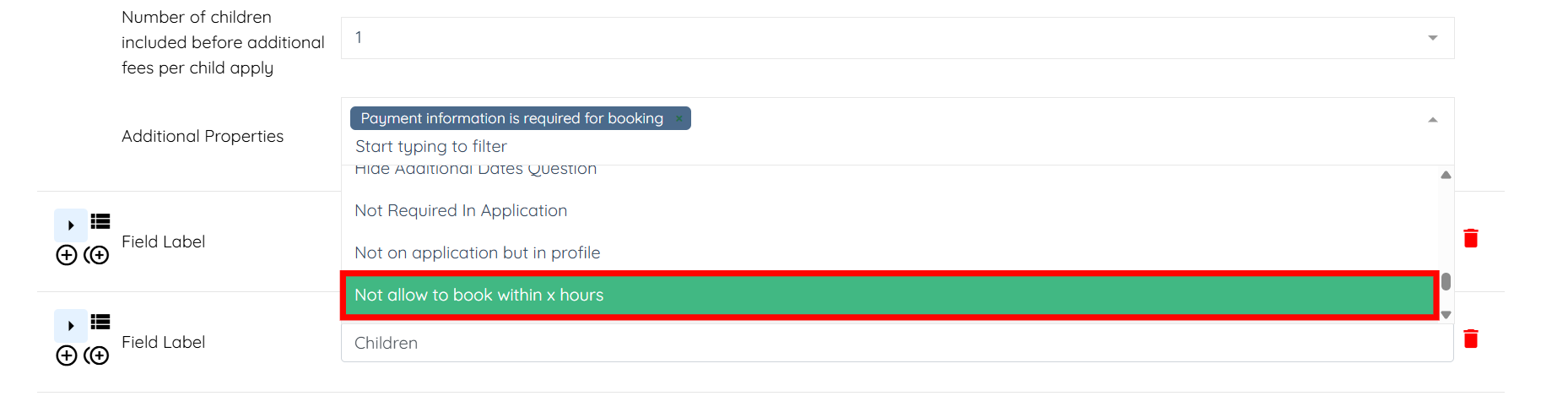
Step 4: Click the box next to the Additional Properties field to activate the dropdown list.

Step 5: Select the Not allow to book within x hours option from the dropdown list.
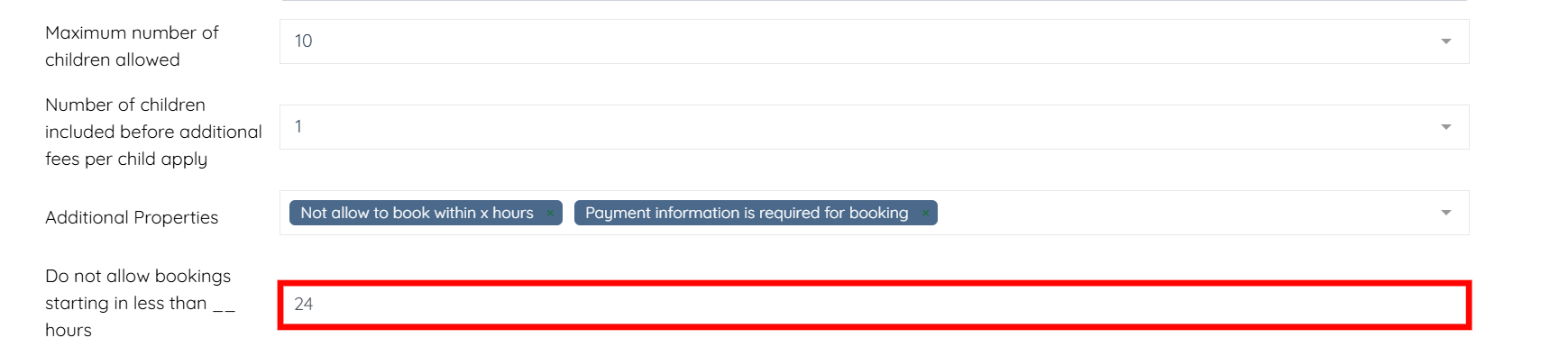
Step 6: Enter the number of hours in the Do not allow bookings starting in less than __ hours field to define how close to the job start time bookings are restricted.
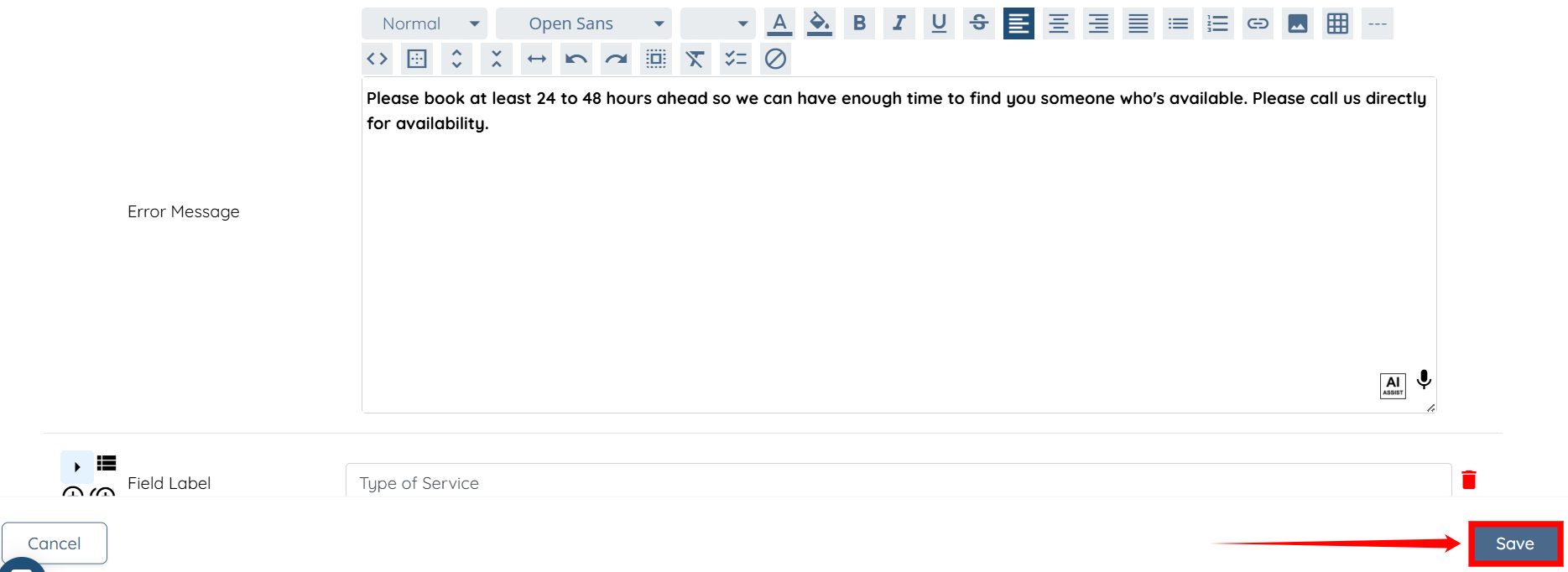
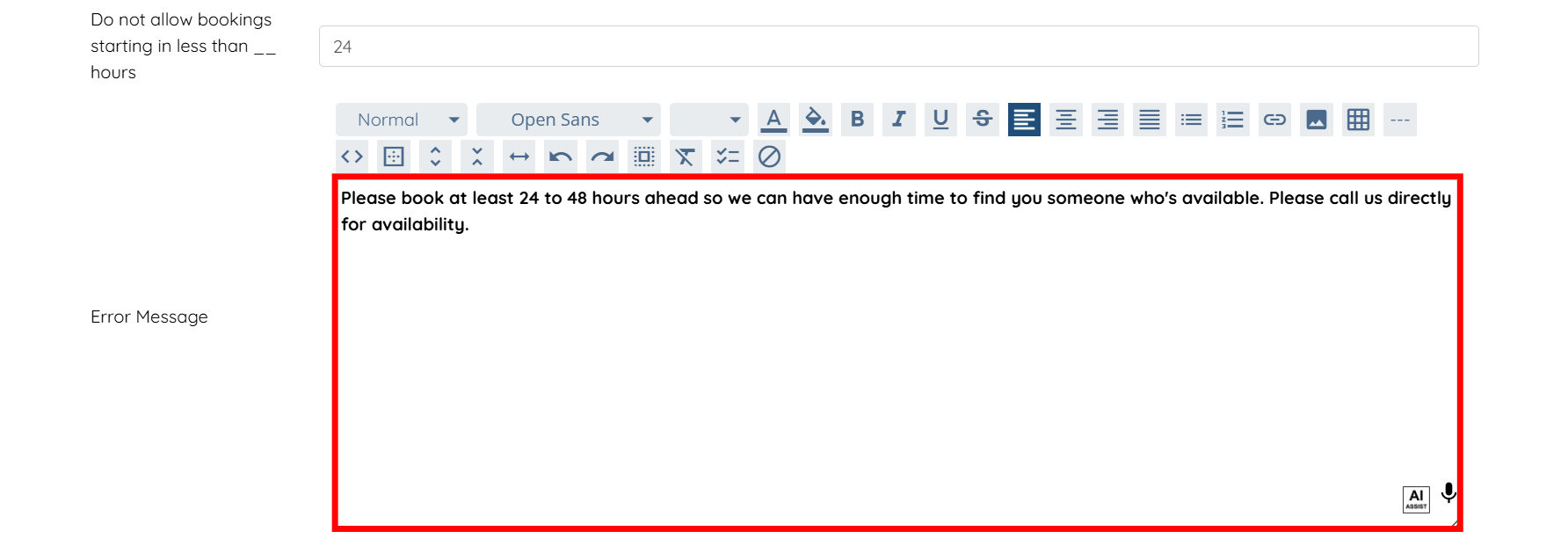
Step 7: Enter the error message using the text editor to notify clients if they try to book a job that starts sooner than the number of hours you have set.

Step 8: Click the Save button to confirm the changes.