In your Dashboard, open your Shift Job Calendar and choose any shift job (adjusting settings in one will adjust settings for all!)
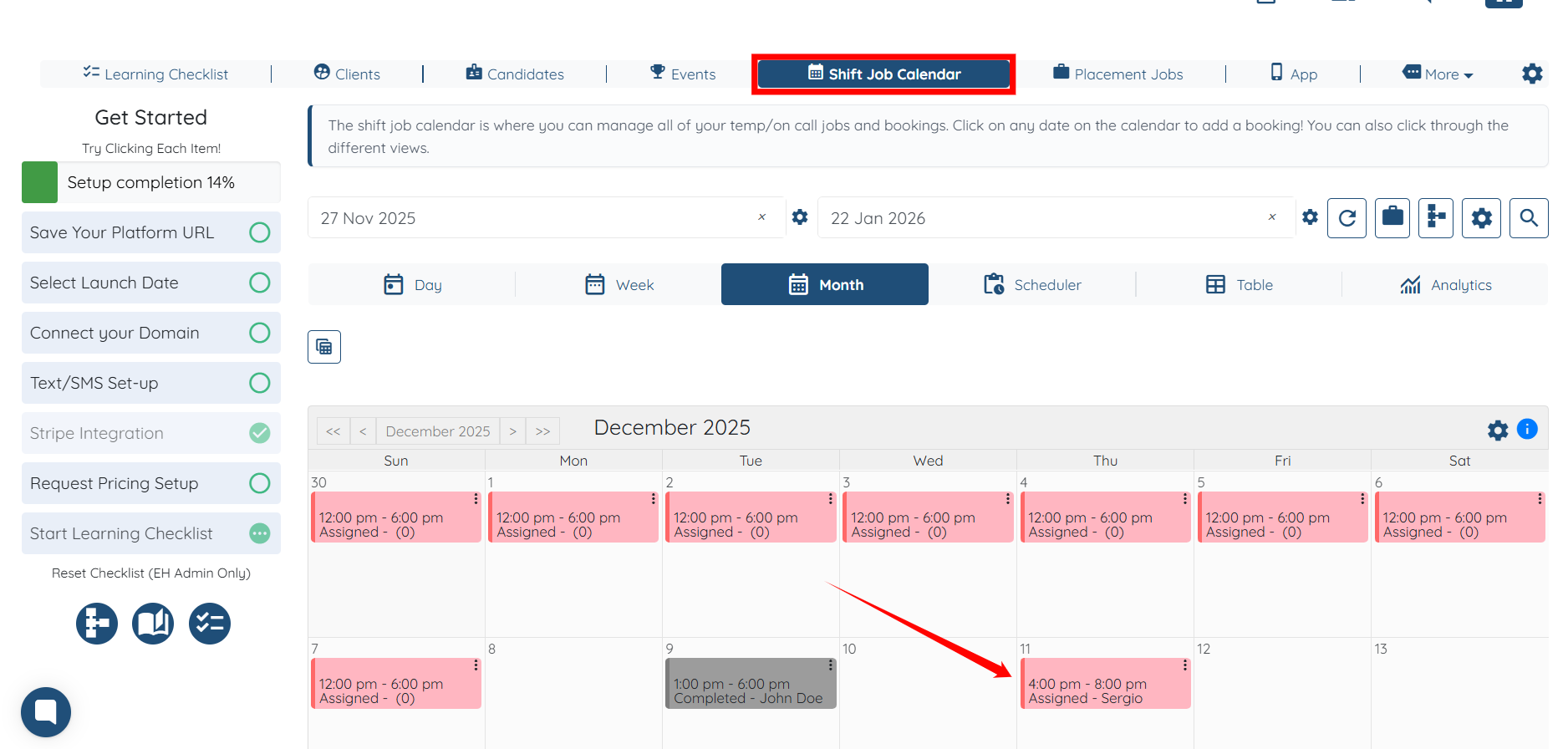
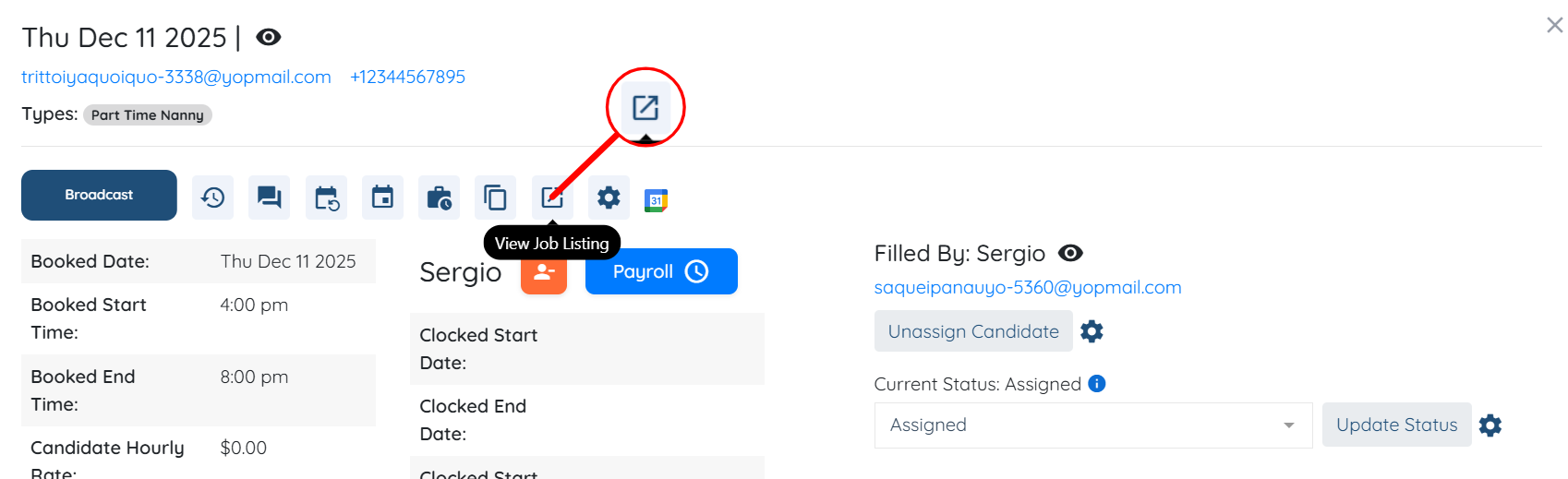
Click this icon to View Job Listing
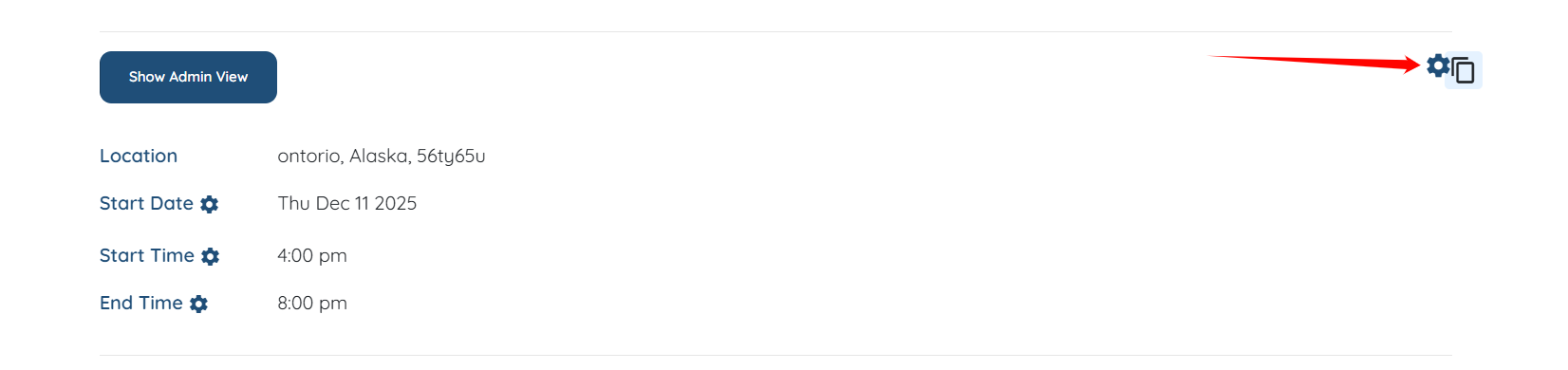
Open settings by clicking the gear icon
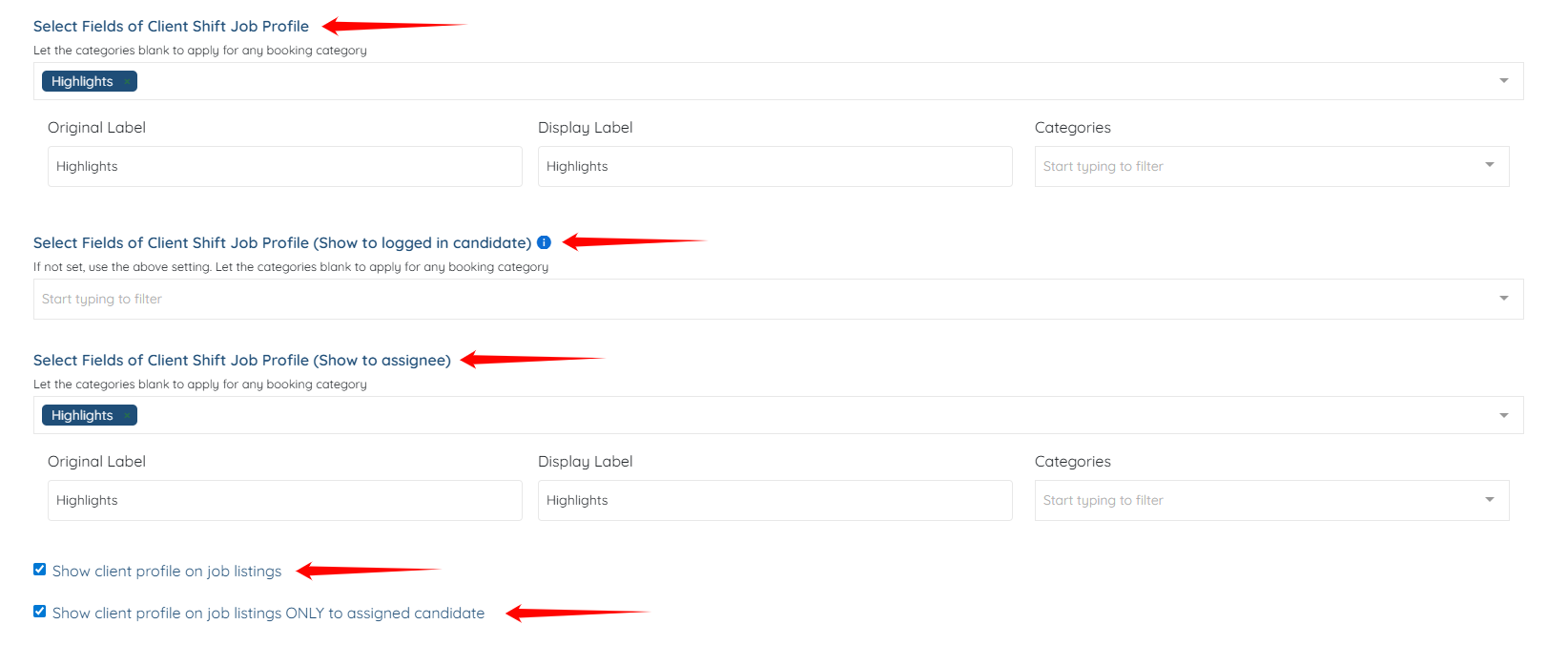
Select fields of Client Shift Job Profile allow you to set which fields from the client profile will be viewable to candidate, candidate when logged in, and assigned candidate
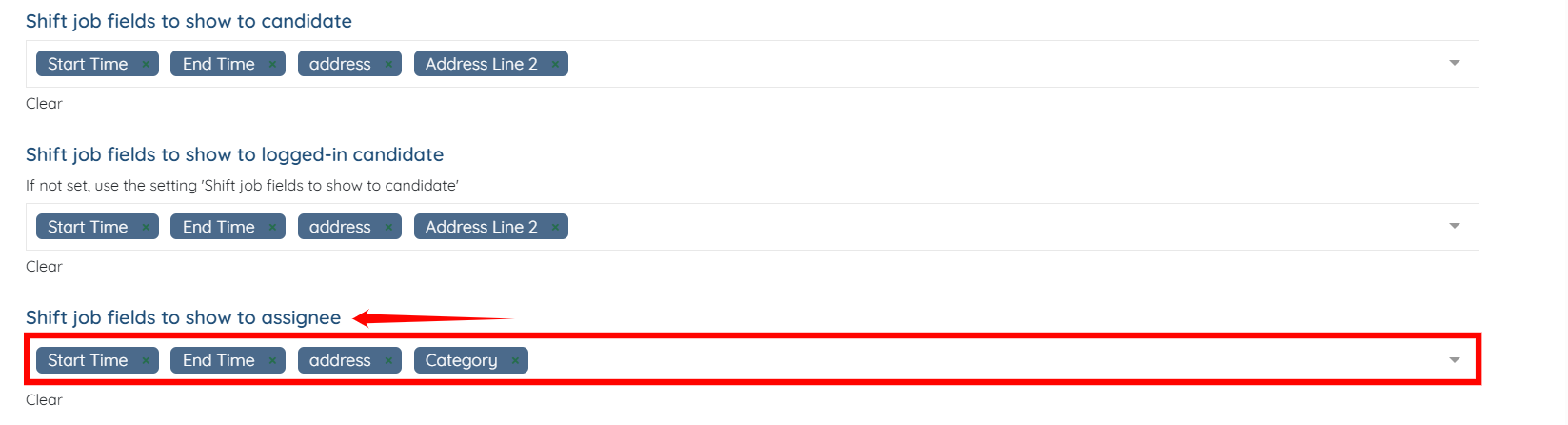
Shift Job Fields to Show to Candidate allow you to set which fields from the shift job booking form will be viewable to candidate.
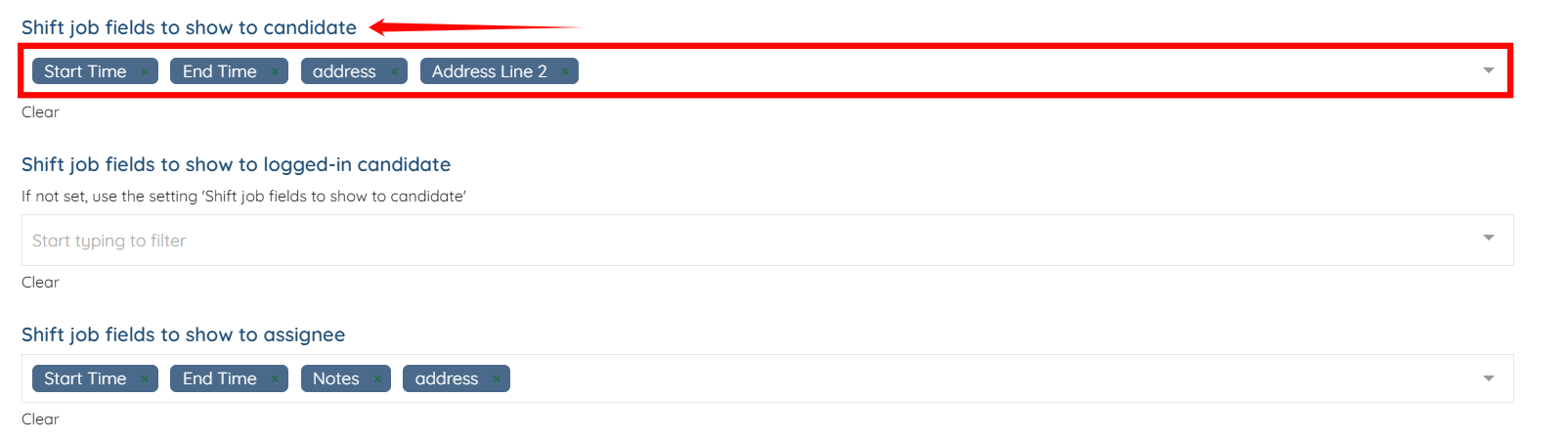
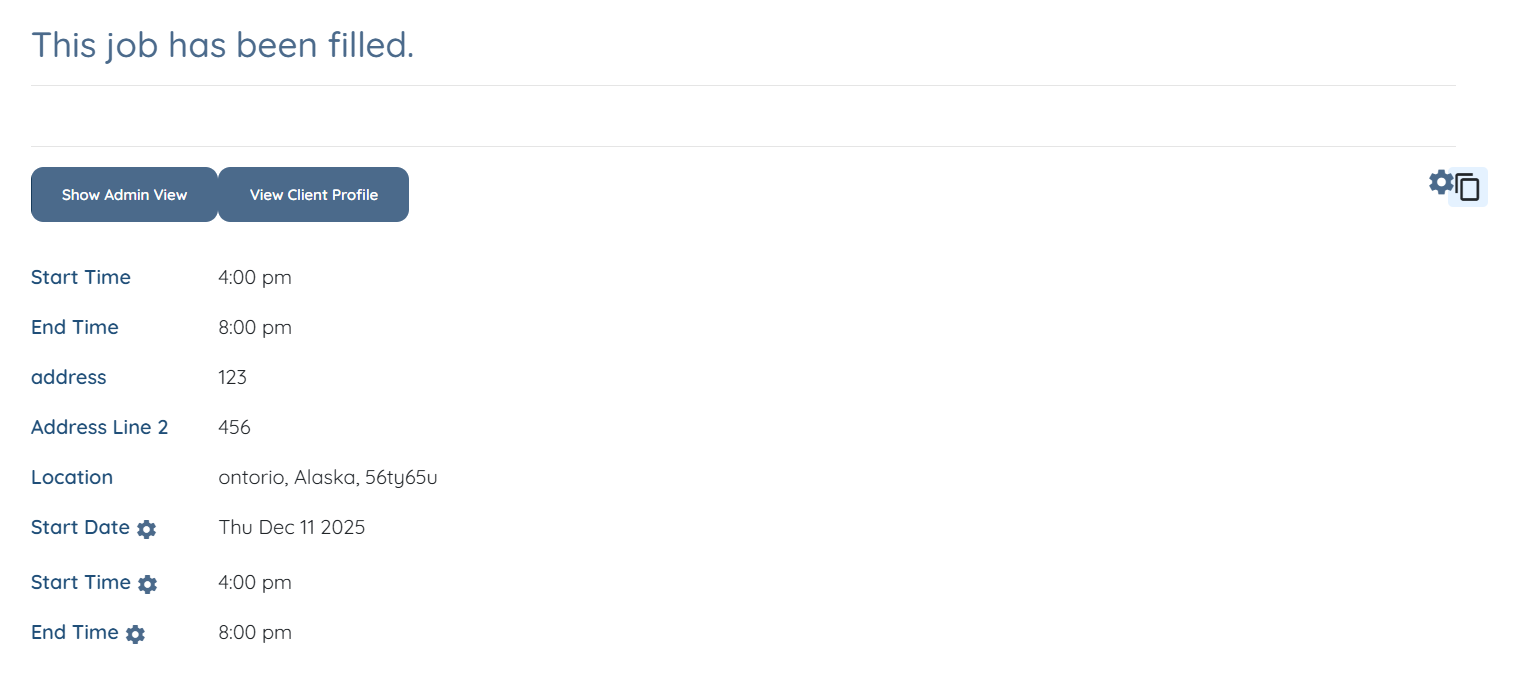
The job listing will be updated for all the configured shift job fields successfully.
Shift Job Fields to Show to logged-in candidate allow you to set which fields from the shift job booking form will be viewable to candidate who are logged in the platform.
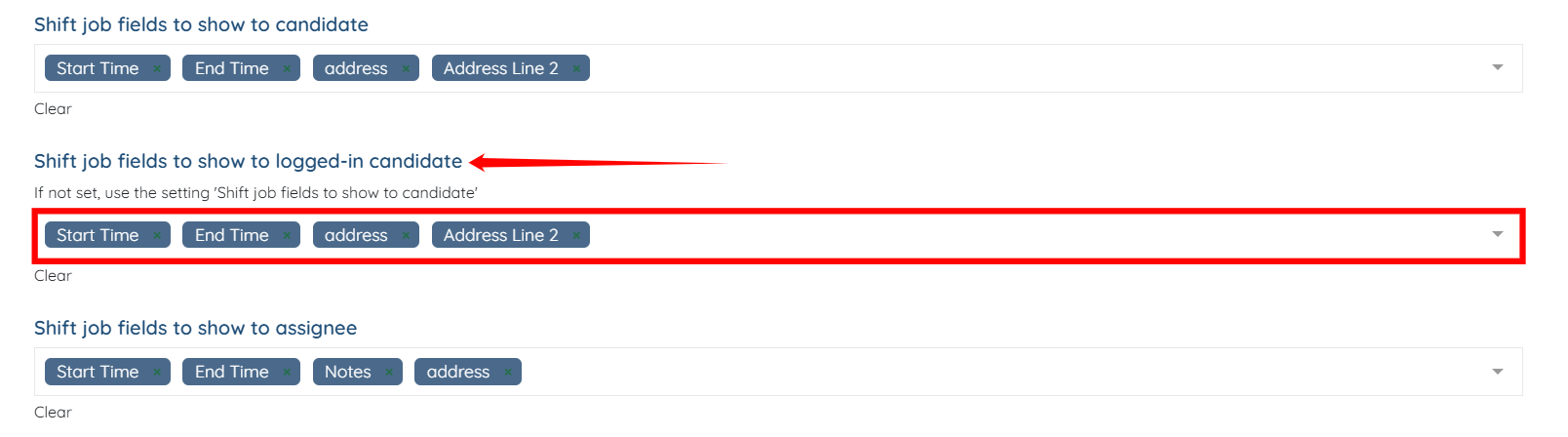
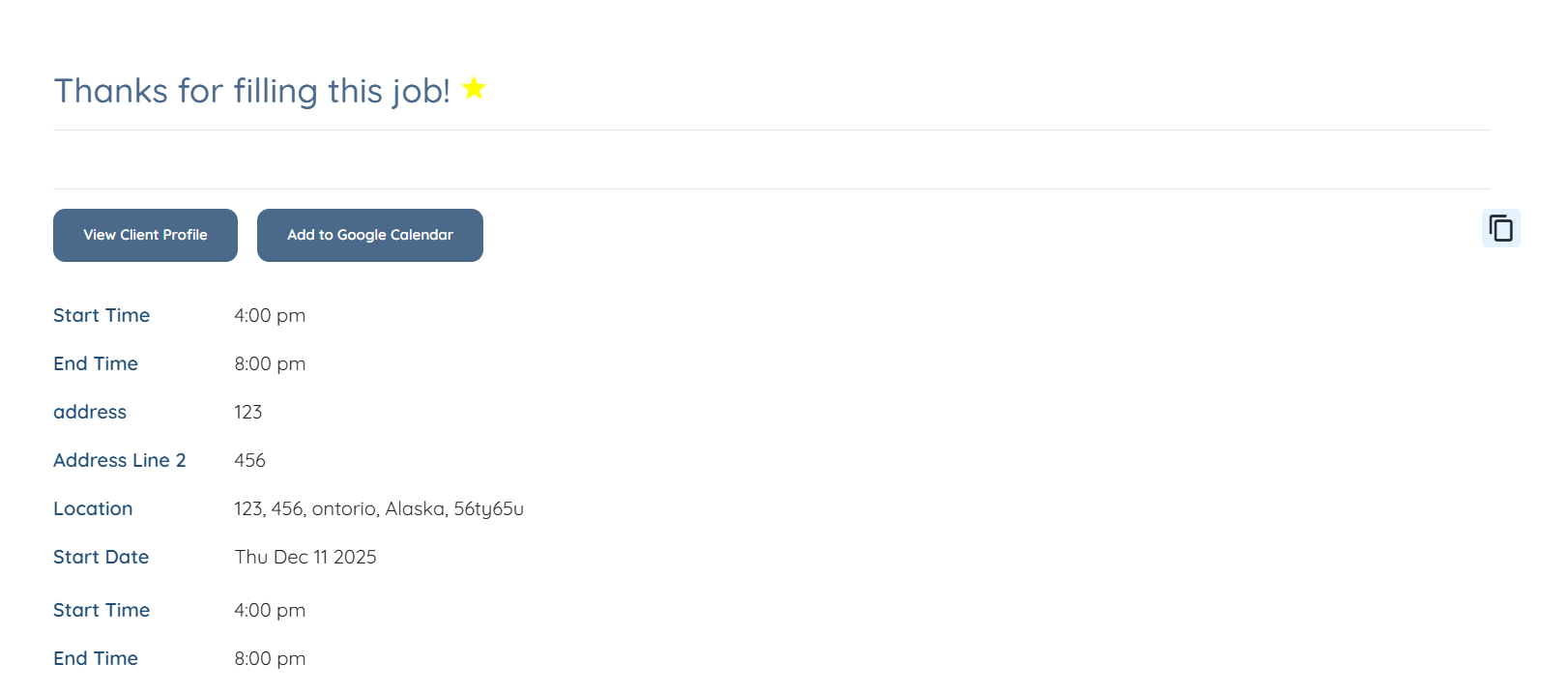
The job listing will be updated for all the configured shift job fields successfully for the logged in candidates.
In the same way, you can use the Shift Job Fields to show to assignee field to set which fields from the shift job booking form will be viewable to assignee. Submit your changes!

If this content doesn't answer your questions you can always contact us by clicking here
