Only specific sections, such as Children, Reference, and Emergency Contact, can be set as required in an application form. These sections typically feature an "Add" button.
To make these sections mandatory, you need to set a minimum number of items for each section. For instance, to require the Children section, ensuring that users cannot skip it without adding at least one child, follow these steps:
Click on the gear icon of the section you would like to set as required
Click "Edit Settings"
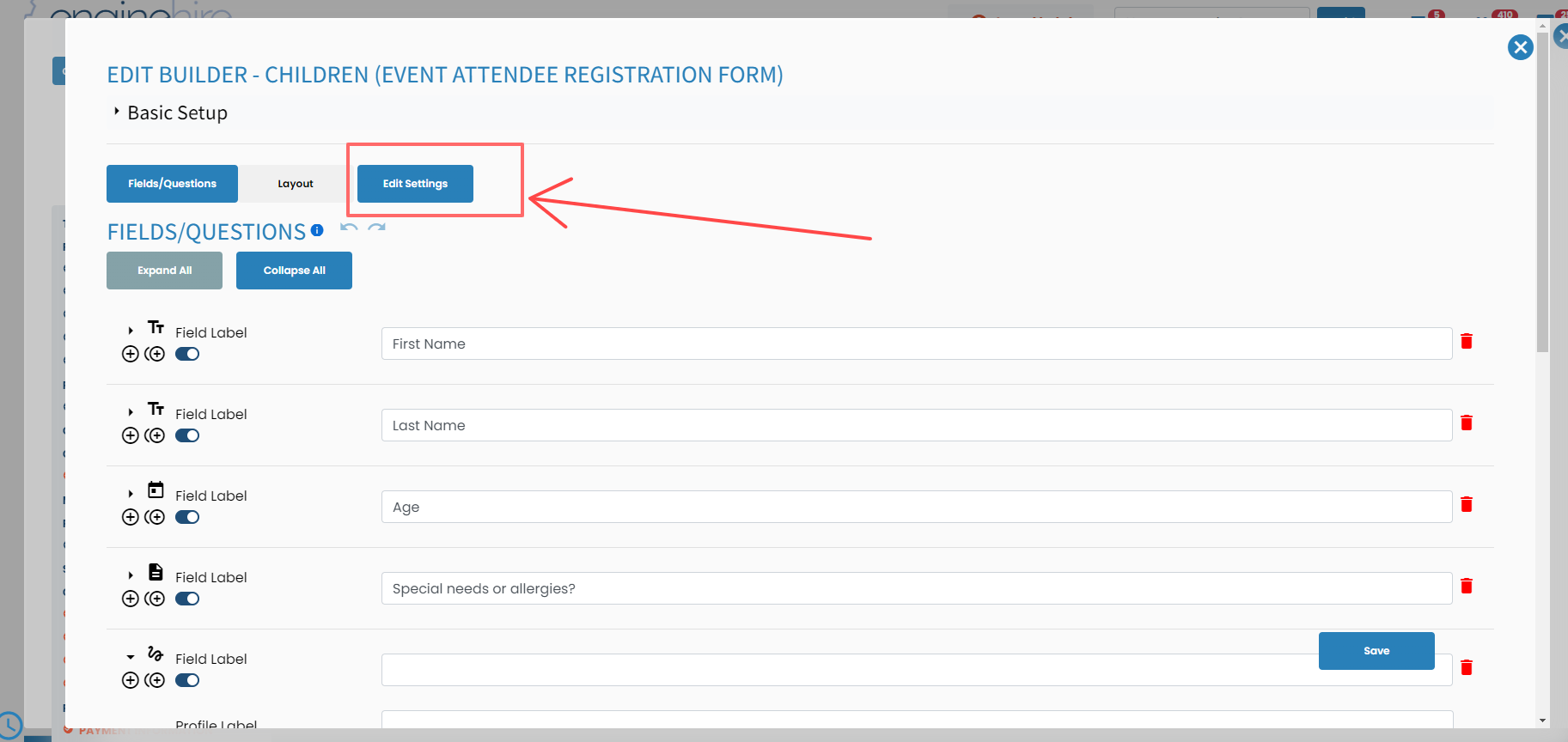
Scroll all the way down until you see the field (Select minimum number of items *)
Set your minimum required number and click save
Now, you have successfully set the Children section as required. If a client tries to skip this section without adding any child information, they will encounter an error message. This message will prompt them to add the minimum number of children before they can submit the application.
If this article doesn't answer your questions you can always contact us by clicking here
