
Step 1:
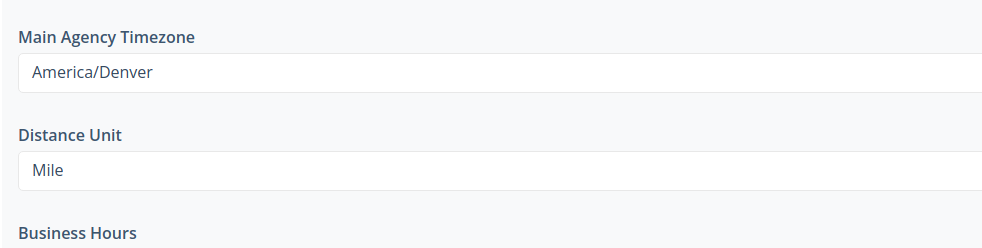
Making sure your time zone is set up for your dashboard. Go to More-> global Settings-> Agency Details-> Other-> Business details
Step 2:
While in Global Settings, click Integrations, then click Back Up Care
Scroll down and check off Only Run the assistant during these hours

Then select the times you want to run it and click update

If this video doesn't answer your questions you can always contact us by clicking here