
Step 1:
Go to More
Step 2:
Go to document templates
Step 3:
Click the pencil icon of the document
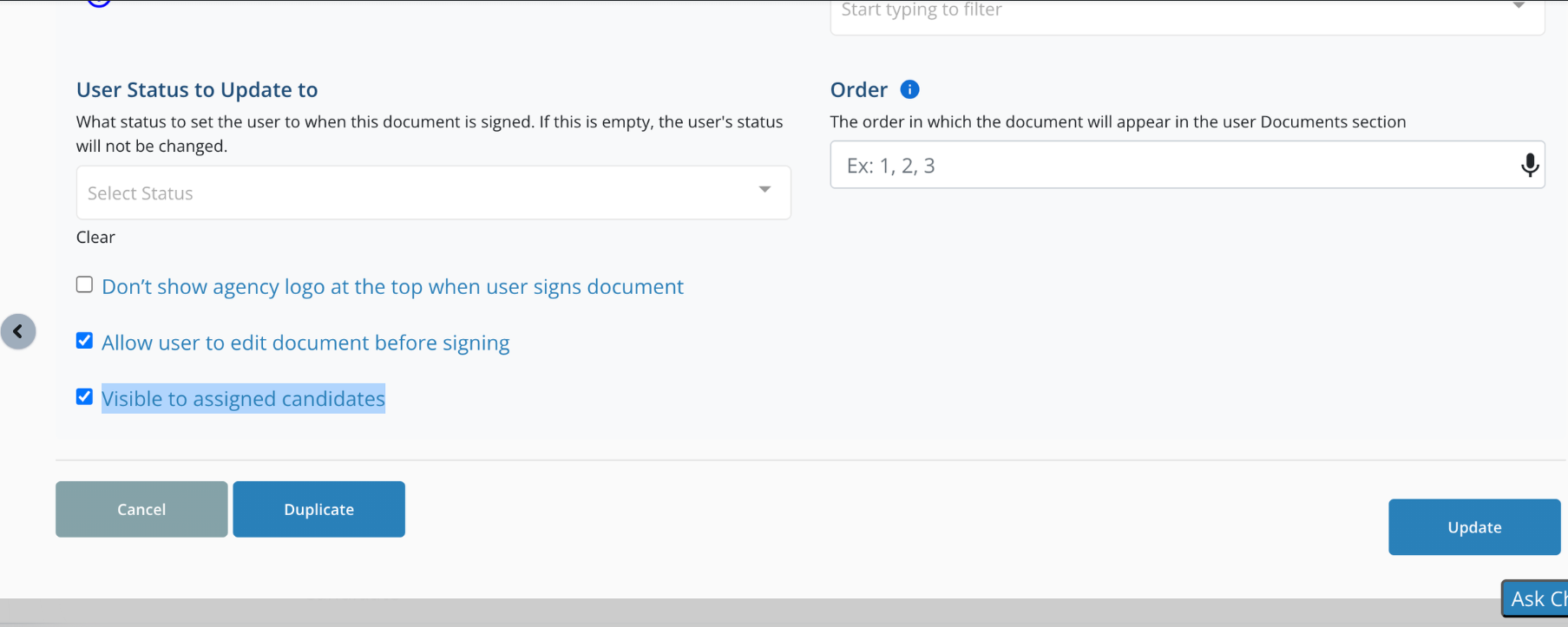
Turn on this setting for the doucment and click update
Step 4:
Go to shift job by using the shift job link or you can go to a candidate profile that is assigned to a job, go to their jobs, click on view details of the job.
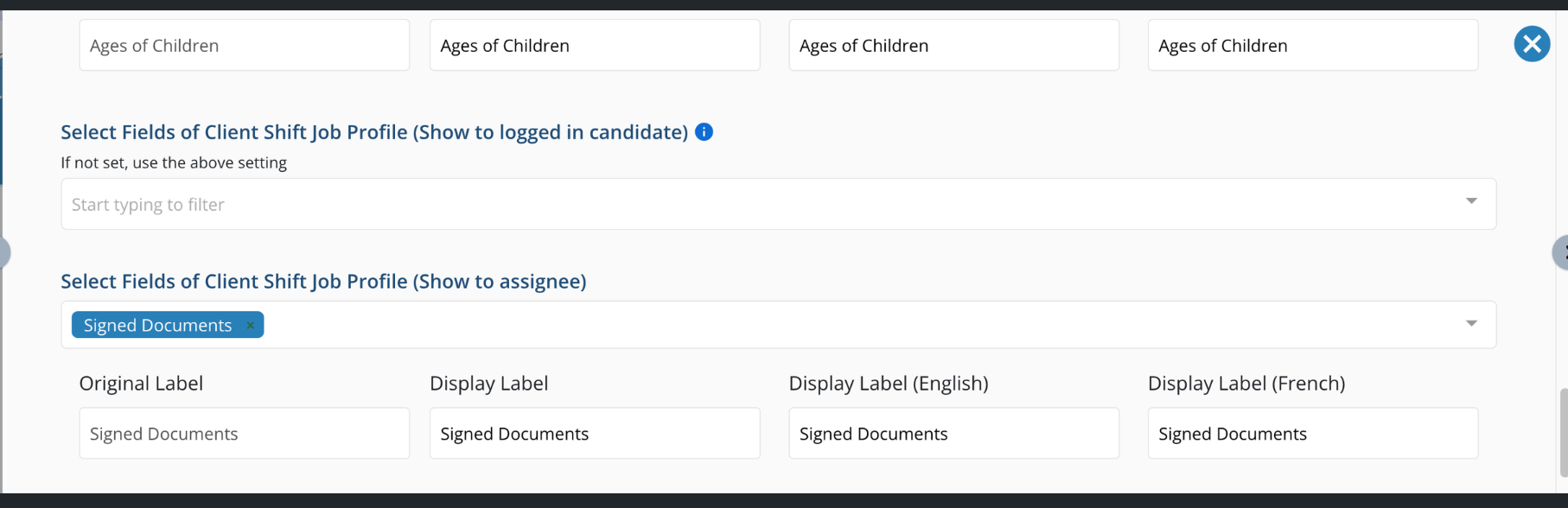
Then click the gear icon in the upper right corner and add it to what is visible
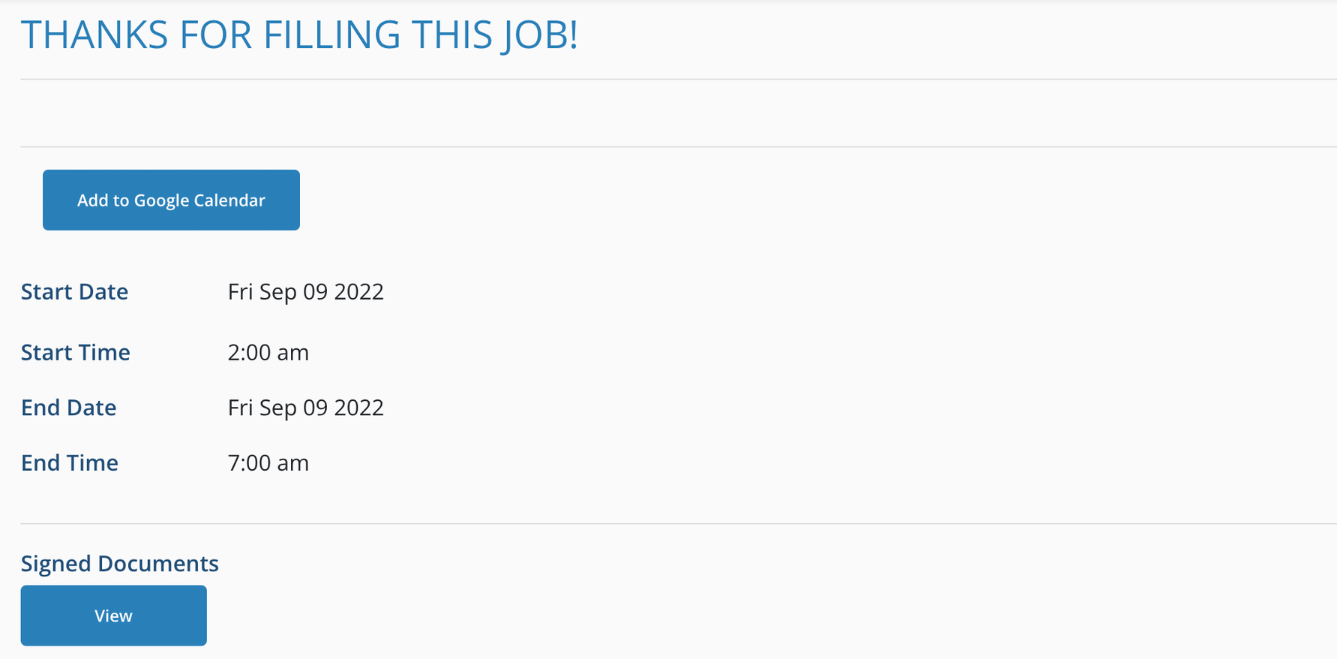
And the document will show
If this video doesn't answer your questions you can always contact us by clicking here