
Step one:
If needing to update for candidates, go to the candidate's table.
If needing to update for clients, go to the client's table
Step two:
Select the candidates or clients you want to update.
Step 3:
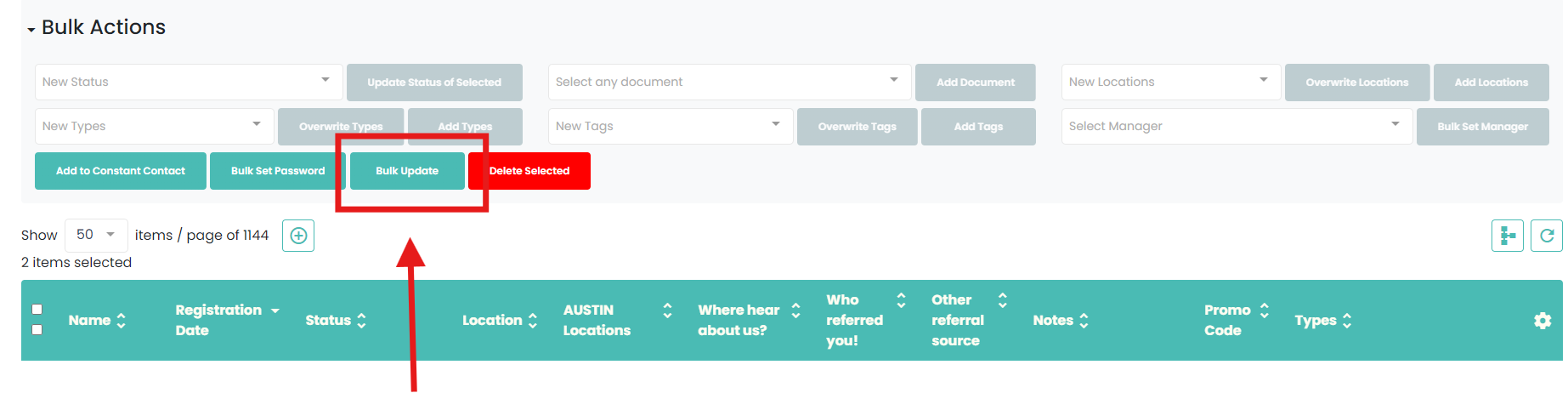
Select Bulk Update
Step 4:
Select the field you want to update

Step 5:
Select the response or put in the answer
Step 6:
Select update
If this video doesn't answer your questions you can always contact us by clicking here