Let’s get started 
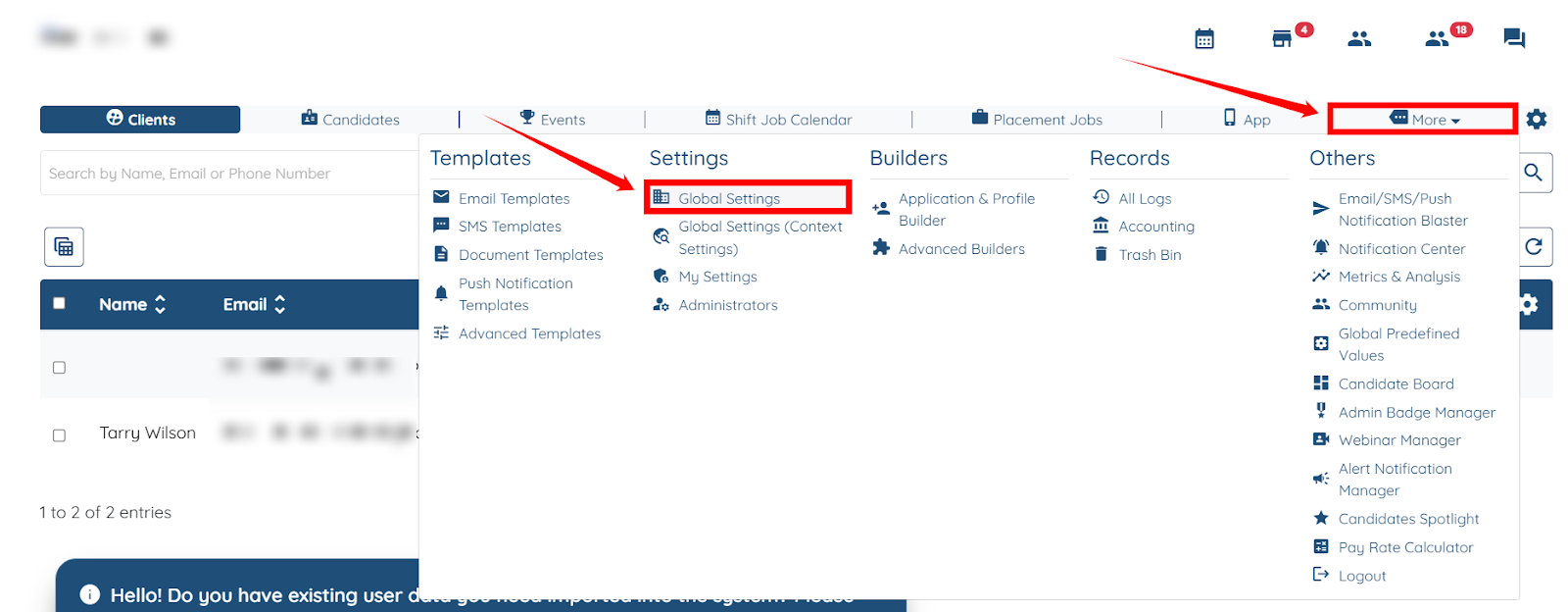
Step 1: Log in to your agent dashboard, then navigate to More > Global Settings, as shown in the screenshot below.
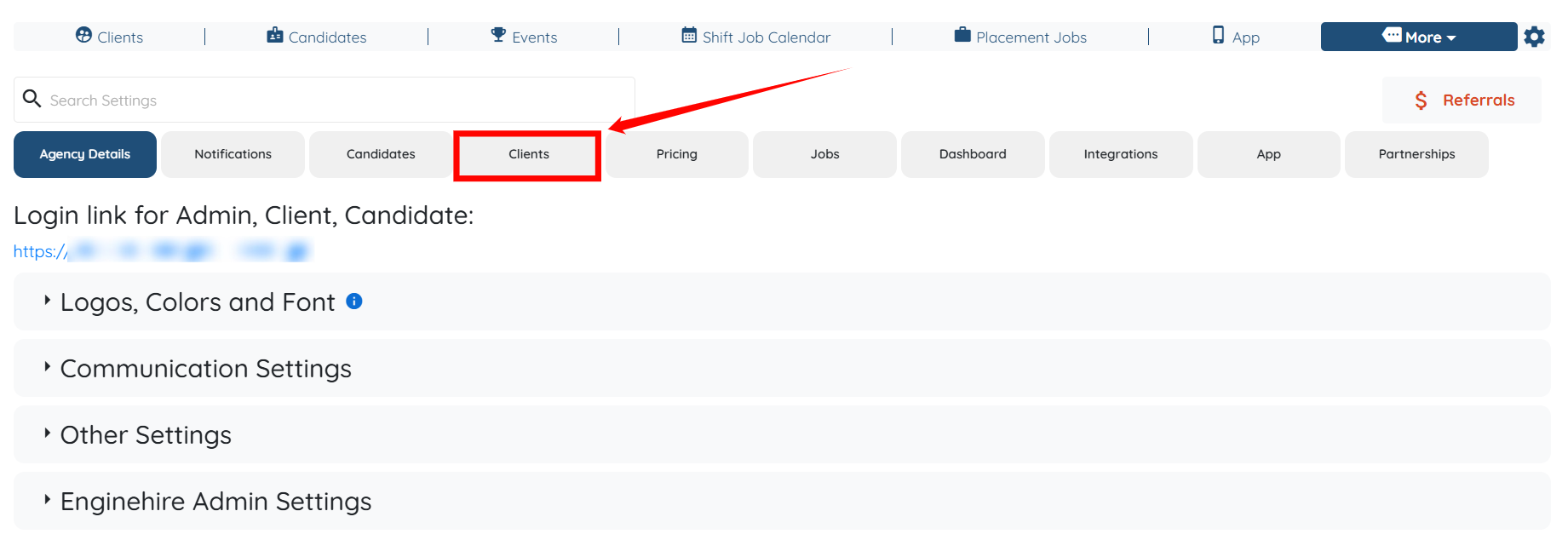
Step 2: Click the Clients tab in the list of all available tabs.
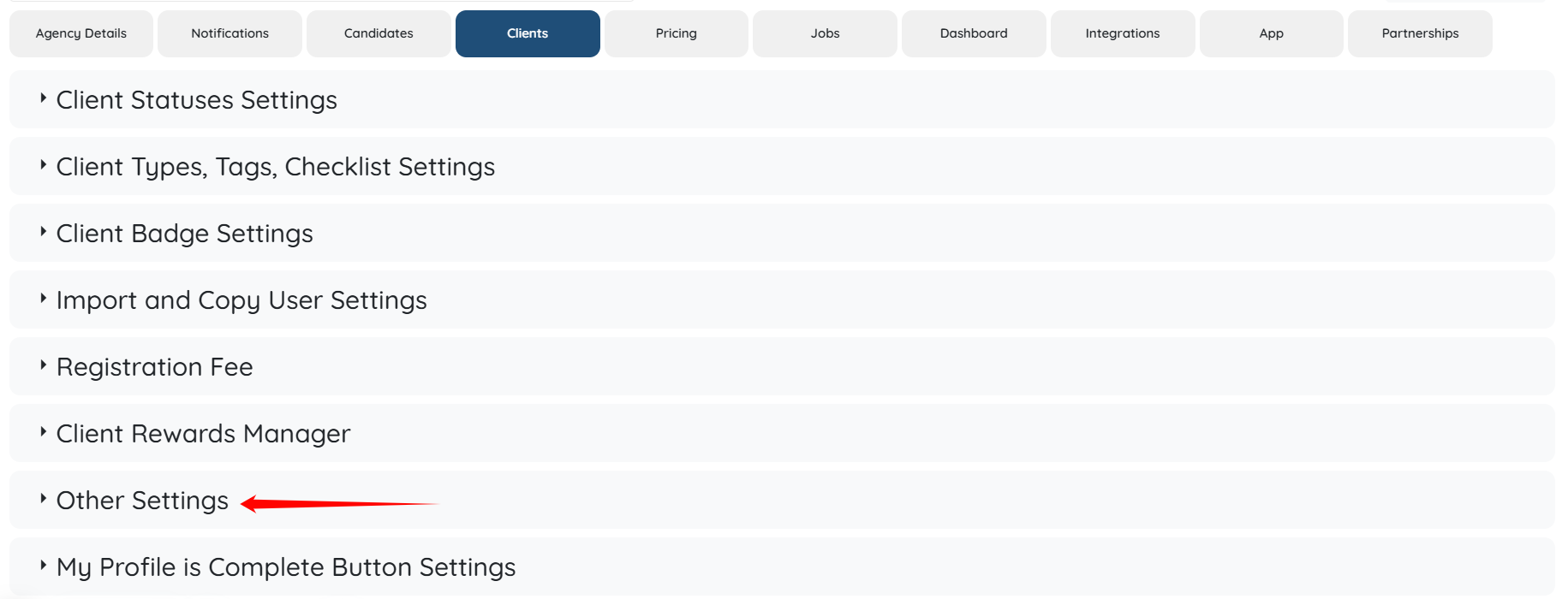
Step 3: Click the Other Settings option to expand its details.
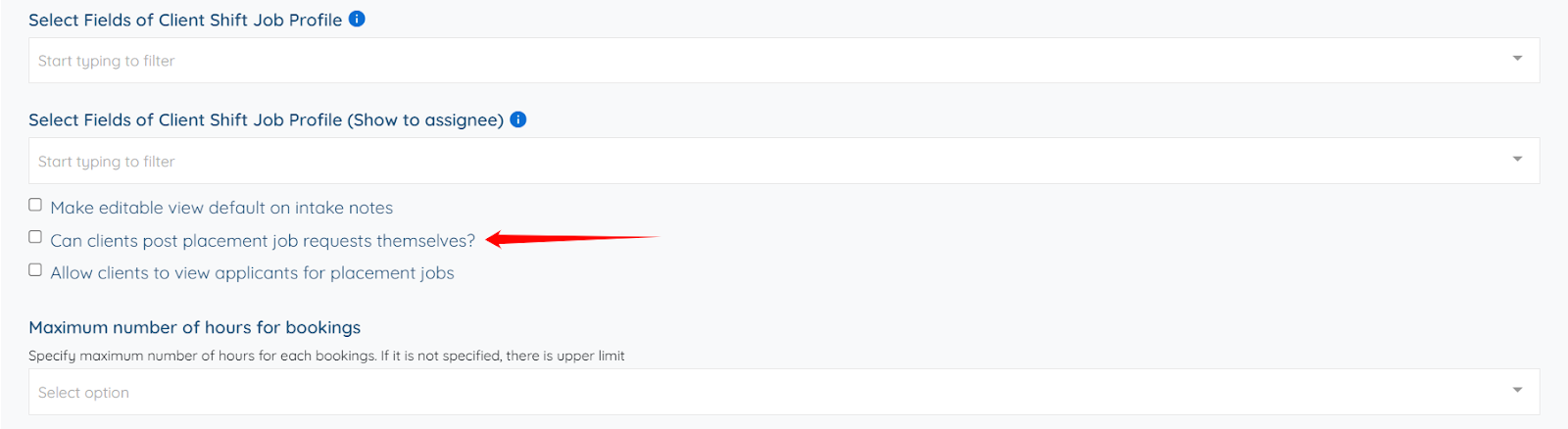
Step 4: Scroll down and check the Can clients post placement job requests themselves? checkbox.
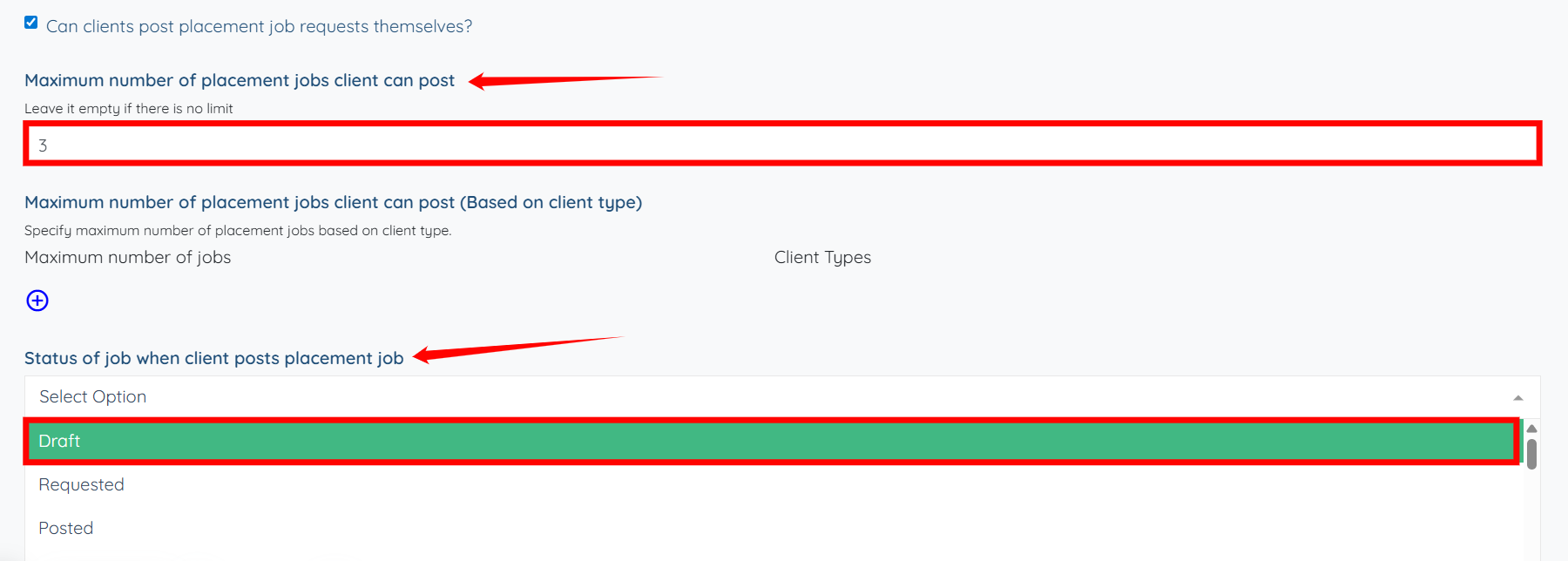
Step 5: Enter the Maximum number of placement jobs client can post and then select the Status of job when client posts placement job from the dropdown.
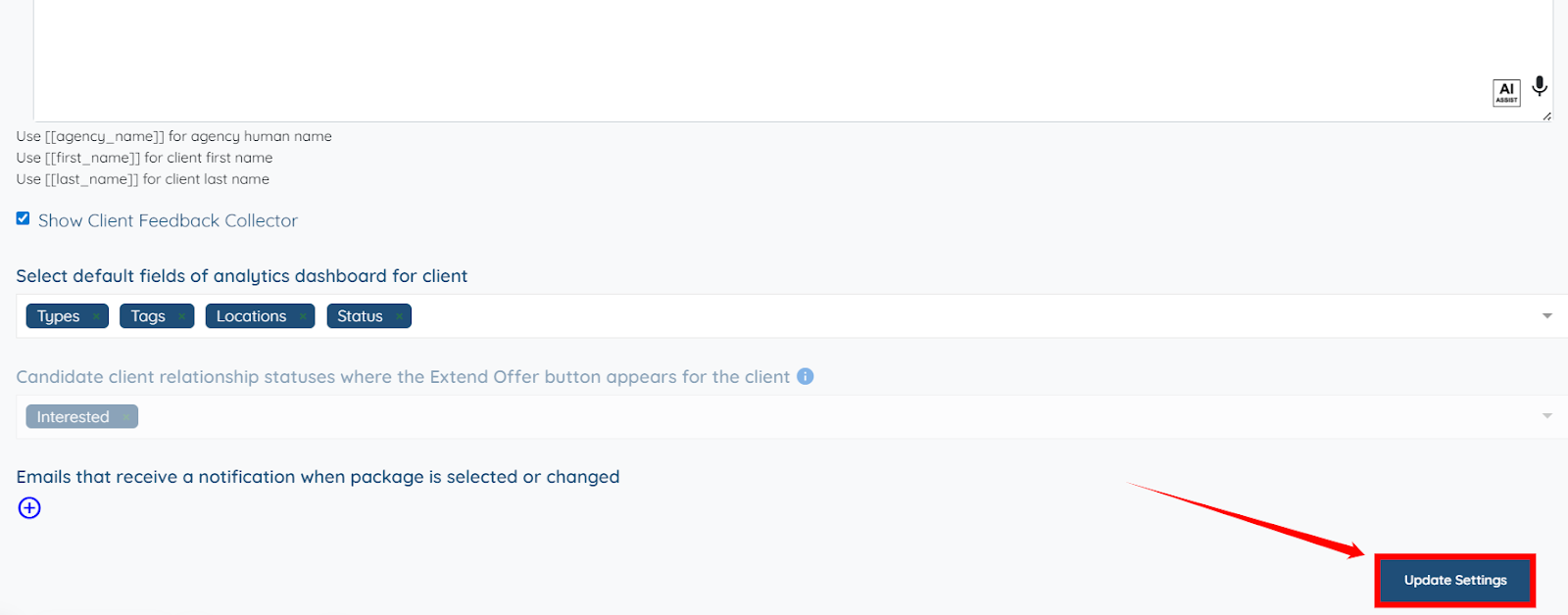
Step 6: Click the Update Settings button to save the changes.