
Step 1:
Go to EVENTS
Step 2:
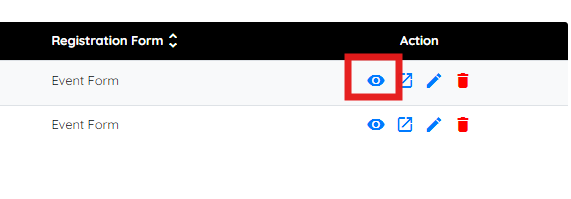
Click the EYE icon of the event
Step 3
Click on CAREGIVER VIEW and the link will appear. You can copy it and send to clients

If this video doesn't answer your questions you can always contact us by clicking here
Step 1:
Go to EVENTS
Step 2:
Click the EYE icon of the event
Step 3
Click on CAREGIVER VIEW and the link will appear. You can copy it and send to clients
If this video doesn't answer your questions you can always contact us by clicking here