{% video_player "embed_player" overrideable=False, type='hsvideo2', hide_playlist=True, viral_sharing=False, embed_button=False, autoplay=False, hidden_controls=False, loop=False, muted=False, full_width=False, width='688', height='373', player_id='175509400184', style='' %}
1. From Mission Control select Search and Filter Tools.
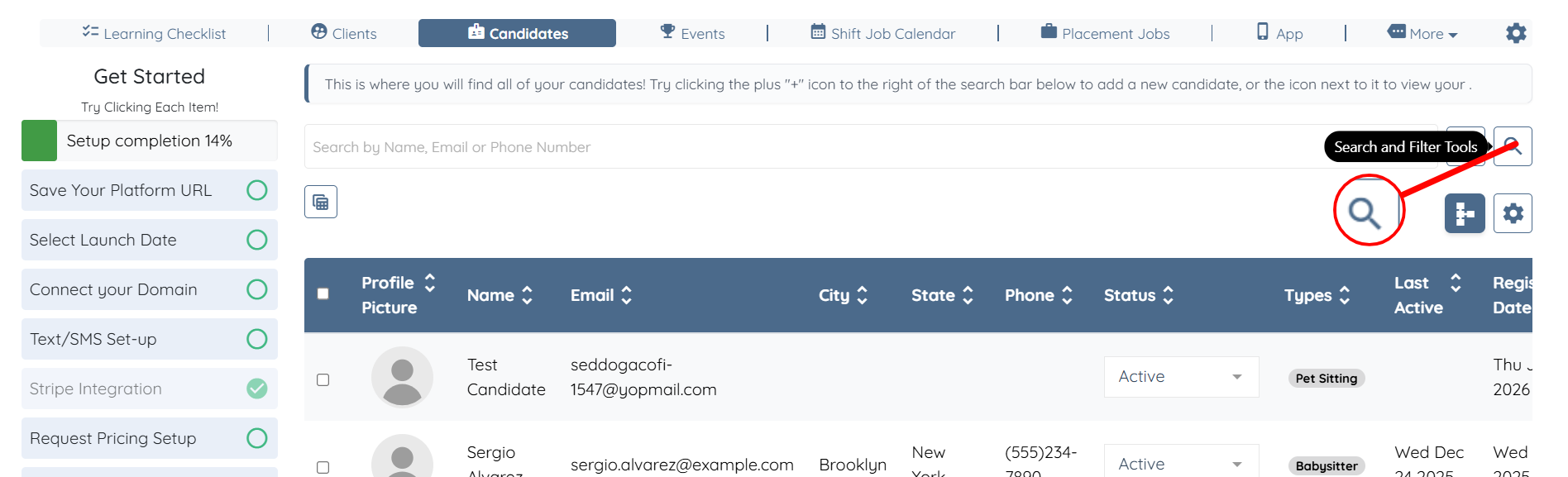
2. Select Advanced Search, the Magnifying Glass Icon.
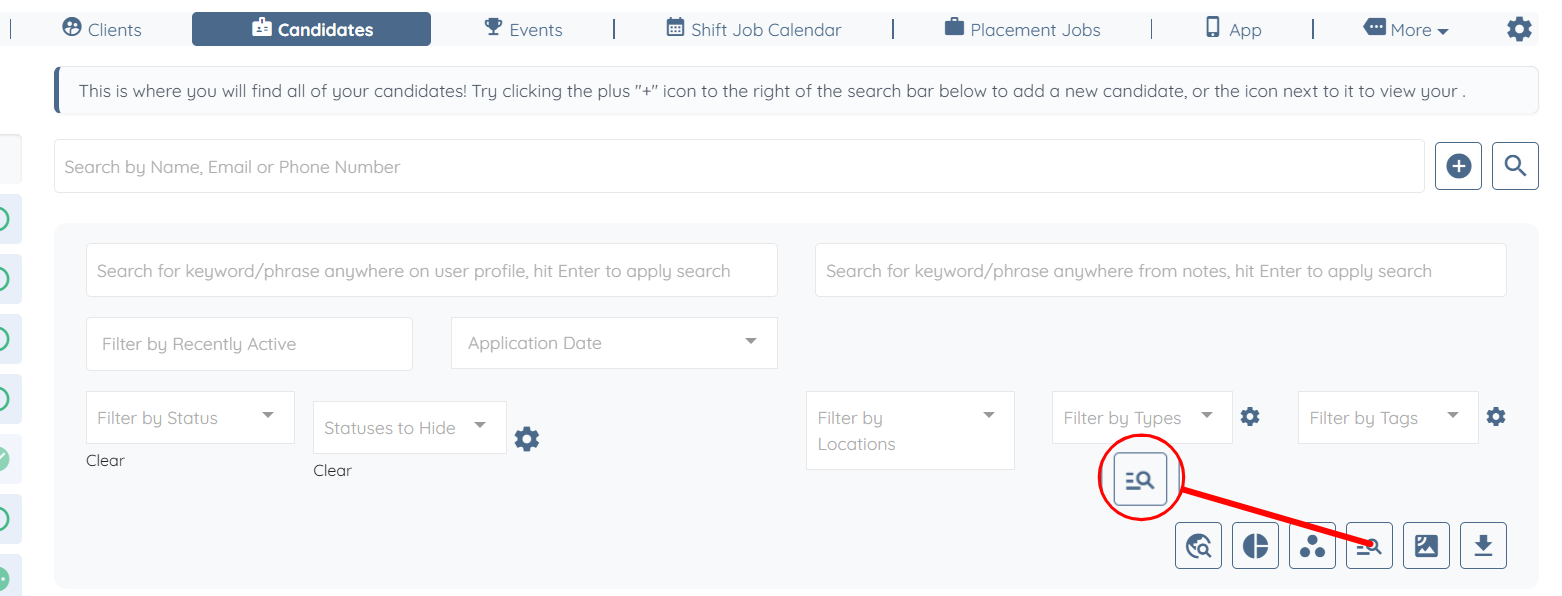
3. Select the Advance Search.
Options Include:
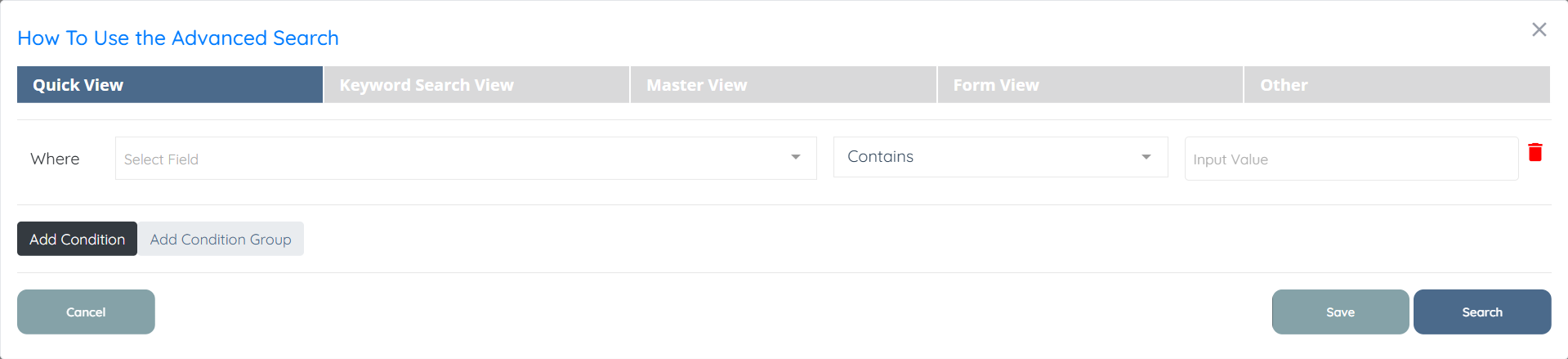
Quick View.
Select a field to search, select what to look for in that field, and what those answers are.
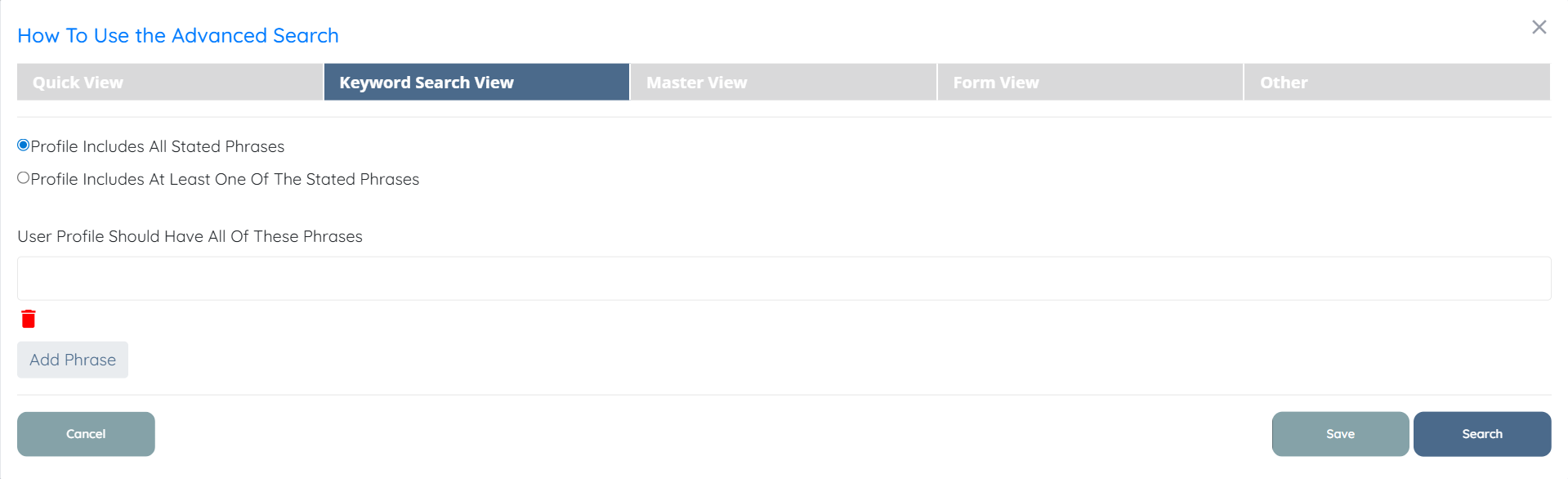
Keyword Search View
Search for a word or a phrase or multiple at once to bubble up the candidates with those phrases in their profile.
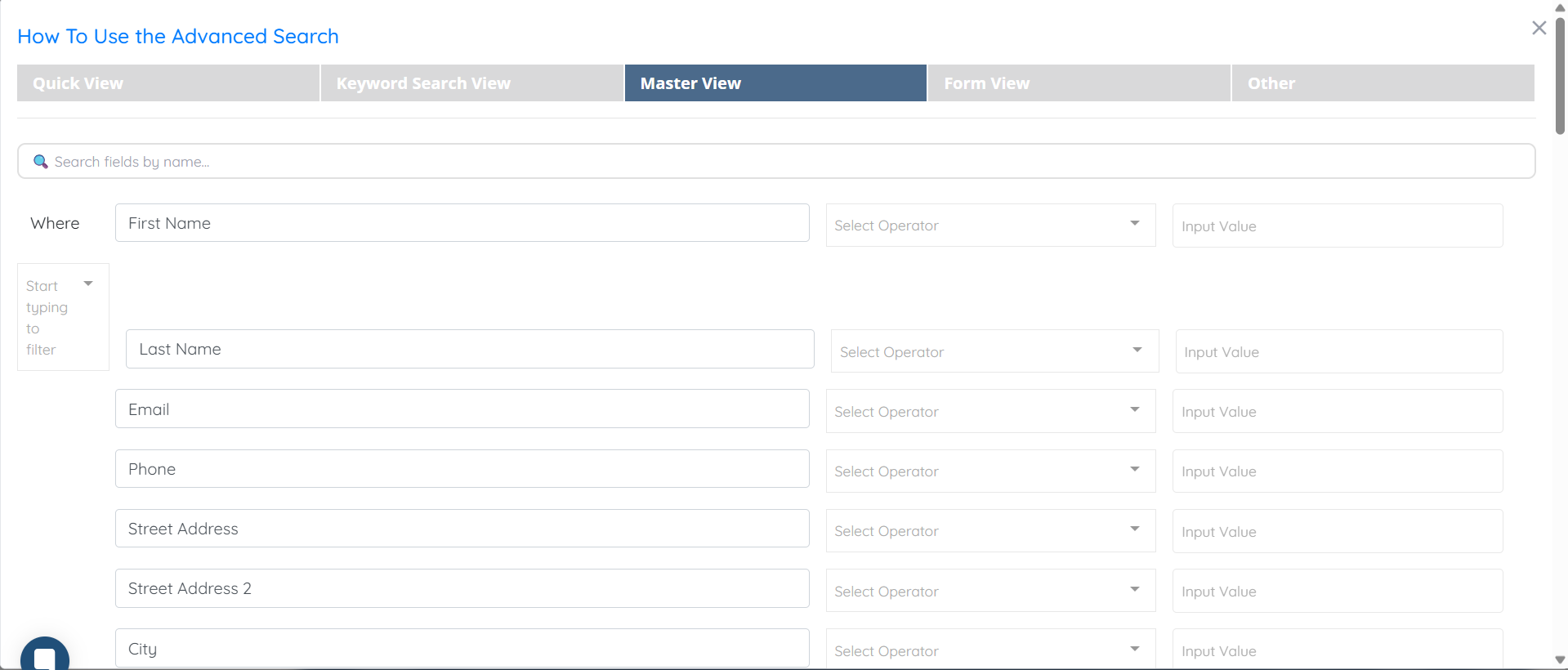
Master Search View
Similar to Quick View but with multiple options.
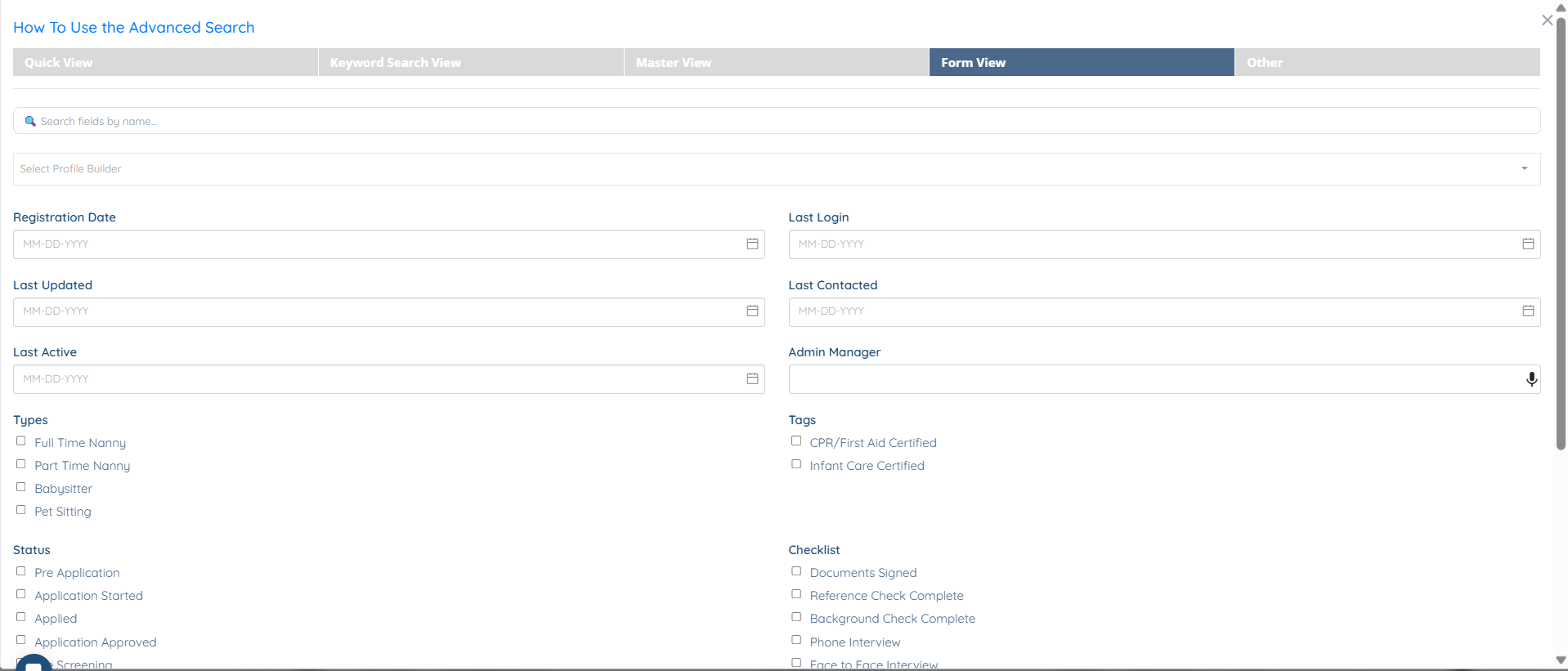
Form View
Comb the Profile and select the answers to find a perfect match.
Saved Search View
Select a search that was previously saved.
Select Search and Filters, select Advanced Search, and go through each search option, select settings and get to know this tool to efficiently find perfect matches.
If this doesn't answer your questions you can always contact us by clicking here
