

For demonstration purposes, this article uses candidates to show how to bulk add evaluations. The same steps apply when bulk adding evaluations to clients.
Let’s get started 🚀
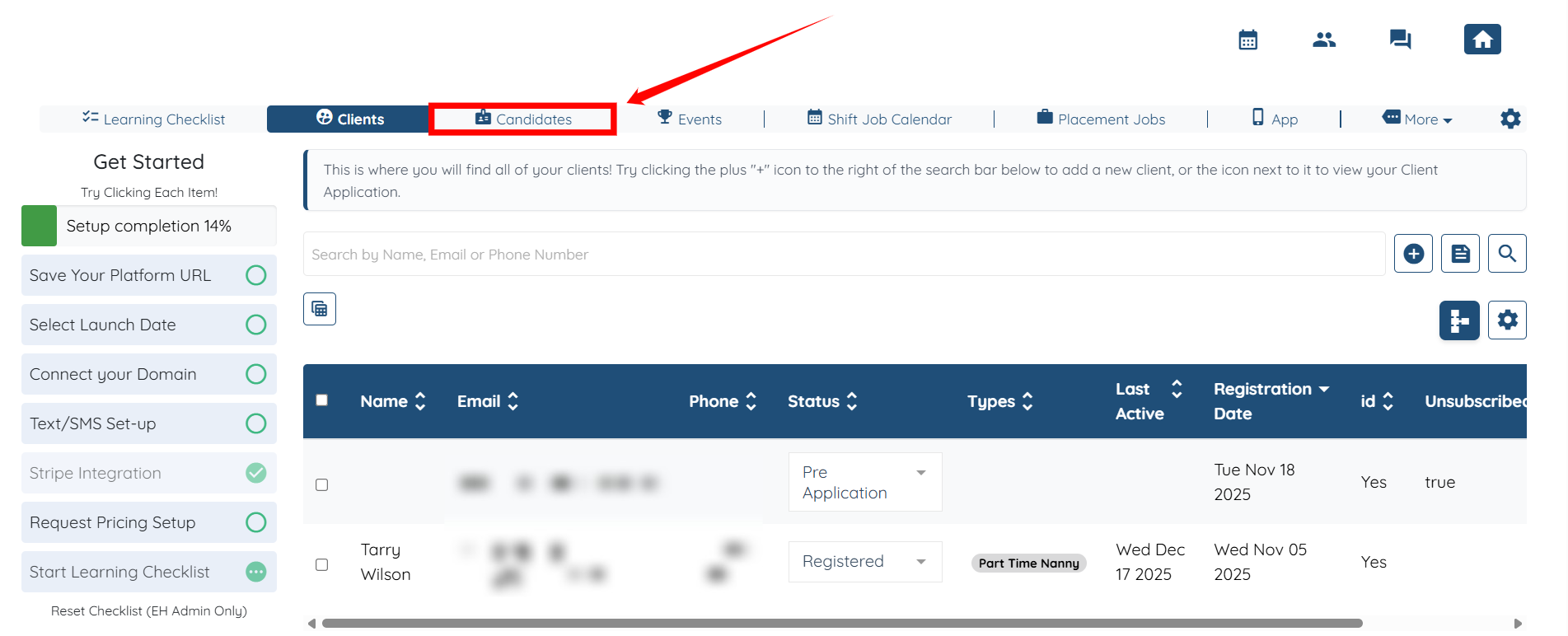
Step 1: Log in to your agent dashboard and click Candidates in the top navigation bar.
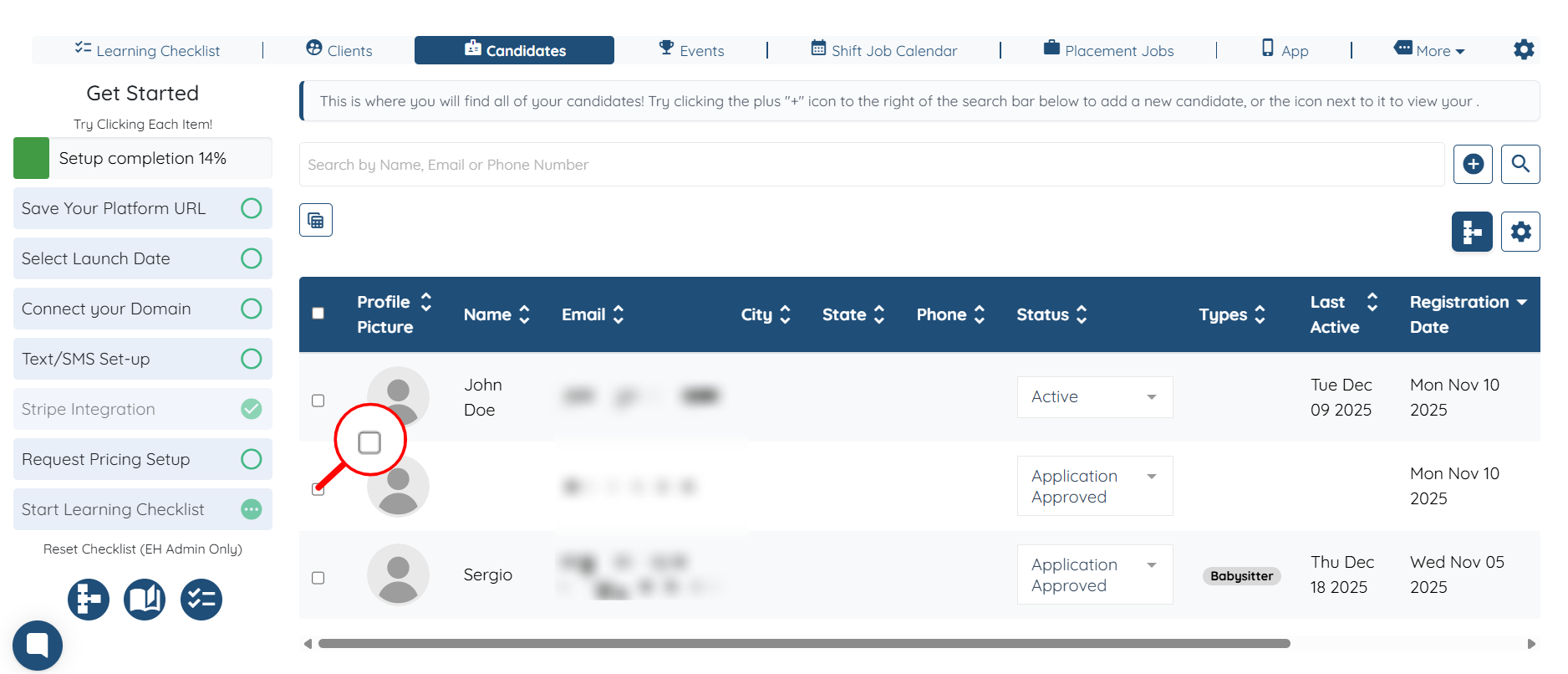
Step 2: Check the checkbox next to the candidate’s name to assign the evaluation form to that candidate.
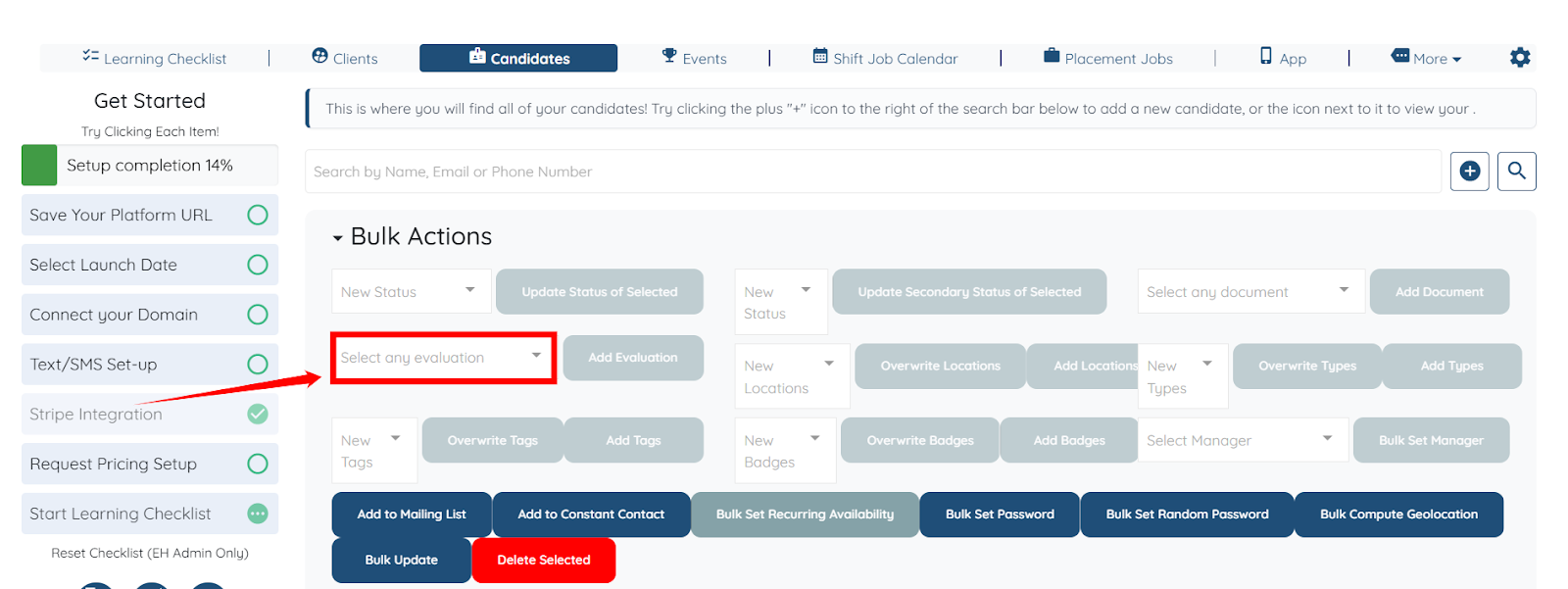
Step 3: Click the Select any evaluation box as shown in the screenshot.
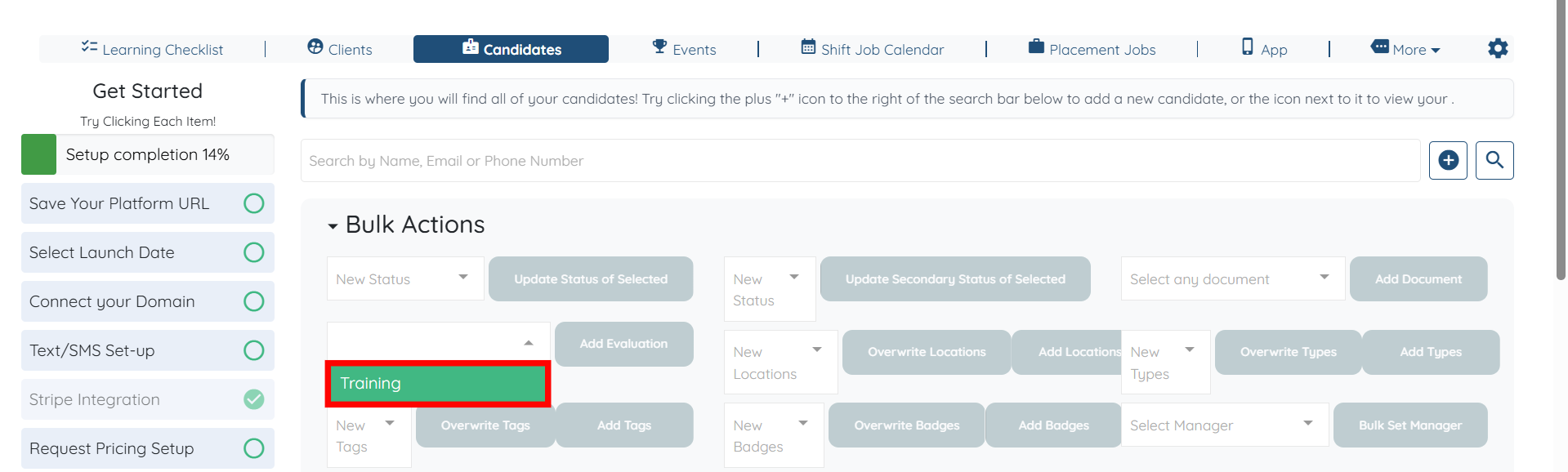
Step 4: Select the evaluation form that you want to add to the selected candidates.
Step 5: Click the Add Evaluation button to proceed.

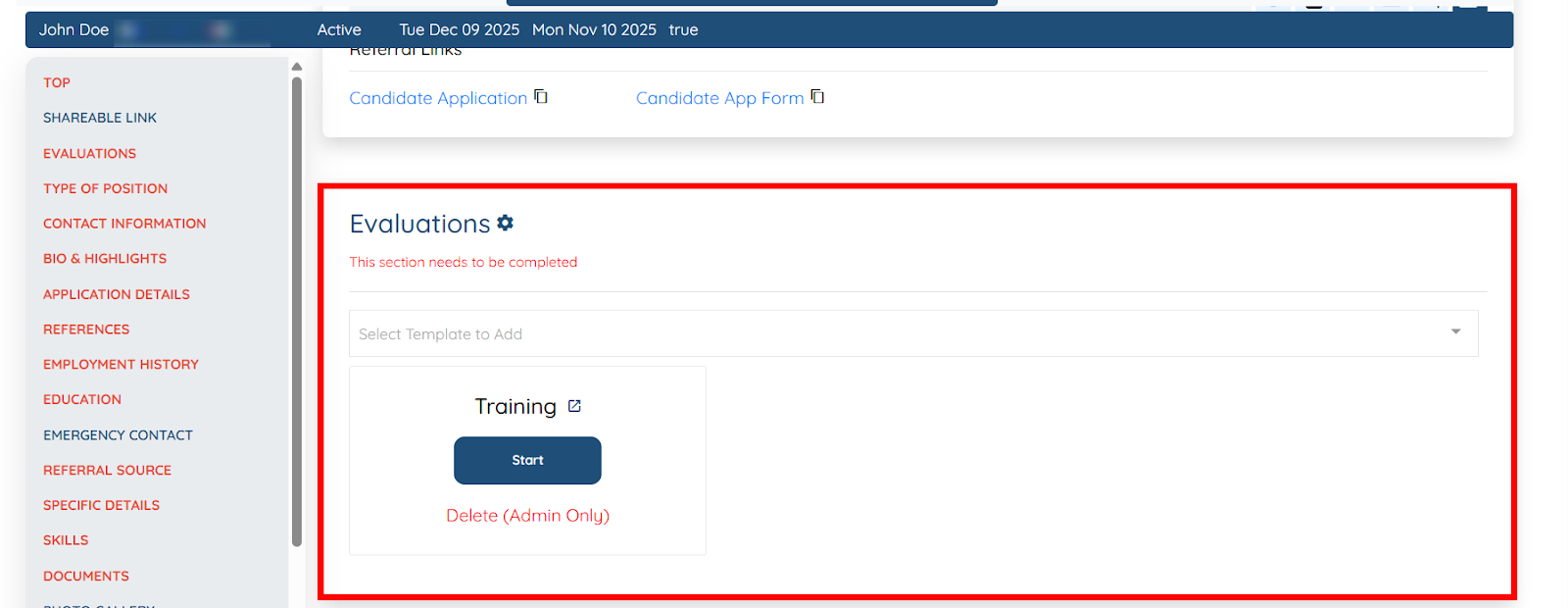
The selected evaluation form will be successfully added to the chosen candidates.
If this video doesn't answer your questions you can always contact us by clicking here