
Go to Dashboard and click on the gear icon.
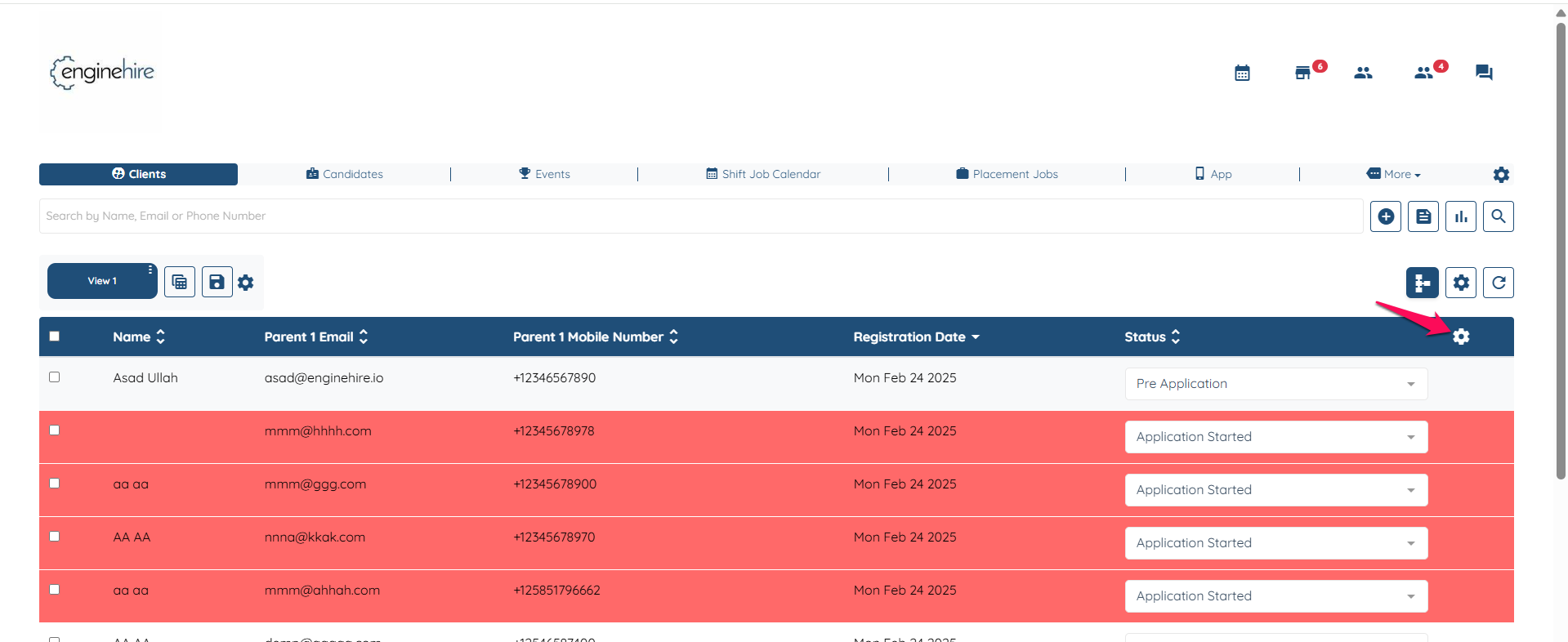
Scroll down and check the box setting "Use admin level setting for fields which are showed in the client table of agency dashboard"

Click on submit in the end to save the setting.
Note: You’ll need to follow the same steps for both clients and candidates. Doing it only on the client side won’t automatically apply to candidates — each must be set up separately.