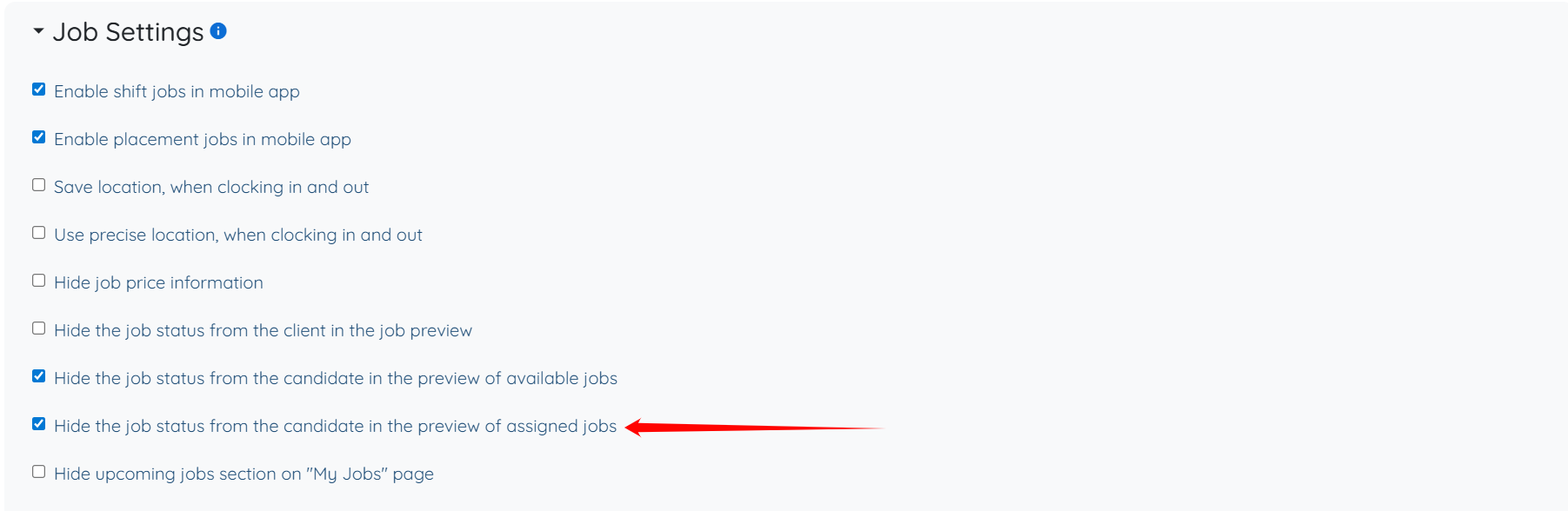
This setting only hides the job status from the preview of assigned jobs on the candidate’s side. The candidate can still see the assignment itself, but the status label will no longer be visible in the preview.
Let’s get started 🚀
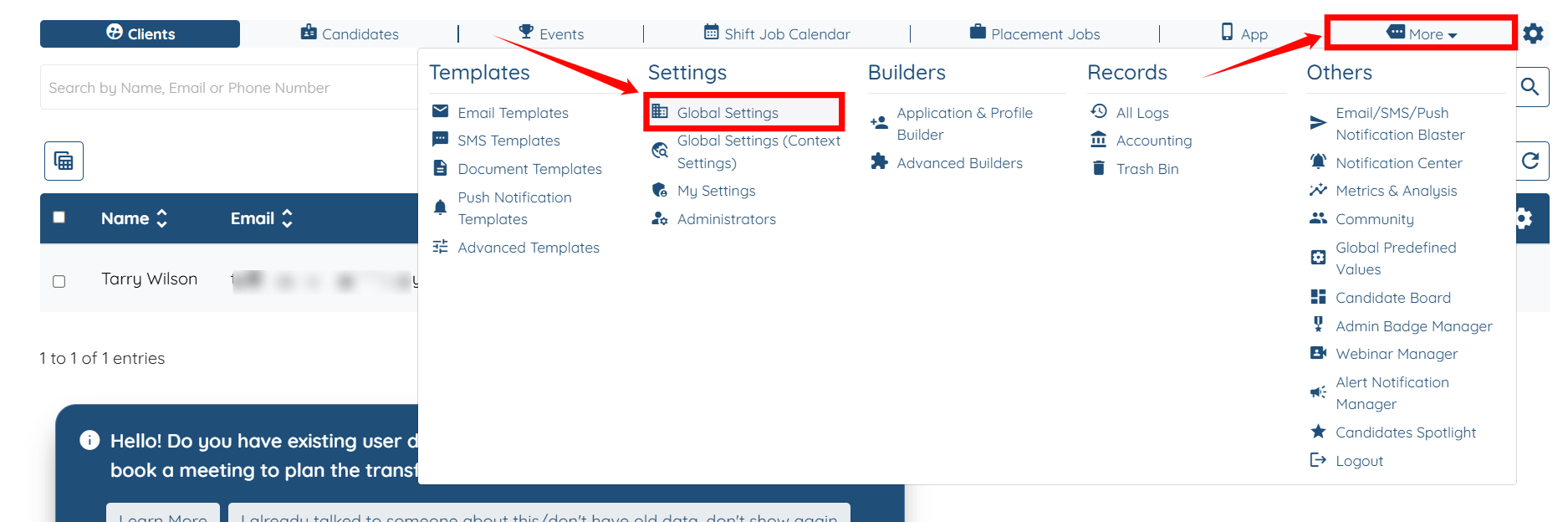
Step 1: Log in to your agent dashboard, then navigate to More > Global Settings, as shown in the screenshot below.
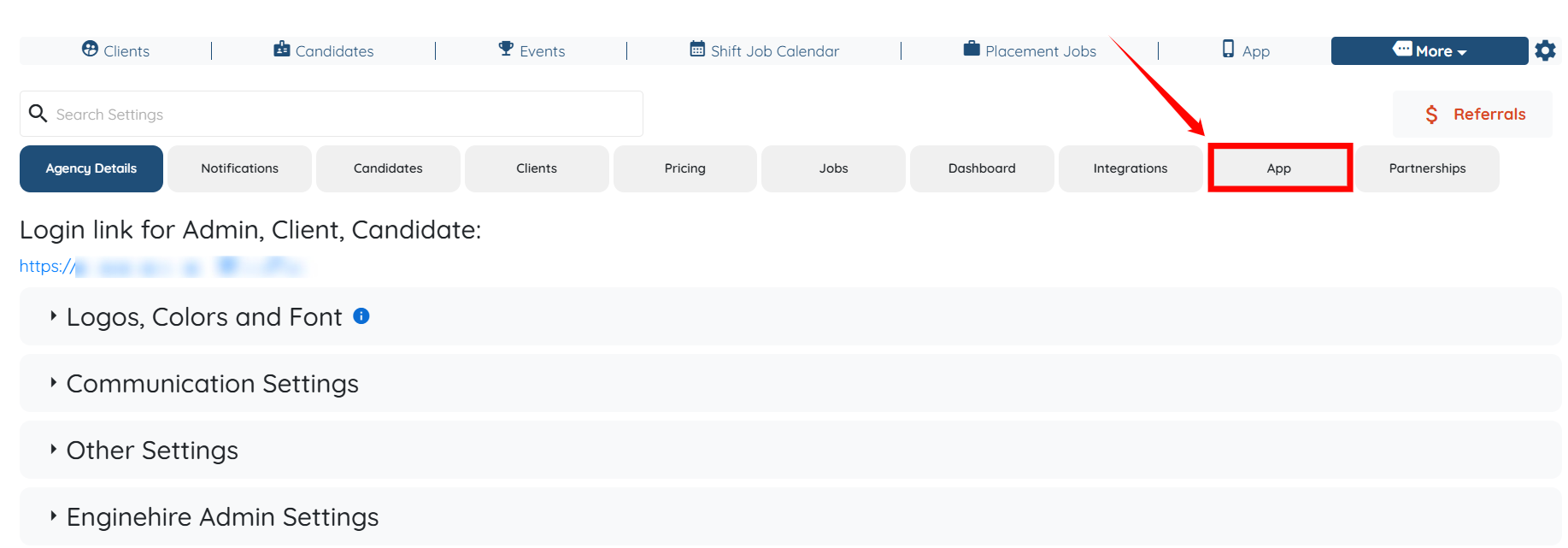
Step 2: Click on the App tab from the list of all available tabs.
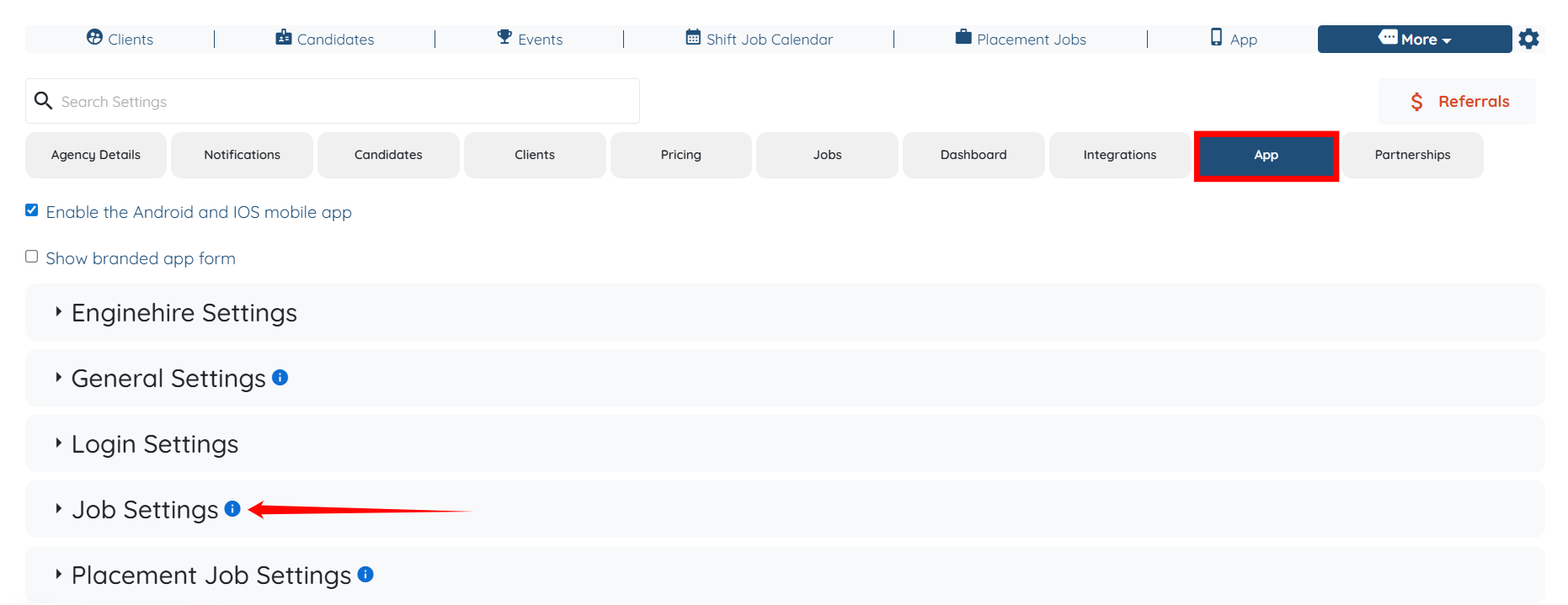
Step 3: Under the App tab, expand the Job Settings option.
Step 4: Check the Hide the job status from the candidate in the preview of assigned jobs option.
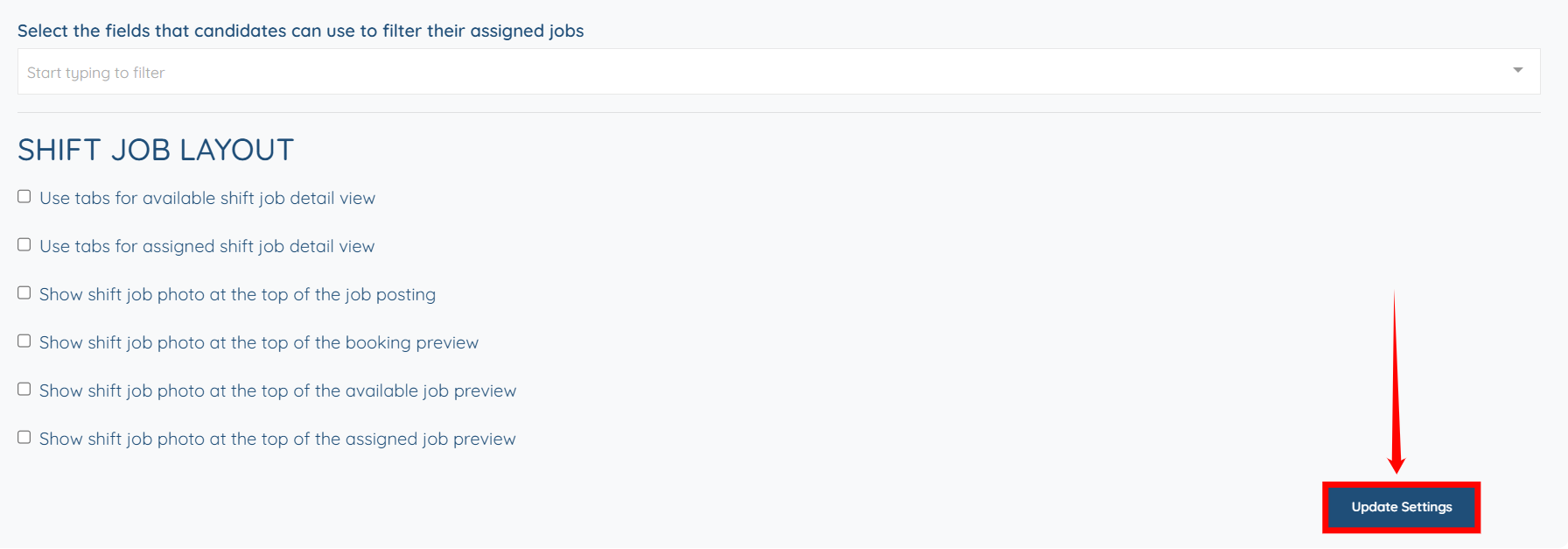
Step 5: Scroll down and click the Update Settings button to confirm the changes.