Let’s get started 🚀
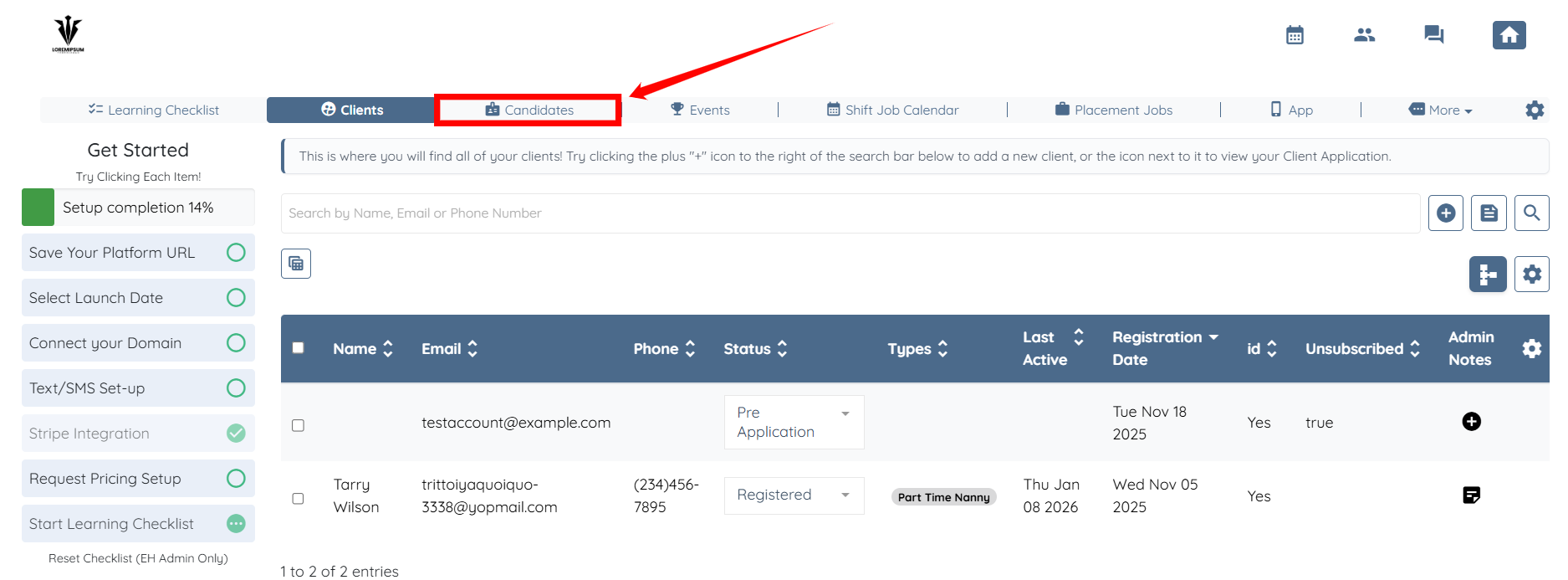
Step 1: Log in to your agent dashboard and click Candidates in the top navigation bar.
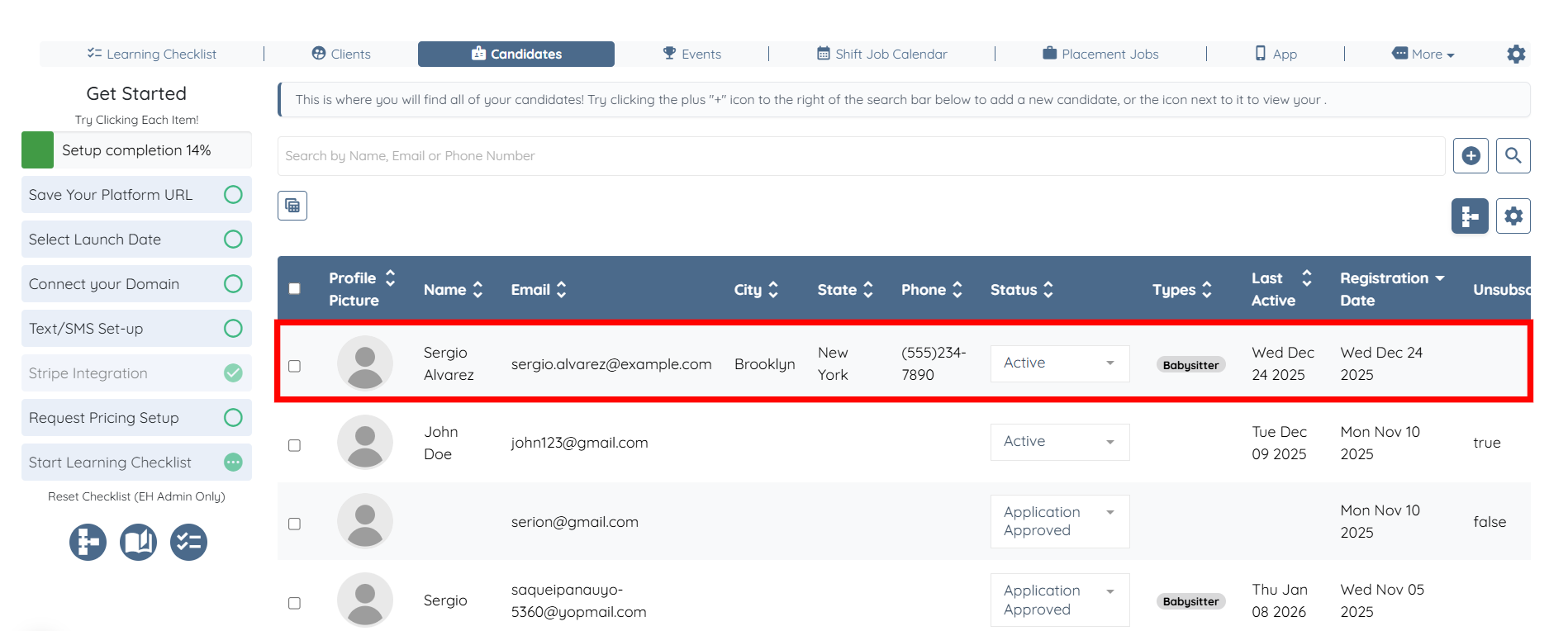
Step 2: Click on any of the candidates from the list.
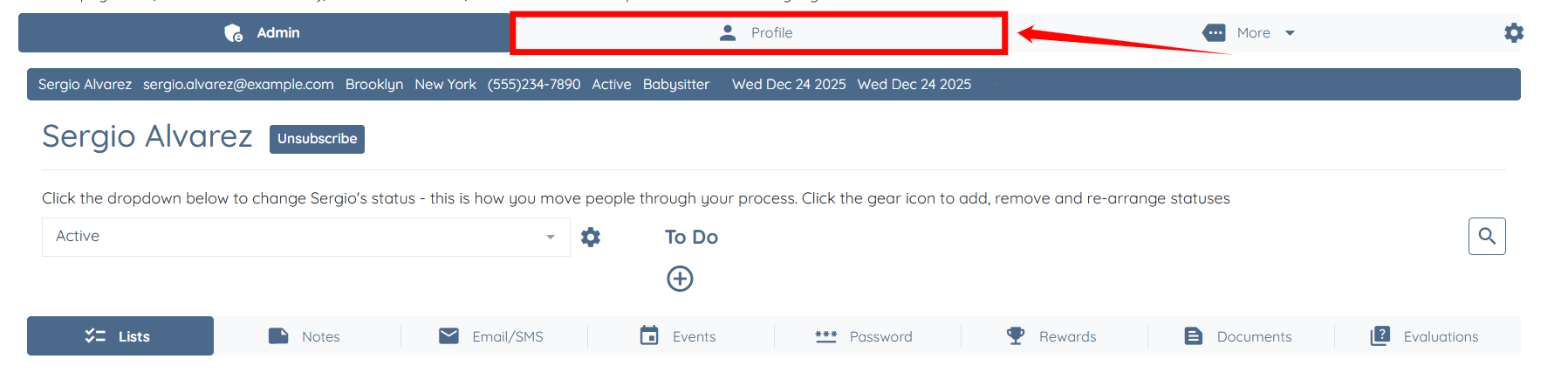
Step 3: Click the Profile tab to navigate to the candidate profile.
Step 4: Click the Available Jobs tab.
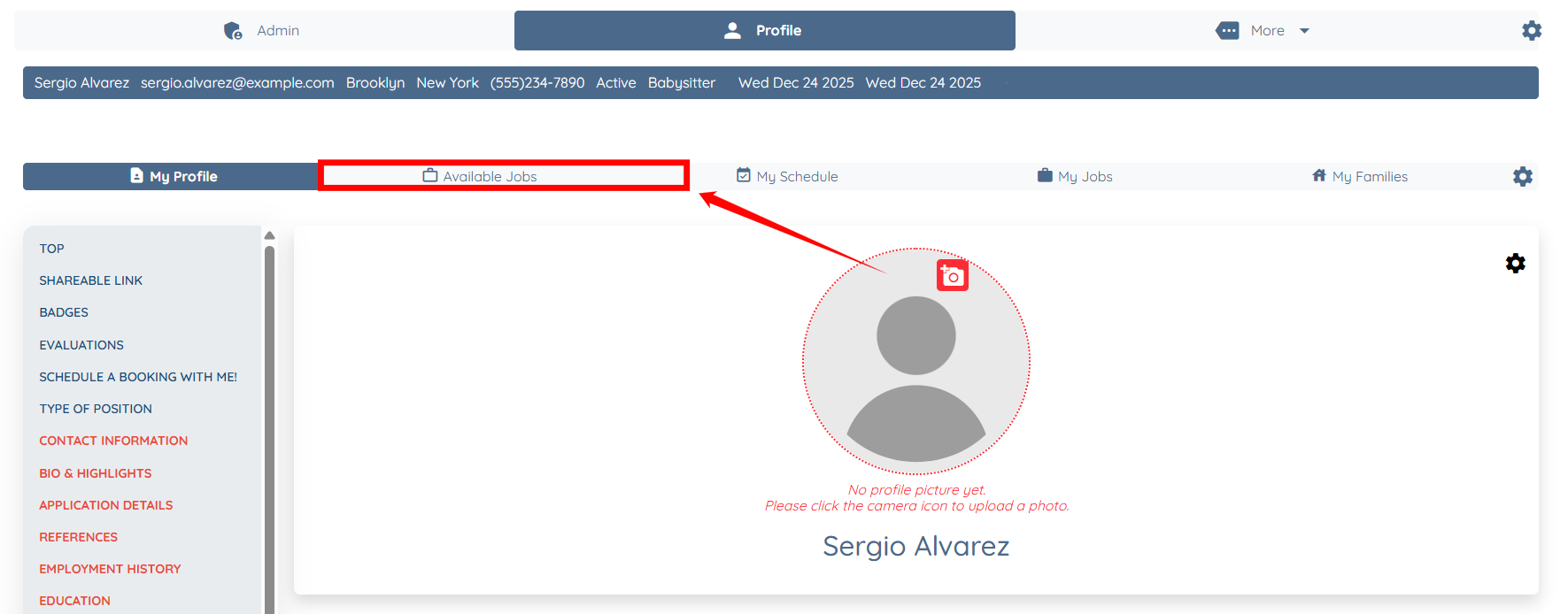
Step 5: Click the Customize how Candidates view and interact with shift jobs button.
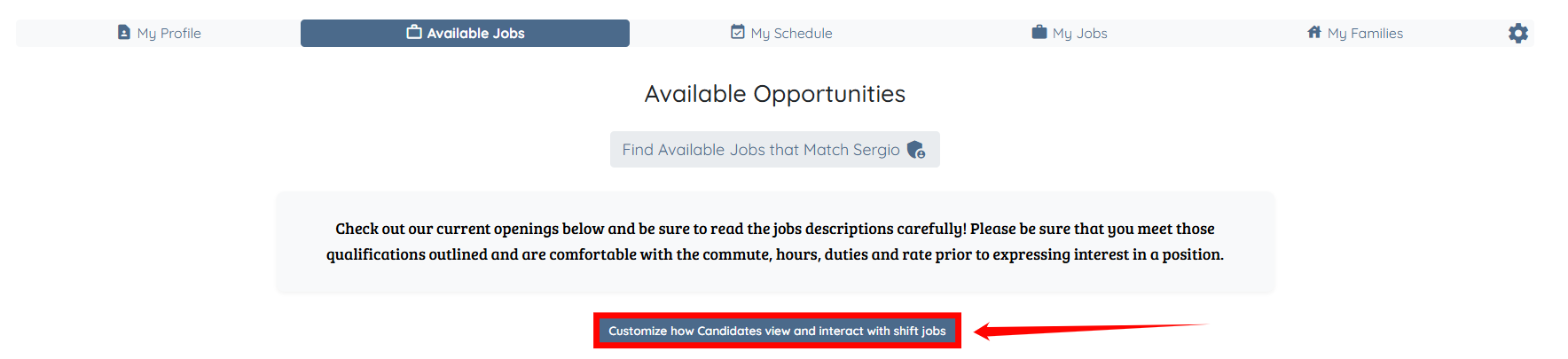
Step 6: Click the Requesting to work and accepting shifts button.
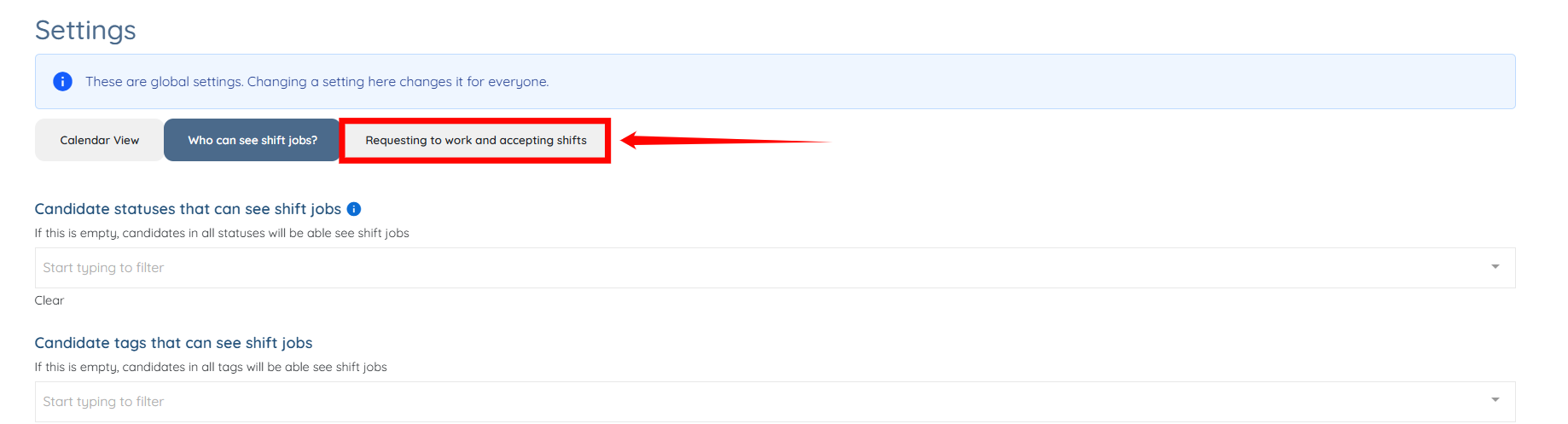
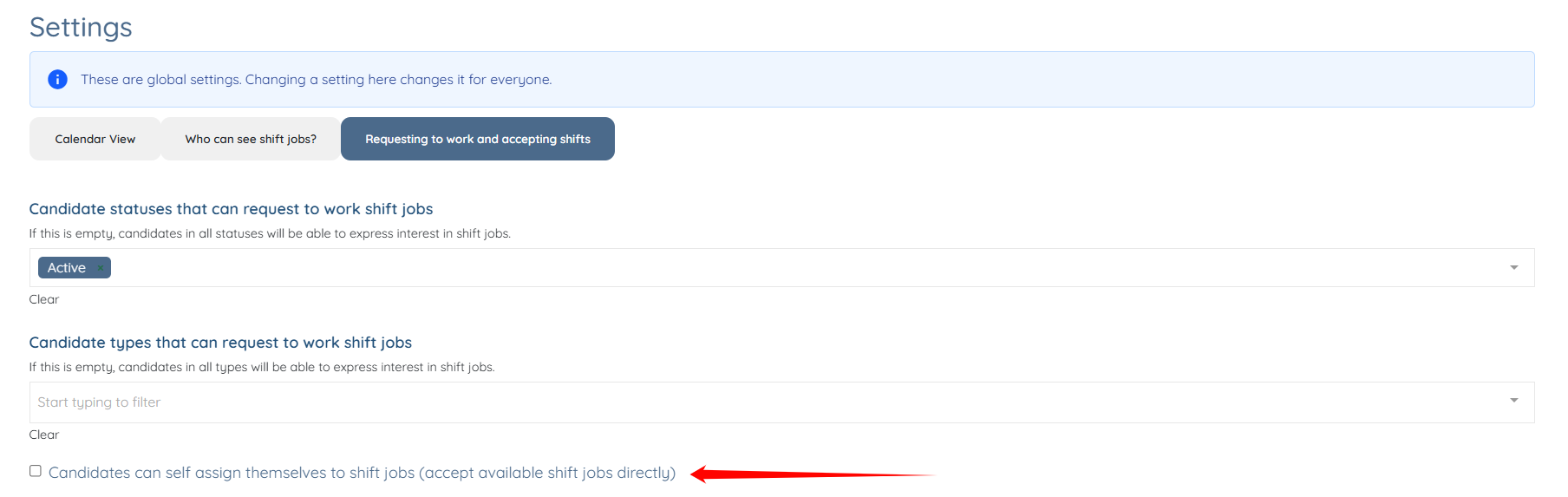
Step 7: Check the Candidates can self assign themselves to shift jobs (accept available shift jobs directly) checkbox.
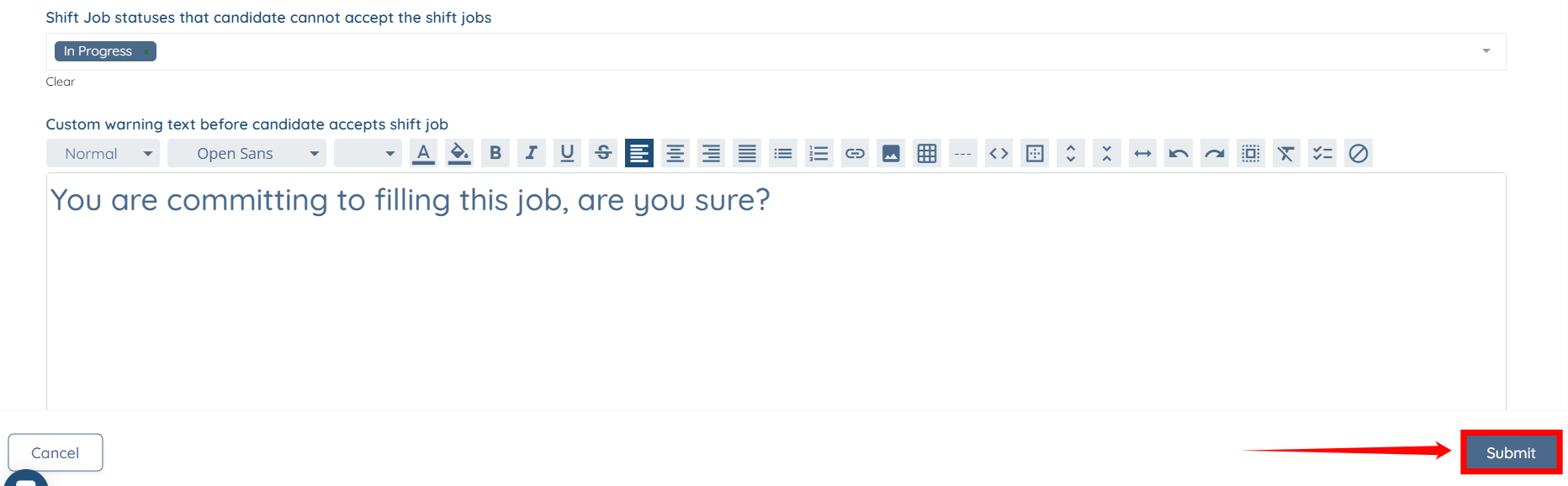
Step 8: Scroll down and click the box under the Shift Job statuses that candidate cannot accept the shift jobs option to activate the dropdown list.

Step 9: Select the shift job statuses that candidates should not be allowed to accept the shift jobs.

Step 10: Click the Submit button to confirm the changes.