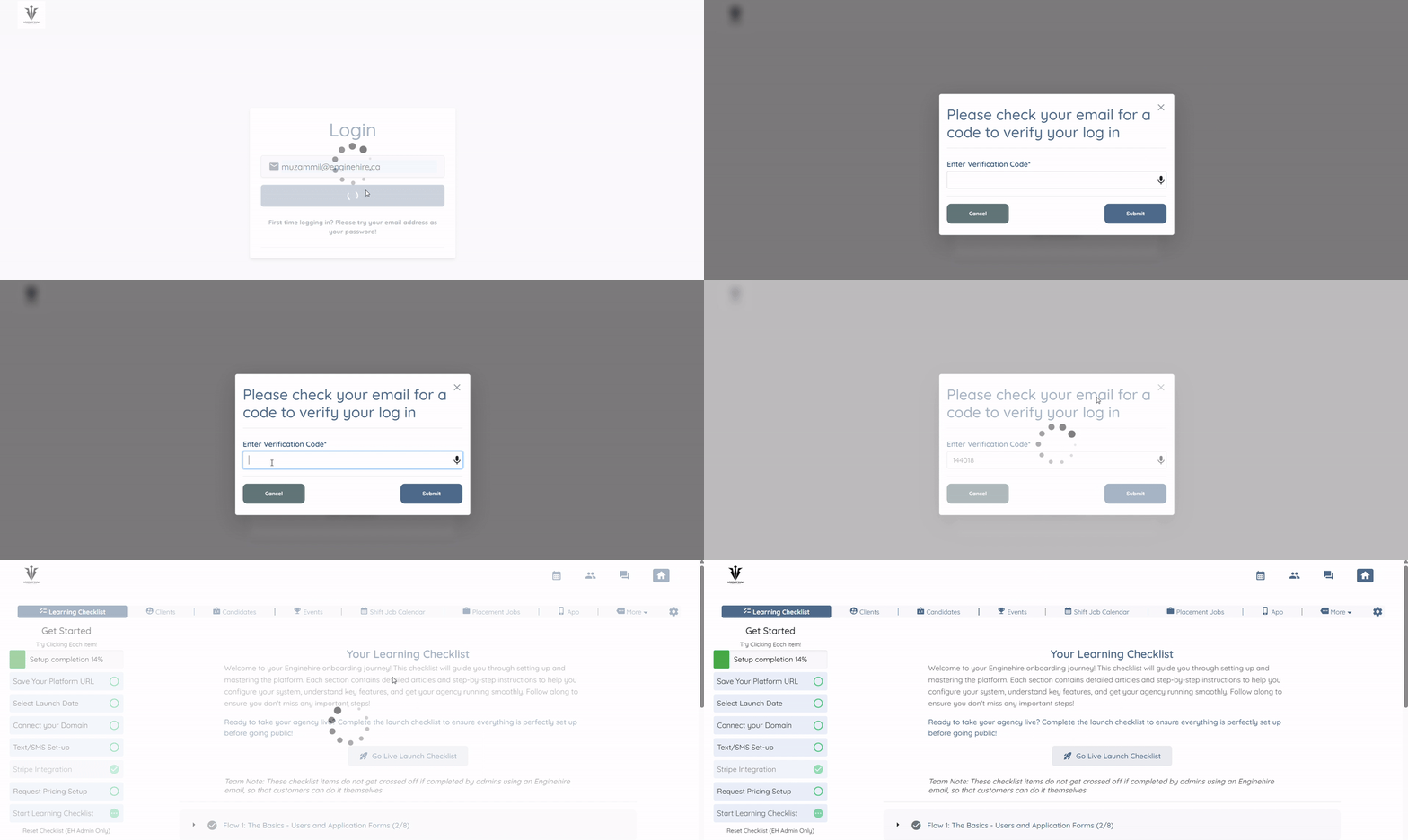
Let’s get started 🚀
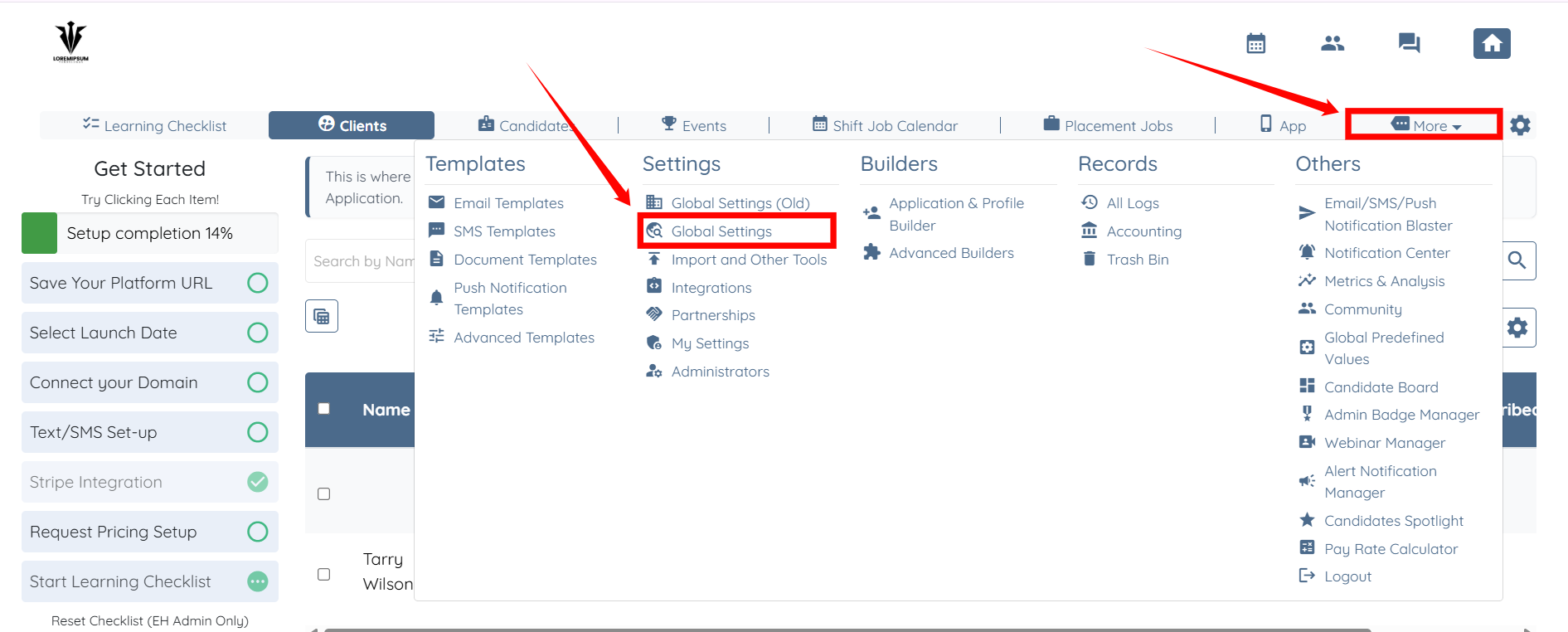
Step 1: Log in to your agent dashboard and click More > Global Settings, as shown in the screenshot below.
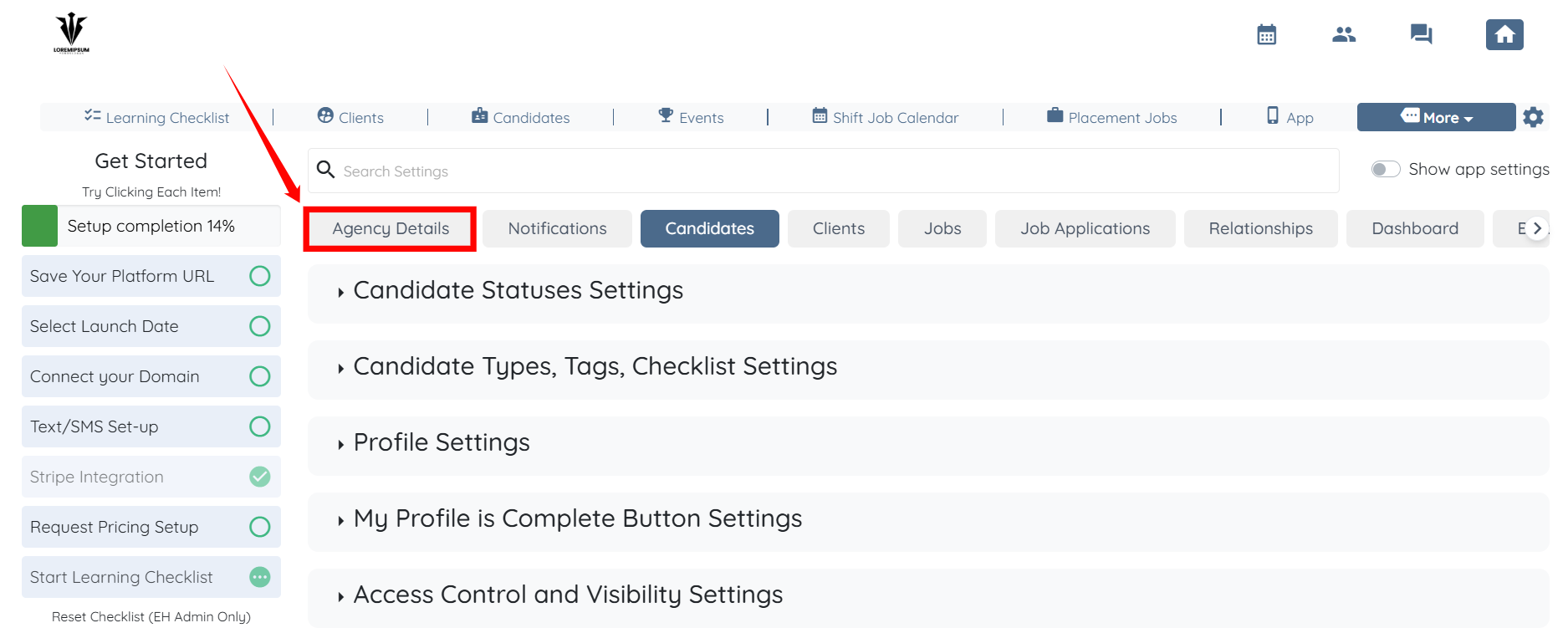
Step 2: Click the Agency Details tab in the list of available tabs.
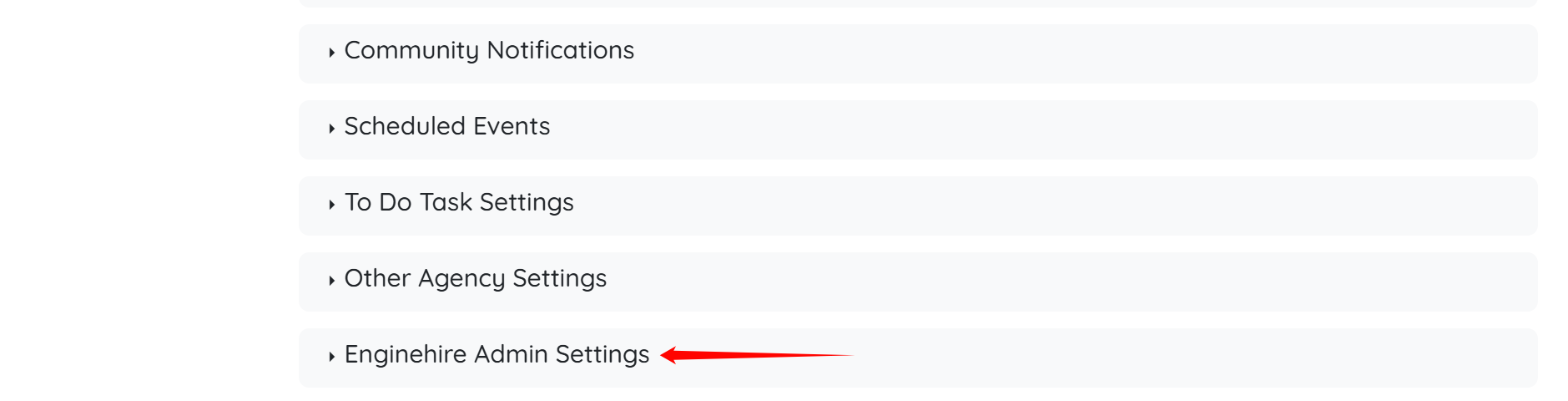
Step 3: Scroll down and click the Enginehire Admin Settings option to expand it and view its details.
Step 4: Locate the checkbox for “Log in using only email and a one-time authentication code (no password required)” and then select it.
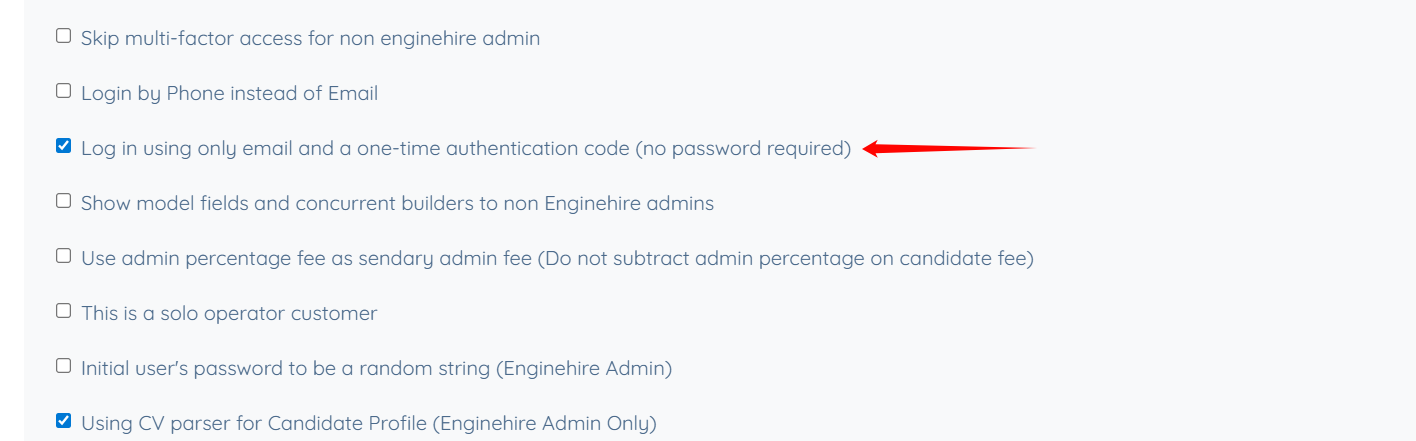
Users can now log in using their email address and a one-time authentication code, without entering a password.