Let’s get started 🚀
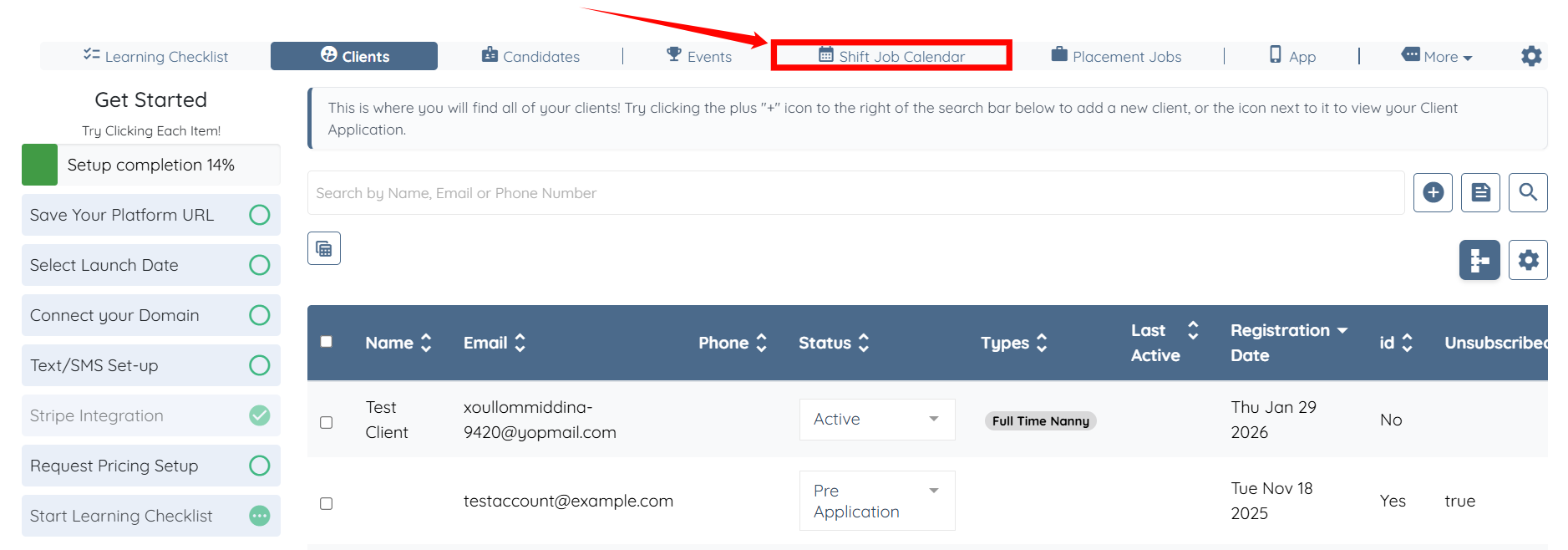
Step 1: Log in to your agent dashboard and click Shift Job Calendar in the navigation bar.
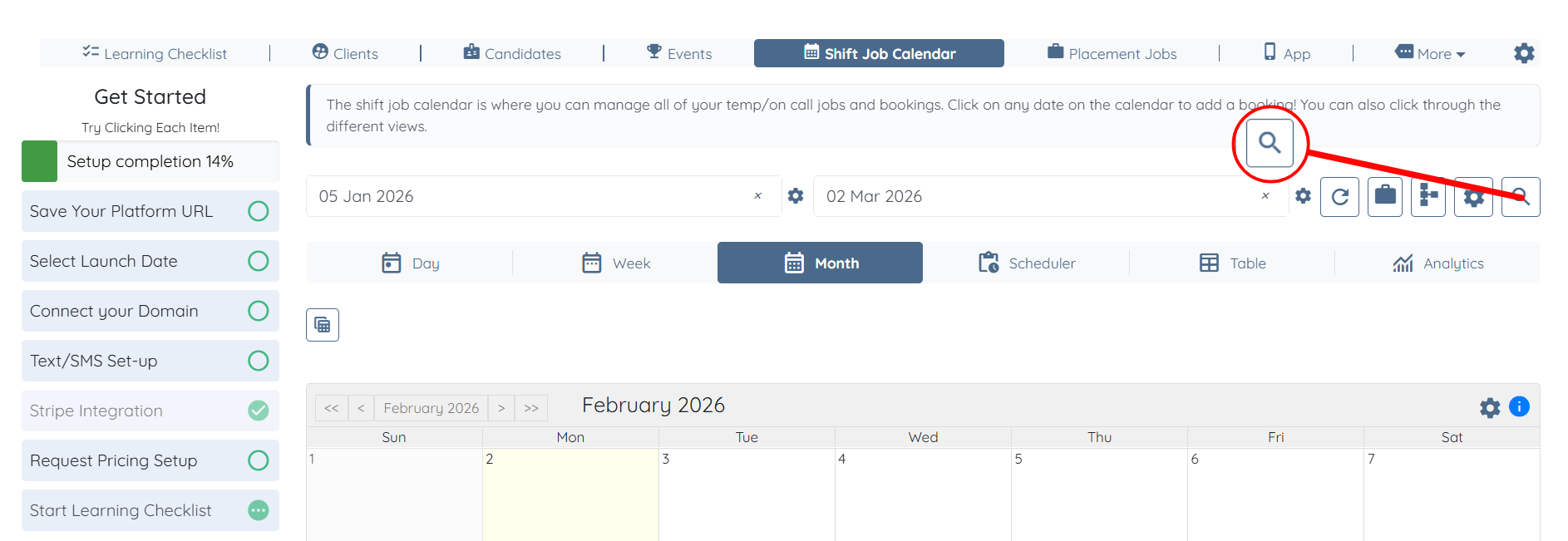
Step 2: Click on the Search and Filter Tools icon, as shown in the screenshot below.
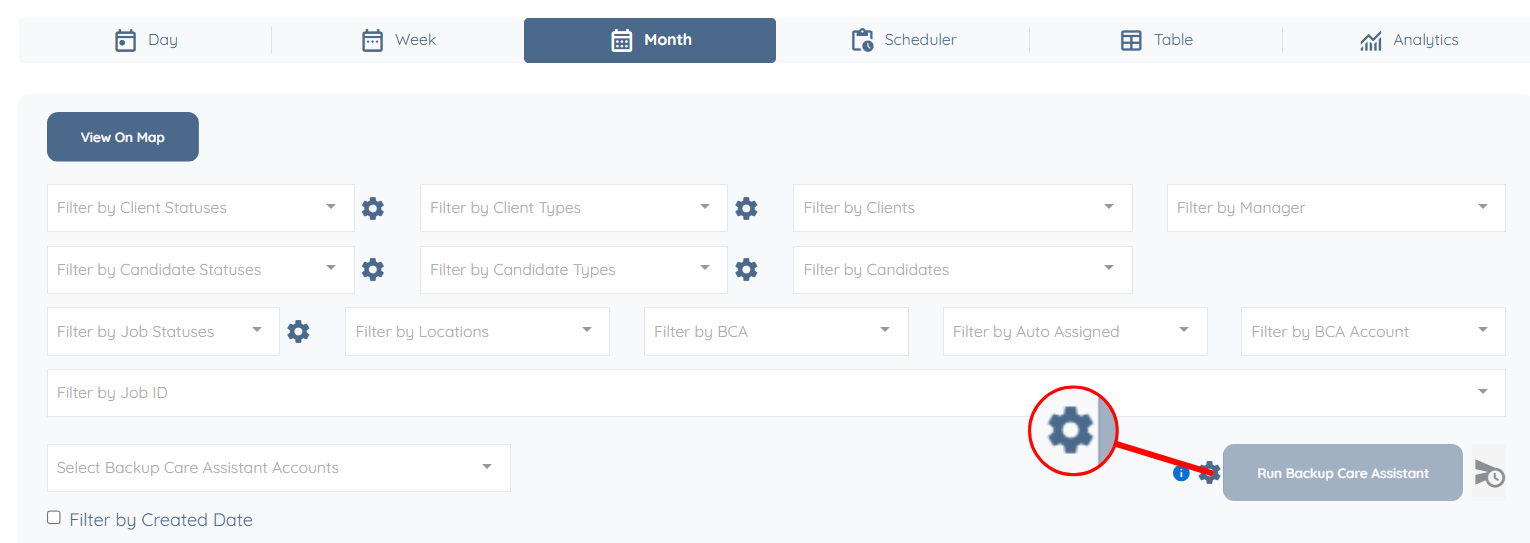
Step 3: Click the Gear icon.
Step 4: Scroll down and locate the For MJ, create a job in MJ when a job is assigned in EH checkbox, then check it.

Step 5: Scroll down and check the When creating a job in MyJovie, create a new client if it does not exist in MyJovie checkbox. The system automatically saves your settings.

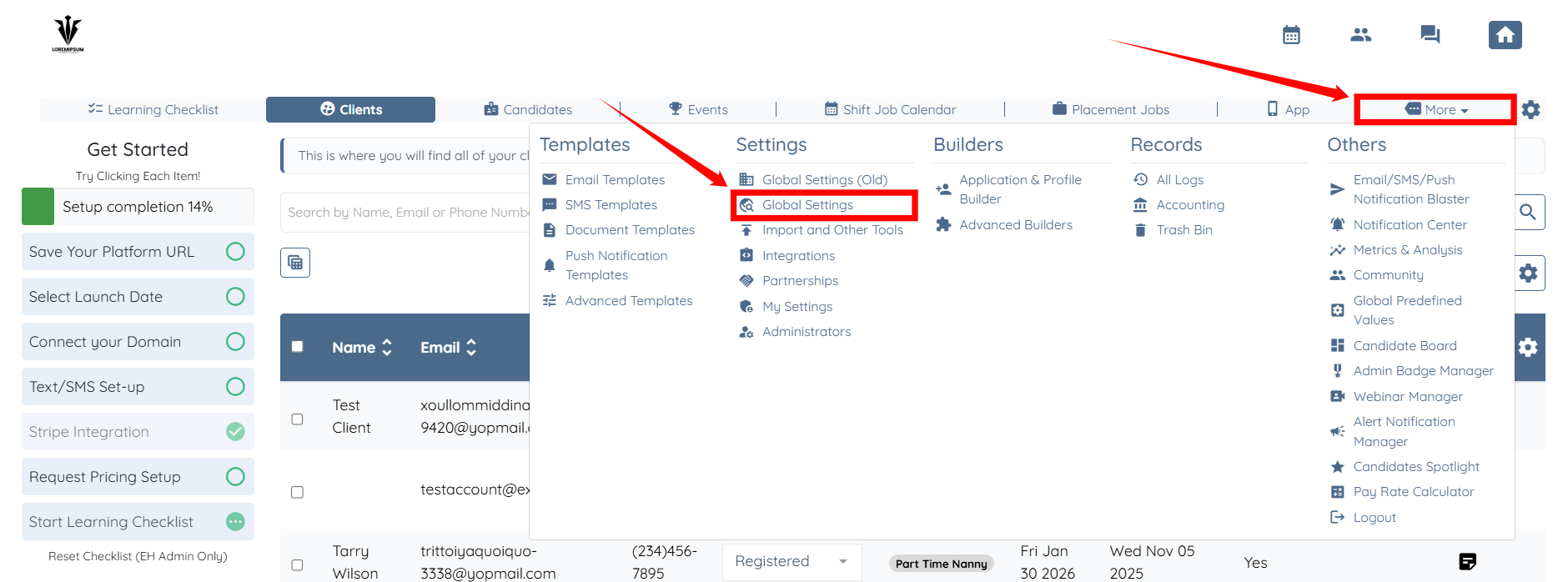
Step 1: From your agent dashboard, click More and then select Global Settings, as shown in the screenshot below.
Step 2: Scroll the tabs to the right, and then click the Backup Care Assistant tab.
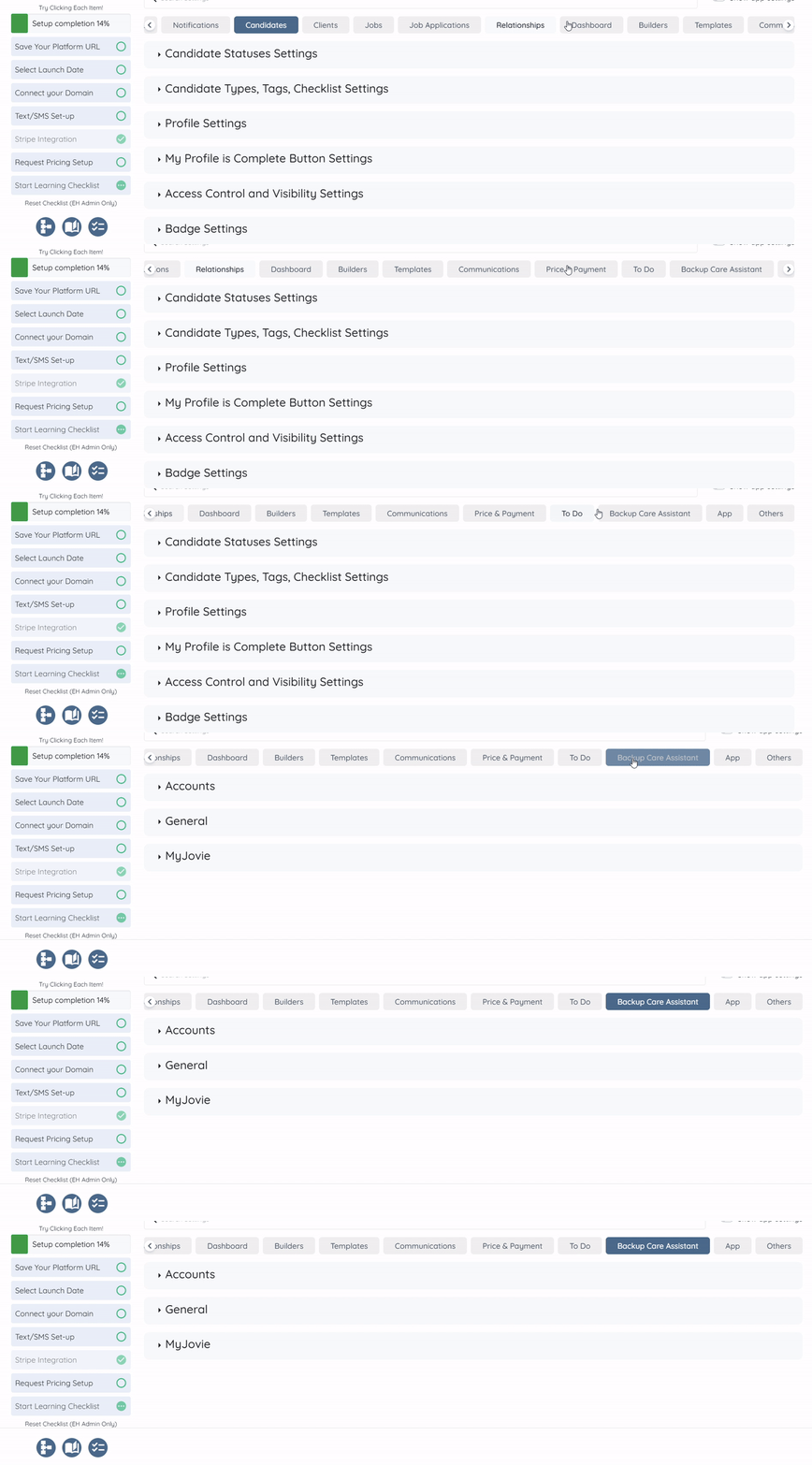
Step 3: Click the MyJovie option to expand it and view its details.
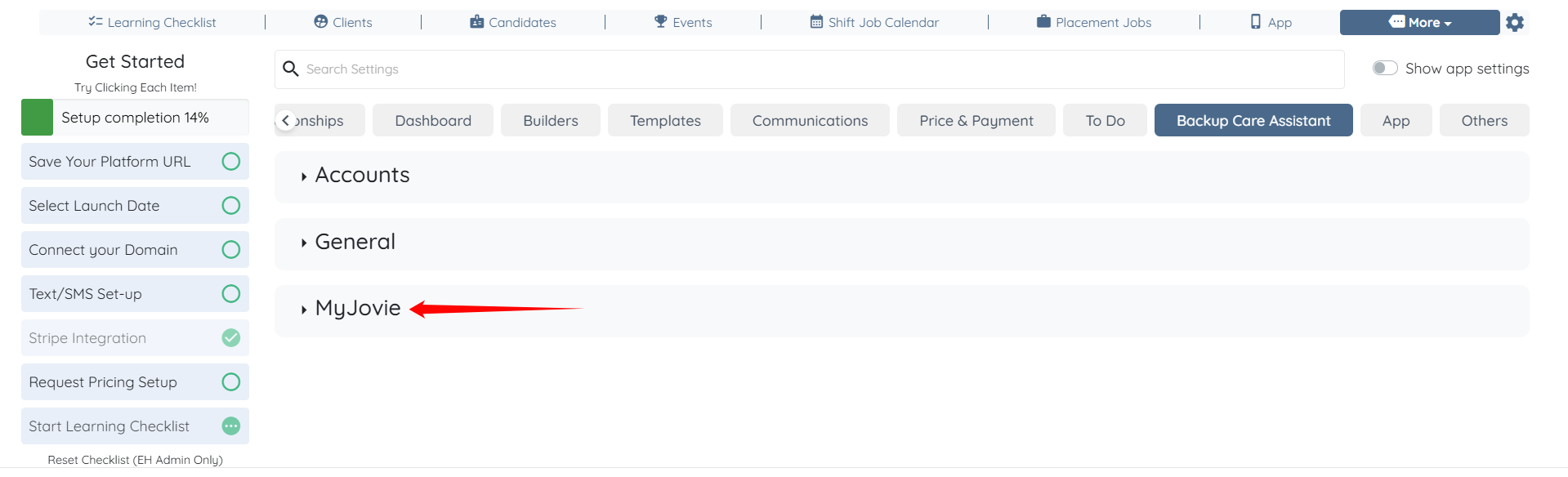
Step 4: Now, follow the same steps (Steps 4 and 5) described in the Agency Side Configuration section above.

