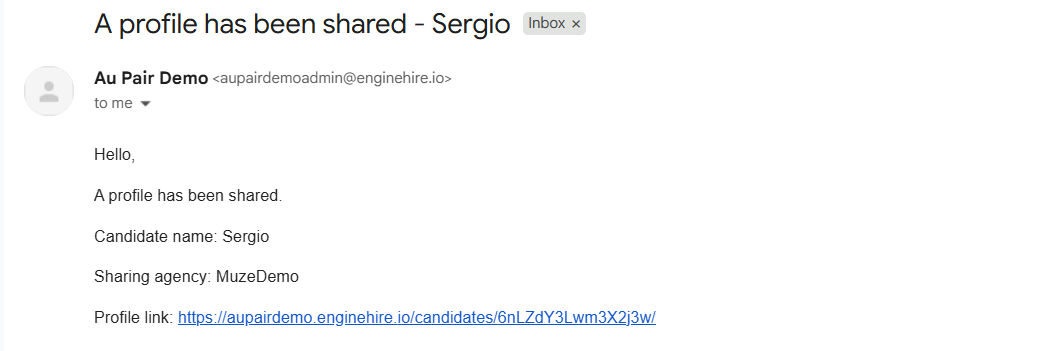
Let’s get started 🚀
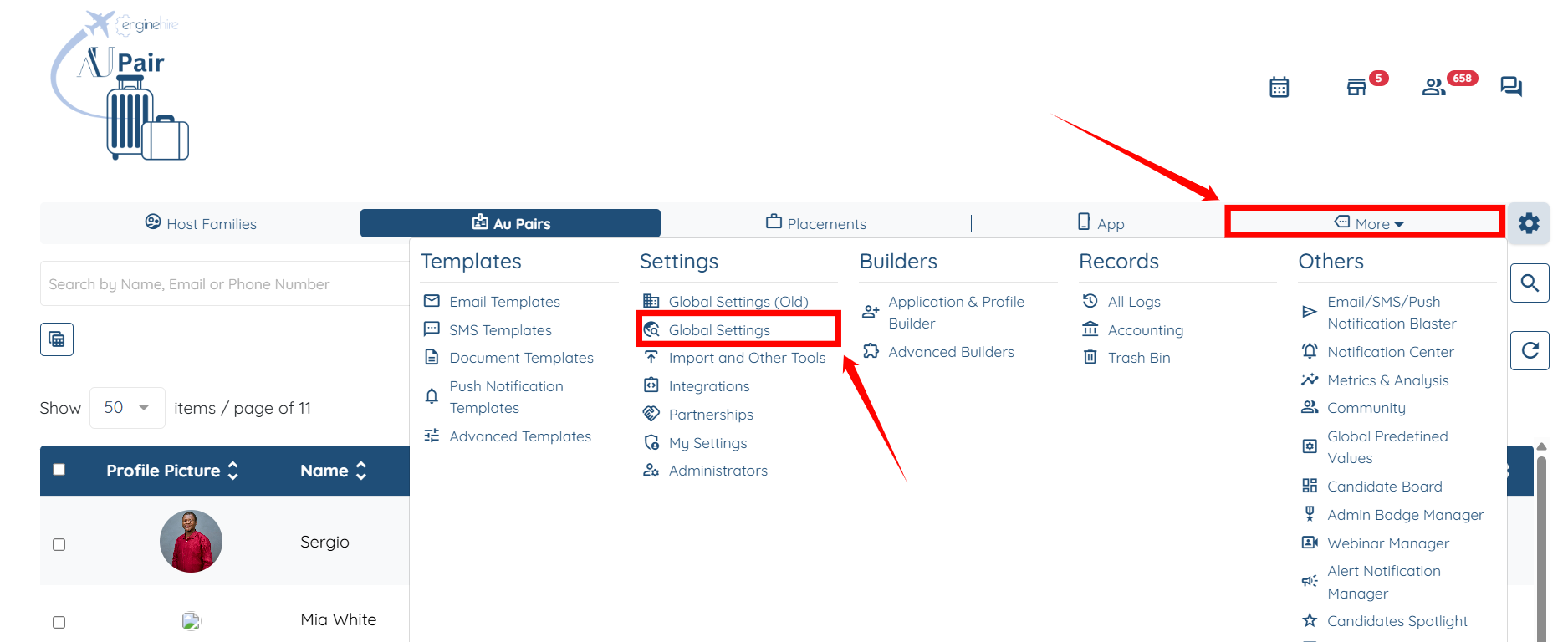
Step 1: Log in to the agent dashboard, then click More > Global Settings as shown in the screenshot below.
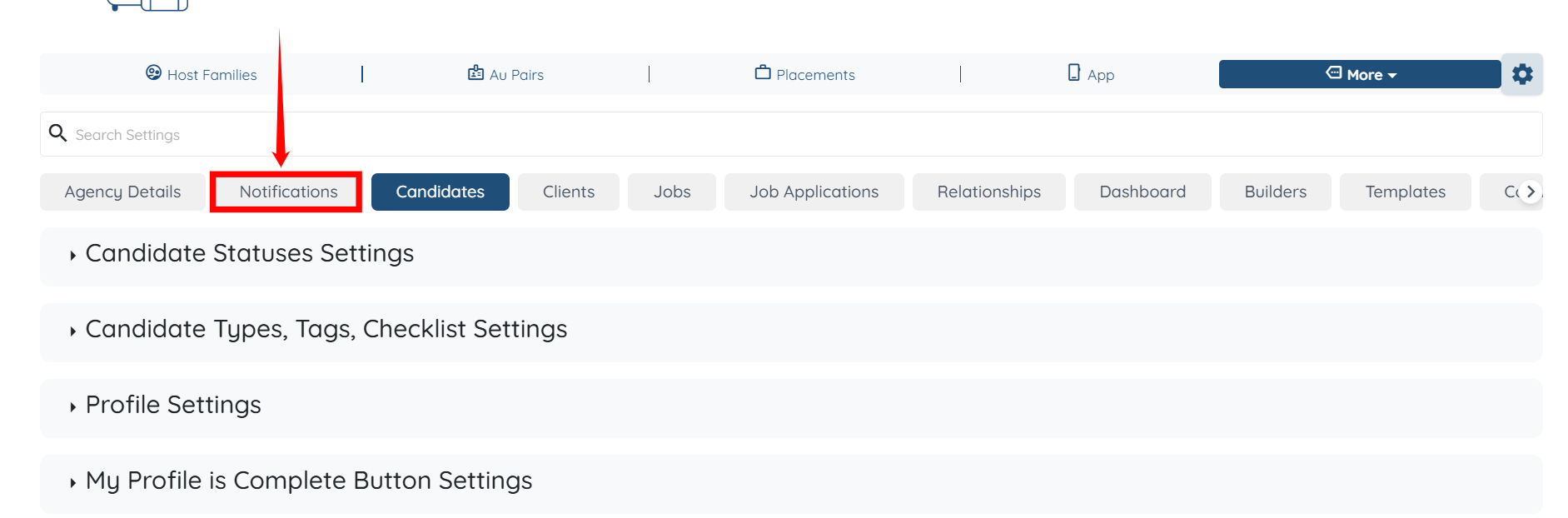
Step 2: Click the Notifications tab from the available tabs.
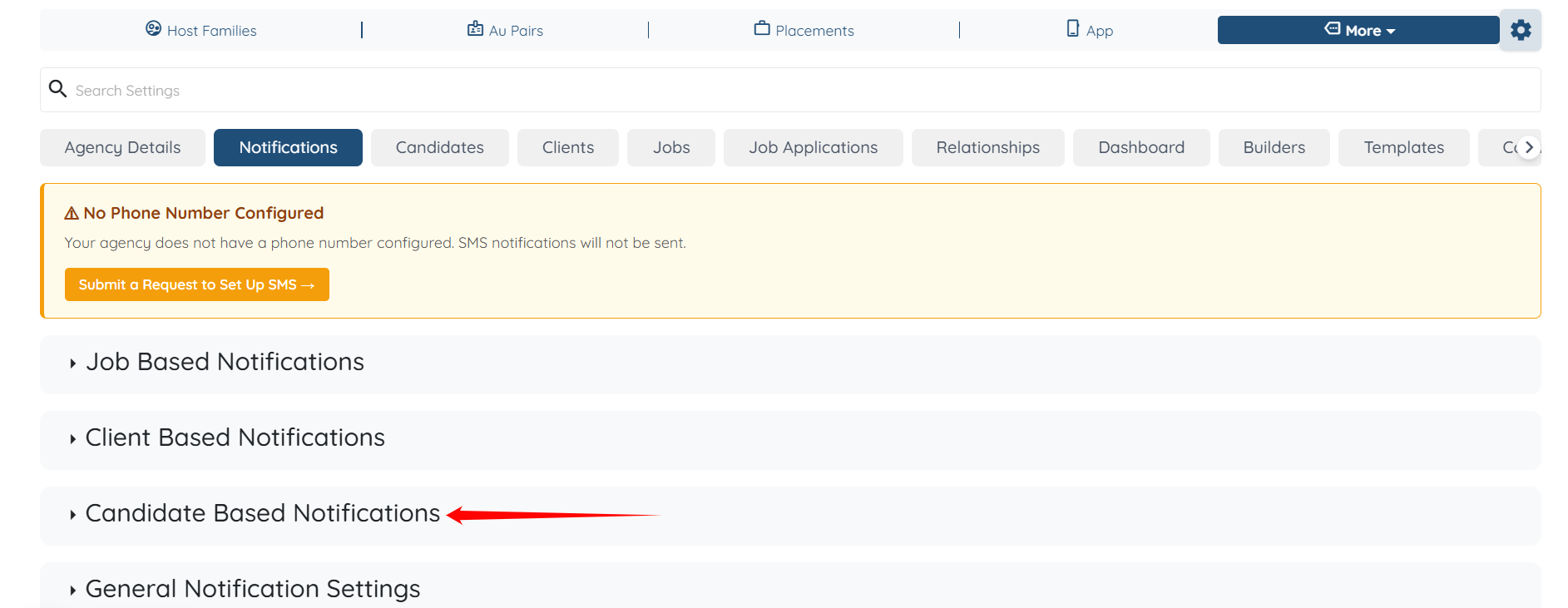
Step 3: Click the Candidate Based Notifications option to expand it and view its details.
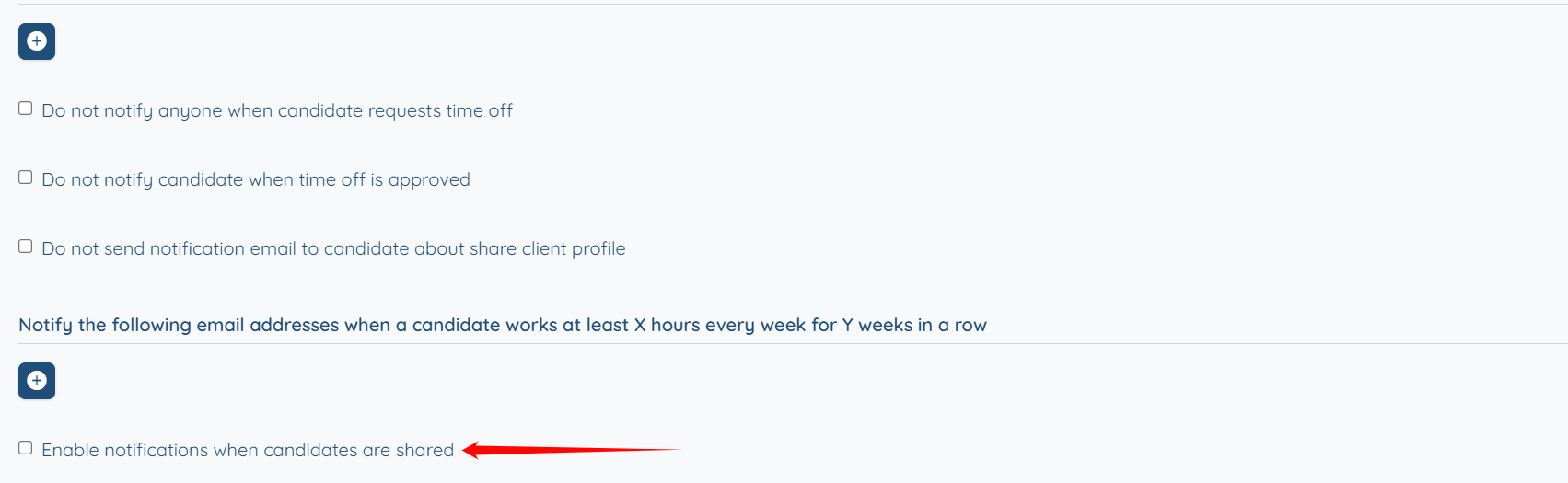
Step 4: Check the Enable notifications when candidates are shared checkbox.
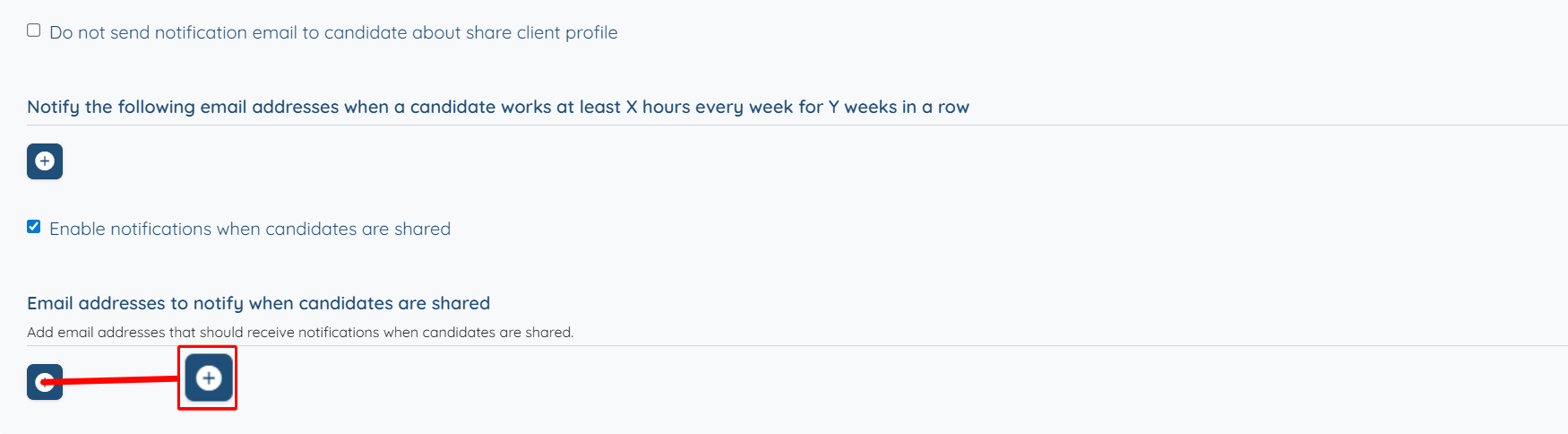
Step 5: Click the “+” button below the Email addresses to notify when candidates are shared option.
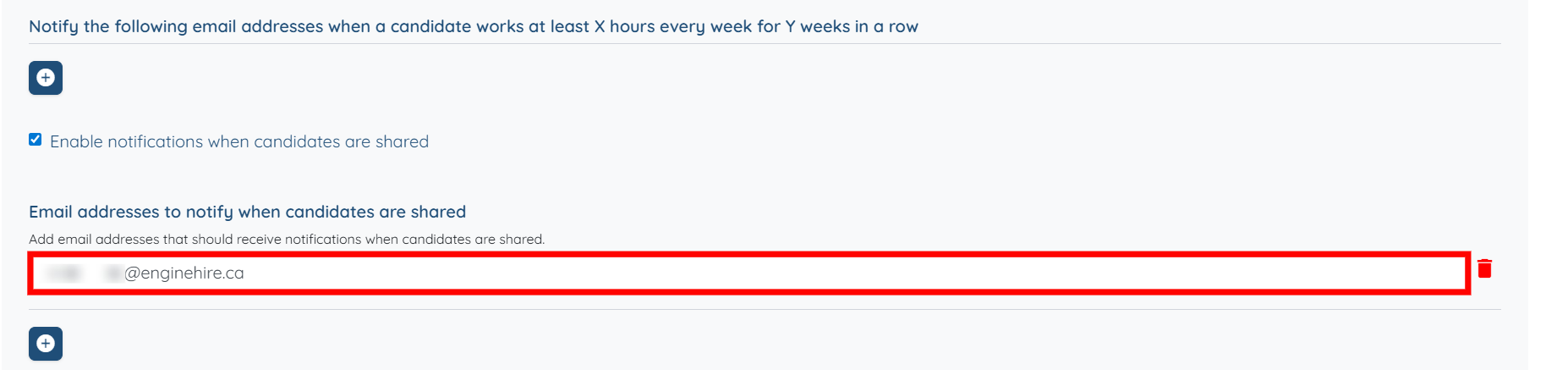
Step 6: Add the email address where you want to receive notifications when the parent agency shares any candidate profile. The settings will be saved automatically.
Now, when a parent agency shares a candidate profile with a partner agency, a notification will be sent to the partner agency’s email address, including the candidate name, sharing agency, and a direct link to the profile.