Let’s get started 🚀
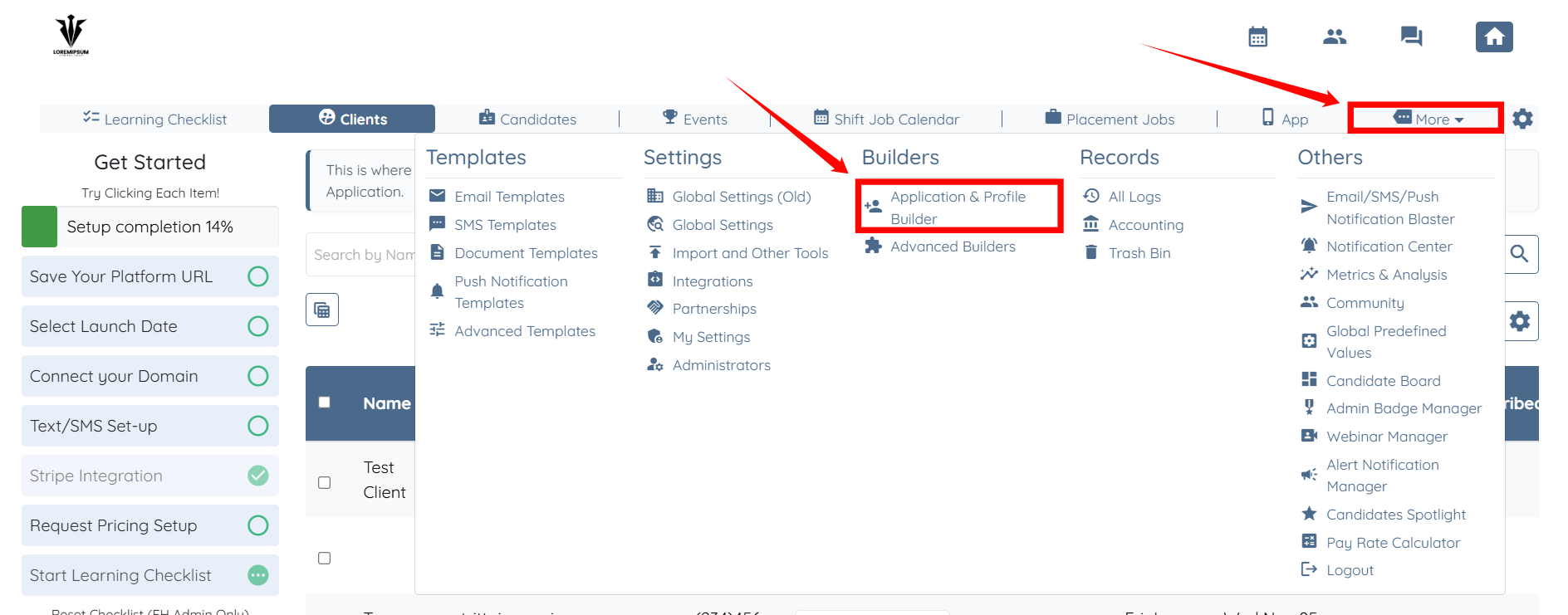
Step 1: Log in to your agent dashboard and click More > Application & Profile Builder, as shown in the screenshot below.
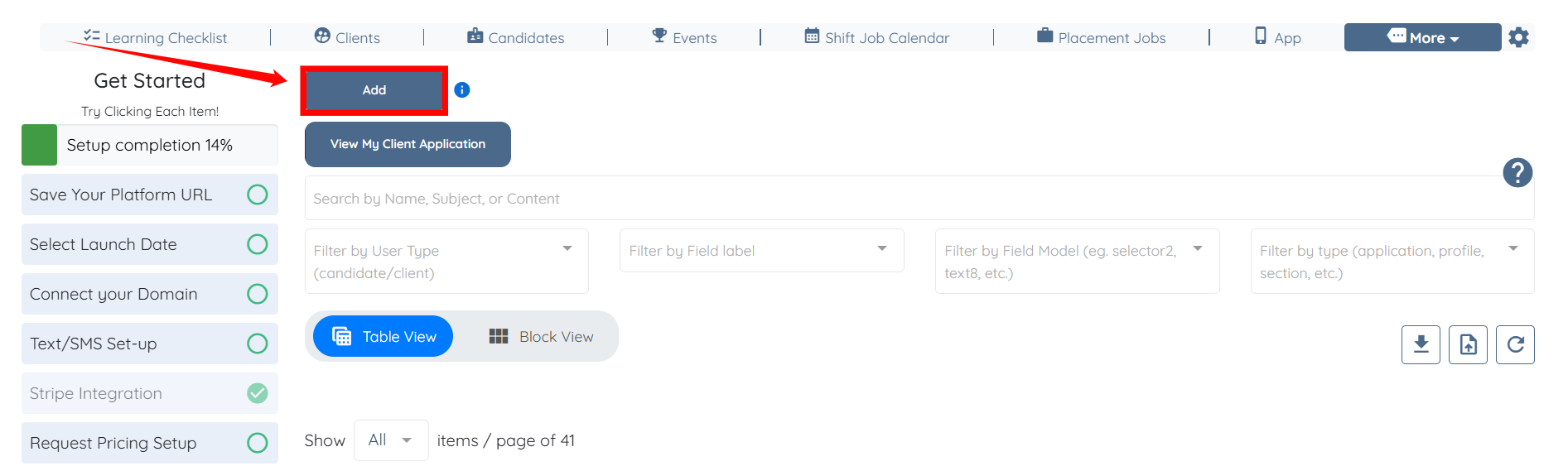
Step 2: Click the Add button.
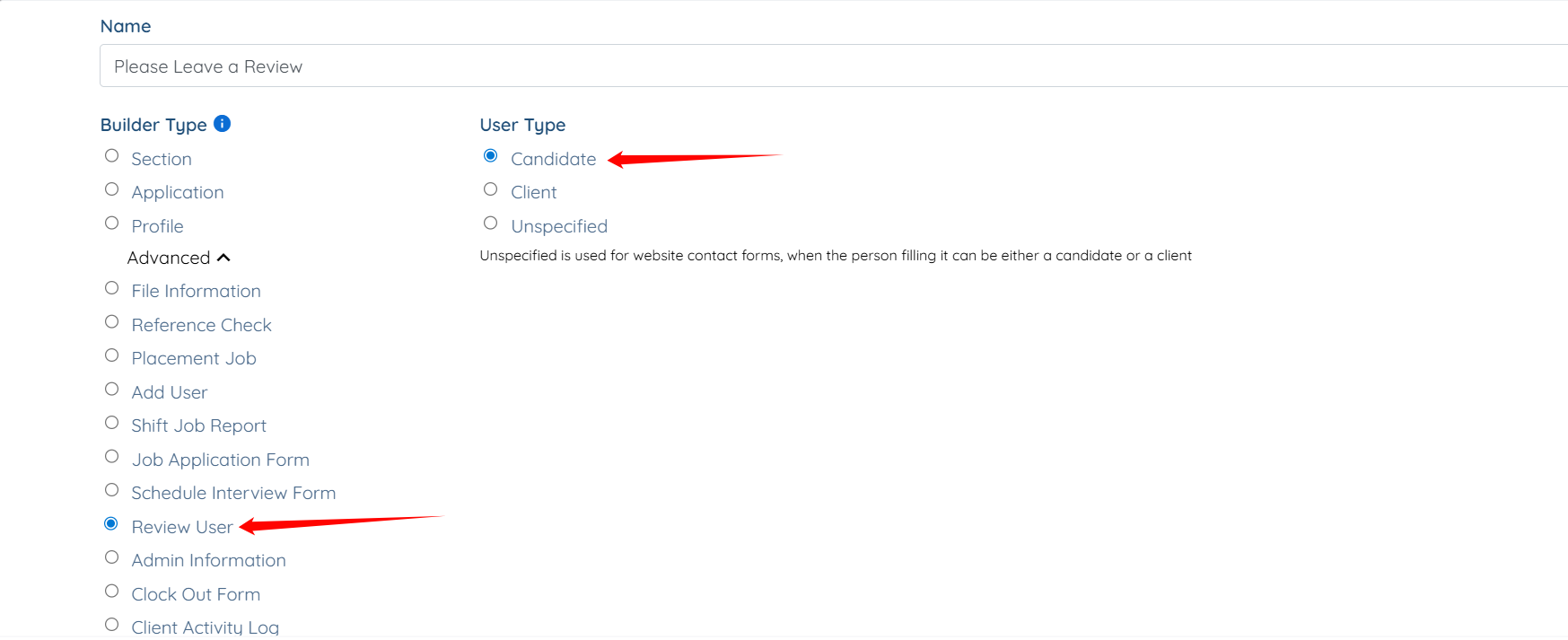
Step 3: Enter Name for your builder.
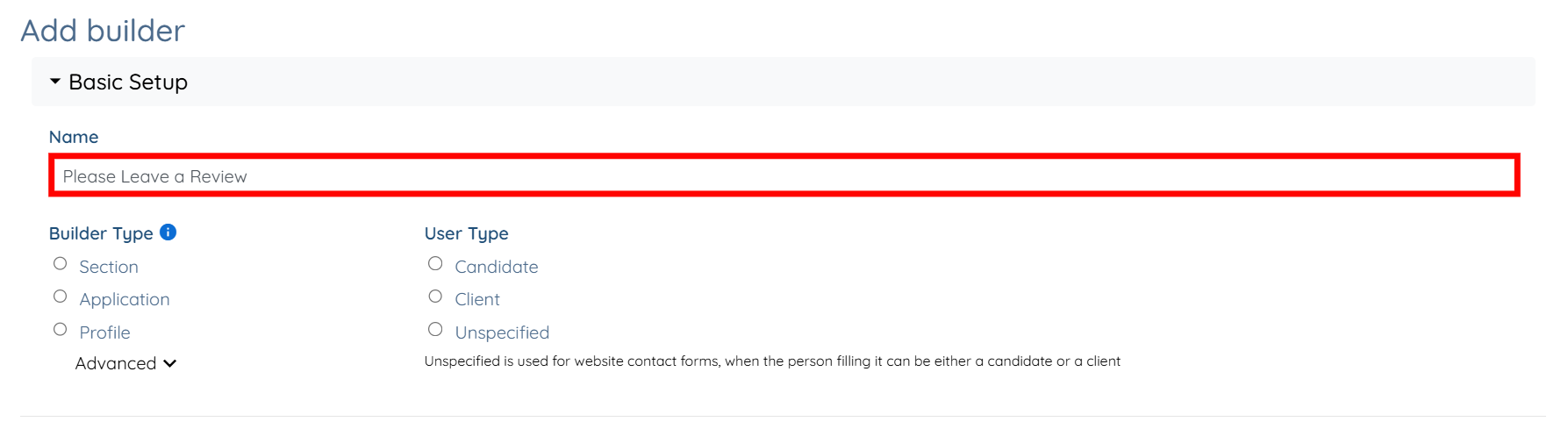
Step 4: Select Candidate as the User Type and Review User as the Builder Type.
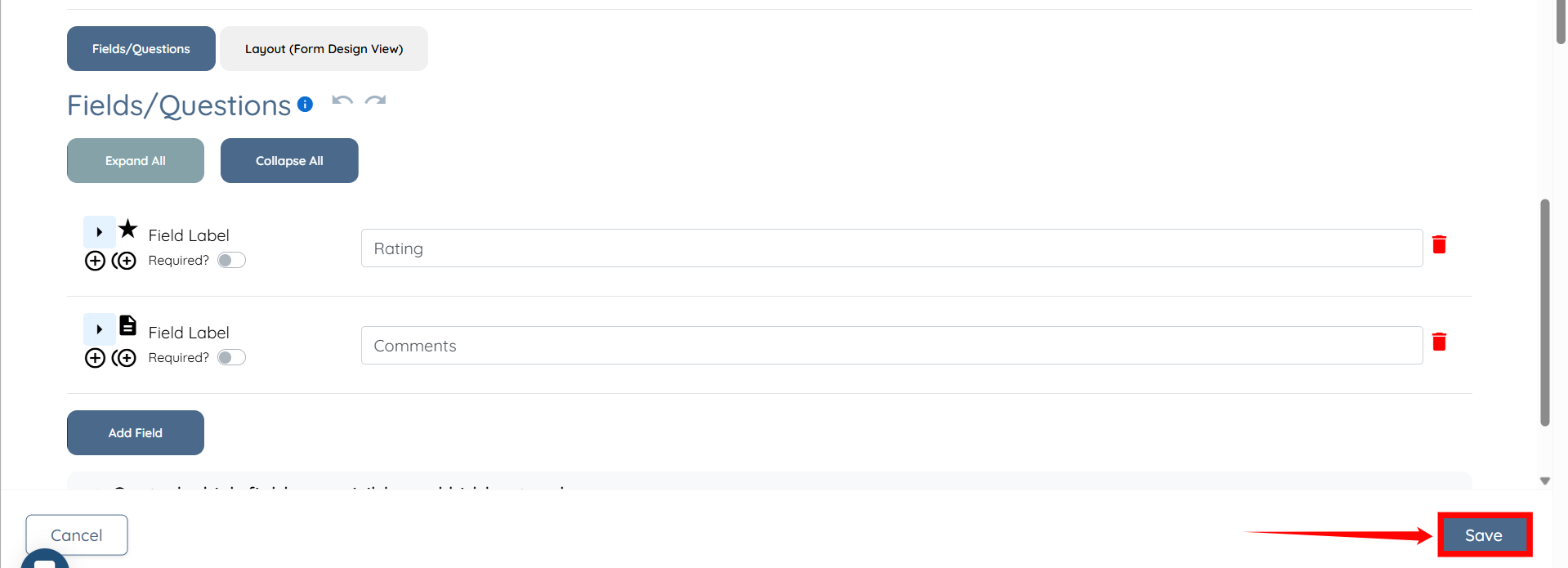
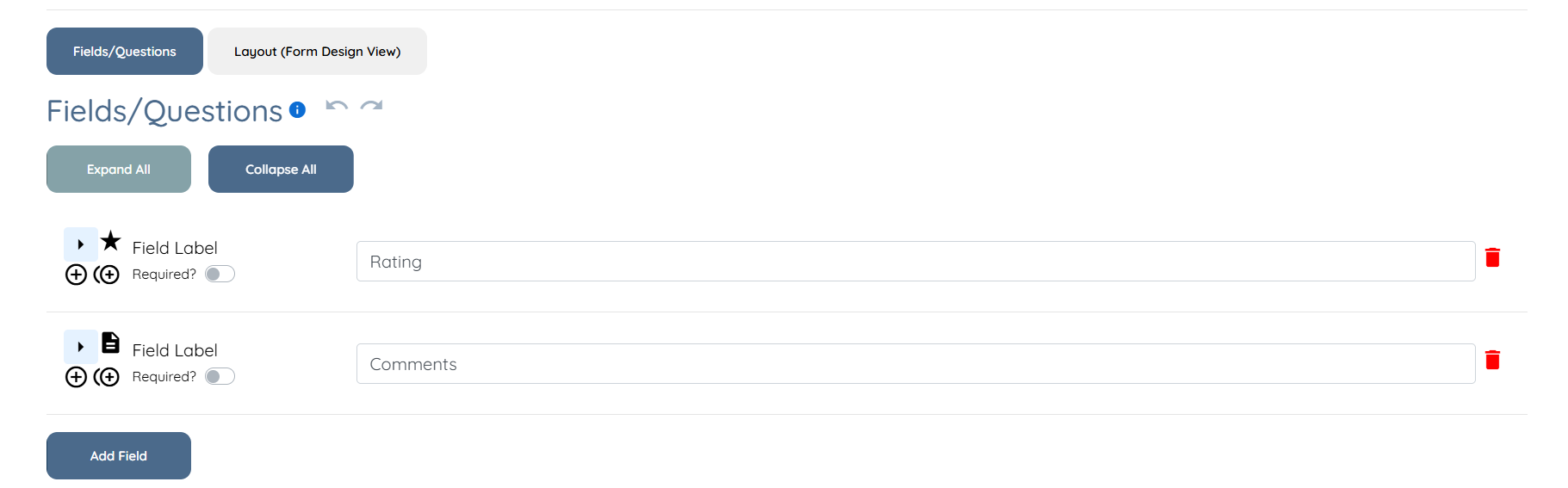
Step 5: Scroll down to view the automatically created fields named Rating and Comments. You can add your own fields and/or remove the automatically created fields.
Step 6: Click on the Save button to confirm the changes.